
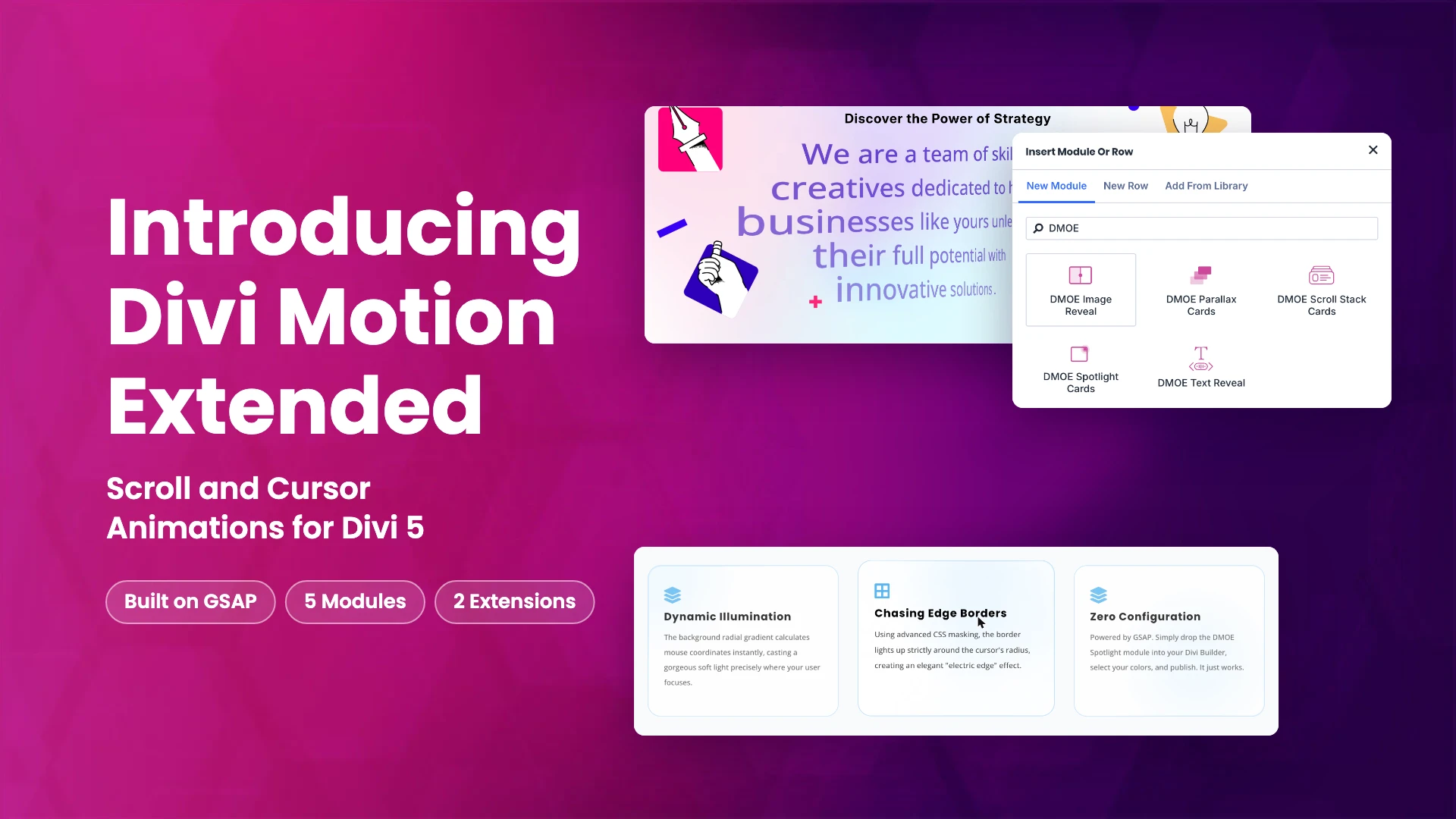
Divi Motion Extended is here. It is a new plugin for Divi 5 that adds motion to your pages: headings that reveal word by word as you scroll, cards that stack or catch a spotlight under the cursor, parallax card grids, an image trail and a custom cursor. Every effect is built on GSAP, the JavaScript animation library, which ships inside the plugin. It is available now on Divi Extended and has been approved on the Elegant Themes Marketplace.
Below is a walk through of everything in version 1.0.0, what each piece does for a site, and how to get it. For pricing and the live demos, see the Divi Motion Extended product page.
One distinction up front, because it decides where you find each feature. Modules are elements you add to a page in the Divi builder, like any other Divi module. Extensions add settings to things already on your page: Image Trail to sections, rows and columns, and Cursor Hover Effect to those and to every module, in the Advanced tab.
Text Reveal module

Text Reveal animates a heading or paragraph piece by piece. You choose whether it reveals by characters, words or lines, and whether it plays on scroll, on load or on hover. There are eight animation types, from Fade and Move to Blur and Color, and on scroll the reveal follows the page between a start and end position you set. The text stays real text in your page markup, not an image. GSAP’s SplitText splits the text and its ScrollTrigger plugin ties the reveal to the scroll.
What it gives your site:
- Headlines that draw the eye as visitors reach them, without a video or GIF.
- A revealed text color, so words can change color as they appear.
- Replay on scroll back, so the effect plays again when visitors return up the page.
Use cases: a homepage hero line, section intros on a long landing page, or a mission statement on an about page.
Image Reveal module
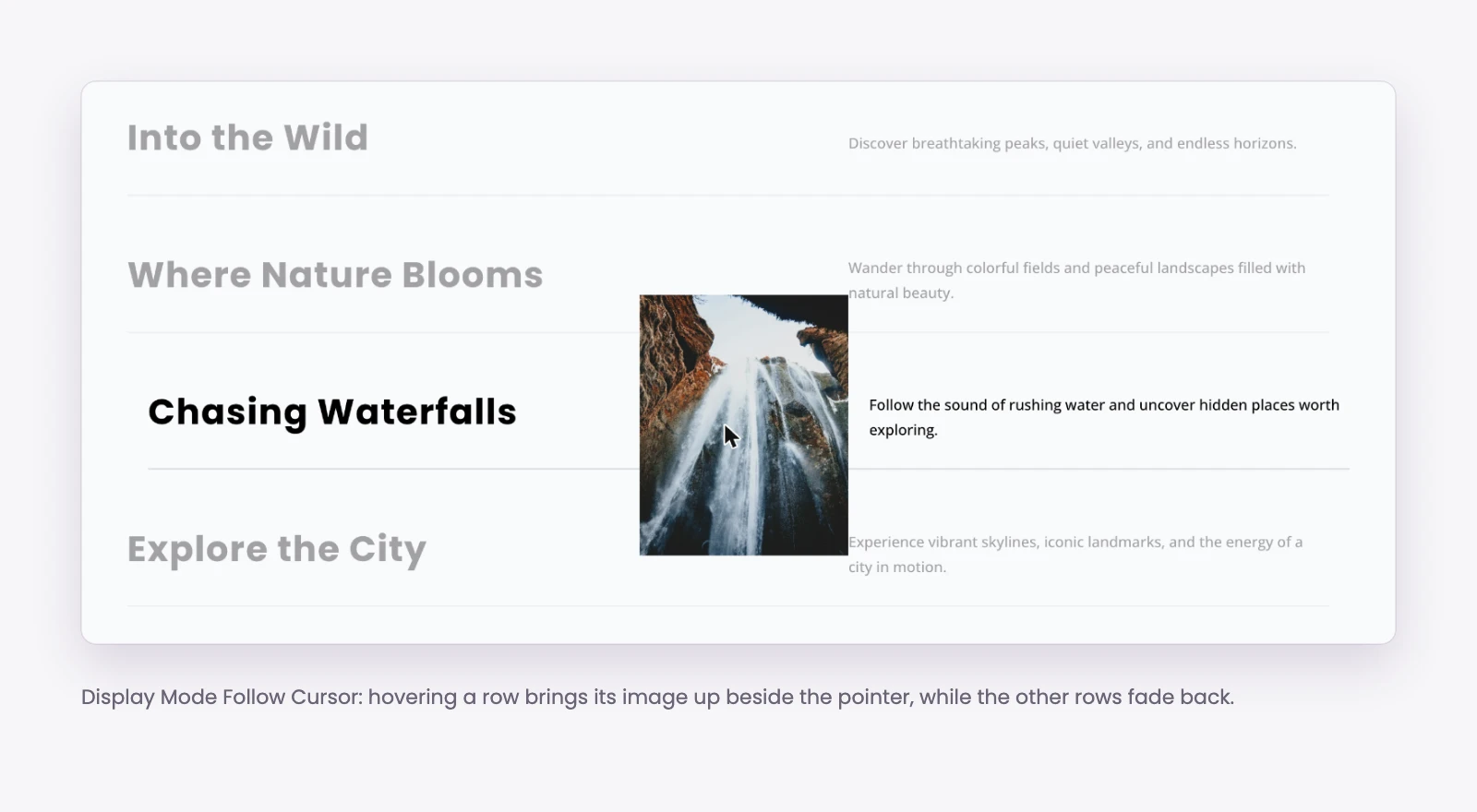
Image Reveal builds a list of rows, each with a title, subtitle, icon, description and button, and shows an image when a visitor hovers a row. The image can follow the cursor, sit in a fixed frame on the left, center or right, or fill the background. There are ten reveal effects, including Wipe, Curtain, Circle Mask and Blinds.
What it gives your site:
- A compact list that shows a picture for each entry only when it is wanted.
- Focus on the hovered row: the other rows can fade out, lose color or blur.
- A touch screen choice: reveal in the center, reveal on tap, or hide the images.
Use cases: a services list, a project index for an agency, or a team list where each name shows a photo.
Scroll Stack Cards module
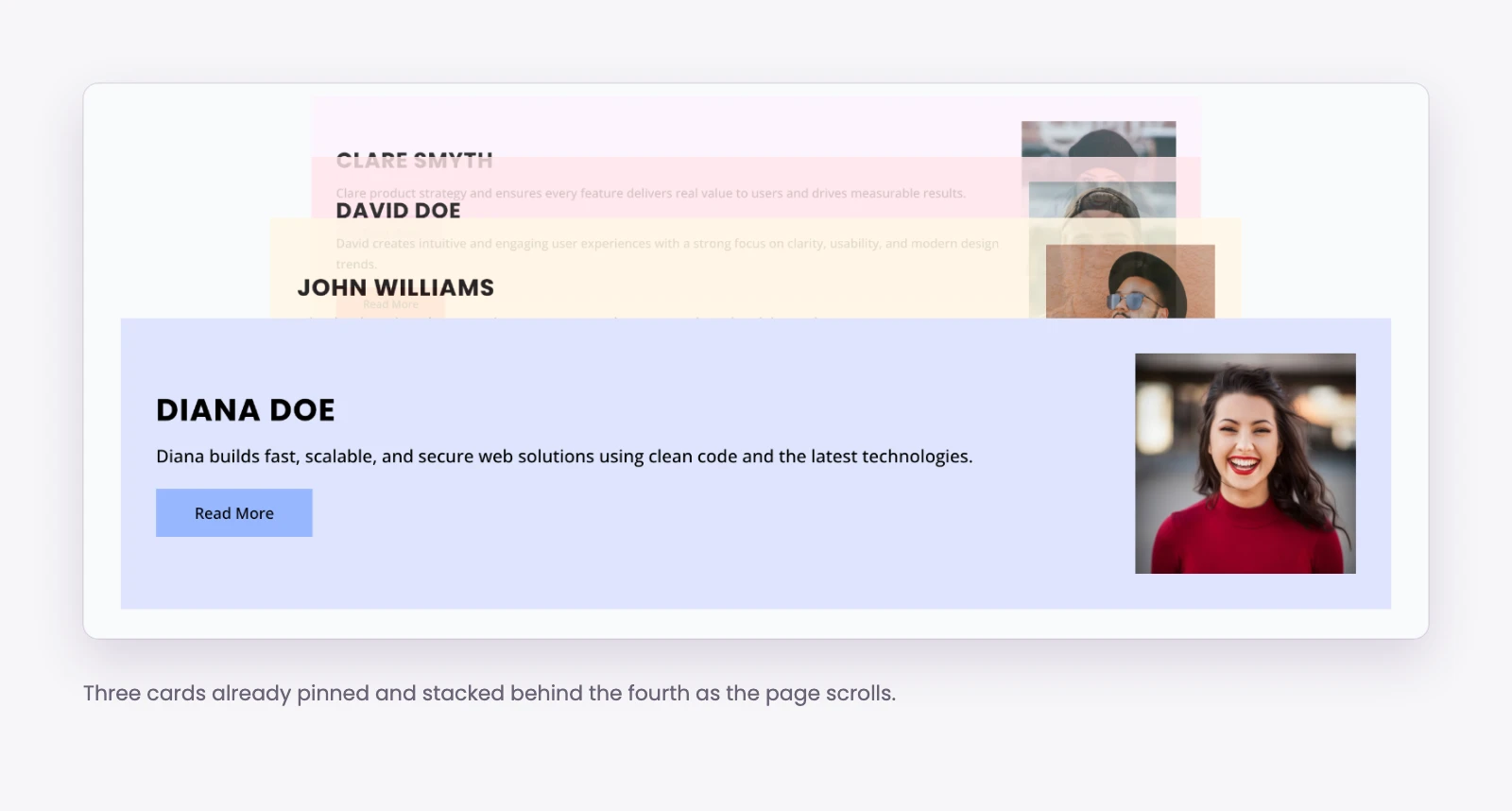
Scroll Stack Cards pins a set of cards and stacks them as the page scrolls, either downward or sliding across. You pick the stack style (Stack, Collapse or Depth), and the cards underneath can shrink, rotate, dim or blur as new ones land on top. Each card has a title, image, subtitle, description, icon and button. GSAP’s ScrollTrigger handles the pinning, so each card holds its place while the stack builds.
What it gives your site:
- A step-by-step story that stays in one place on screen while visitors scroll.
- A sticky offset that clears a fixed header, so the cards never hide under it.
- Control by device: stack on desktop only, desktop and tablet, or all devices; elsewhere the cards sit one after another.
Use cases: a how-it-works sequence, pricing plans, or case study highlights.
Spotlight Cards module
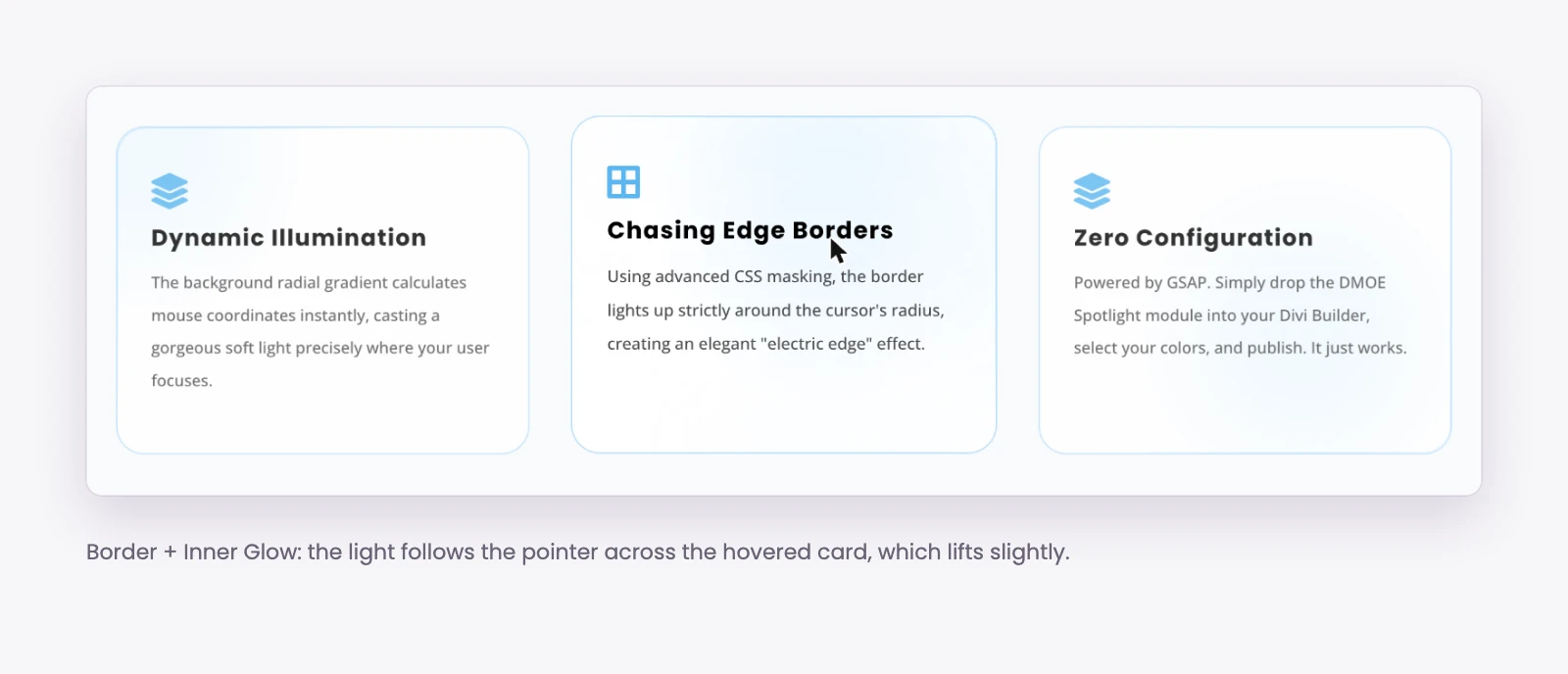
Spotlight Cards lays out a grid of one to six columns where a light follows the cursor across the cards. There are five spotlight styles: Border Glow, Inner Glow, Border and Inner Glow together, Chasing Border and Electric Border. You can blend two colors and set the glow size and brightness. GSAP smooths the light as it follows the pointer, so it glides instead of jumping.
What it gives your site:
- Feature or service cards that respond to the visitor’s pointer.
- Movement even when nobody is hovering: the light can follow an idle path such as a circle or figure eight.
- Emphasis on the hovered card, with the other cards fading, blurring or shrinking.
Use cases: a features grid on a product or SaaS page, service tiles, or a showcase of plans.
Parallax Cards module
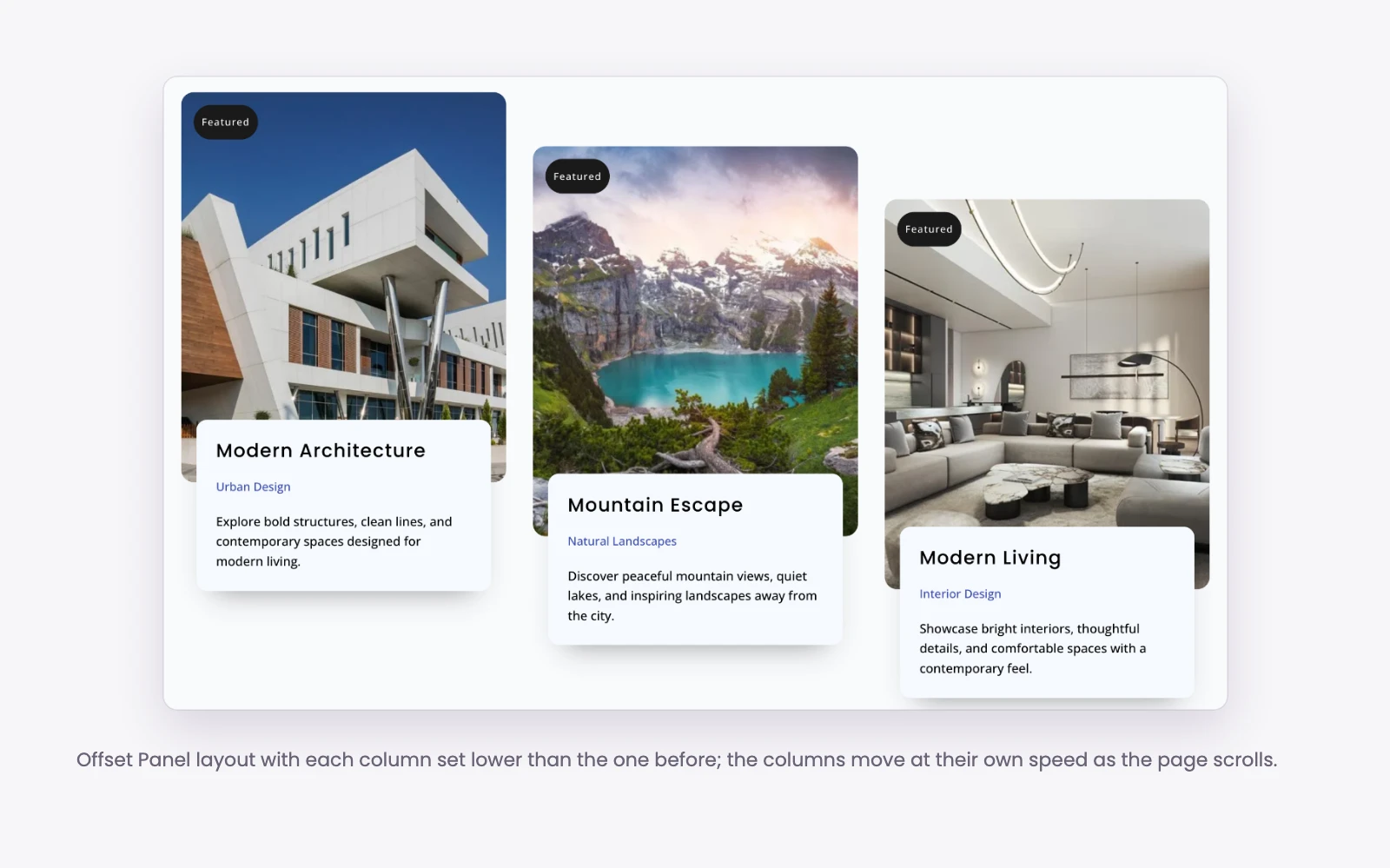
Parallax Cards arranges cards in columns that move at different speeds as the page scrolls. Speed patterns include Uniform, Alternate, Slow To Fast, Fast To Slow and Center Out, and a column offset pattern sets where each column starts. Each card can carry a badge and a details list for lines like “3 Beds, 2 Baths”. The column speeds run on GSAP’s ScrollTrigger.
What it gives your site:
- A grid with depth, without writing custom scroll code.
- Badges and detail lines on each card, for listings and portfolios.
- Parallax switched on per device: phone, tablet and desktop.
Use cases: property listings, a portfolio or gallery page, or a product collection.
Image Trail extension
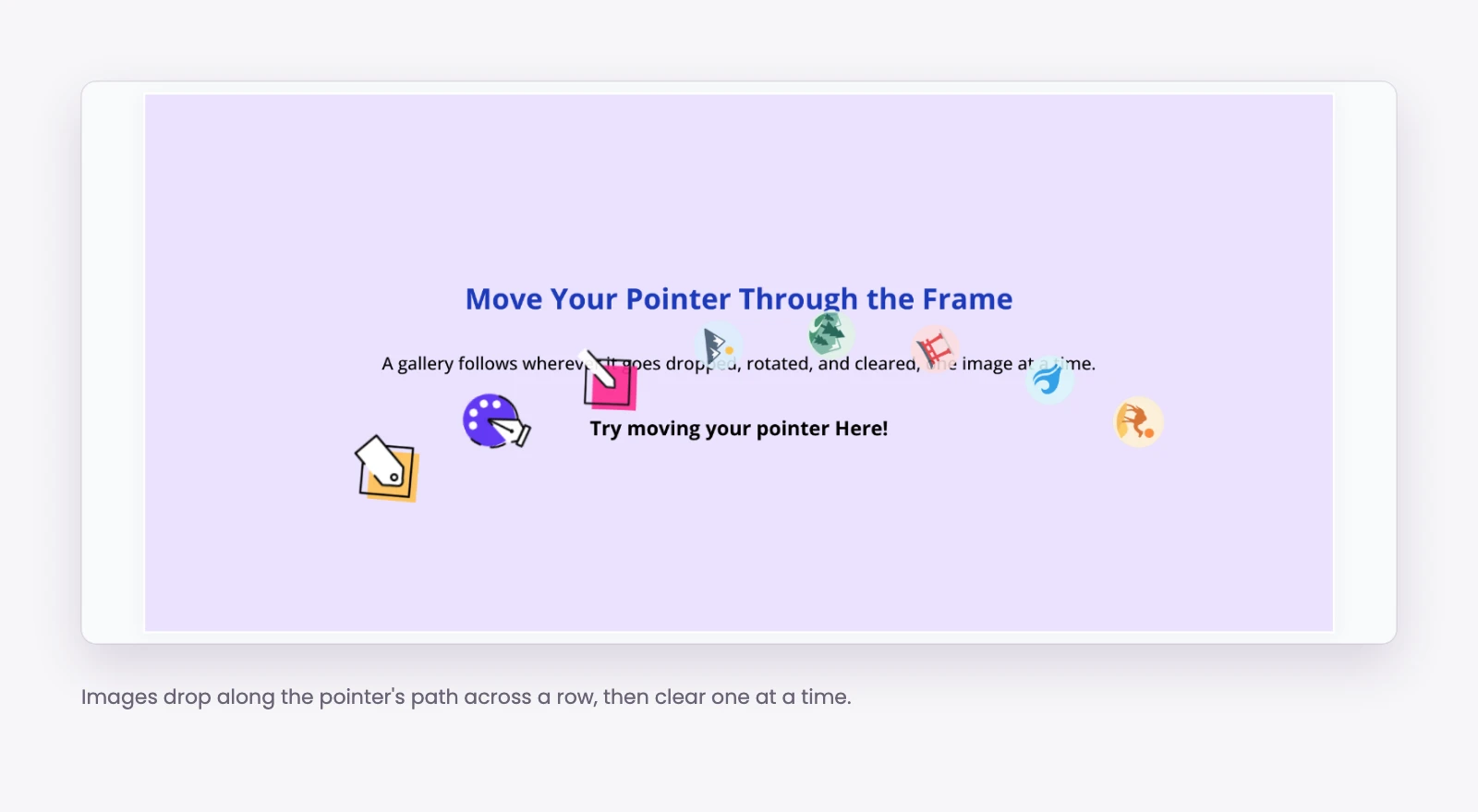
Image Trail adds a trail of images that follows the mouse across a section, row or column. You turn it on in the element’s Advanced tab, pick the images, and set the trail length (3 to 60 images), spacing, width and opacity, plus how each image appears and leaves.
What it gives your site:
- A playful hero or gallery section built on any existing section, row or column.
- Work samples shown on hover, without adding a separate gallery.
Use cases: a photographer’s or studio’s homepage hero, or a portfolio intro section.
Cursor Hover Effect extension
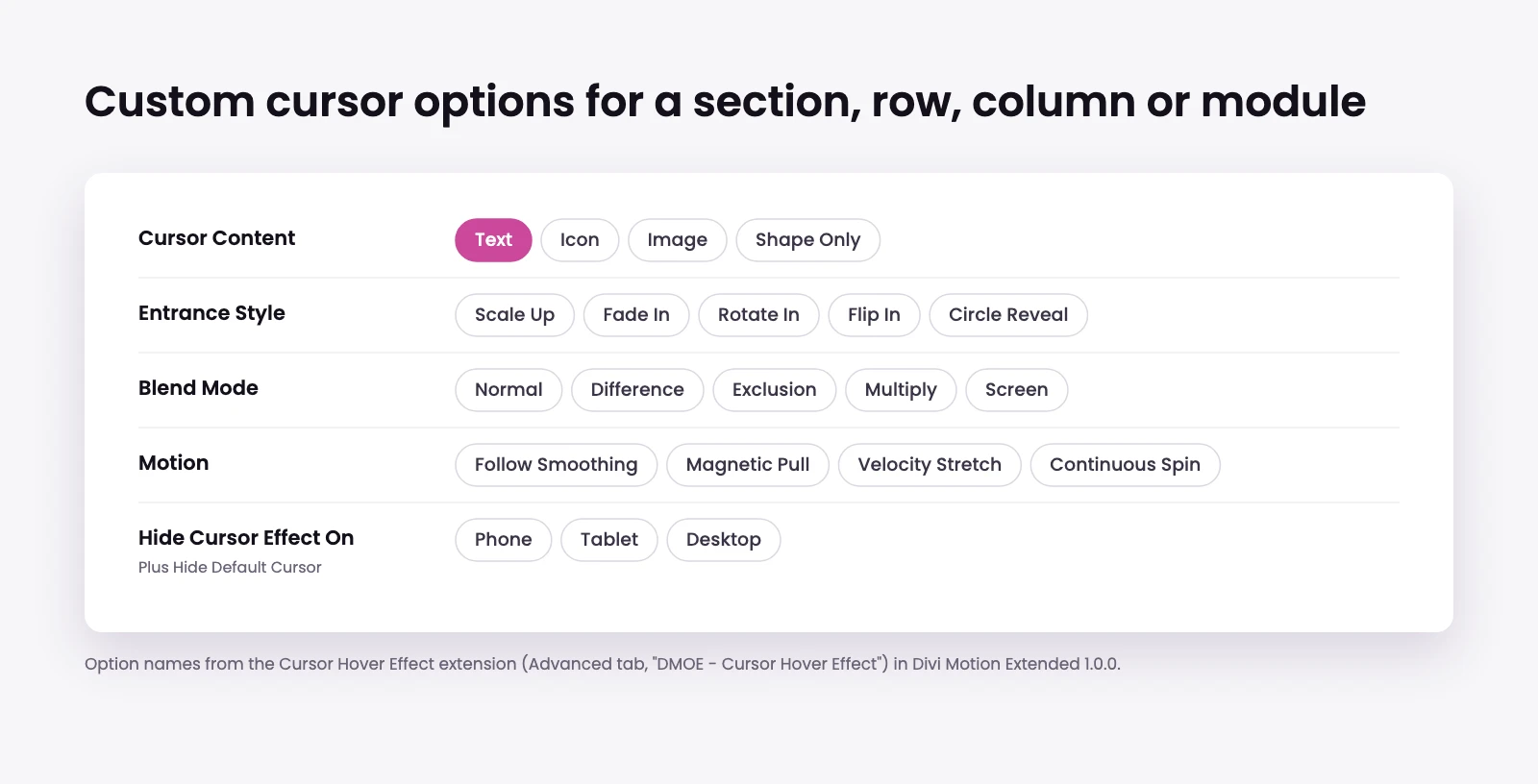
Cursor Hover Effect replaces the pointer with a custom cursor while visitors are over a section, row, column or any module. The cursor can show text, an icon, an image or a plain shape, with entrance styles such as Circle Reveal, plus follow smoothing, magnetic pull, velocity stretch and blend modes.
What it gives your site:
- A “View” or “Play” cursor over the parts of a page you want clicked.
- The option to hide the default cursor, and to switch the effect off on phone, tablet or desktop.
Use cases: portfolio thumbnails, video sections, or call to action areas.
Built on GSAP
All five modules and both extensions run on GSAP 3.15.0 and two of its plugins, ScrollTrigger and SplitText. The library ships inside Divi Motion Extended and loads from your own site, not a CDN.
- ScrollTrigger ties Text Reveal, Scroll Stack Cards and Parallax Cards to the scrollbar, so the motion moves with the reader.
- SplitText breaks text into characters, words or lines for Text Reveal and Image Reveal.
- GSAP’s core handles the pointer-following motion in Spotlight Cards, Image Trail and the Cursor Hover Effect.
The extensions load their scripts only on pages where an element uses them.
What you need
- Divi 5. The modules register through Divi 5’s module system.
- WordPress 6.7.2 or later and PHP 7.4 or later.
Pricing and where to get it
- Annual: $29 a year, unlimited websites, one year of updates and support.
- Lifetime: $99, unlimited websites, lifetime updates and support.
- Elegant Themes Marketplace: $29, if you prefer to buy through Elegant Themes.
Divi Extended lifetime members get Divi Motion Extended included at no extra cost. Log in to your Divi Extended account and download it from there.
How to install
- Download the plugin zip from your Divi Extended account, or from your Elegant Themes account if you bought it on the marketplace.
- In WordPress, go to Plugins, Add New, Upload Plugin, choose the zip and activate it.
- Open a page in the Divi 5 builder. The five modules appear with the other modules, and the two extensions appear in the Advanced tab of sections, rows, columns and modules.
Want to see the effects before you buy? Every module and extension is running on the Divi Motion Extended demo. Pricing and the full feature list are on the Divi Motion Extended product page.



0 Comments