
Pick an event source once, design without thinking about it
Every module reads a normalized event, so the same layout renders against either source:
- DE Events, the plugin’s own events, with venues, organizers, categories, tags, and types. Read and write. Use it if you have no events plugin and do not want one.
- The Events Calendar, read-only. Your events stay in The Events Calendar with its own URLs, admin screens, and workflow untouched. Nothing is copied or migrated.
Both can be installed at once, and each module is pinned to the source you choose for it. Switching sources later does not break a page you already designed.
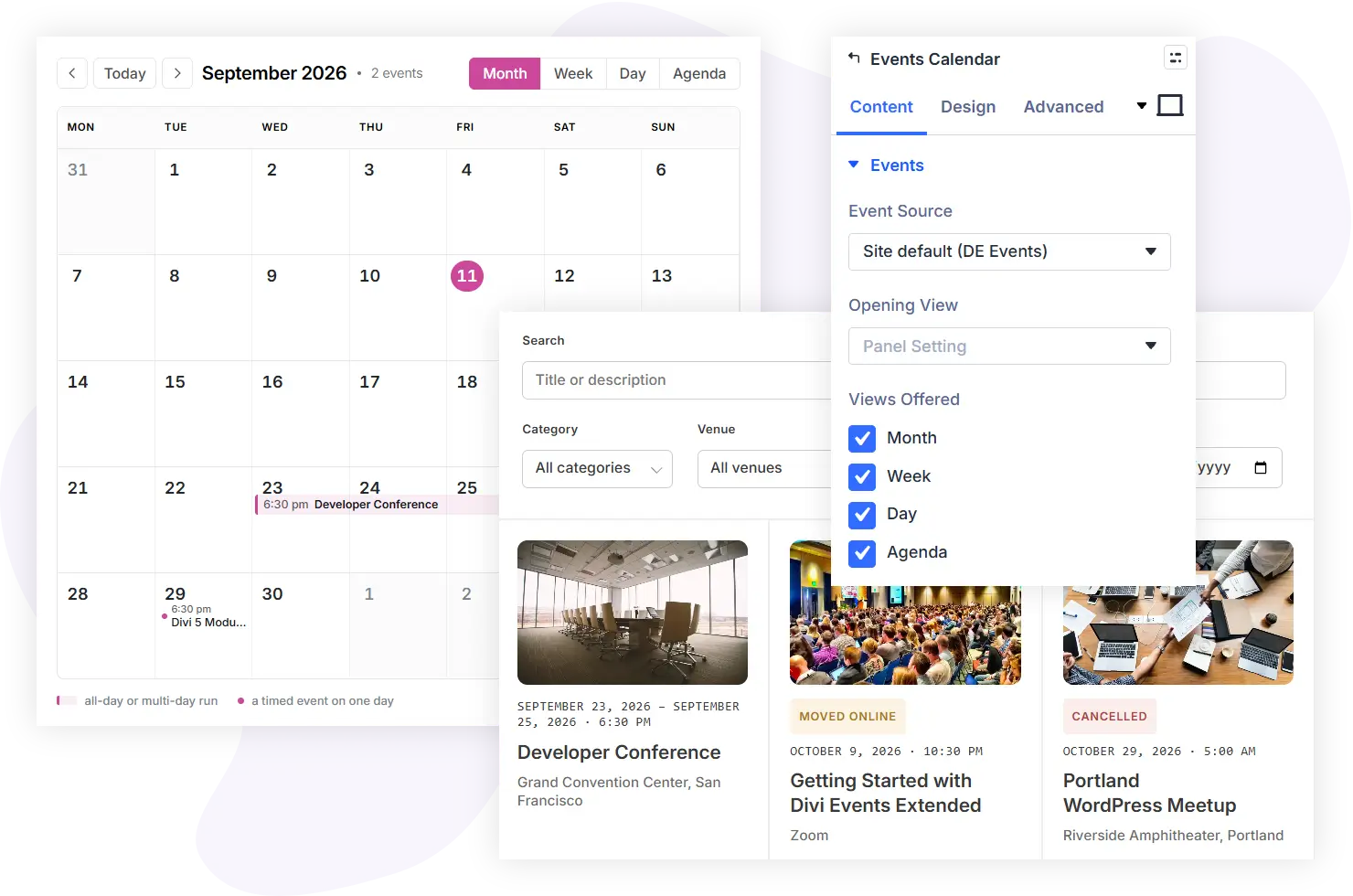
The eleven modules
Events Feed
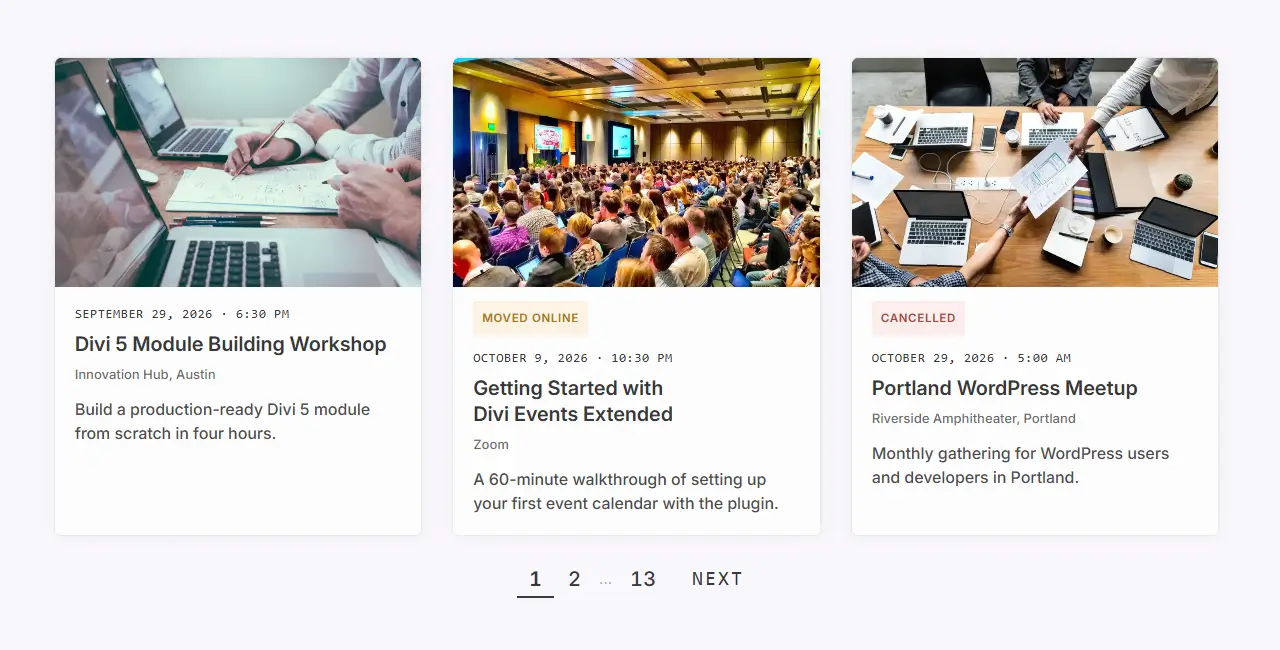
Show events as a grid, a list, or compact rows, with numbered paging, a Load More button, or infinite scroll. Each event card takes its own background, border, box shadow, and padding, and the hairline between rows in the list and compact layouts has its own height and color controls.
Events Calendar
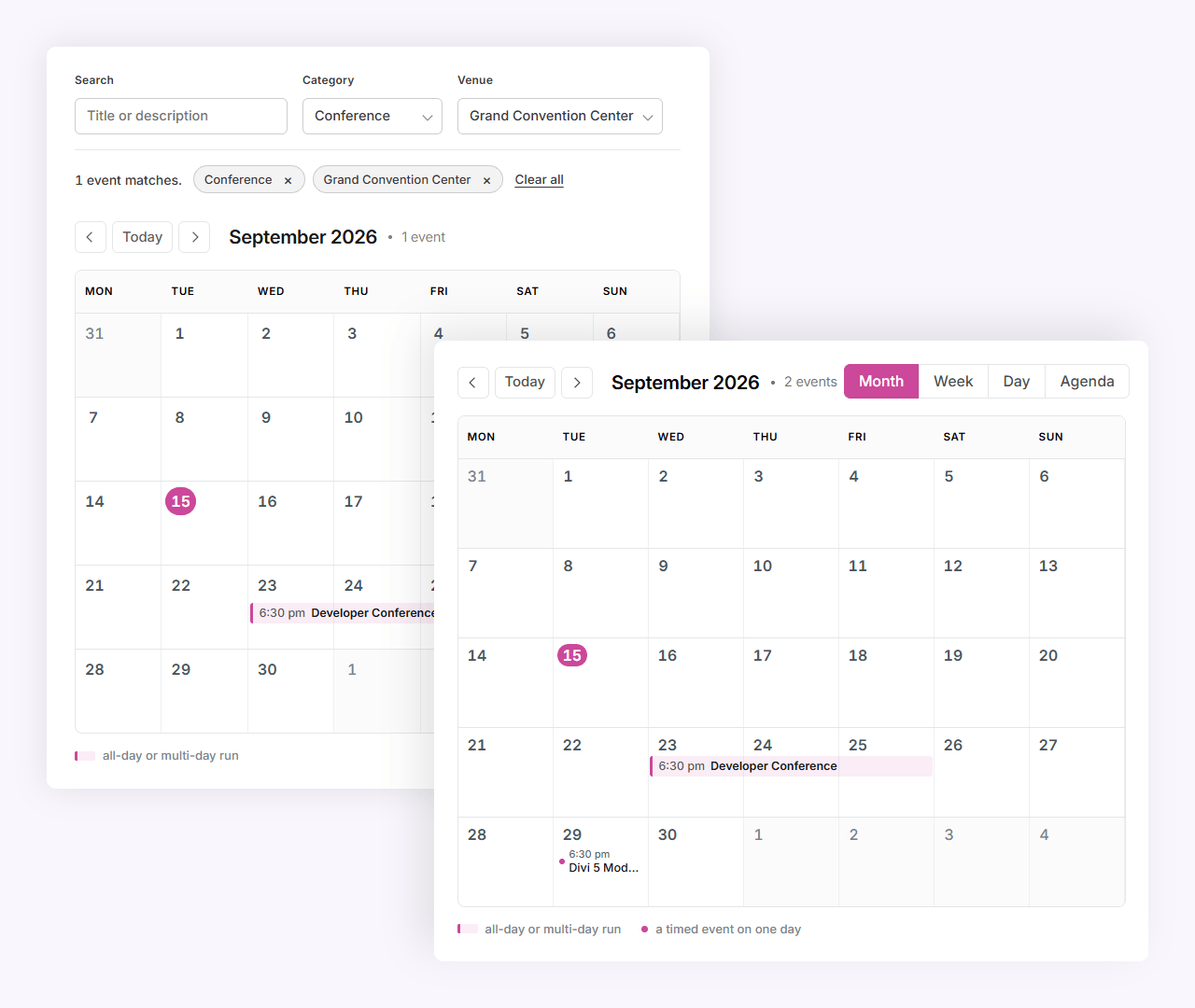
Month, week, day, and agenda views, rendered server-side so they survive page caching.
Events Filter Bar
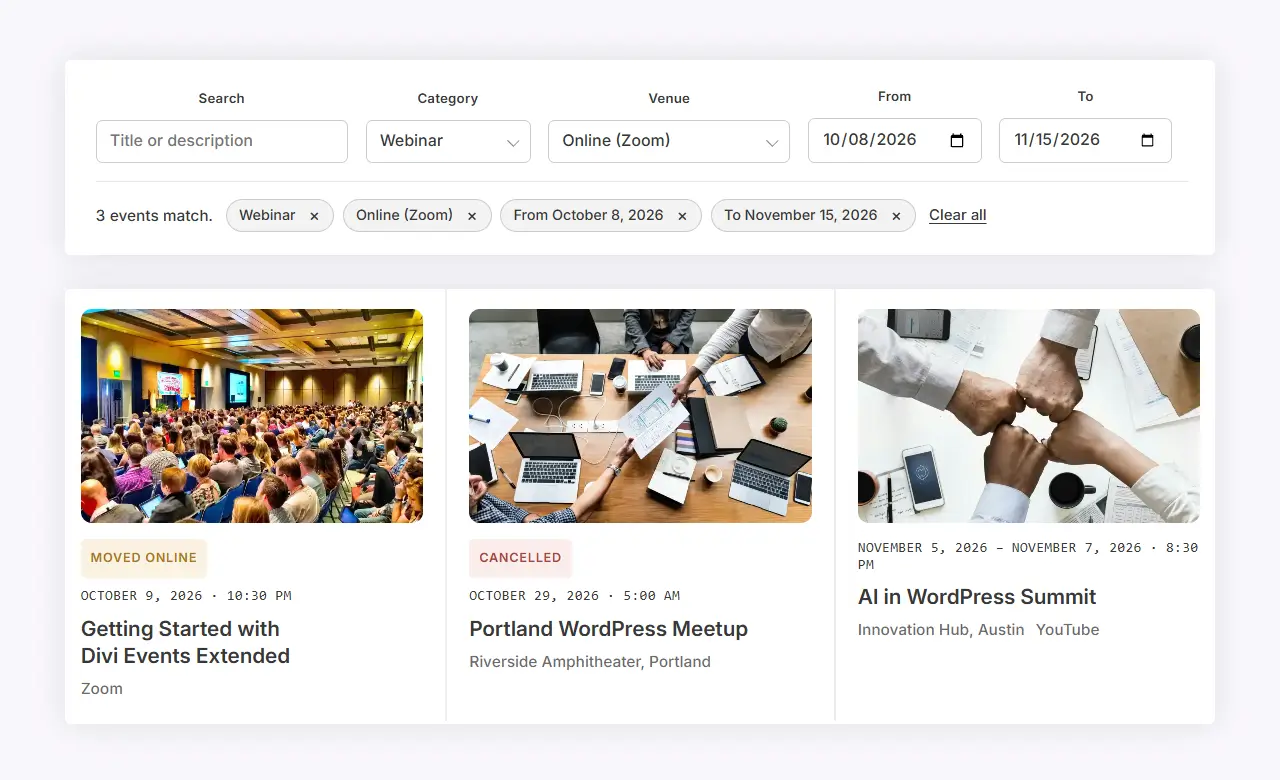
Search, category, tag, type, venue, organizer, attendance mode, date range, and price, as a real form. It works with JavaScript switched off and filters as you type when it is on.
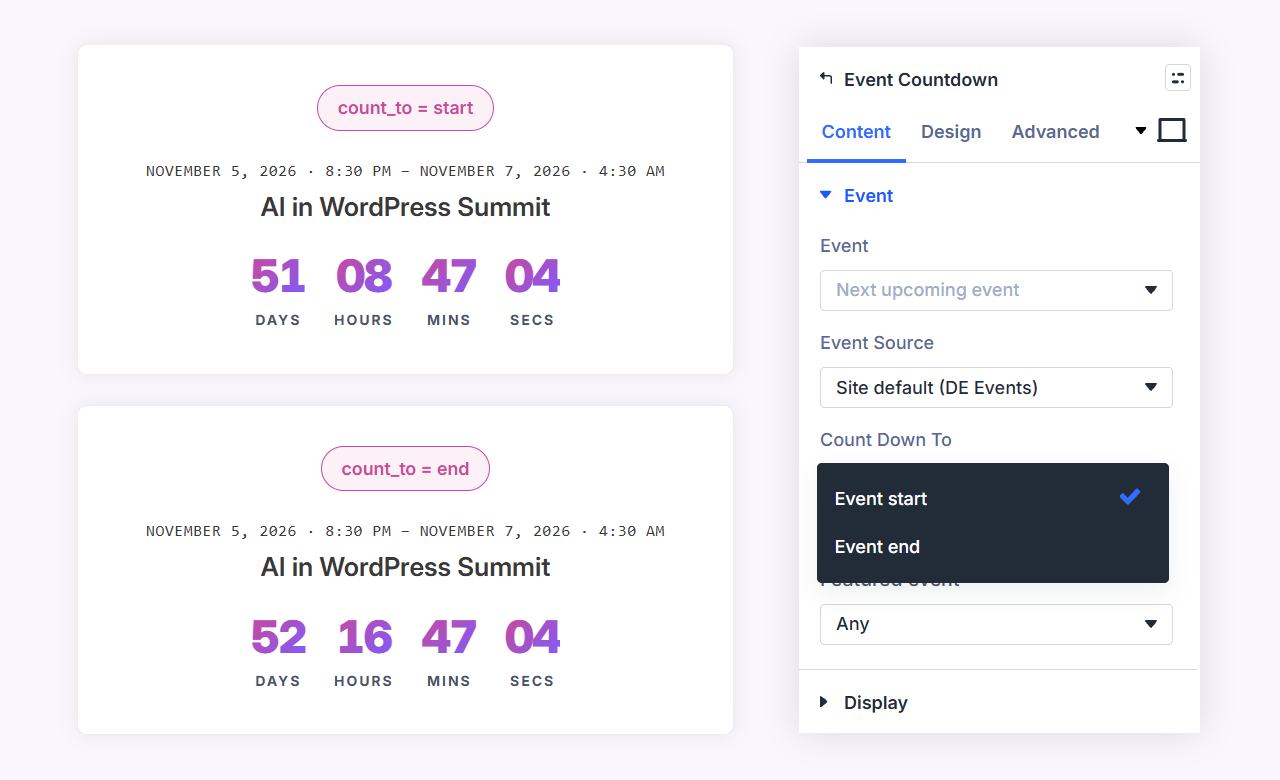
Event Countdown
Days, hours, minutes, and seconds to the next occurrence of an event.
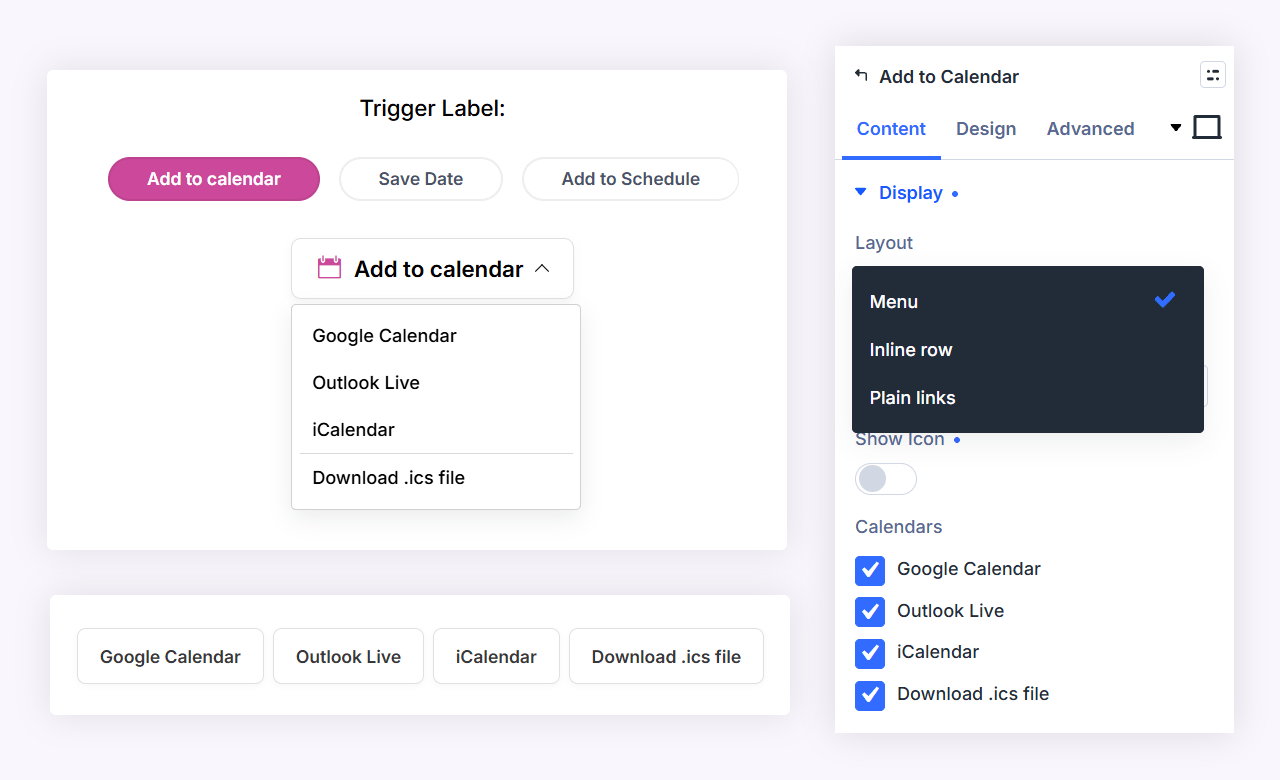
Add to Calendar
Google, Outlook, and a downloadable .ics file, per event.
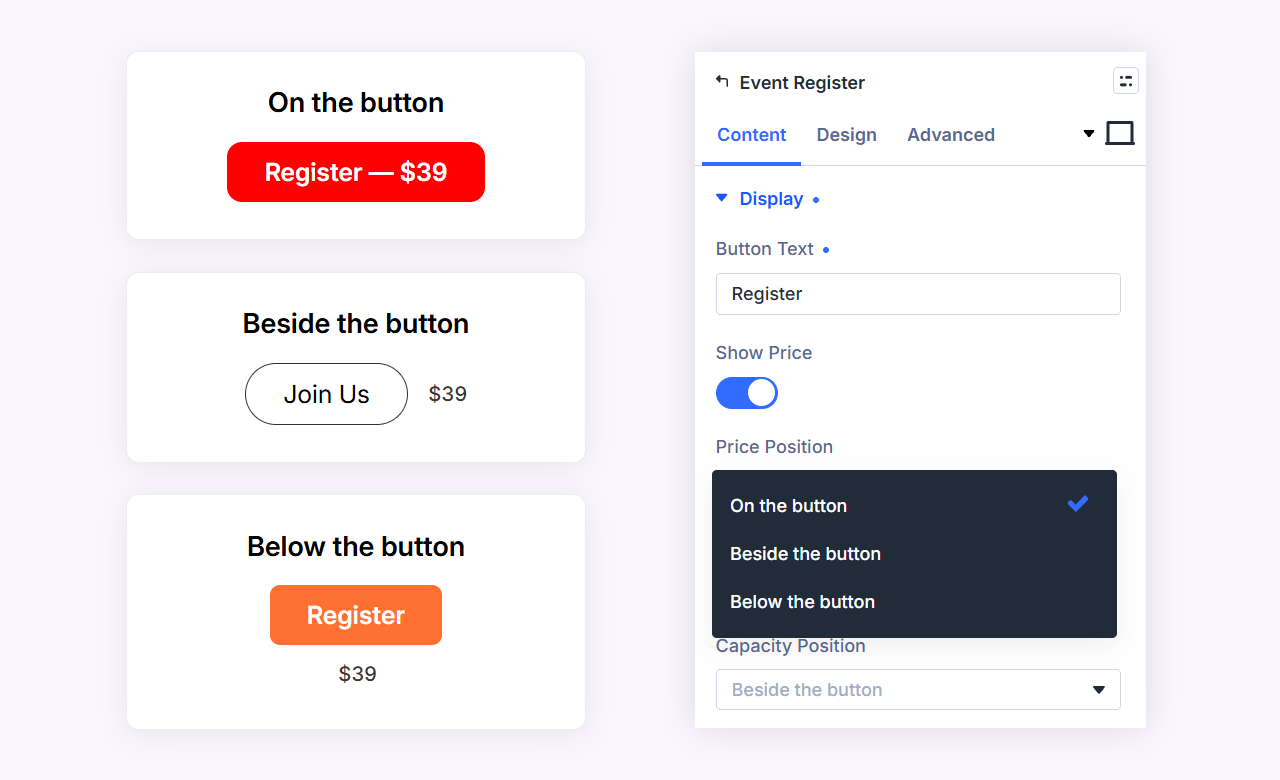
Event Register
The event’s ticket or registration link, drawn as a button with Divi’s button styling.
Related Events
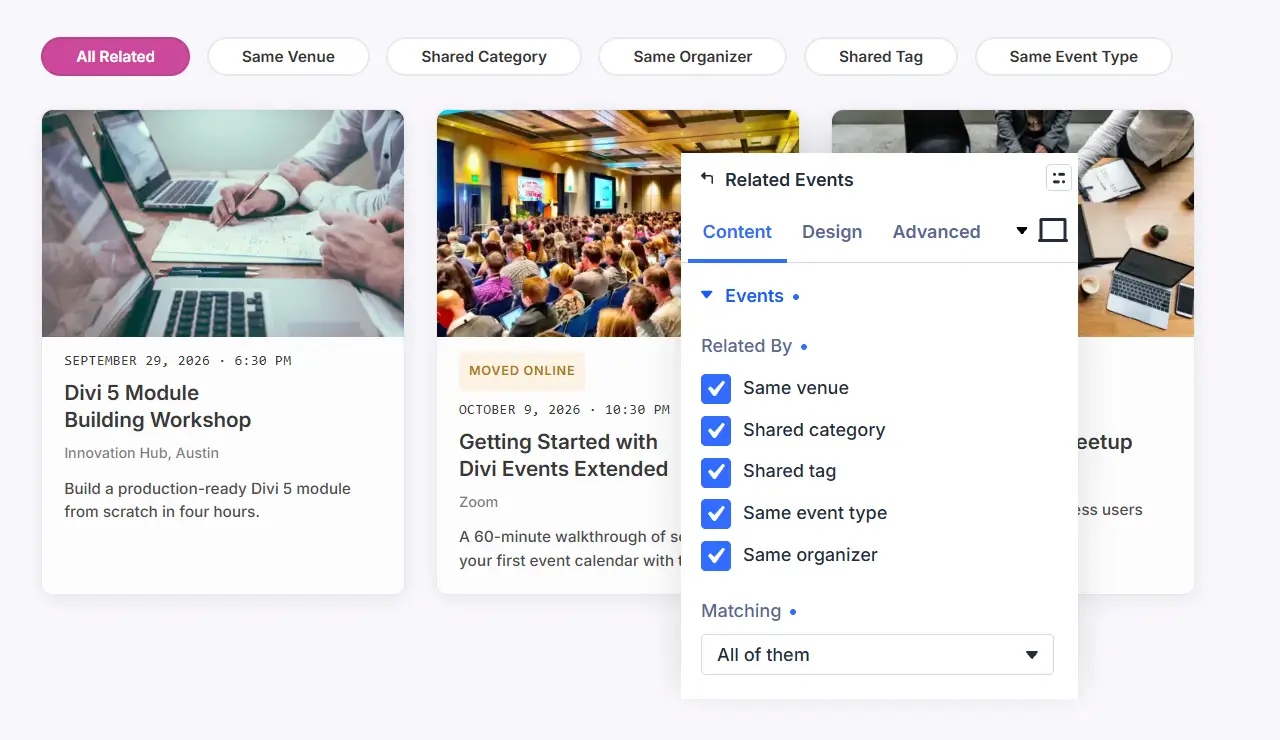
More events by category, tag, venue, or organizer, with the same card design controls as the feed.
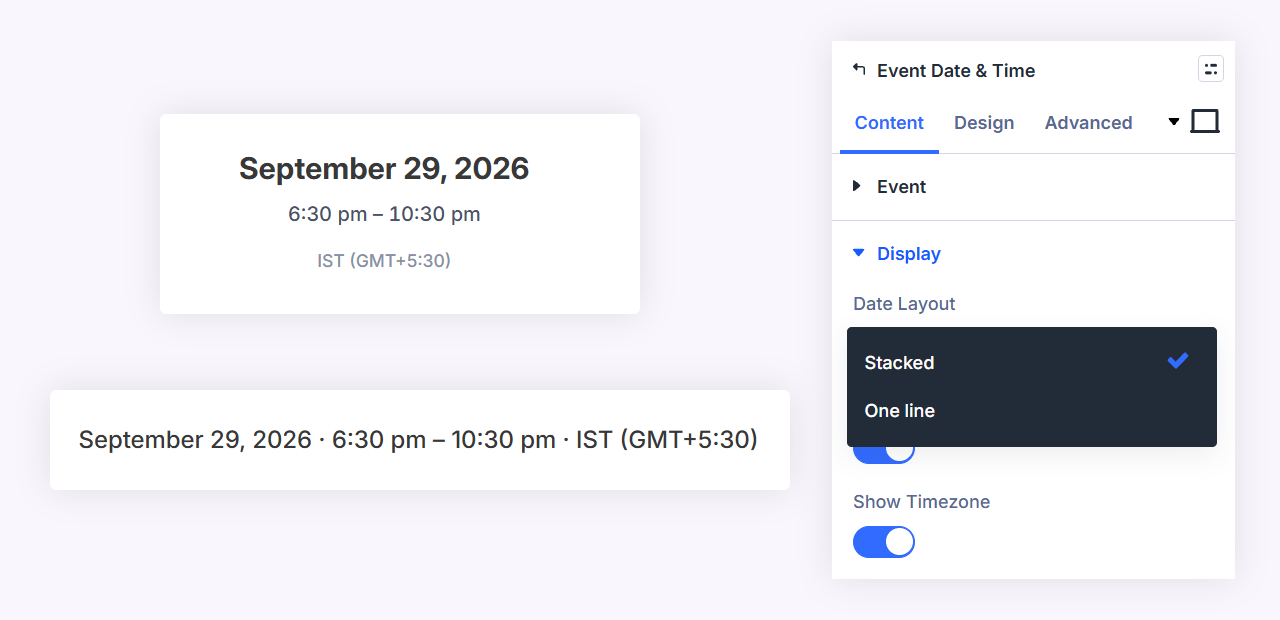
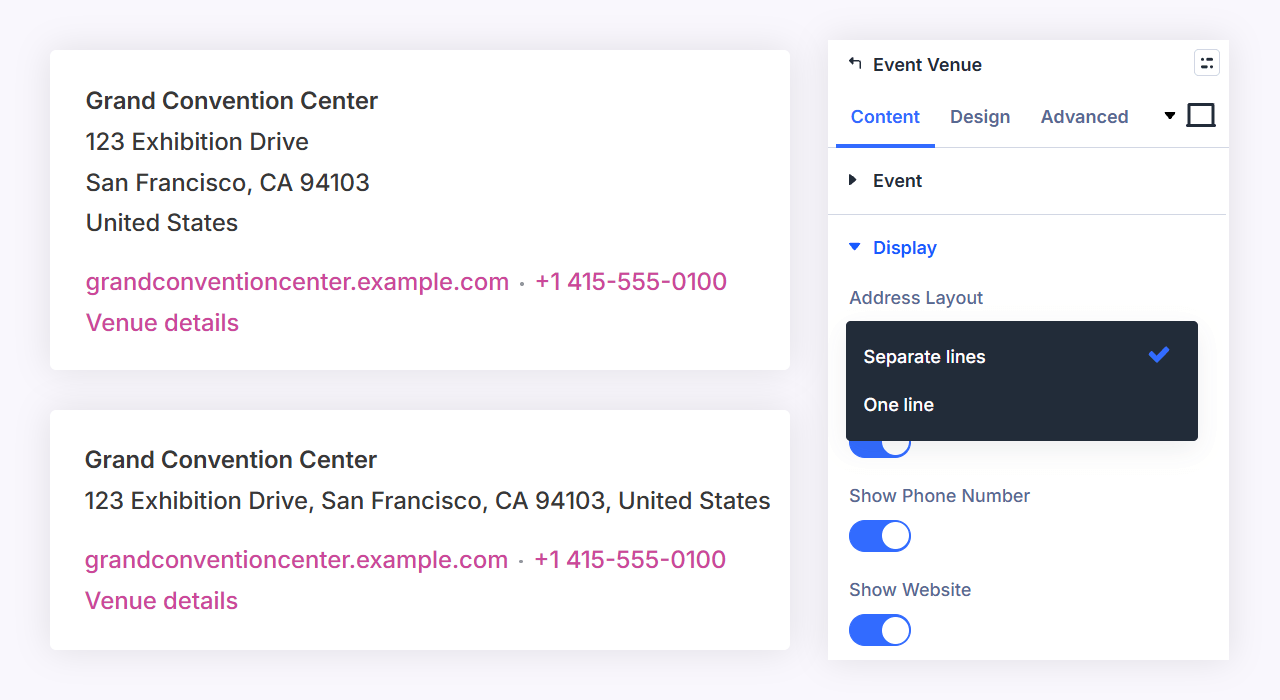
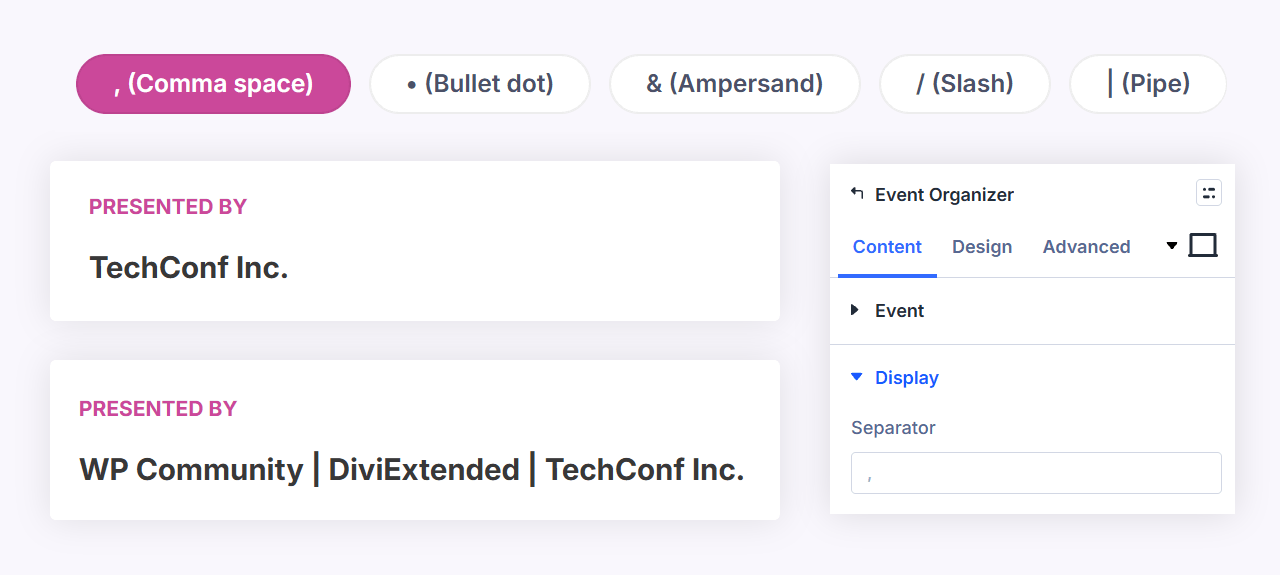
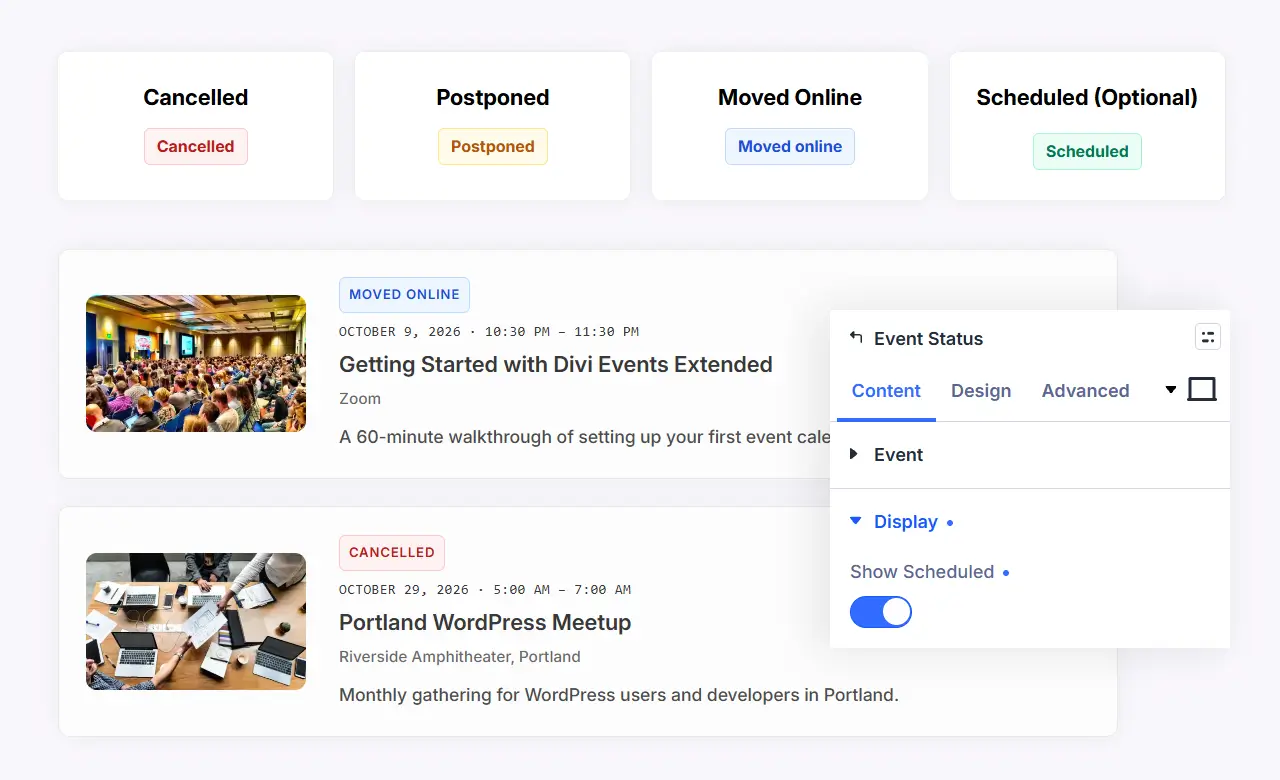
Event Date and Time, Event Venue, Event Organizer, Event Status
Single-field modules for building your own single-event layouts in the Theme Builder. The venue module styles the name, address, phone, website, and venue link each with their own typography, and the phone, website, and link can be switched off individually.
Ready on activation, yours in the Theme Builder
Nine page templates render as soon as you activate: single event, venue, and organizer, their archives, and the category, tag, and type archives. Assign your own Divi Theme Builder template later and it takes over automatically. Every event field is available in Divi’s dynamic content picker, inside Theme Builder templates and Loop Builder items alike.
Built like an events platform, not a widget pack
- Recurring events (DE Events): daily, weekly, monthly, and yearly repeat rules with exceptions, expanded into individual dates that behave like any other event in every module. Recurring events from The Events Calendar are part of its own paid add-on, and this plugin makes no claim about them.
- Calendar subscriptions: .ics feeds for the whole calendar, a category, a venue, or an organizer, plus a per-event file.
- schema.org: one Event node per event page, with the source plugin’s own markup suppressed by default so a page is not described twice.
- CSV import and export, and a one-way migration from The Events Calendar into DE Events for anyone leaving it behind.
- Timezone-correct throughout: an event in another timezone is stored as an instant and displayed in the zone it happens in, including across a daylight-saving change.
- Previous and next event links on every single event page, ordered by start date.
Who it is for
- Venues, gyms, studios, and clinics running their own schedule with DE Events and no extra plugin.
- Sites already on The Events Calendar that want event pages designed in Divi without touching their existing events or workflow.
- Agencies that need one set of event layouts they can reuse across clients regardless of which events plugin each client runs.
Specs
- Divi 5: requires Divi 5.0 or later with the Divi theme, and says so on activation rather than failing quietly.
- Requirements: WordPress 6.7.2 or later, PHP 7.4 or later.
- Sources: DE Events (read and write) and The Events Calendar (read-only). Both can run side by side.
- Templates: nine, covering event, venue, and organizer singles and archives plus category, tag, and type archives.
FAQs
Do I need The Events Calendar?
Will my layouts break if I change the event source later?
Does it support recurring events?
Can I build my own single event page?
Put your events in the builder
Stop styling someone else’s event pages from the outside. Divi Events Extended renders your events with modules you design like the rest of your site.
Reviews