
Fully Compatible with Divi 5
Motion is the difference visitors can feel
Most sites built with Divi move the same way: content fades in, and that is the end of it. Divi Motion Extended adds the motion effects you see on hand-coded agency sites, such as text that reveals on scroll, images that chase the cursor and cards that stack, glow and drift. The animations run on GSAP and are set up with the regular Divi controls, with live preview in the builder.
Text Reveal module
Text Reveal brings Divi text animation to headlines and paragraphs, one character, word or line at a time, with eight animation types from Fade and Slide to Blur and Color. Play it on scroll, tied to the scrollbar so it can rewind, on load for hero headlines, or on hover. It stays real text, so search engines and screen readers read it as written. The reveal is built on GSAP’s SplitText and ScrollTrigger plugins.
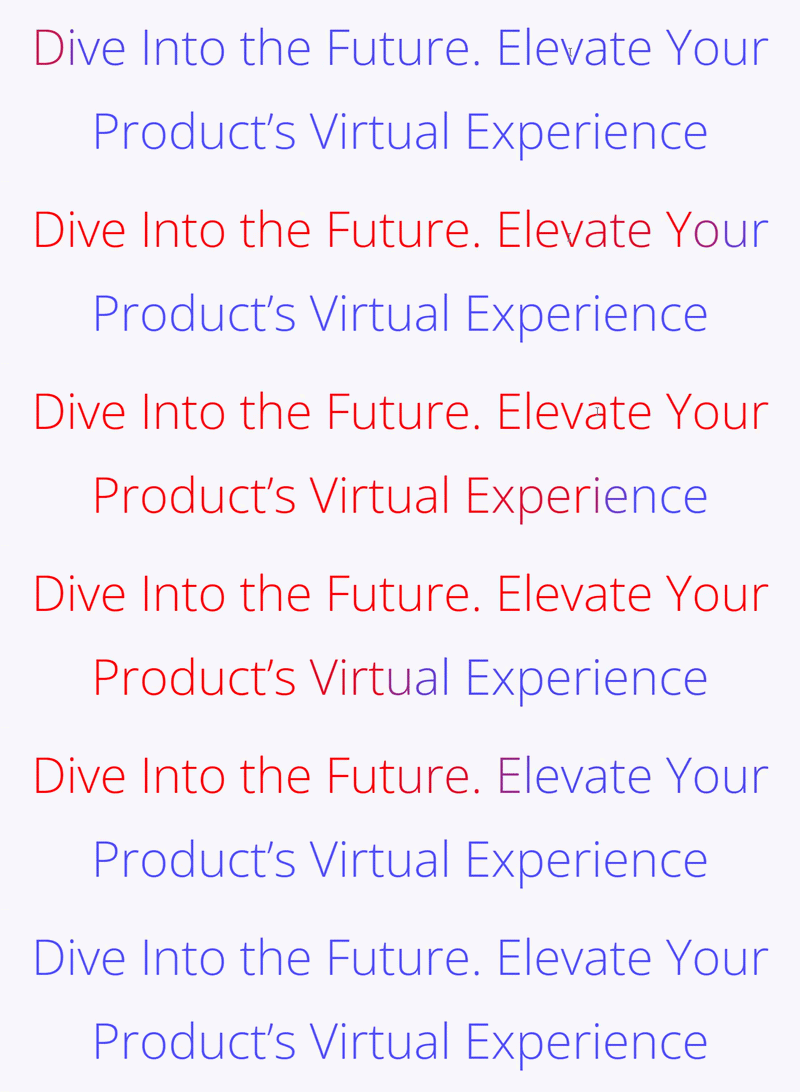
Image Reveal module
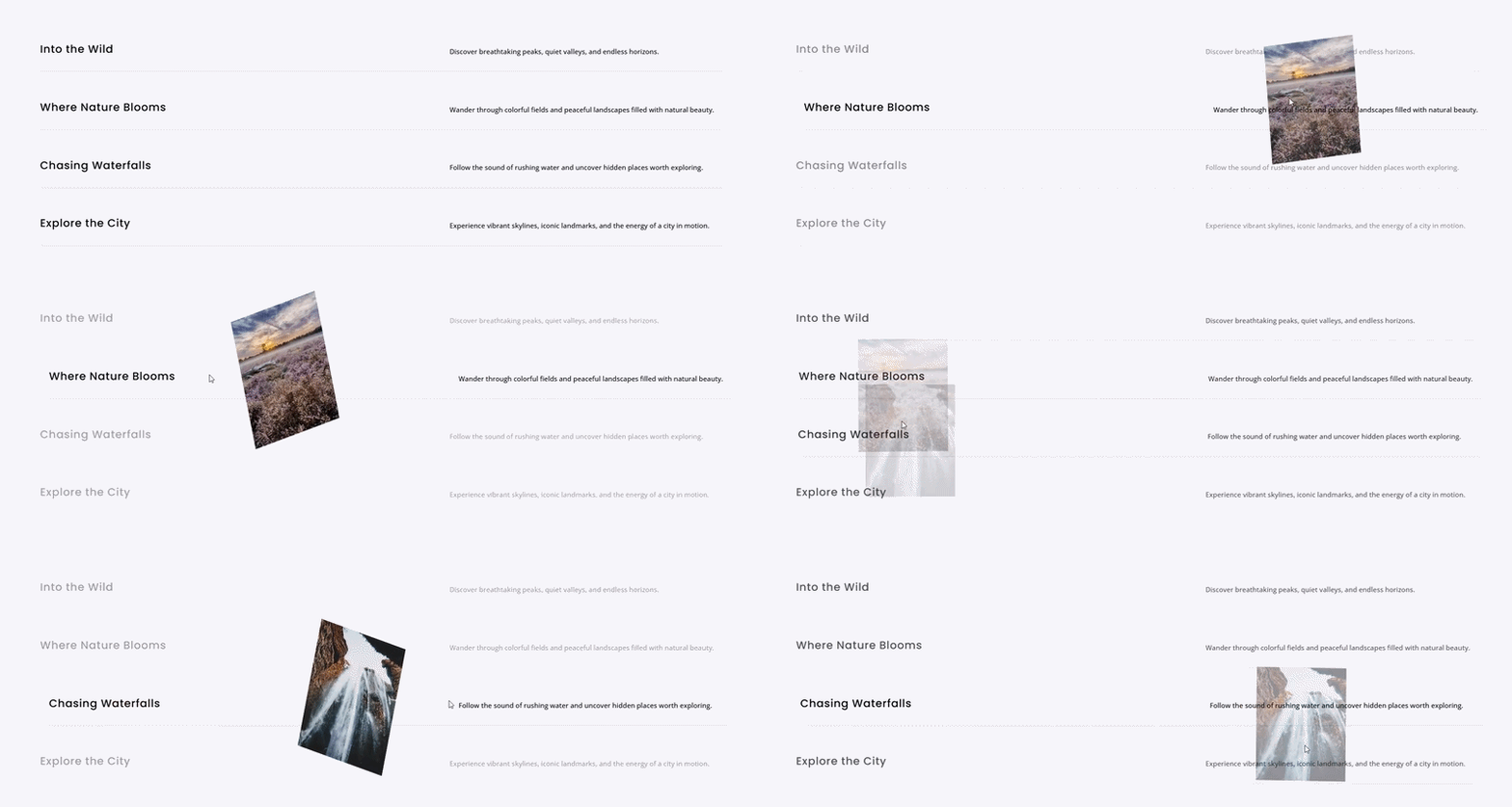
Image Reveal builds the hover list from portfolio and studio sites: point at a row and its image appears. The image can follow the cursor, reveal in a fixed frame or fill the whole module, with ten reveal effects such as Wipe, Curtain and Circle Mask. Touch screens get their own behavior, so these image hover effects still work on phones.
Scroll Stack Cards module
Scroll Stack Cards pins a series of cards to the screen and stacks them as the visitor scrolls, the scroll effect product pages use to walk through features or steps one at a time. Choose the Stack, Collapse or Depth style, how much of each covered card stays visible, and which devices the stacking runs on. GSAP’s ScrollTrigger keeps each card pinned while the next one lands.

Spotlight Cards module
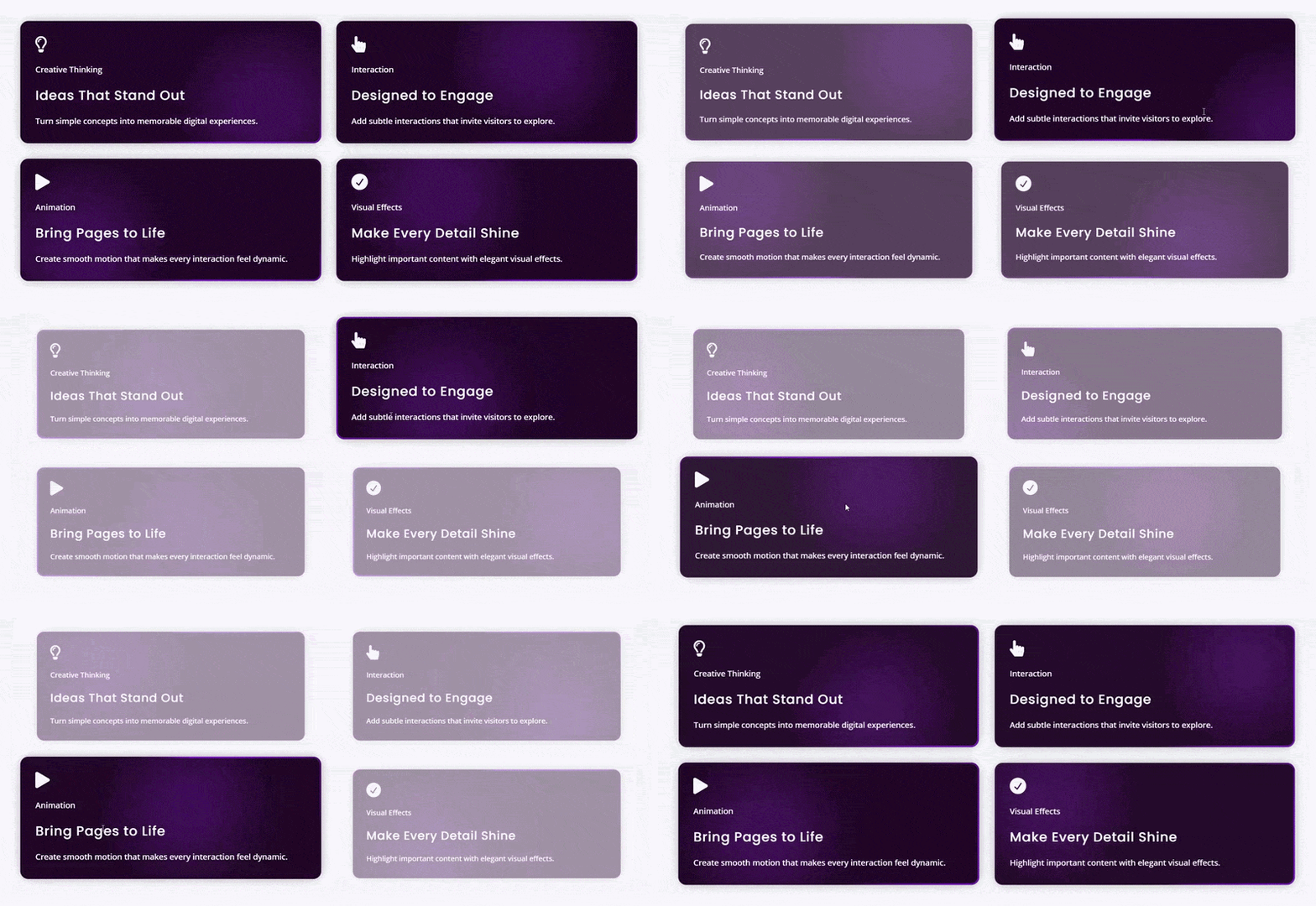
Spotlight Cards is a card grid where light follows the pointer, with five hover effects: Border Glow, Inner Glow, both combined, Chasing Border and Electric Border. Set the colors, glow size and brightness, let the light drift on its own when nobody is pointing, and bring the hovered card forward while the others fade back. GSAP eases the glow as it tracks the pointer.
Parallax Cards module
Parallax Cards gives a card grid parallax scroll effects: columns move at different speeds as the page scrolls, for the staggered look of a designed portfolio. Pick offset and speed patterns, one of three card layouts, and a badge and meta line on each card, built for lines like 3 Beds, 2 Baths, 1,450 sqft. Each column’s speed is driven by GSAP’s ScrollTrigger.
Horizontal Scroll Cards module
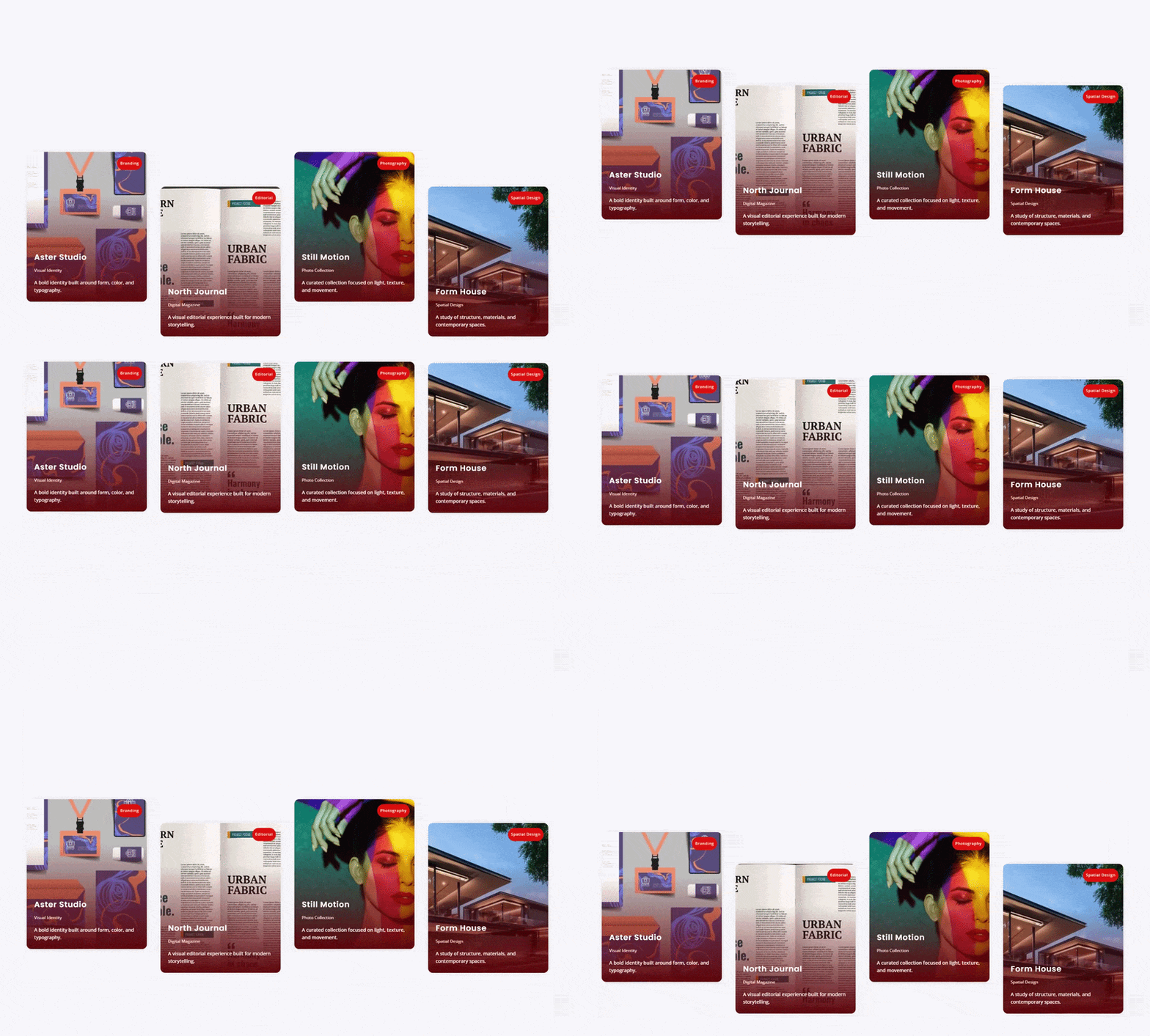
Horizontal Scroll Cards sets cards in one row and moves it sideways: pinned while the page scrolls, dragged with a mouse or finger, or looping on its own like a ticker. Pick from four card layouts (Stacked, Split, Cover and Full Bleed), add a progress bar or ring with a card counter, and let the card in the center stand out while the rest dim.

Scramble Text module
Scramble Text cycles a headline through random letters, numbers or symbols until the real words lock in, letter by letter or word by word. Play it on load, on hover, or tied to the scrollbar so it rewinds, and add one of eight entrance effects such as Slide Up, Blur In or 3D Flip. The text stays in the page in the tag you pick, from Paragraph to H1.

Image Viewer module
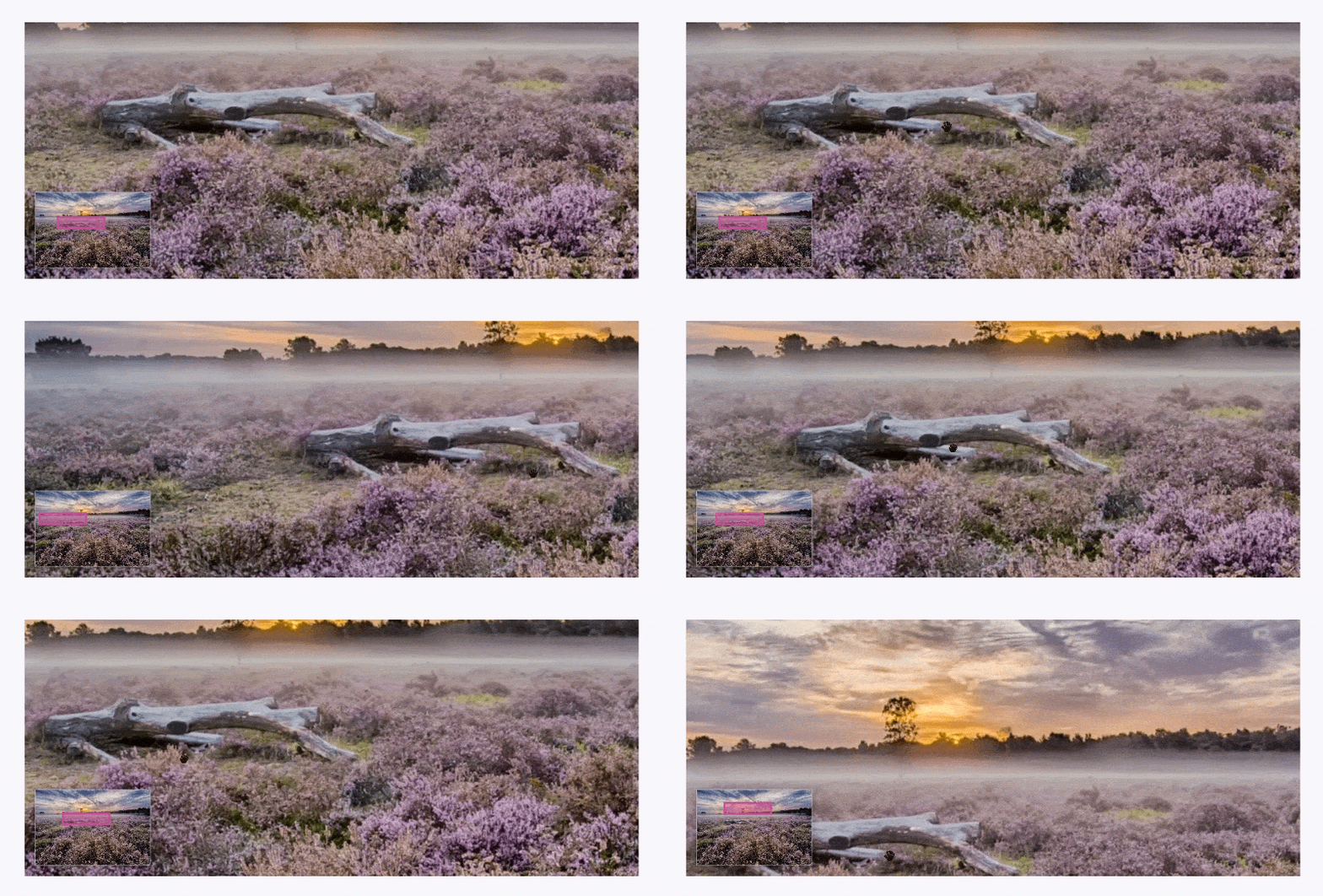
Image Viewer puts one large photo, plan or map in a frame and gives visitors four ways to look around it: drag it with a corner minimap, zoom with the mouse wheel or plus and minus buttons, watch a slow Ken Burns pan, or magnify the spot under the cursor. The pan can start on load, on hover, on click or when the image scrolls into view.
Tilt Card module
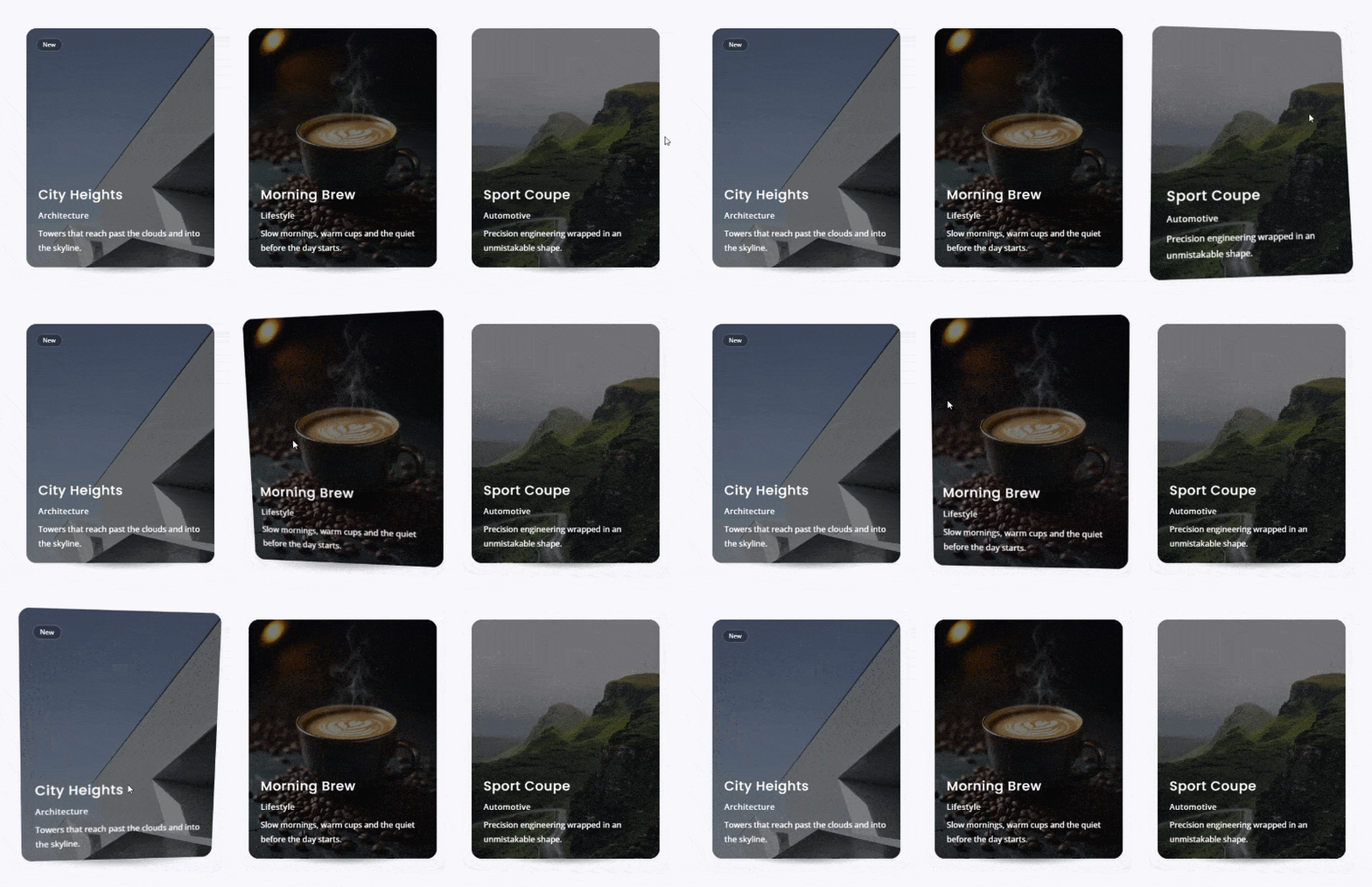
Tilt Card is a photo card with a title, badge, subtitle, description and icon that tilts in 3D toward the cursor, or under a finger on touch screens. Six layouts change what happens as it tilts: Classic Tilt, Layered Depth, Faceted Shards, Prism Glare, Holographic Foil and Gimbal Label. Set the tilt strength, lock it to one direction or reverse it, and link the whole card.
SVG Animator module
SVG Animator brings line drawing and shape morphing to icons and your own artwork. Pick one of 12 built-in icons or upload an .svg file, then draw its outline path by path, morph its first shape into the next, or send it along a track such as a wave or a loop. Start it on view, on hover, on click or with the scrollbar, and set the stroke color, width and fill.

Three extensions for the modules Divi already has
Divi Motion Extended also extends Divi’s own elements, so the motion is not limited to the ten new modules.
Image Trail for Sections, Rows, and Columns
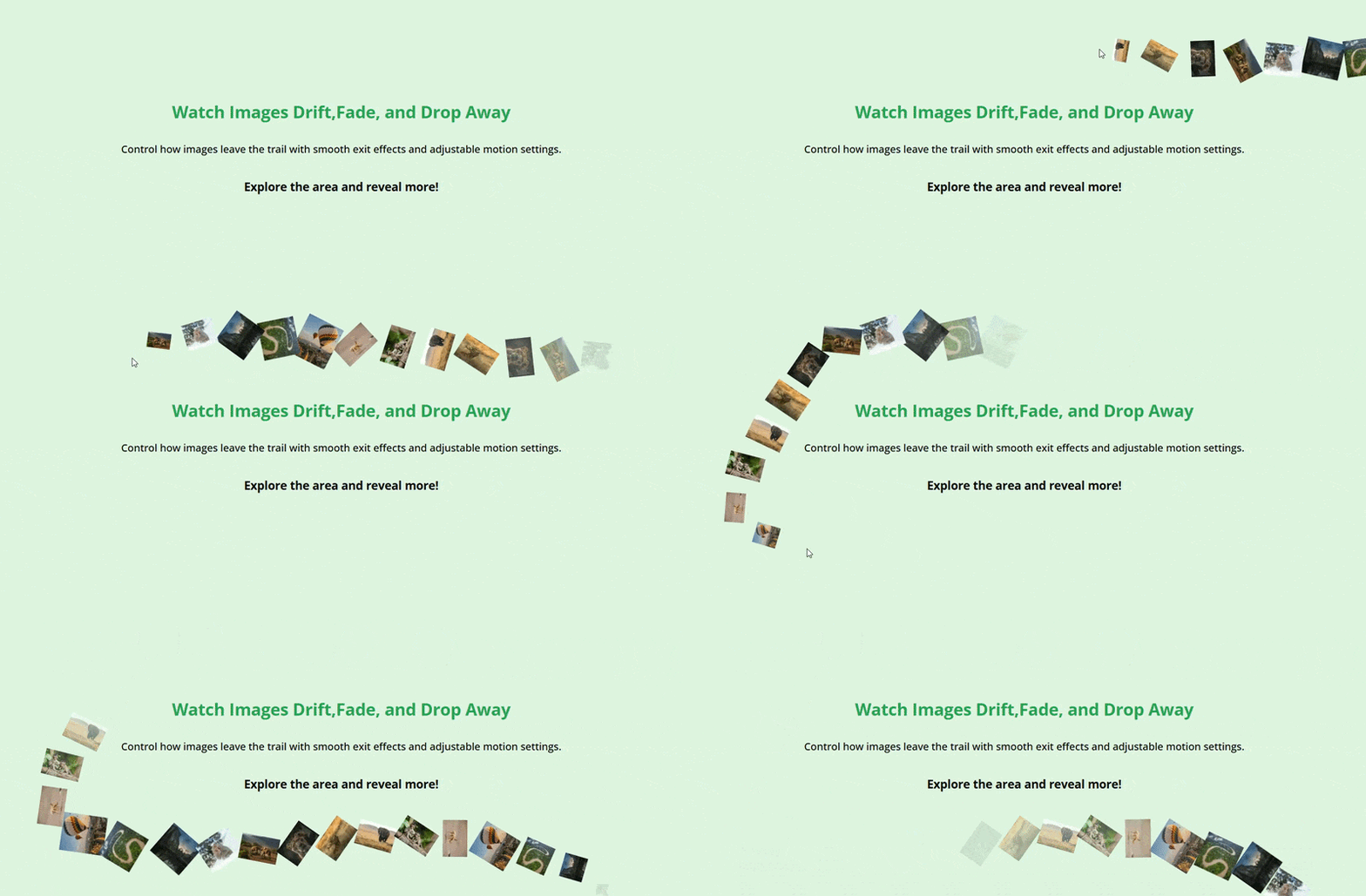
Switch on Image Trail on any Section, Row or Column and a series of images follows the cursor across that area, the effect creative studios use on hero sections. Set the order, size and how each image arrives and leaves; it stays off on phones by default.
Cursor Hover Effect for every module
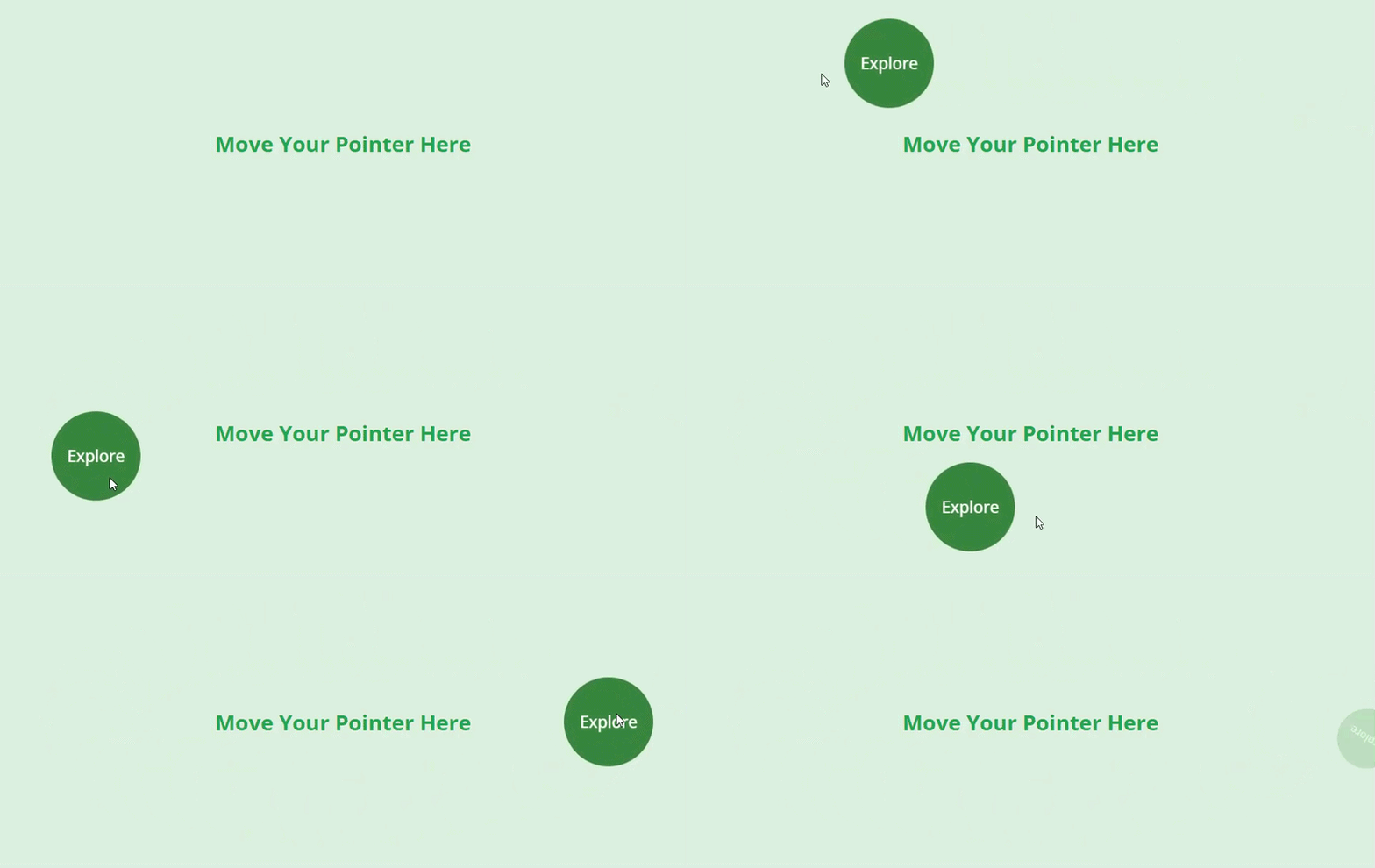
Cursor Hover Effect replaces the pointer with a designed cursor over any Divi module, Section, Row or Column. It can carry text such as View or Drag, an icon, an image or a shape, and follows the pointer with smoothing, magnetic pull and stretch.
Motion Animations for every section, row, column and module
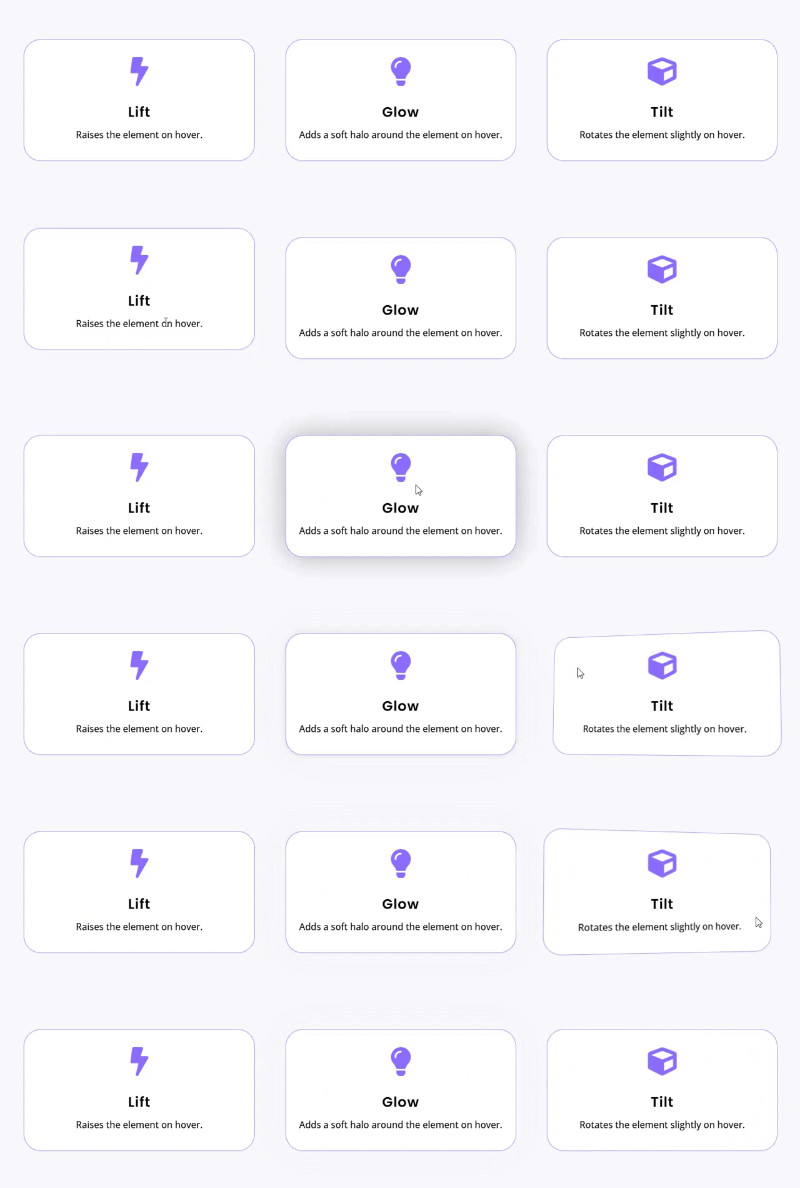
Motion Animations adds 34 motion presets to the Advanced tab of any Divi Section, Row, Column or module: 15 entrances such as Rise Up, Curtain Reveal and 3D Drop, 6 loops such as Float and Pulse, 7 hover effects including Lift, Glow and Tilt, and 6 scroll effects that follow the scrollbar. Sections, rows and columns can play an entrance on each child in turn. Entrance, loop and scroll presets are off on phones by default.
Who it is for
- Agencies and freelancers building client sites that need to look custom-built
- Portfolios and creative studios: hover lists, image trails and a View cursor
- Product and feature pages that walk through steps on scroll
- Listing and directory sites such as real estate and travel
Specs
- Native Divi 5 modules with live preview in the Visual Builder; the two extensions add settings to Divi’s own elements
- Requires Divi 5, with the Divi theme or the Divi Builder plugin
- Built on GSAP 3.15, with ScrollTrigger, SplitText, ScrambleText, DrawSVG, MorphSVG, MotionPath, Draggable and Inertia, served from your own site with no CDN
- Loads only on pages that use it
- Per-device switches, with touch behavior for the pointer effects
- A settings page (Divi Extended → Divi Motion Extended) to switch off modules you don’t use and choose where each extension appears
FAQs
Which Divi versions does Divi Motion Extended support?
Do I need to code or install an animation library?
Will the animations slow my site down?
The plugin only loads its scripts and styles on pages that use them, and the animation engine is served from your own server rather than a CDN. Individual effects also carry their own guardrails – Scroll Stack Cards, for example, notes in its own settings that heavy blur on long card lists can tax older devices, so the costly options are opt-in rather than defaults. Modules you don’t use can be switched off on the plugin’s settings page, and each extension can be limited to sections, rows, columns or modules.
What happens on phones and tablets?
Can I add effects to Divi's own modules, or only to the new ones?
Can I use Motion Animations together with Divi's own animation settings?
Can I control exactly when an animation plays?
Can I animate my own SVG files?
Do the effects respect visitors who prefer reduced motion?
Is animated text still readable by search engines?
Give your site built with Divi a reason to be remembered
Ten interaction modules, three extensions for the modules you already use, and every setting inside the Divi Builder. Nothing else on the Divi Marketplace does what Divi Motion Extended does.
Reviews