
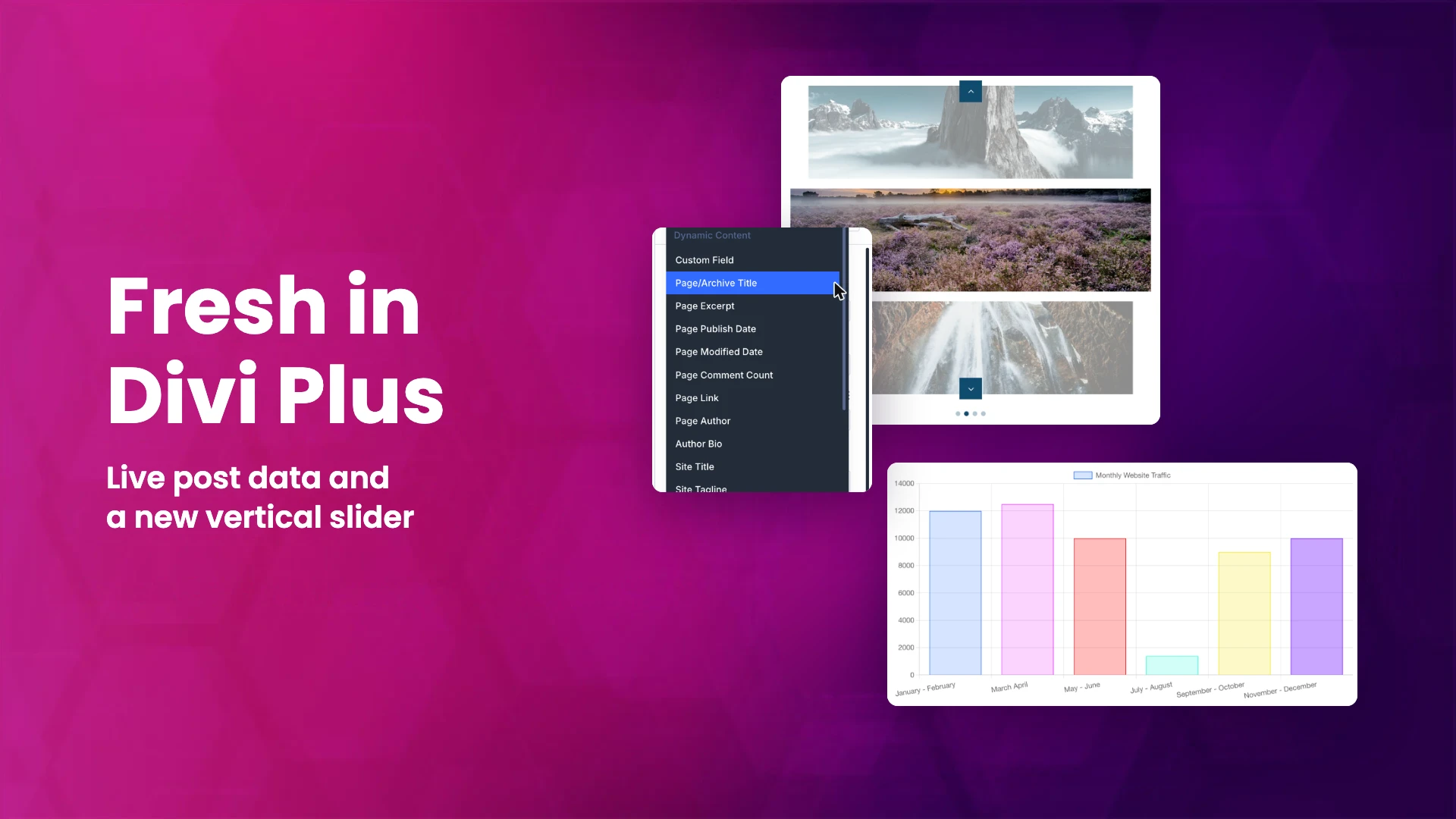
Divi Plus has shipped three feature updates since our last roundup: 2.3.0 in August, 2.4.0 in September and 2.5.0 in October, plus a security release (2.4.1) in between. Rather than four separate posts, this is everything in one place. If you build with Divi 5, the two changes you will notice first are dynamic content in Divi Plus modules and modules that arrive pre-filled instead of empty.
Dynamic content in Divi Plus modules (2.5.0)
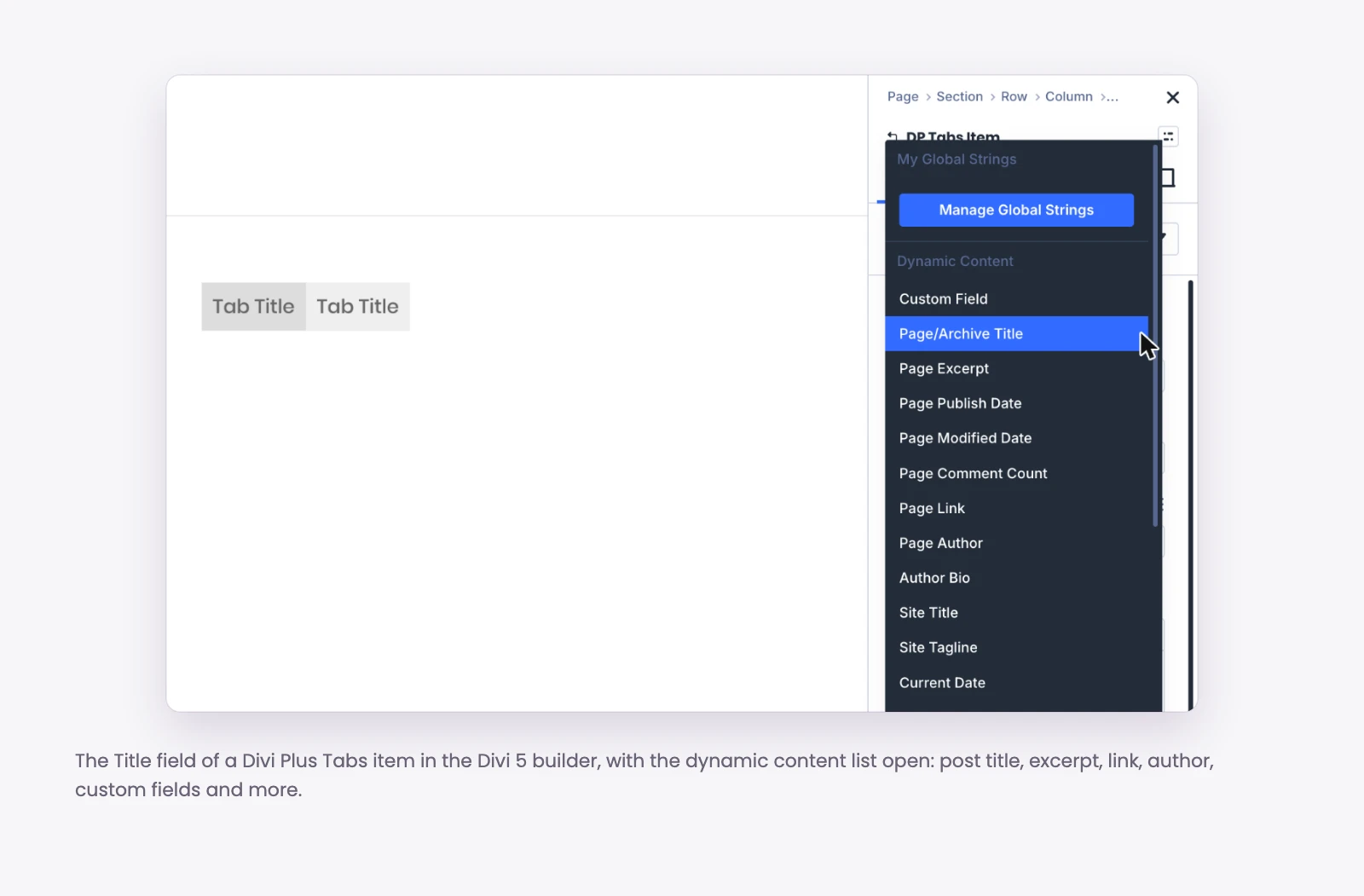
Divi 5 lets a module field pull its value from the page it sits on: the post title, the post link, the featured image, a custom field, and so on. With 2.5.0, Divi Plus modules support this in their content fields, including titles, descriptions, button text, links and images.
This matters most in the Theme Builder. Say you build a single post template with a Divi Plus Flip Box or Image Card at the top. Before, its title and image were fixed text you typed once, so every post showed the same thing. Now you point the title at the post title and the image at the featured image, and the one template fills itself in correctly for every post on the site.
A few places where this is useful:
- Post and portfolio templates: show the current post’s title, featured image and link inside a Divi Plus card or hover effect.
- Custom fields: if you store a price, a location or a date in a custom field, pull it into a module instead of retyping it per page.
- Buttons: point a Divi Plus button at the current post’s link so the same layout works everywhere.
New modules no longer start empty (2.5.0)
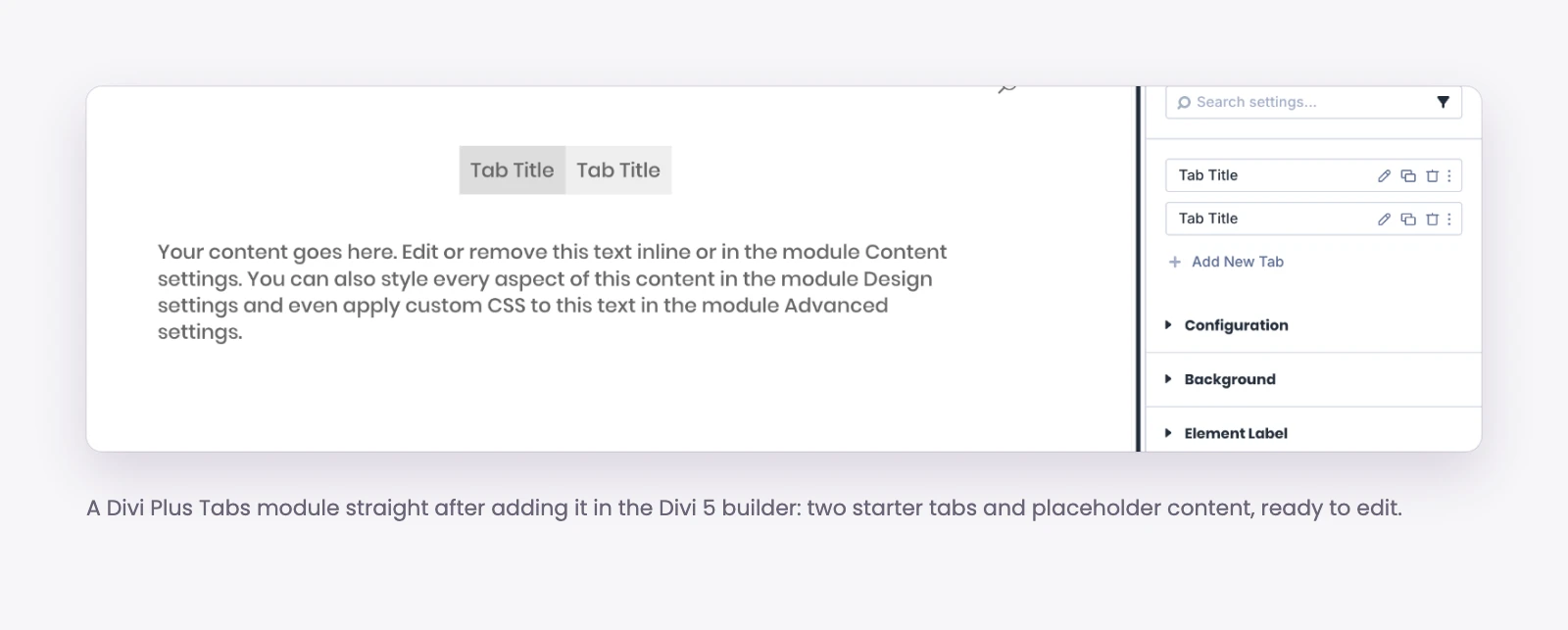
When you add a Divi Plus module in the Divi 5 builder, it now opens with placeholder content, so you see the module working before you change a single setting. This applies to 23 modules, including Advanced Tooltip, Before After Slider, Coupon, Flip Box, Lottie, Modal, Promotion Bar, Star Rating, SVG Animator, Text Animator, Tilt Image and Video Mask.
Parent modules, the ones that hold a list of items, now come with starter items. That covers 28 modules, among them Accordion Slider, Advanced Table, Bar Chart, Business Hours, FAQ Page Schema, Hero Slider, Hotspot, Image Accordion, Logo Slider, Pie Chart, Price List, Tabs, Timeline and Vertical Image Slider. Drop in a Tabs module and you get tabs you can click through and edit, not an empty box asking you to add the first item.
It is a small change on paper, but it makes trying a module you have never used much faster: you see what it does, then replace the sample content with your own.
New module: Vertical Image Slider (2.3.0)
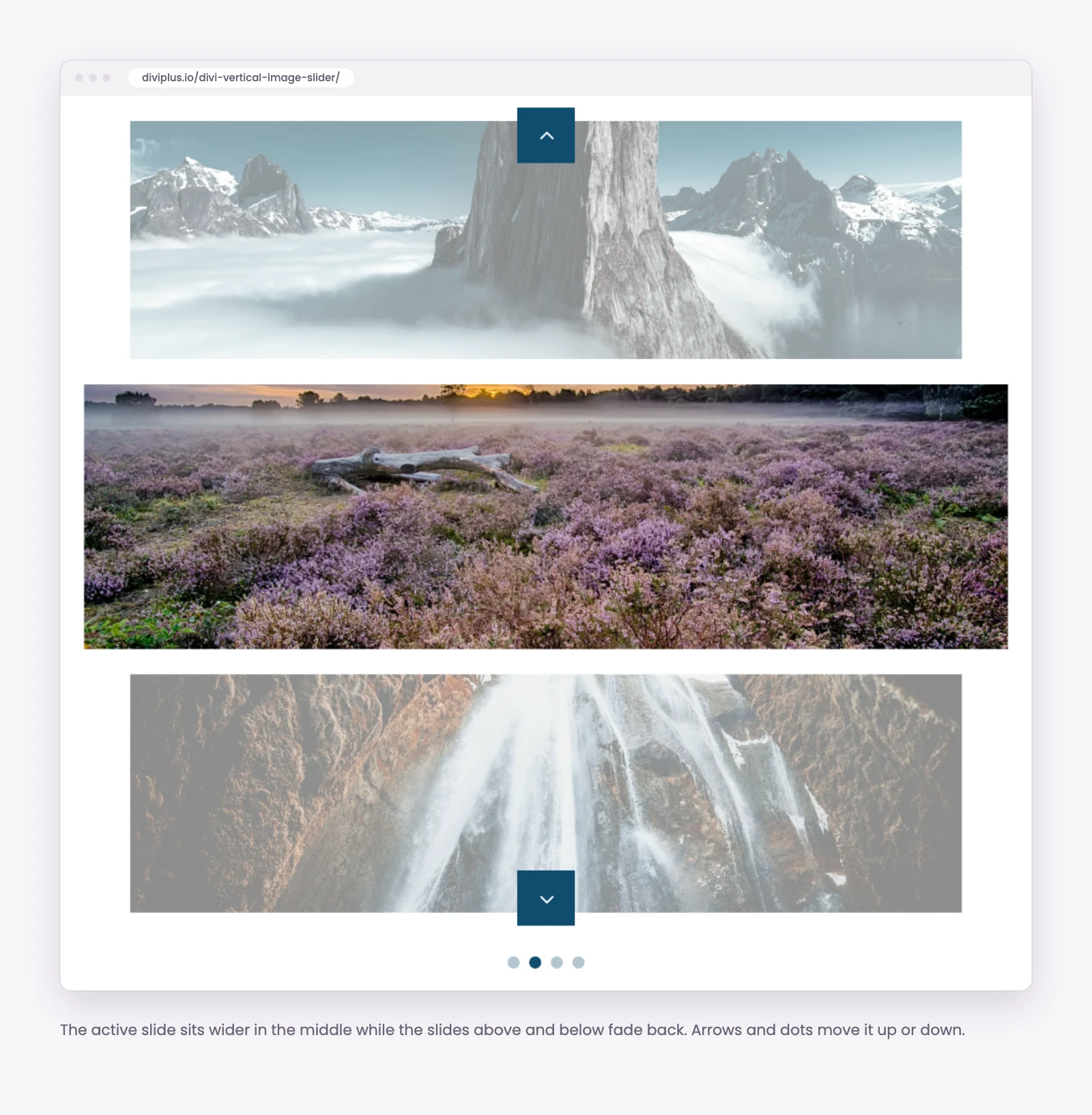
The Vertical Image Slider moves images up and down instead of left and right. It suits tall sections next to a block of text, product or portfolio showcases, and any layout where a horizontal slider would feel crowded. Like the other parent modules, it now comes with starter items when you add it, and image alt text falls back to the item title when you leave the alt empty (fixed in 2.5.0).
New controls on modules you already use
Most of what changed in 2.3.0 and 2.4.0 is new settings on existing modules. Grouped by what you would use them for:
Charts
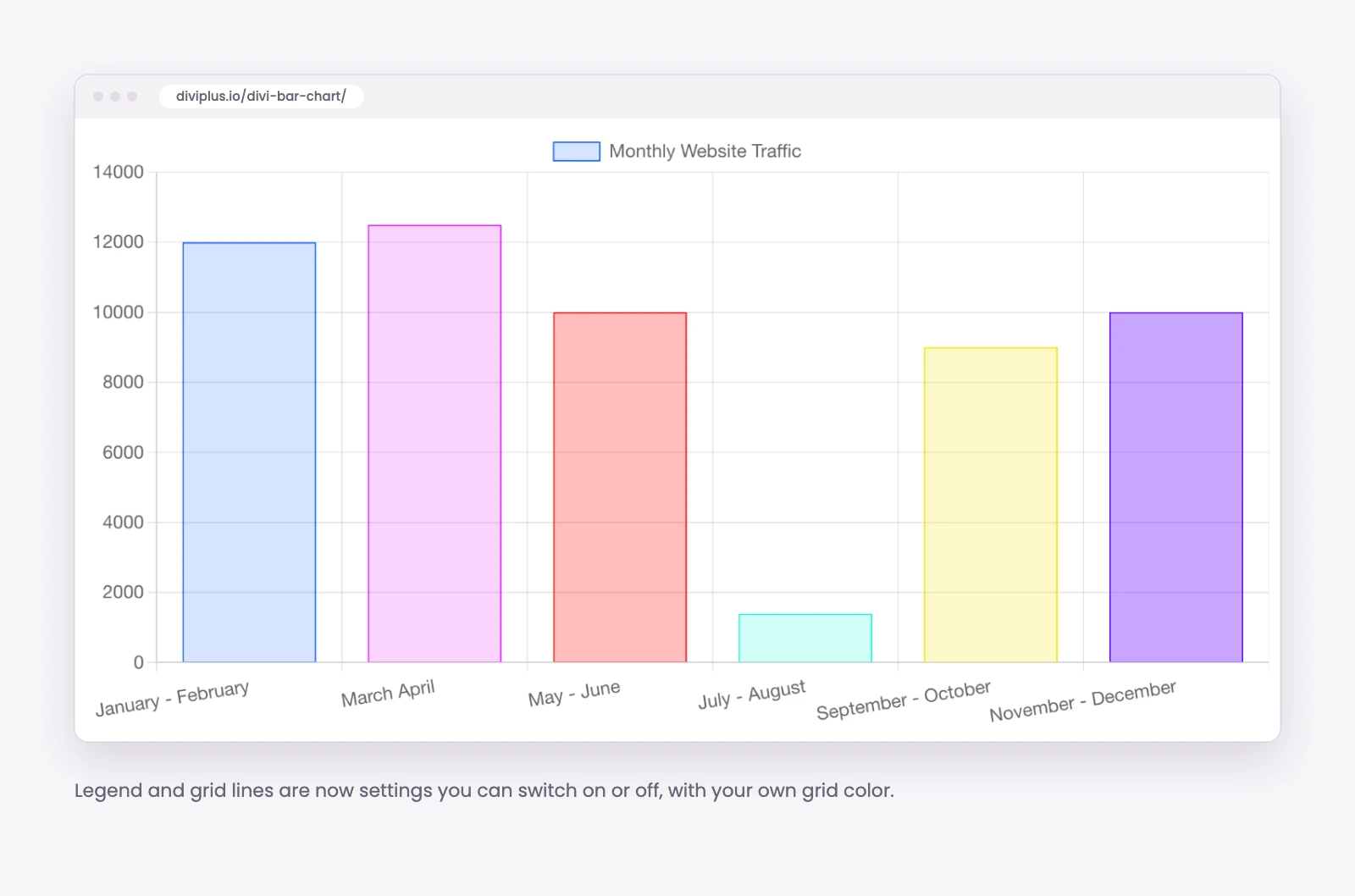
- Bar Chart and Pie Chart: show or hide the legend, and add a prefix or suffix to values (for example “$” before or “%” after).
- Bar Chart: show or hide the grid and set your own grid color.
Testimonials
- Testimonial Grid and Testimonial Slider: an Include IDs option to show only the testimonials you pick, and an option to show the testimonial or post date.
- Testimonial Slider: a vertical slider option with a new layout. Set Direction to Vertical in the slider settings; the option shows when the slide effect is Slide.
- Admin: the testimonial list in the WordPress admin now shows author names and post IDs, which makes picking IDs for Include IDs much easier.
Video, text and effects
- Video Mask: a poster image, custom play and pause icons, and autoplay.
- Text Hover Effects: a new Smoke effect.
- Unfold extension: a shrink option, so visitors can collapse the content again after expanding it.
Scrolling sections
- Horizontal Scrolling Card, Posts and Portfolio: a title and description you can show at the top of the section.
- Scrolling SVG: a scroll distance control that sets how fast the drawing animates as you scroll.
- Scroll Stack Cards: a control for how quickly the next card appears.
- Image Card Ticker: pause the ticker when a visitor hovers over it.
Cards, coupons, blog and WooCommerce
- Coupon: a copy button, so visitors copy the code with one click.
- Image Card: border and spacing controls for the icon.
- Blog: border controls for categories.
- Advanced Table: text alignment settings for centered text.
- Woo Products Categories: a Theme Builder control to show the subcategories of the category page the visitor is on.
Faster settings and lazy loading you control (2.4.0)
Category fields in module settings now load faster, and the old limit of 100 categories is gone, which helps on stores and blogs with large category lists. Modules that lazy load images by default now have a toggle to turn it off, useful for images above the fold that you want to load straight away.
Fixes in the Divi 5 builder
Most fixes in 2.5.0 are in the Divi 5 builder, where several modules did not preview the way they behave on the live page. Among them:
- Flip Box, Tilt Image, Lottie and SVG Animator: the flip, tilt and animations now work in the builder, and Tilt Image’s Max Glare setting has an effect again.
- Tabs: tab content shows in the builder and you can switch between tabs.
- Coupon, Promotion Bar and Timeline: opening the settings no longer saves today’s date on its own, so a coupon no longer shows as expired just because you looked at it.
- Horizontal Scrolling Card, Posts and Portfolio: the first and last items can be scrolled fully into view near the top or bottom of the page, and cards can be scrolled sideways in the builder so each one can be edited.
- Star Rating: no more half star when no rating is set.
- Bar Chart and Pie Chart: labels with characters like “&” display correctly.
- Testimonial Slider and Grid: quote icons show on Divi 5.
The 2.4.0 and 2.4.1 updates fixed Media Library bulk editing, the Team Grid order with filters and pagination, Woo Product Gallery images in the Theme Builder, a popup that could render endlessly, and column CSS that did not apply in some locales.
Security
Versions 2.4.0, 2.4.1 and 2.5.0 also include security hardening, including extra file validation and permission checks. If you are on an older version, we recommend updating.
How to update
- From your WordPress dashboard: with an active license, the update shows under Plugins like any other plugin.
- From your Divi Extended account: download the latest version and upload it.
- From the Elegant Themes Marketplace: if you bought Divi Plus there, update it from the marketplace.
Take a backup first and clear your caches afterwards, so the new scripts and styles load.
FAQ
Do I need Divi 5 for these features?
Dynamic content, placeholder content and starter items are Divi 5 builder features. The Vertical Image Slider is a Divi 5 module. Several fixes and controls apply to existing modules.
Will updating change my existing pages?
No. Placeholder content and starter items only appear when you add a new module. Existing modules keep their content.
Which version do I need for dynamic content?
Divi Plus 2.5.0 or later.
Is there a 2.6.0?
Yes, it is in review now and we will cover it separately once it is out.
If you are not using Divi Plus yet, see everything it adds to Divi on the Divi Plus product page.


0 Comments