
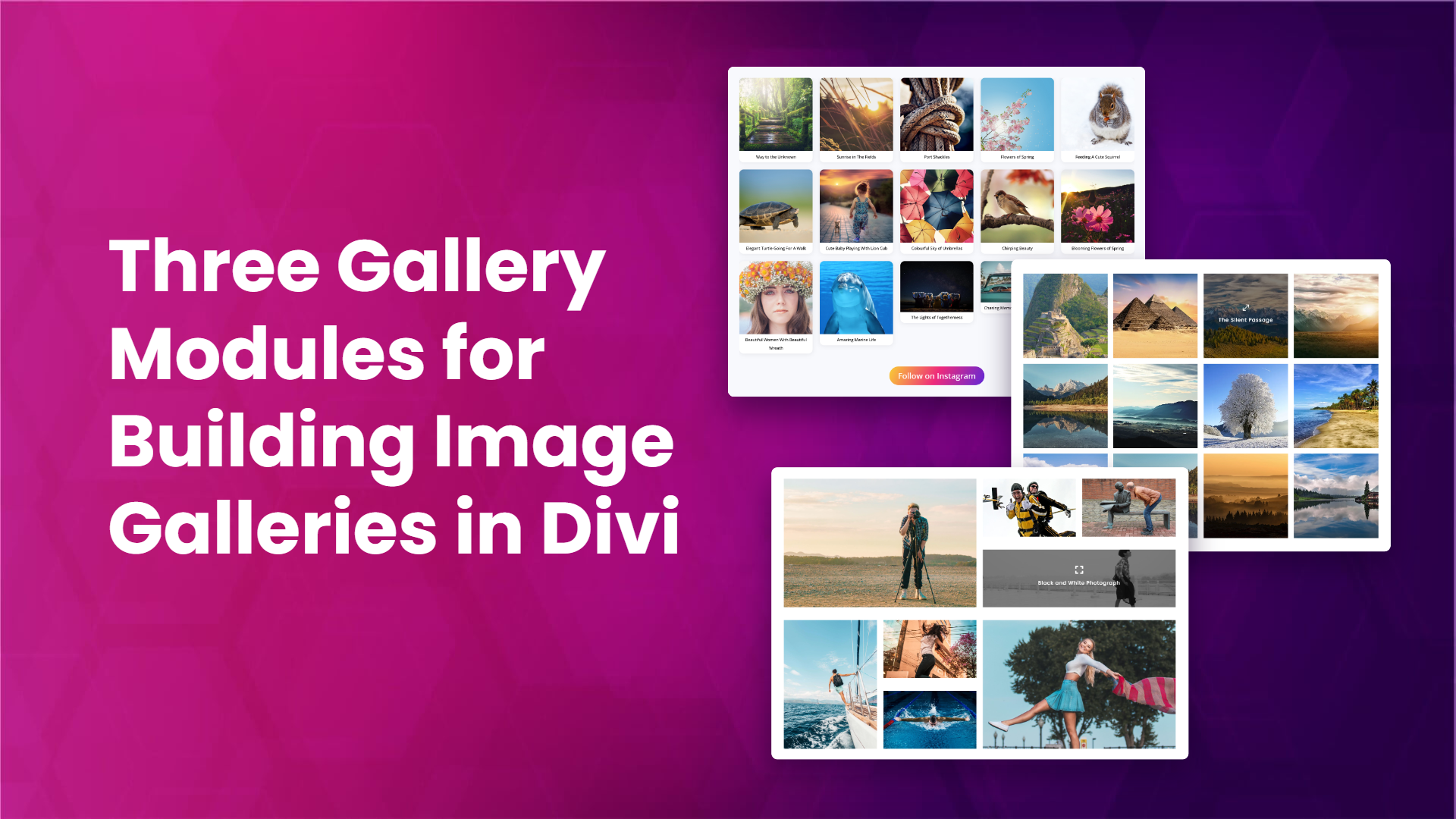
If you build with Divi, image galleries come up on almost every project: a portfolio, a product showcase, an Instagram feed on the homepage. Divi Gallery Extended gives you a set of gallery modules for exactly this, and this post walks through three of them: the Instagram Feed Gallery, the Grid Gallery, and the Bento Gallery. By the end you will know what each one does, how they differ, and which one fits the page you are building.
All three are part of Divi Gallery Extended, so one plugin covers all of them.
Instagram Feed Gallery: your Instagram feed inside the Divi Builder
Most ways of getting an Instagram feed onto a WordPress site involve a separate feed plugin or a pasted embed code that ignores your site’s design. The Instagram Feed Gallery module skips both. It is a native Divi module, so you add it to a page like any other module and style it in the Visual Builder.
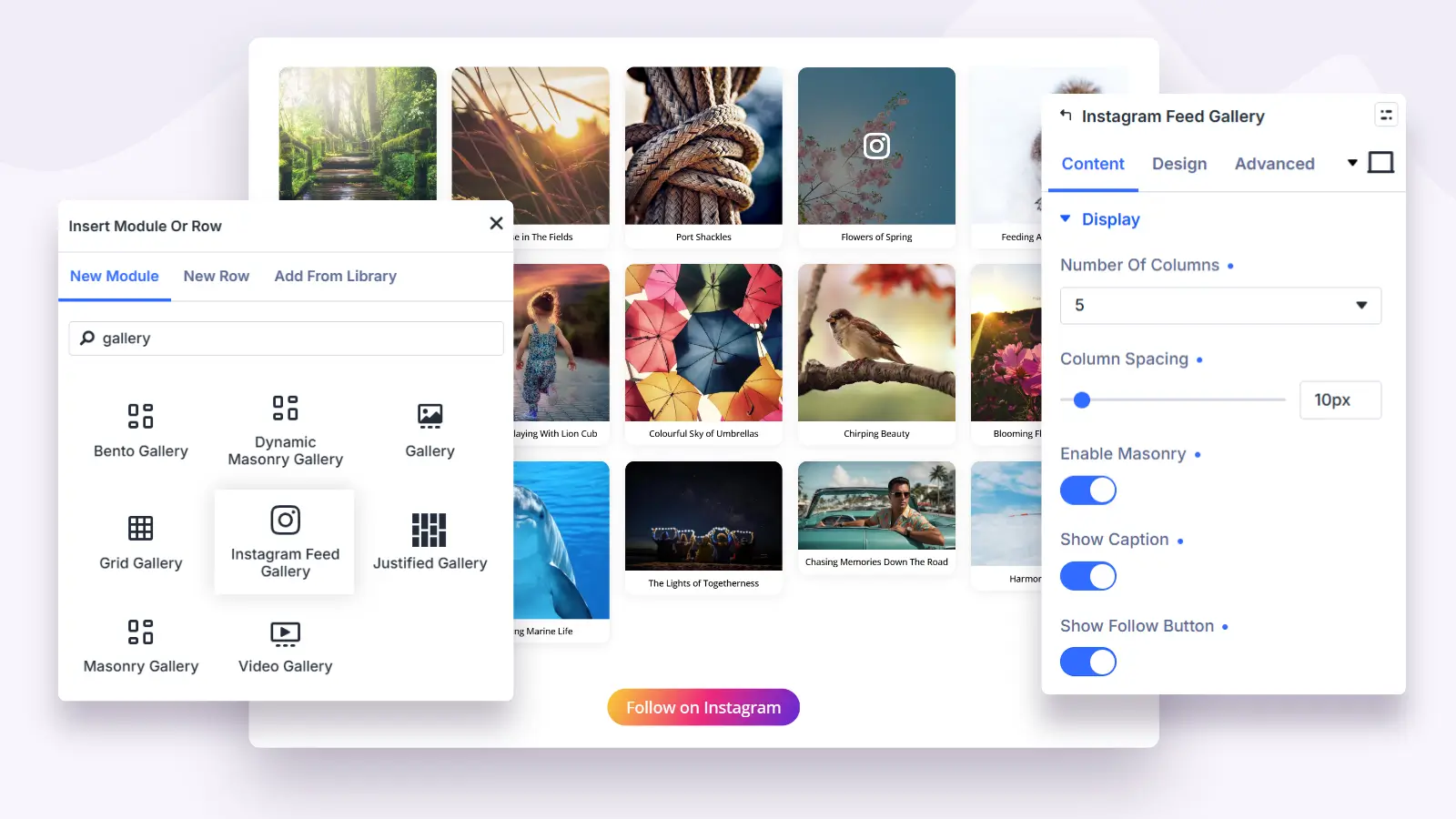
Connect your account with an access token and the module pulls in your recent posts. From there the settings let you shape the feed like a gallery:
- Set the number of posts to show.
- Choose the column count and the spacing between items, with responsive column counts per device.
- Turn on a masonry layout instead of fixed rows.
- Show captions, with their own font and spacing controls.
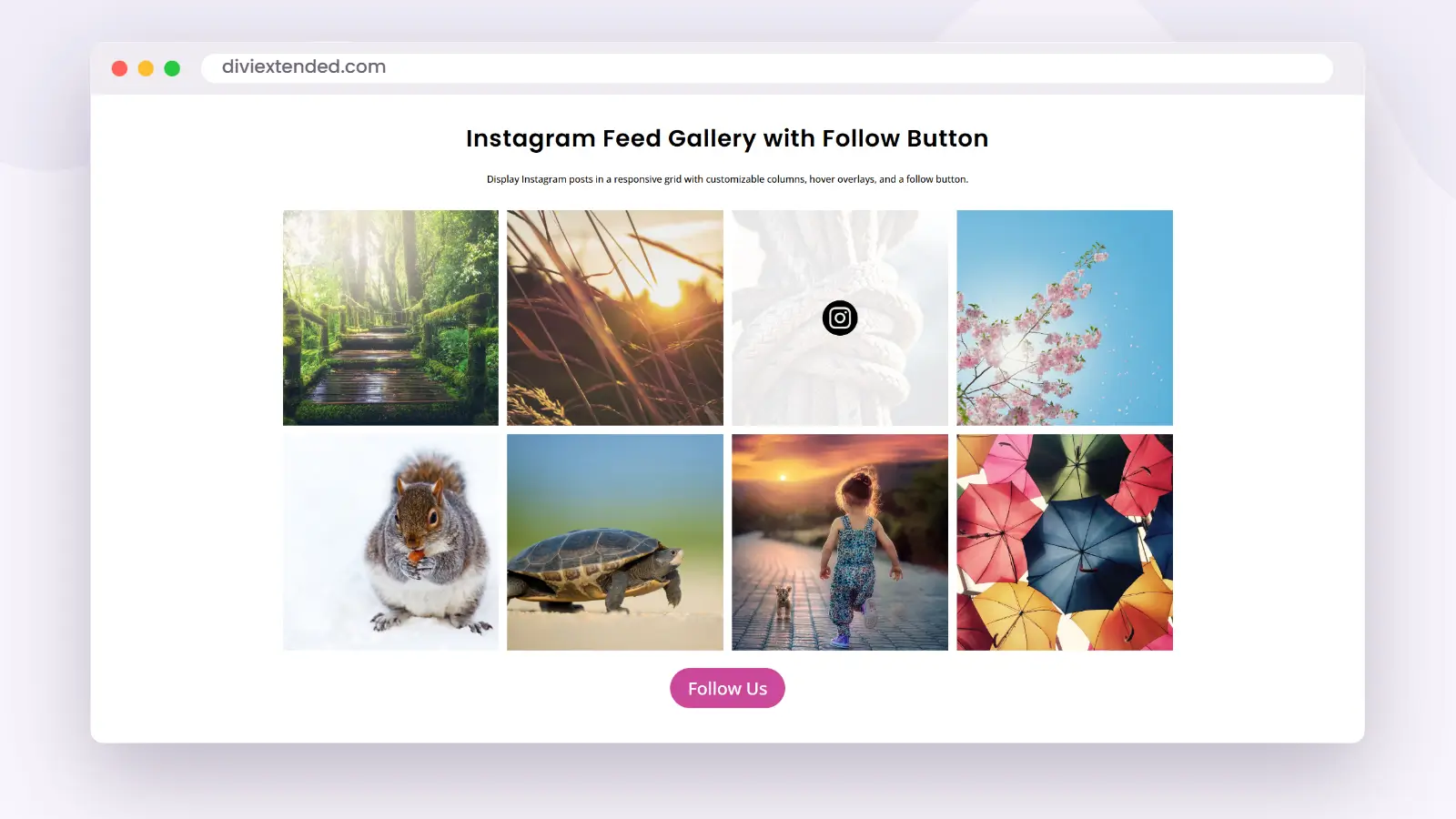
- Add a hover overlay with an icon, and link items to Instagram.
- Show a follow button with your own text and sizing.
- Style each item’s background, border, and shadow, and control media height.
The result is a feed that reads as part of the page, not a widget bolted onto it.
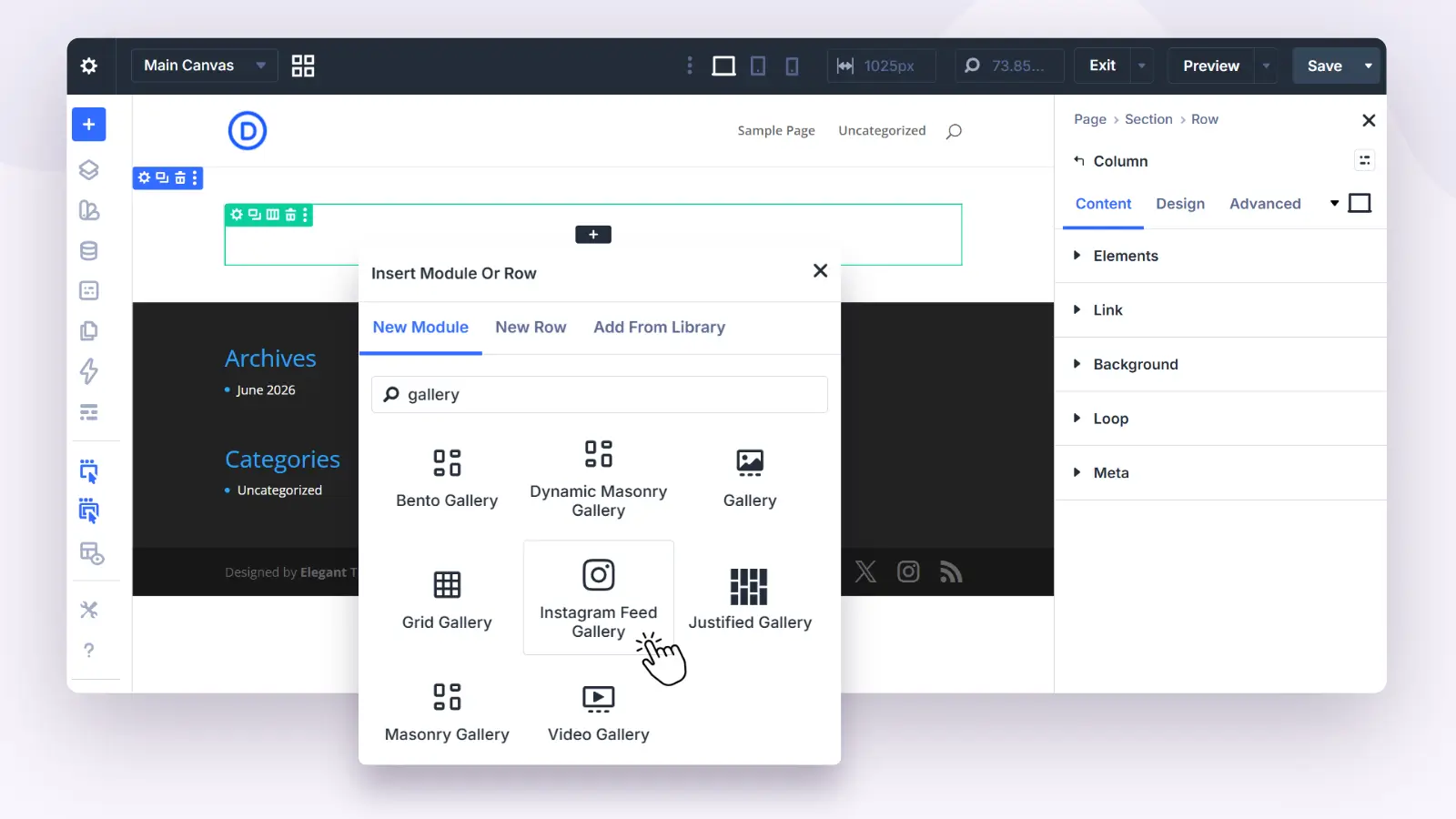
Adding it works the same as any Divi module. Open the page in the Divi Builder, add the module to the section where you want the feed, connect your account, and pick your layout settings. The feed is cached, so the page does not call Instagram on every load.
You can see it running on the Instagram Feed Gallery demo.
Grid Gallery: a uniform grid where every image gets equal weight
The Grid Gallery module, built for Divi 5, is for the classic case: a responsive image gallery where every tile is the same size. No image dominates, rows line up, and the gallery stays orderly at every screen width.
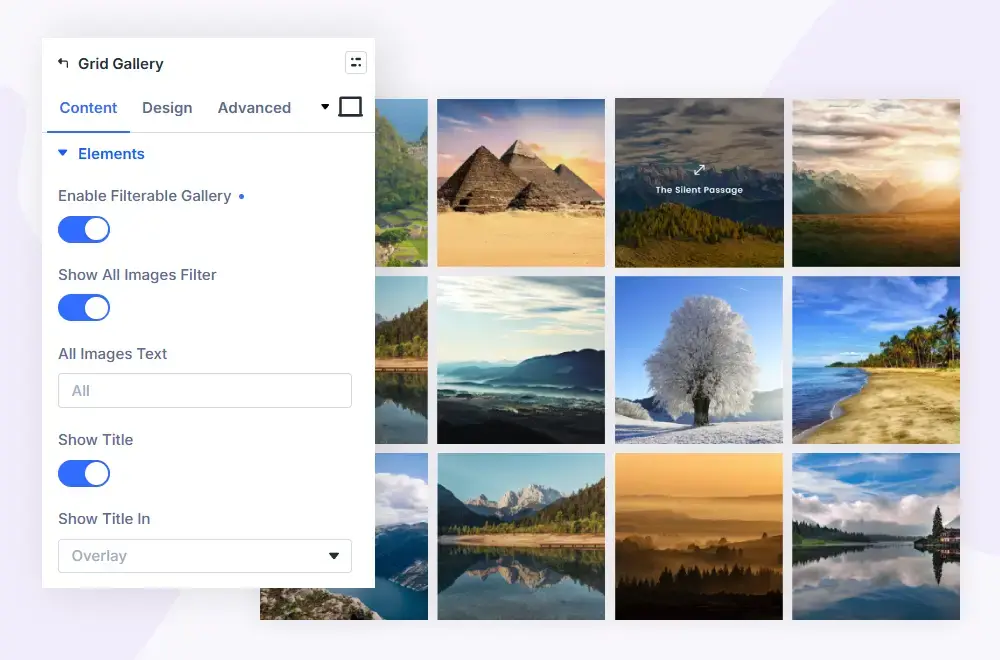
That equal-tile structure suits content where the images belong to one set: a product range, team photos, event coverage, a portfolio where consistency matters more than drama. You control the layout from the module settings and the grid adapts to phones and tablets on its own.
See it live on the Grid Gallery demo.
Bento Gallery: mixed-size tiles that let a few images lead
The Bento Gallery module, also built for Divi 5, takes the opposite approach. Instead of equal tiles, it lays images out in a bento-box pattern: a dynamic grid of mixed sizes where a few images run larger and lead the composition while the rest fill in around them.
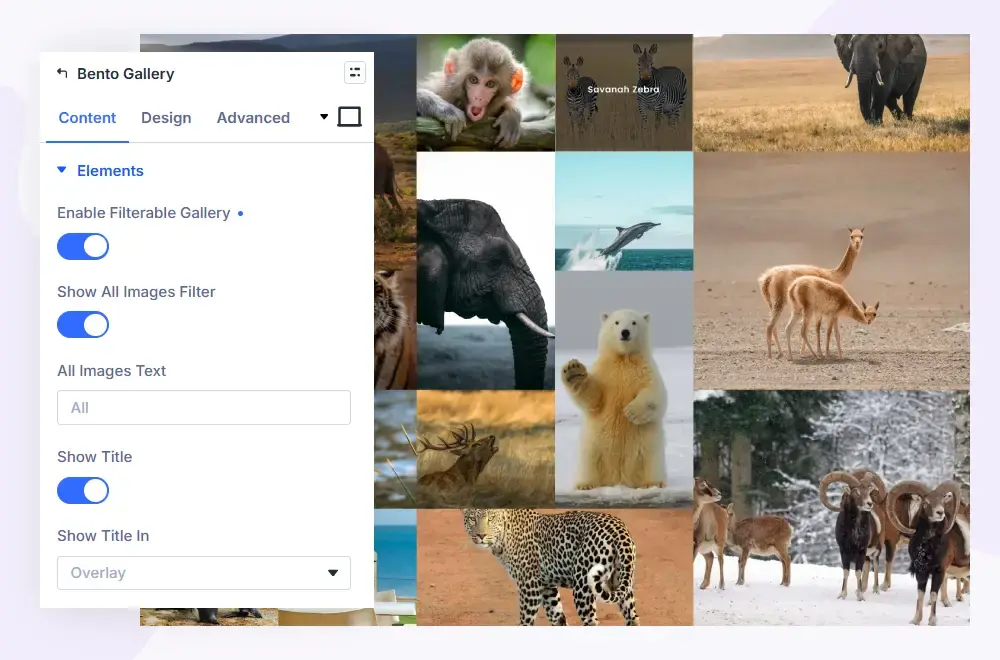
This is the layout for pages where hierarchy matters: a photography portfolio with hero shots, a case study page where two or three images carry the story, a landing page section that needs visual rhythm rather than a flat wall of thumbnails. You choose the images, and the module arranges them into the mixed-size pattern.
See it live on the Bento Gallery demo.
Grid or bento: how to choose
Both modules build image galleries for Divi 5, so the choice comes down to what the page needs.
| Question | Grid Gallery | Bento Gallery |
|---|---|---|
| How are tiles sized? | Every tile equal | Mixed sizes, a few images lead |
| What does it communicate? | The set as a whole | A hierarchy within the set |
| Best for | Product ranges, team pages, archives | Portfolios, case studies, feature sections |
| Layout feel | Orderly and predictable | Varied and editorial |
A short rule of thumb: if every image deserves the same attention, use the grid. If two or three images should pull the eye first, use bento. And if the gallery is your Instagram feed rather than a media library selection, that is the Instagram Feed Gallery’s job.
Who these modules help
- Freelancers and agencies building client sites in Divi. One plugin covers the feed section, the uniform gallery, and the editorial layout, without stacking single-purpose plugins.
- Photographers and creatives. Bento for the portfolio, grid for the archive, the Instagram module to keep the site current without re-uploading photos.
- Shops and local businesses. A grid for products or the team, and a live Instagram feed as social proof on the homepage.
- Anyone replacing an Instagram embed widget. The feed becomes a styled part of the page instead of a third-party box.
How to get the gallery modules
All three modules ship inside Divi Gallery Extended, alongside the plugin’s other gallery modules for masonry, justified, and video galleries. The plugin works with Divi 4 and Divi 5; the Grid Gallery and Bento Gallery modules are built for Divi 5.
Licensing is $29 per year or $99 lifetime. Get it on the Divi Gallery Extended product page, and browse the live demos for the Instagram Feed Gallery, the Grid Gallery, and the Bento Gallery before you buy.





0 Comments