
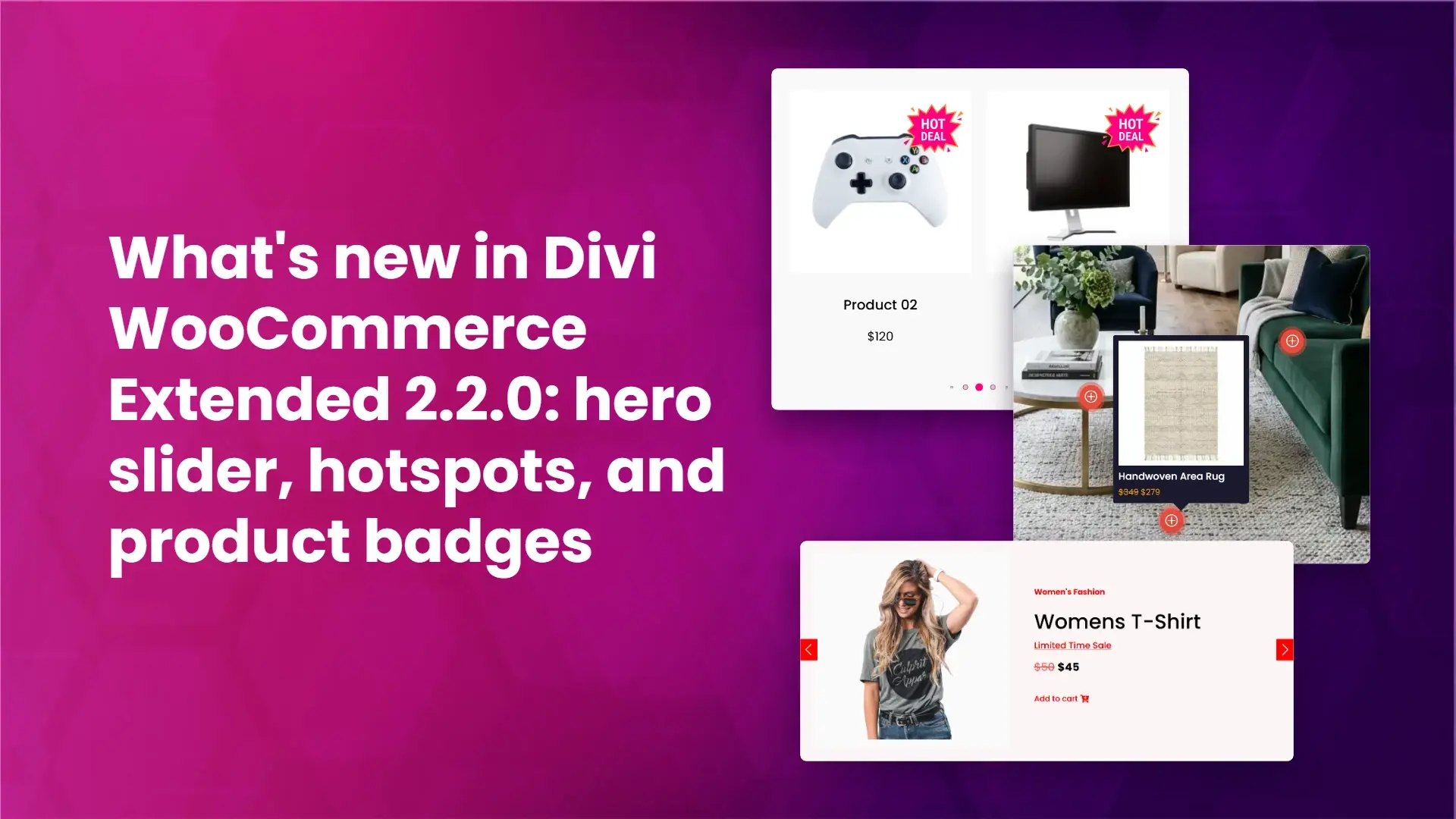
Divi WooCommerce Extended 2.2.0 is here. This update adds two new Divi 5 modules, a new Product Badges extension, and a round of fixes and controls across the Woo modules you already use. Below is a walk through of what changed, what each new feature does for a WooCommerce store, and how to update.
If you want the full feature list and pricing, see the Divi WooCommerce Extended product page.
Woo Products Hero Slider module (Divi 5)
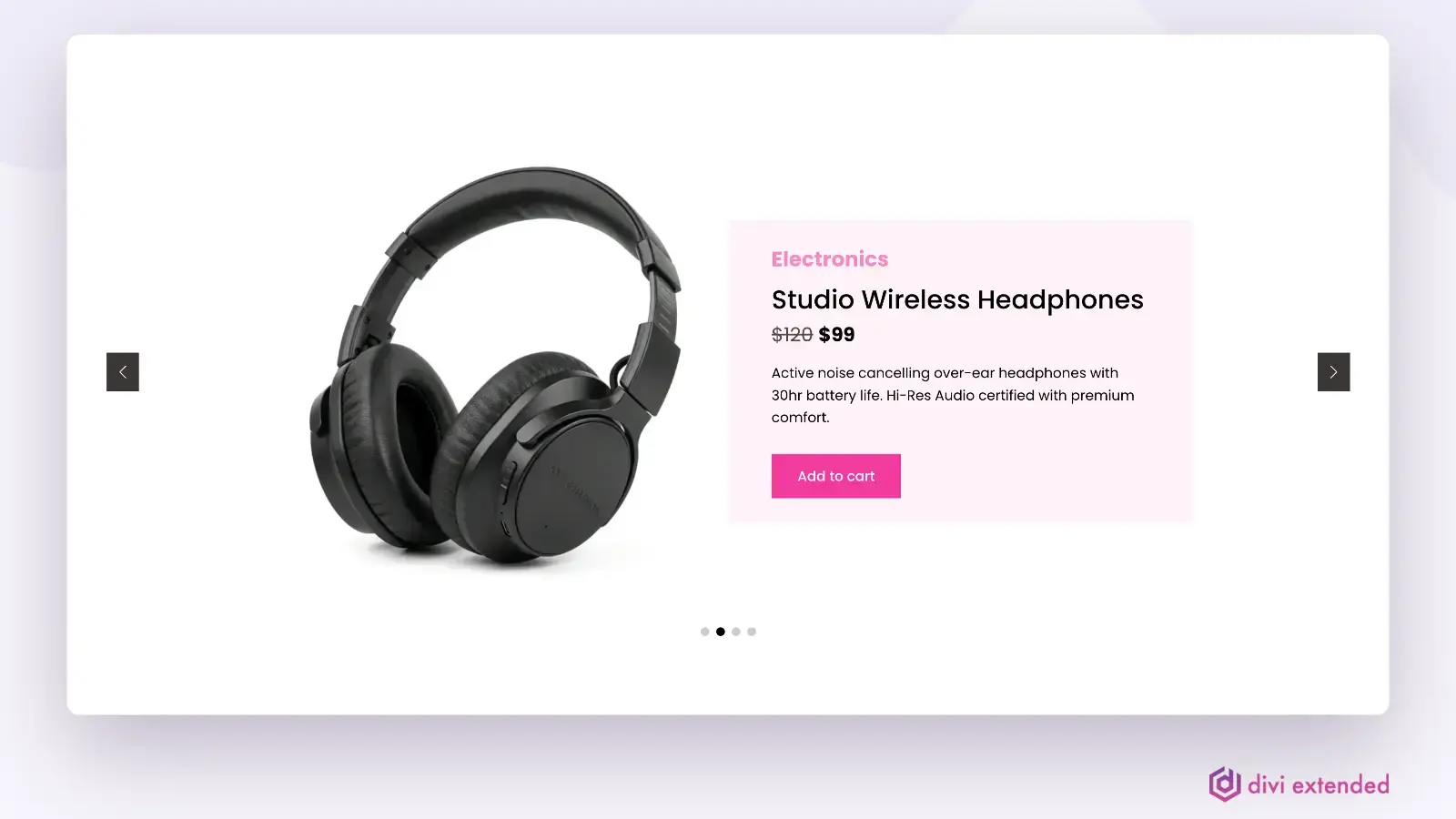
The Woo Products Hero Slider is a new Divi 5 module that turns your products into a rotating hero area. Instead of a static banner, you can pull in products and show each one as a slide with its image, title, price, and a link through to the product.
What it does for a store:
- Puts featured or new products front and center on the homepage or a landing page.
- Gives seasonal or promotional products a large, above-the-fold spot without hand-building a banner for each one.
- Keeps the slide content tied to your WooCommerce catalog, so the products shown stay current.
Use cases: a homepage hero that rotates through best sellers, a category landing page that highlights new arrivals, or a campaign page that features a short list of promoted products.
Woo Products Hotspot module (Divi 5)
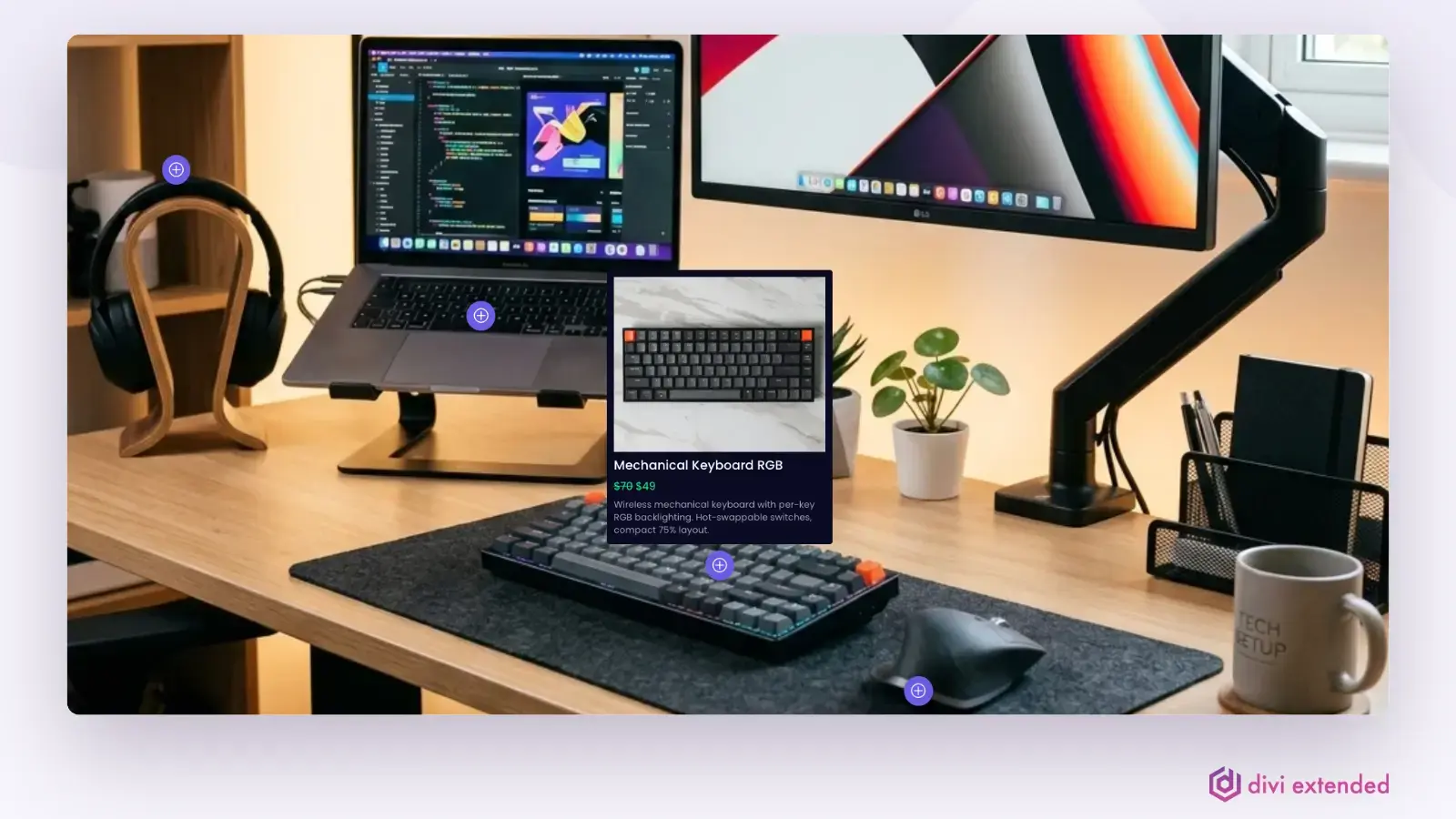
The Woo Products Hotspot is a new Divi 5 module that lets you place clickable markers on an image and tie each marker to a product. When a visitor clicks or hovers a marker, they see the linked product and can move through to buy it.
What it does for a store:
- Turns a lifestyle or scene photo into a shoppable image.
- Lets shoppers explore products in context rather than as a plain grid.
- Connects a single image to several products at once.
Use cases: a room shot in a furniture store with a marker on each item, an outfit photo in a fashion store with a marker per garment, or a kit or bundle image where each part links to its own product.
Product Badges extension
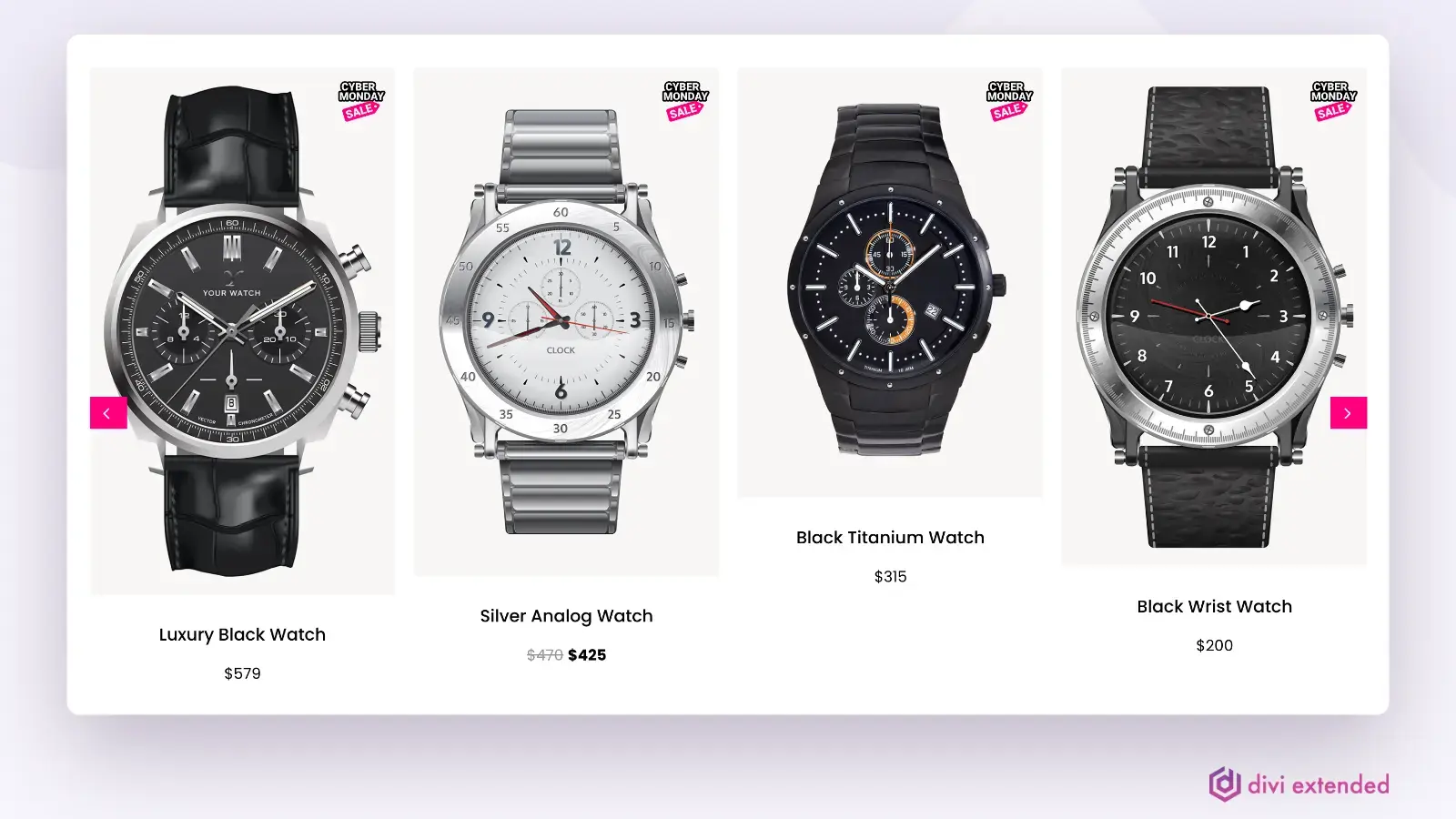
Product Badges is a new extension that adds badges to your products. Badges are the small labels that call out a product’s status or a promotion.
What it does for a store:
- Flags products with labels so shoppers can scan a listing quickly.
- Draws attention to sale items, new arrivals, or low or out of stock products.
- Applies across the product modules so your badges stay consistent.
Use cases: a “Sale” badge during a promotion, a “New” badge on recent additions, or a stock status badge to set expectations before checkout.
What changed:
Fixes and other improvements
Fixes in this release:
- Woo Products: taxonomy relations now behave correctly.
- Mini Cart: cart and checkout buttons are fixed.
- Mini Cart: background settings now apply in Theme Builder templates.
- A license-disconnect issue for Divi Extended users is resolved.
New controls and improvements:
- An updated settings panel.
- A show or hide title option for Woo Products Categories and Woo Products Carousel.
- An overlay icon and styling controls for Woo Products Grid and Woo Products Carousel.
- A cart text option for the Mini Cart.
How to update
If you licensed the plugin, you can update Divi WooCommerce Extended from your WordPress dashboard under Plugins once 2.2.0 shows as available. As with any update, back up your site first and test on staging if you can.
Ready to get the modules and extension? Visit the Divi WooCommerce Extended product page.


0 Comments