
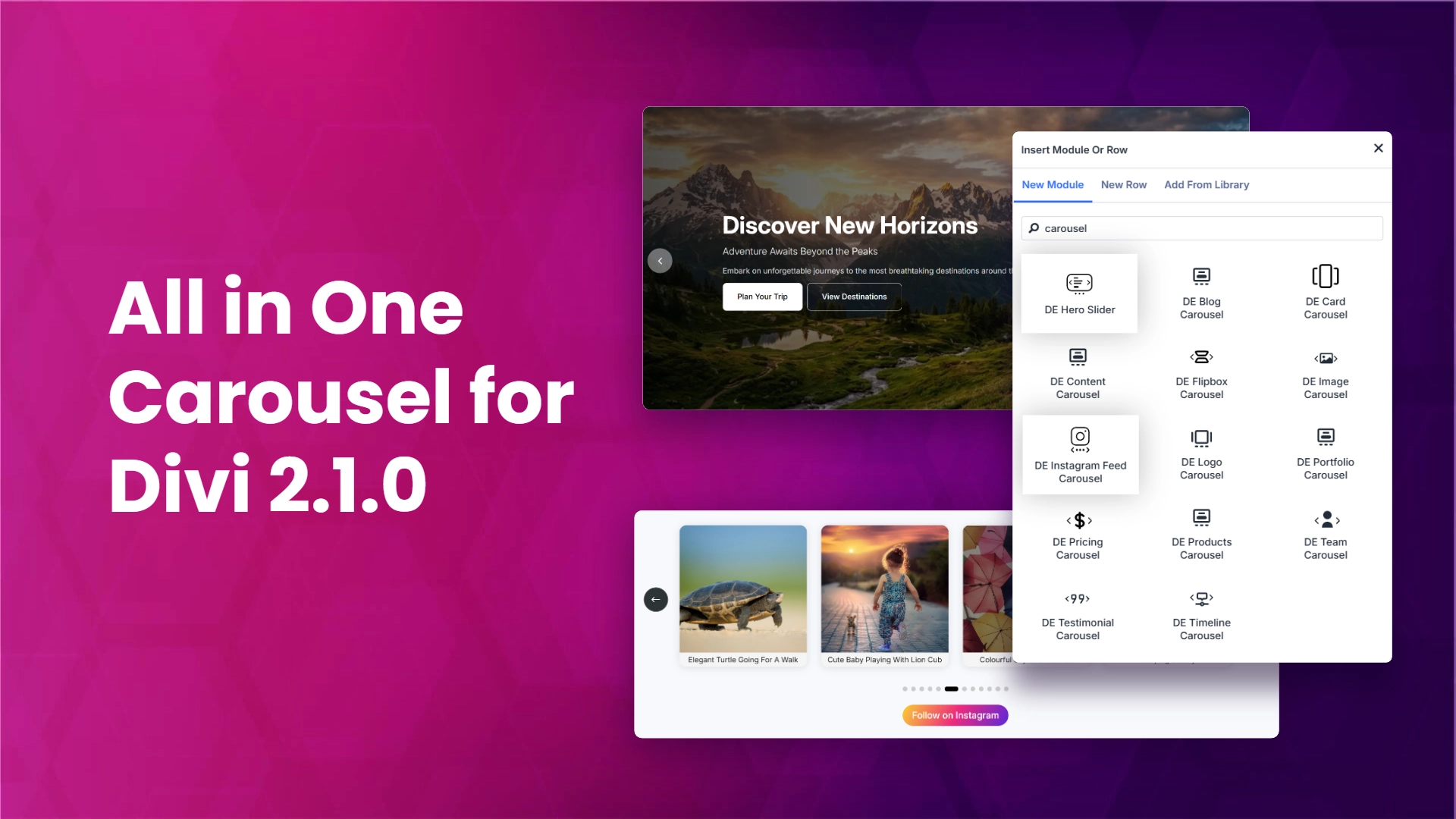
Version 2.1.0 of All in One Carousel for Divi is out, and it adds two brand new modules built for Divi 5, a new control for how the next slide peeks into view, wider support for the Divi builder plugin, and more flexible content formatting on the Team and Testimonial carousels. Here is what changed and how to put it to work.
What is new in 2.1.0
This release focuses on two things: giving Divi 5 users two new ways to build sliders, and refining controls that carousel builders asked for. If you run All in One Carousel on a Divi 5 site, the Hero Slider and Instagram Feed Slider modules are now available to you. On every supported version, you get a new half-slide control and improved content tags on select modules.
#1 Hero Slider module (Works with Divi 5 only)

The Hero Slider module gives you a full-width slider designed for the top of a page. Each slide can carry a background, a headline, supporting text, and a call to action, so you can rotate several hero messages in one block instead of stacking static sections.
Good use cases:
- A homepage that needs to feature more than one campaign or product at a time.
- A landing page that rotates through key benefits or offers.
- A seasonal banner area where the message changes often and you want one place to manage it.
Because the Hero Slider is a Divi 5 module, it is available only on sites running Divi 5.
#2 Instagram Feed Slider module (Works with Divi 5 only)
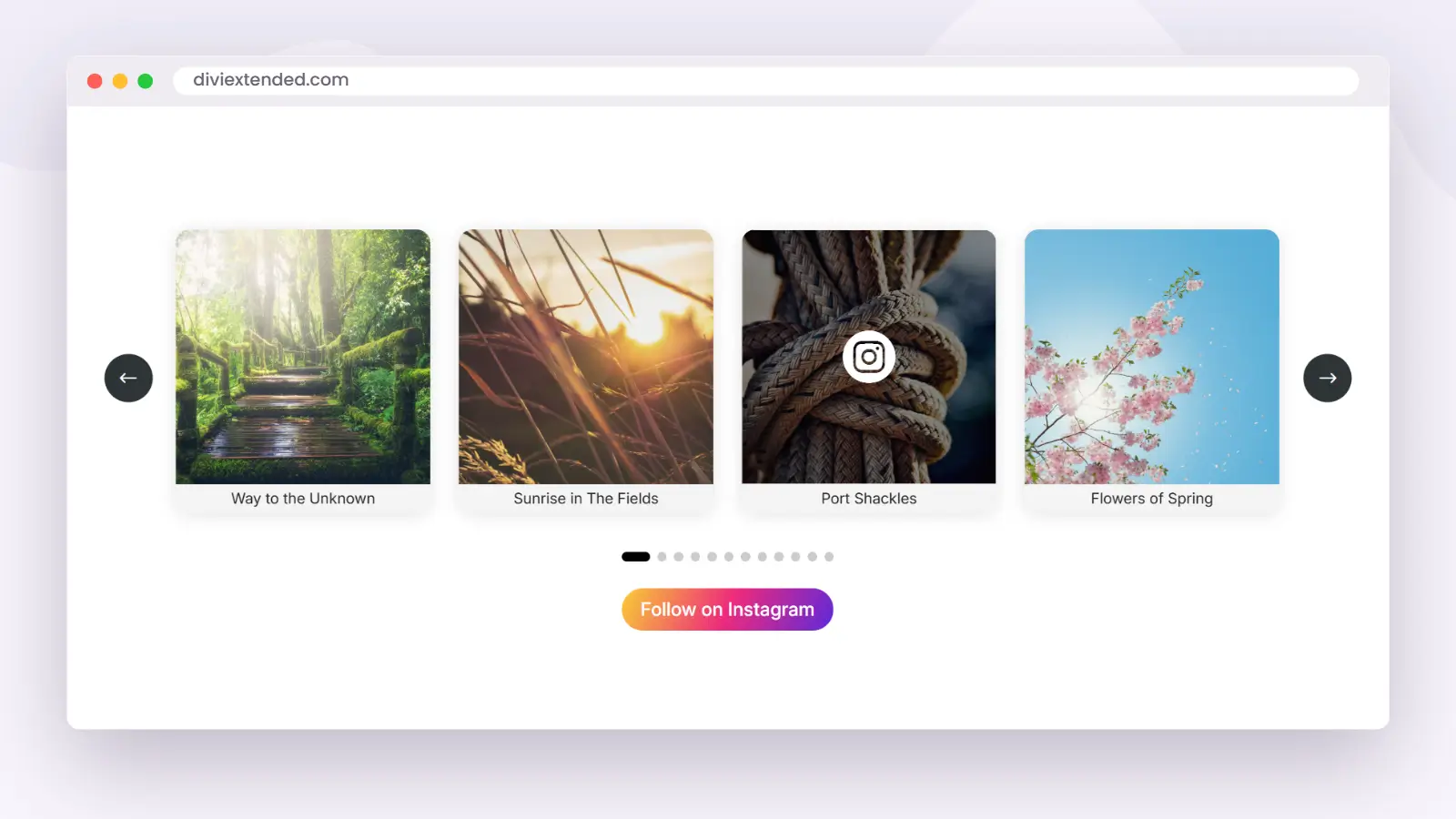
An Instagram feed slider keeps your latest posts on your own site, moving through them in a carousel instead of a static grid. It gives visitors a live look at what you share, and it gives your page a section that stays current without any manual updates. This guide shows how to add one to a Divi site with the Instagram Feed Slider module, where it works best, and the other slider modules that come with the same plugin.
The Instagram Feed Slider is a module in All in One Carousel for Divi, and it runs inside the Divi Builder on Divi 5. You place it like any other Divi module and style it with the design controls you already use.
What the Instagram Feed Slider module does
The Instagram Feed Slider module pulls your Instagram posts into a slider on your Divi page, so visitors see your latest images without leaving the site. Instead of a static grid, the feed moves through your posts in a carousel.
How to add an Instagram feed slider in Divi
At a high level, the steps are:
- Install and activate All in One Carousel for Divi on your site.
- Open the page you want to edit in the Divi Builder on Divi 5.
- Add a new module and choose Instagram Feed Slider from the list.
- Connect your Instagram account.
- Set the layout and styling with the Divi design controls, then save the page.
Once saved, the slider shows your live feed to every visitor on that page.
Where an Instagram feed slider works best
- Homepage social proof. A row of real posts near the foot of the page gives visitors one more reason to trust and follow you.
- Product and service pages. Recent posts act as lightweight social proof next to what you are selling.
- A footer or sidebar. A compact slider keeps the whole page feeling active without taking much space.
Because the module lives in the Divi Builder, you can adjust the columns, spacing, and surrounding content to fit each of these placements.
#3 A peek at the next slide
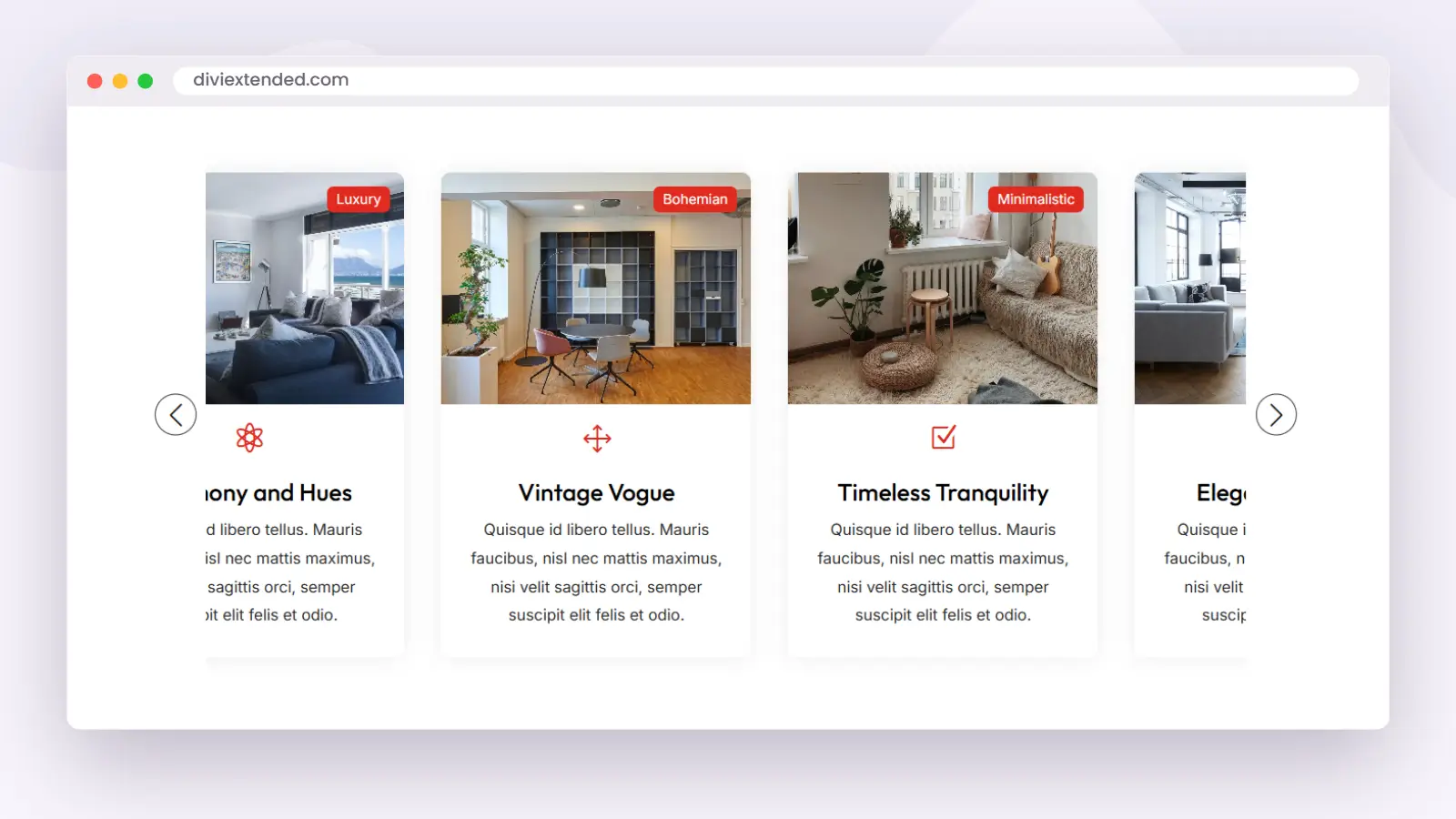
New in 2.1.0 is a control to show the last half slide on the Card Carousel, Content Carousel, and Image Carousel. When it is turned on, the next slide peeks in at the edge of the row. That partial slide tells visitors there is more to scroll, which can lift how many people move through the full set.
Turn it on when you want the carousel to signal that it continues past the visible slides. Leave it off when you prefer each view to sit flush inside the container.
More content tags on Team and Testimonial Carousel
The Team Carousel and Testimonial Carousel now support specific HTML tags in their content length, so the text you add keeps more of its formatting. If your team bios or testimonials include tags that were stripped or flattened before, they have more room to render as written.
Divi builder plugin support
2.1.0 adds support for the Divi builder plugin, so you can use All in One Carousel on sites that run the standalone Divi Builder rather than the full Divi theme.
How to update
- Back up your site before you run any plugin update.
- Go to your WordPress dashboard and open Plugins.
- Find All in One Carousel for Divi and update it to 2.1.0. If you use license-based updates, make sure your license is active so the update shows.
- If you are on Divi 5, open the builder and confirm the Hero Slider and Instagram Feed Slider modules appear in the module list.
Get All in One Carousel for Divi
Want these modules and controls on your site? Get All in One Carousel for Divi on the product page.


0 Comments