
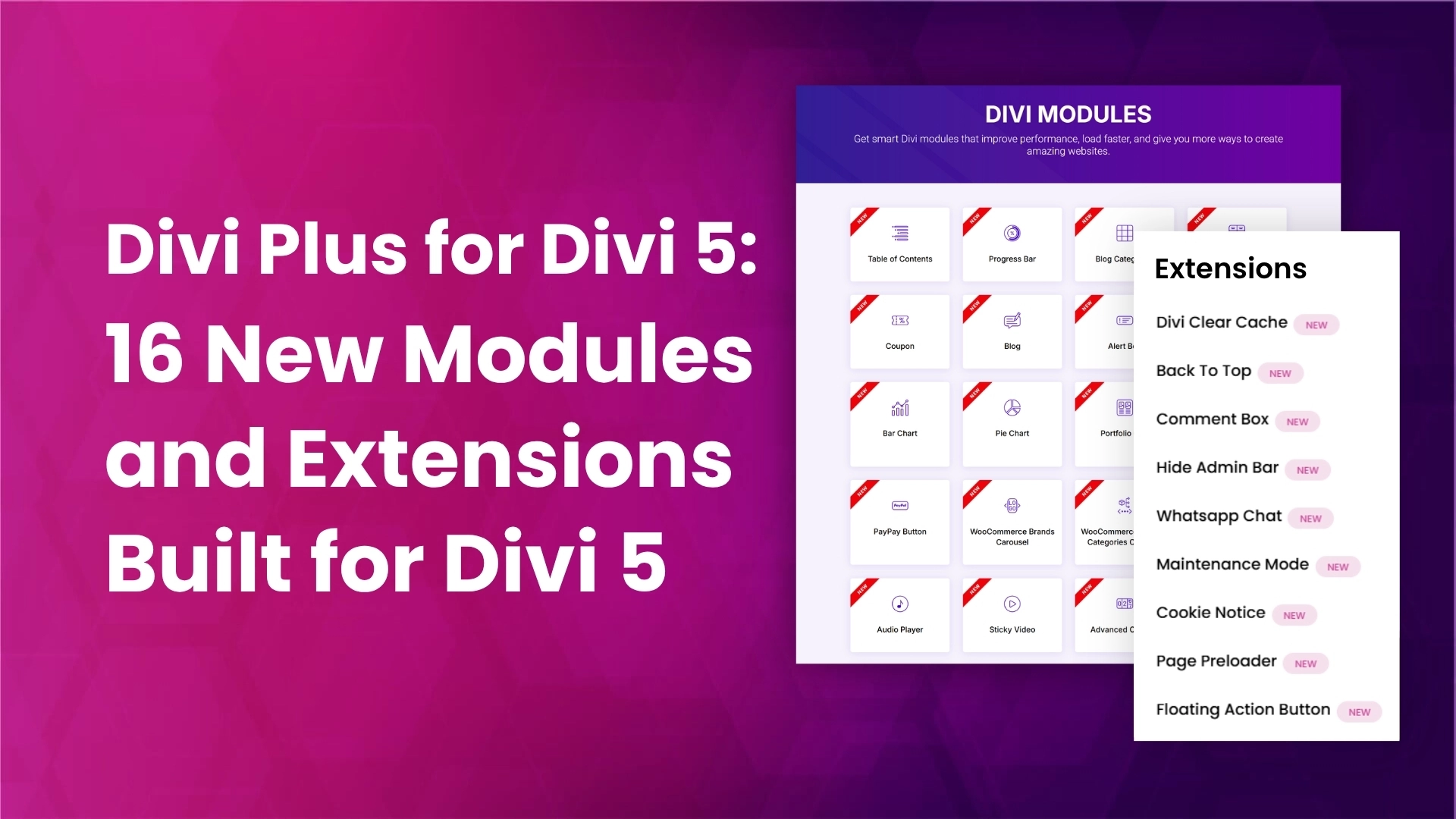
Divi 5 changes how the Divi builder works under the hood, and Divi Plus has been rebuilt to work with it. Across two updates, versions 2.1.0 and 2.2.0, Divi Plus added 7 new modules and 9 new extensions for Divi 5, along with improvements to 8 existing modules and a round of fixes. This post is the full picture in one place, so you know exactly what you now have and when to reach for each piece.
One distinction worth stating up front, because it decides where you look for these features. Modules are elements you add to a page inside the Divi builder, the same way you add any other Divi module. Extensions are site-wide features you turn on from the Divi Plus settings; they apply across your site without you placing anything on a page.
New modules
These seven modules are available in the Divi builder when you edit a page with Divi 5.
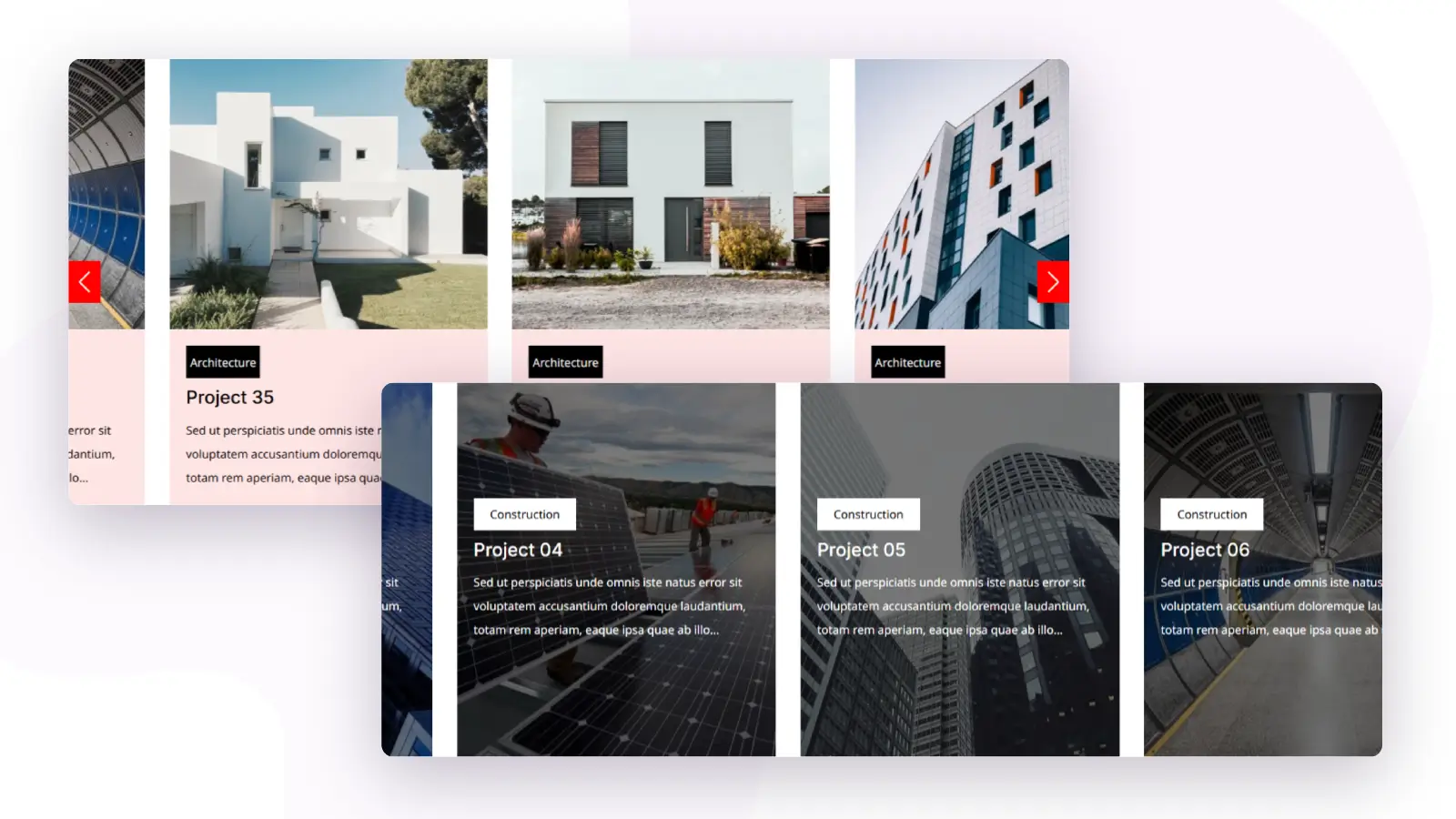
Portfolio Slider
Portfolio Slider presents your projects in a sliding layout, so visitors move through your work one set at a time instead of scrolling a long page. It suits agencies, freelancers, and photographers who want a portfolio section that stays compact inside a larger page. Because it is a native Divi module, you style the slides with the builder’s own design controls rather than a separate gallery plugin.
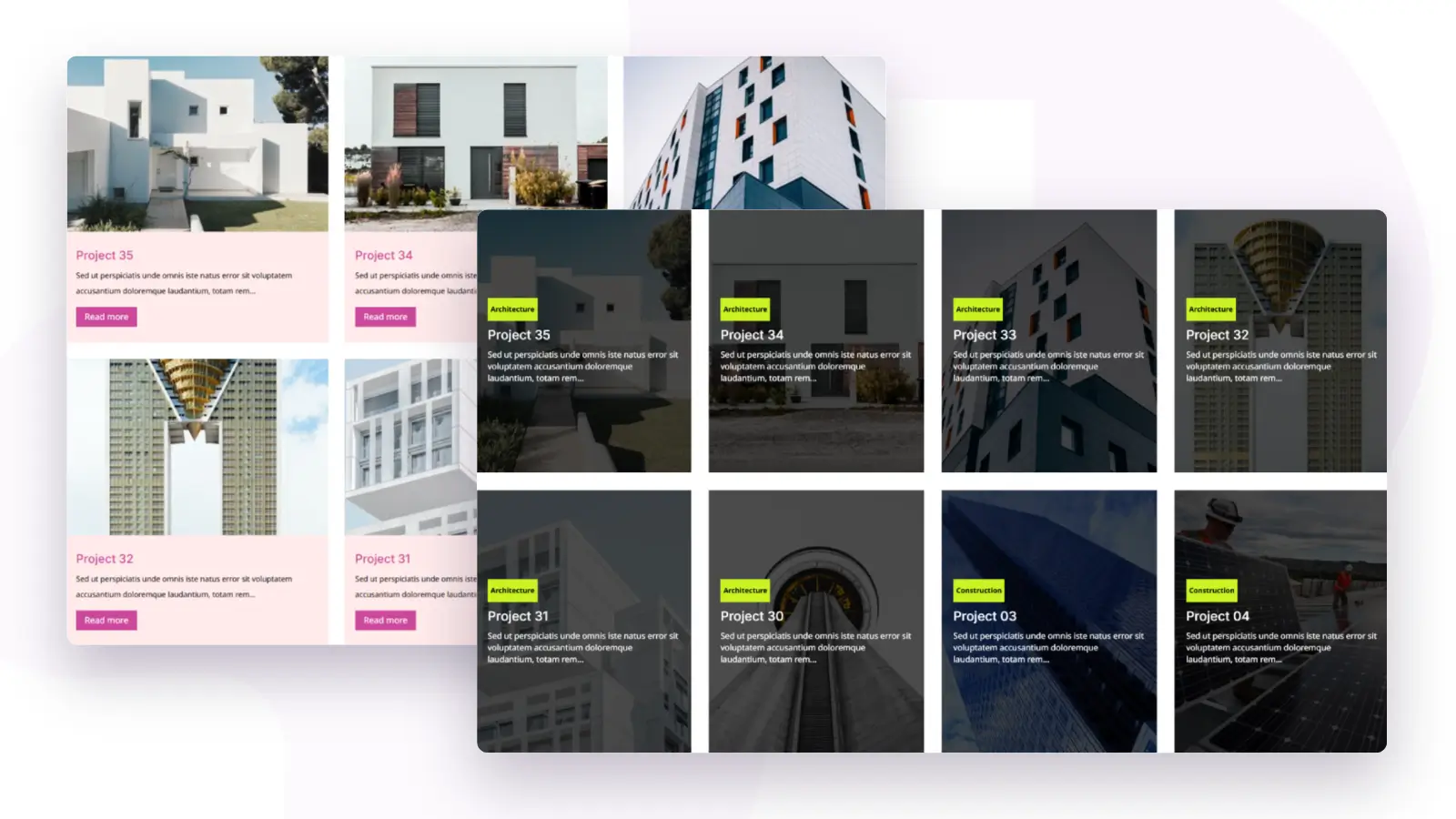
Portfolio Grid
Portfolio Grid lays your projects out in a grid, the format most visitors expect from a dedicated work or portfolio page. It gives you a structured overview where every project is visible at a glance, which makes it the better choice over a slider when you want people to compare and browse freely. Use it as the backbone of a portfolio page and pair it with the slider for teaser sections elsewhere.
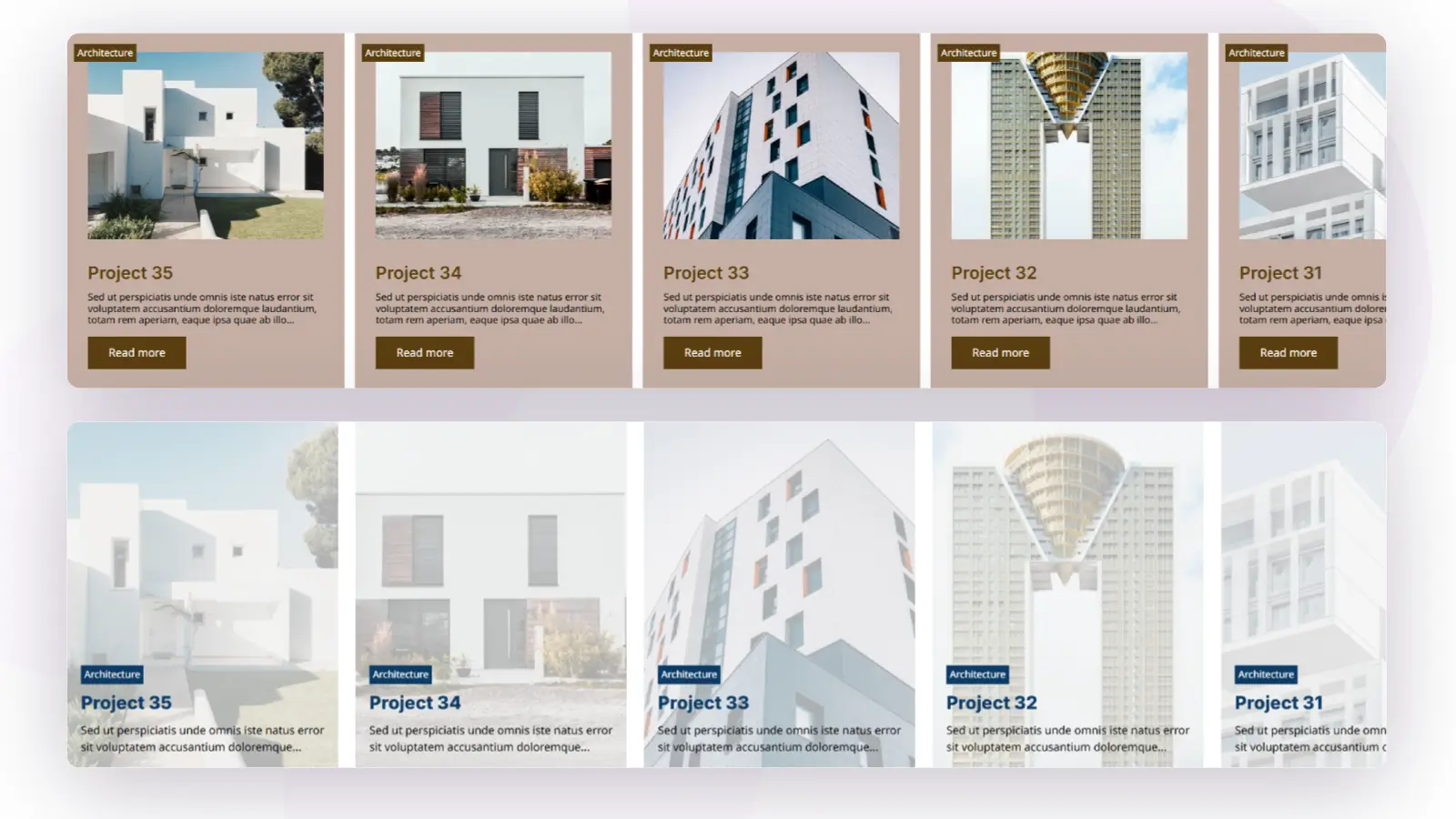
Horizontal Scrolling Portfolio
Horizontal Scrolling Portfolio moves your projects sideways across the screen as the visitor scrolls, turning a portfolio section into something closer to an interactive showcase. It is the pick when you want a portfolio that feels designed rather than listed, for example on a creative studio homepage. Building this kind of scroll behavior used to require custom code; here it is a module you configure in the builder.
Video Mask
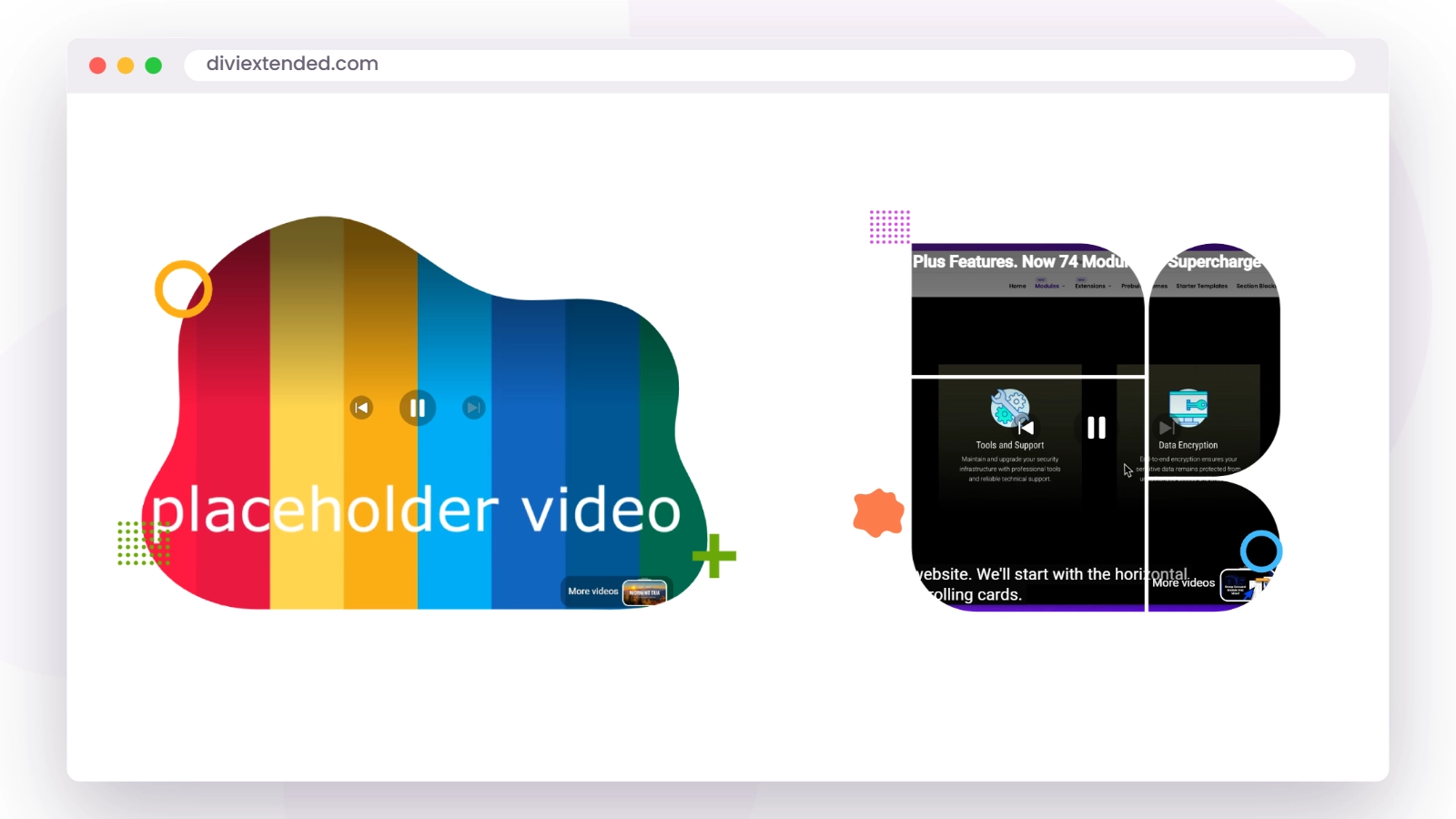
Video Mask plays a video inside a shape or text outline instead of a plain rectangle, so the video shows through the mask. It is a hero-section technique you see on high-end sites: a headline or a graphic shape filled with moving footage. Reach for it when a full-width background video feels like too much but you still want motion in the design.
Scrolling SVG
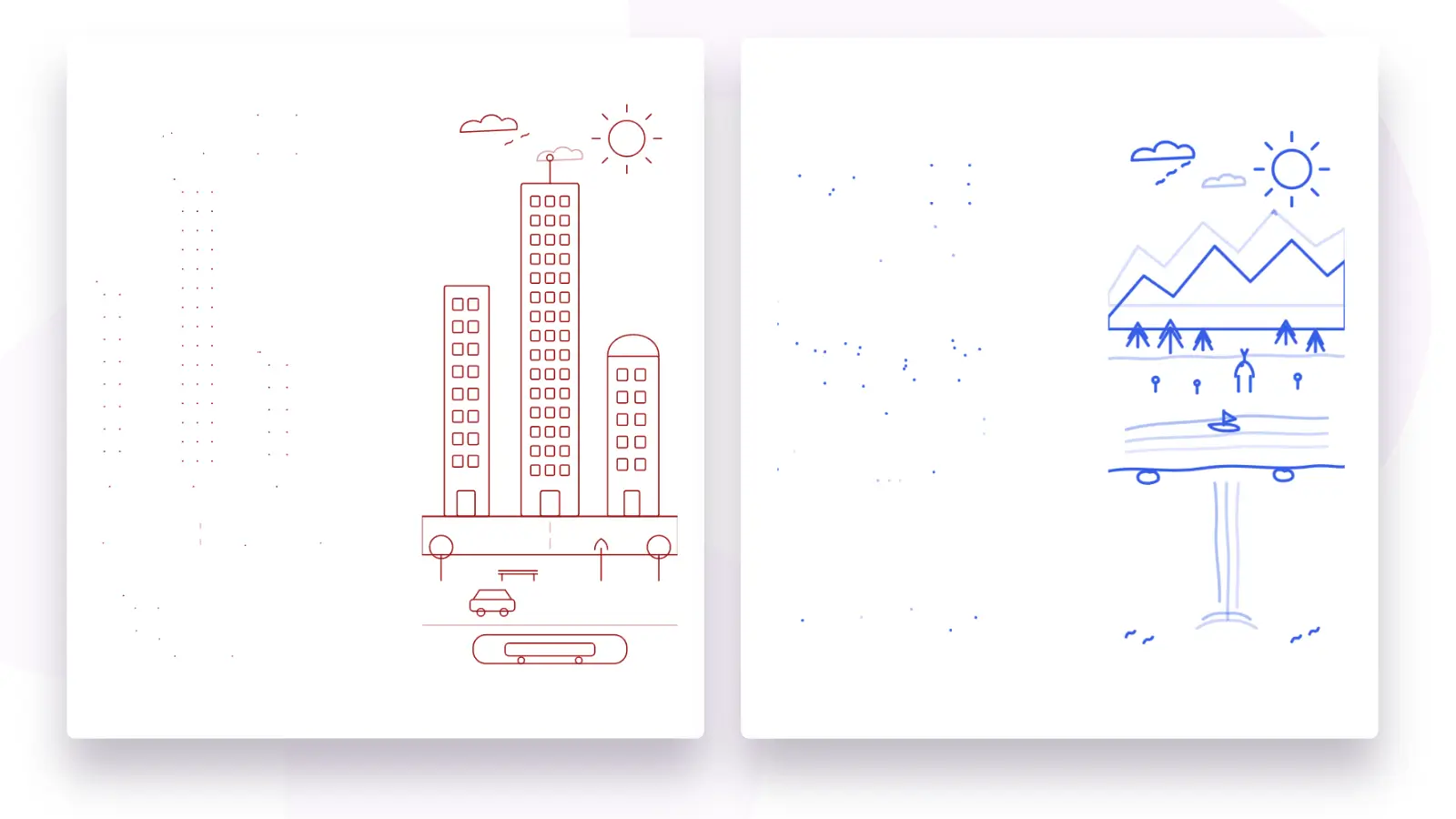
Scrolling SVG animates SVG graphics in response to page scrolling, tying vector artwork to the visitor’s movement down the page. It works well for decorative lines, icons, and illustrations that you want to feel alive as part of the page rather than sitting static. Since SVGs stay sharp at any size, the effect holds up on every screen.
Shuffle Text
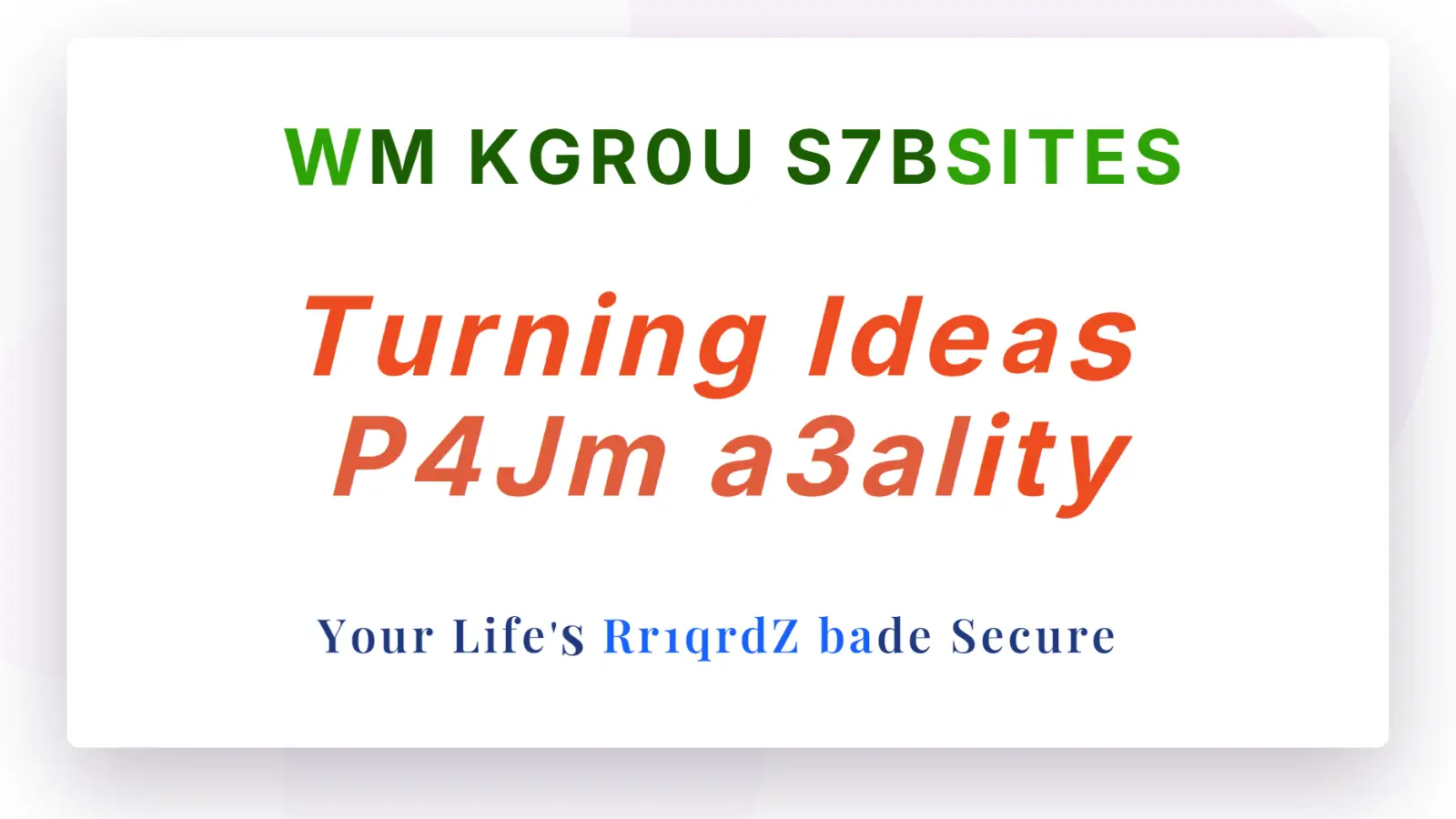
Shuffle Text animates a piece of text with a shuffling effect, cycling characters before settling on the final wording. It is built for headlines and short statements where you want the text itself to draw the eye, such as a hero heading or a section intro. Keep it to a few words in prominent spots and it adds motion without slowing the reader down.
PayPal Button
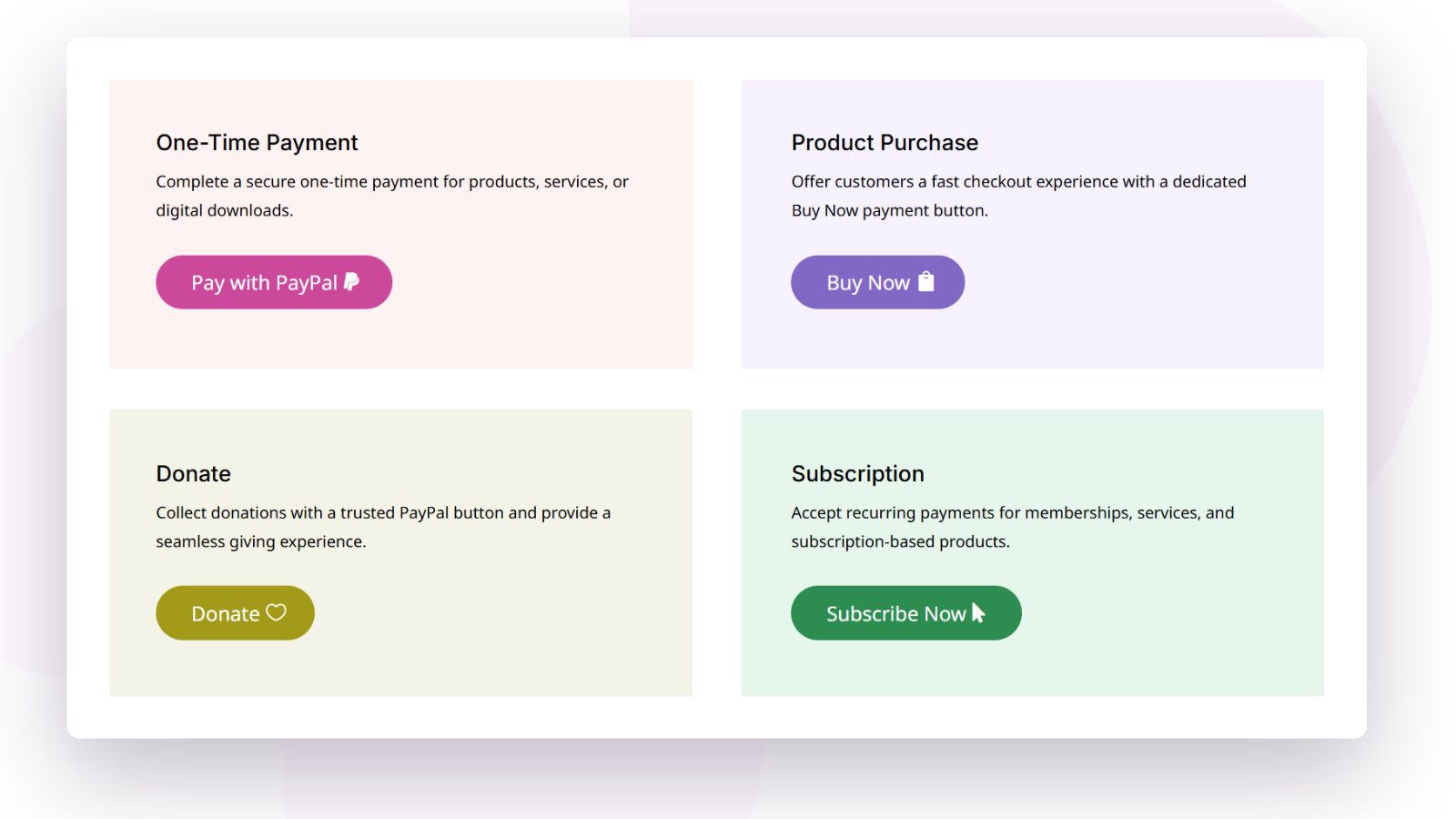
PayPal Button lets you place a payment button on any page and take payments through PayPal without setting up a full store. It fits one-off use cases such as selling a single product or service, collecting a fee, or accepting donations. Together with the existing Stripe Button module, Divi Plus now covers the two most widely used payment providers directly in the builder.
New extensions
These nine features live in the Divi Plus settings. Turn one on and it applies site-wide; there is nothing to add in the builder.
Maintenance Mode
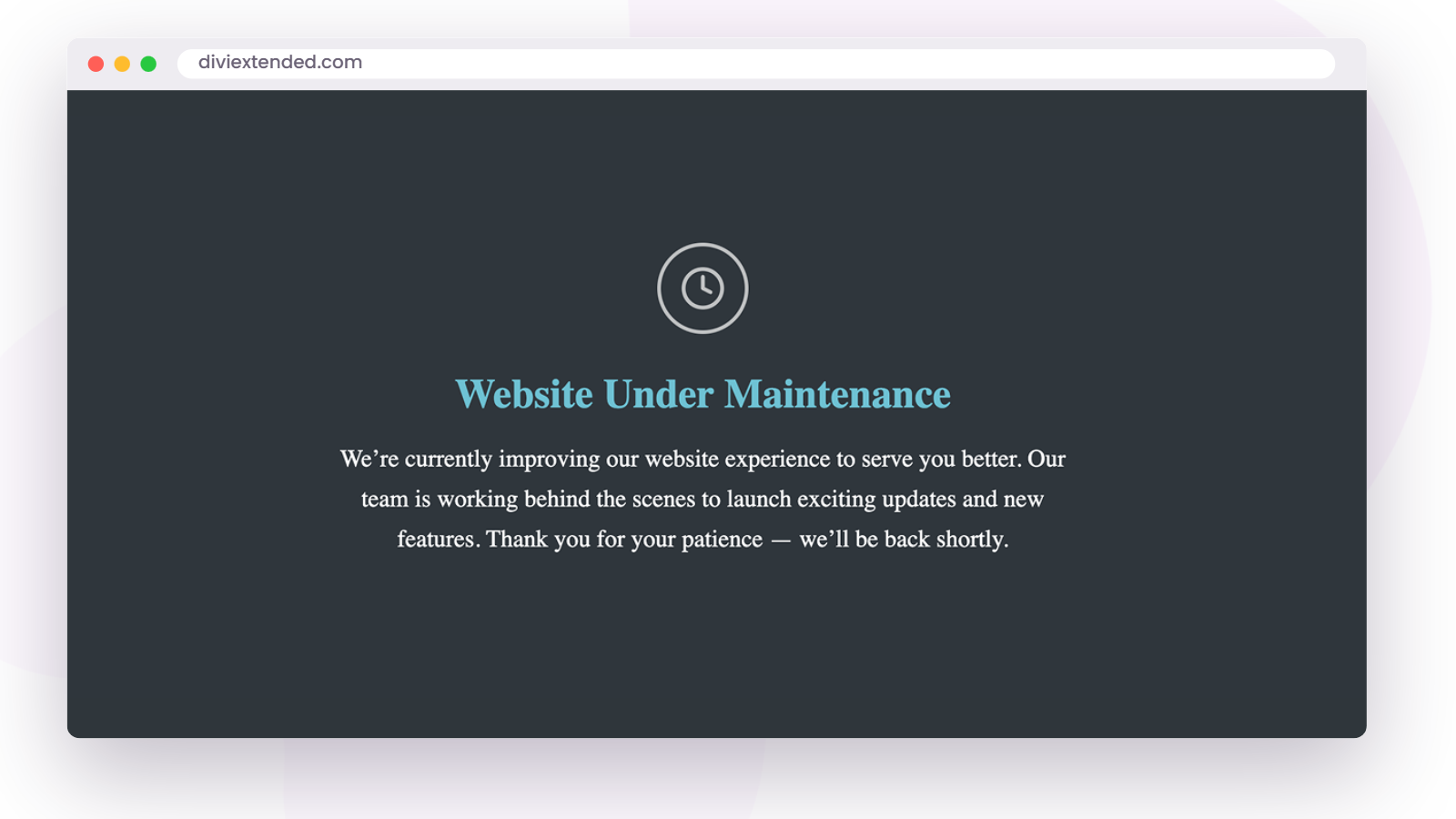
Maintenance Mode shows visitors a maintenance page while you work on the site behind it. Turn it on before a redesign or a risky round of updates, and turn it off when you are done, without installing a separate maintenance plugin.
Cookie Notice
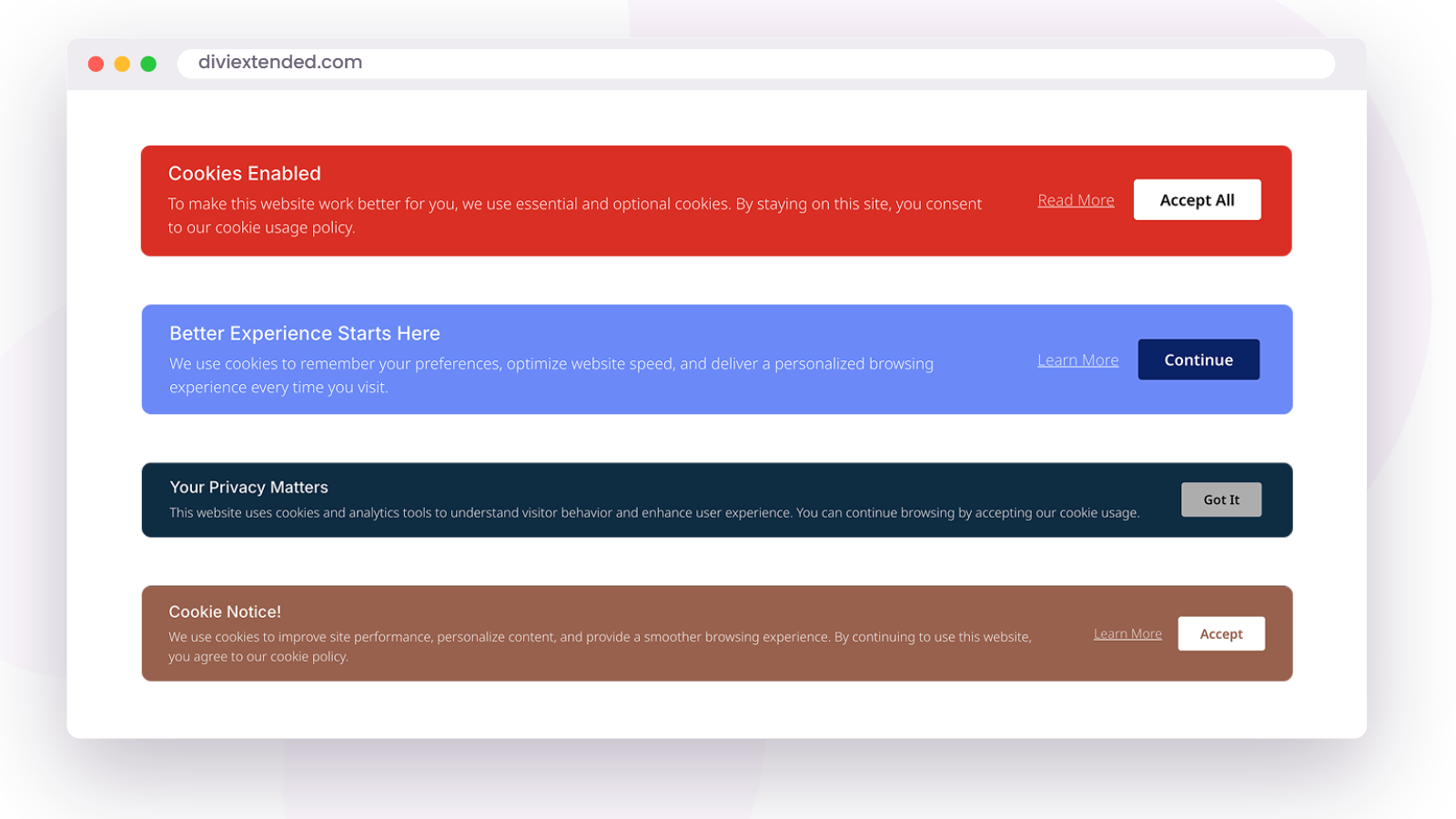
Cookie Notice displays a cookie consent notice to your visitors, which most sites need to address privacy regulations. Having it in Divi Plus means one less standalone plugin, and the notice comes from the same toolkit as the rest of your site.
WhatsApp Chat
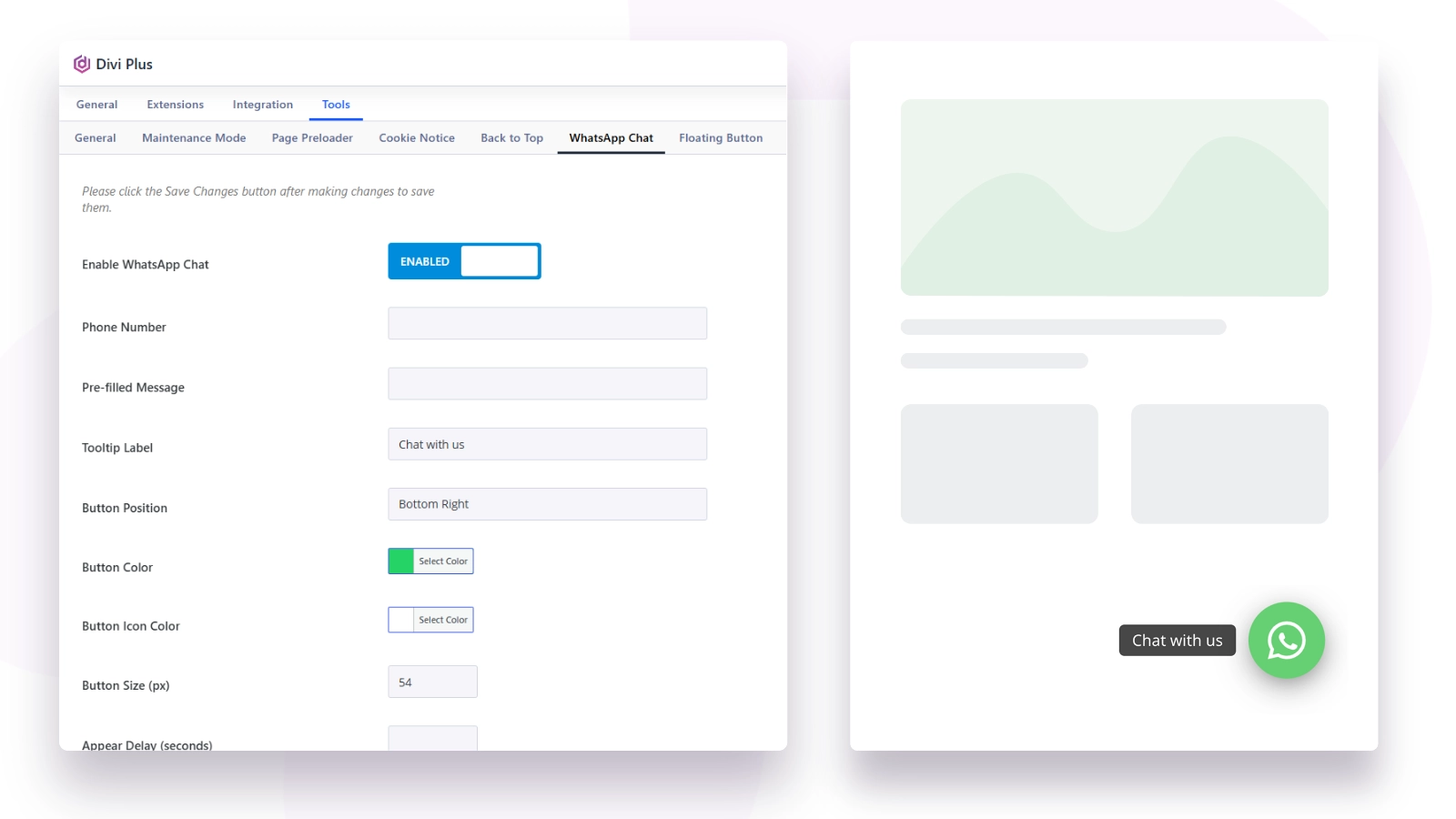
WhatsApp Chat adds a chat button that connects visitors to you on WhatsApp. For businesses whose customers already live in WhatsApp, this shortens the path from “I have a question” to a conversation, on desktop and mobile alike. It suits service businesses, local shops, and any site where a quick chat converts better than a contact form.
Back to Top
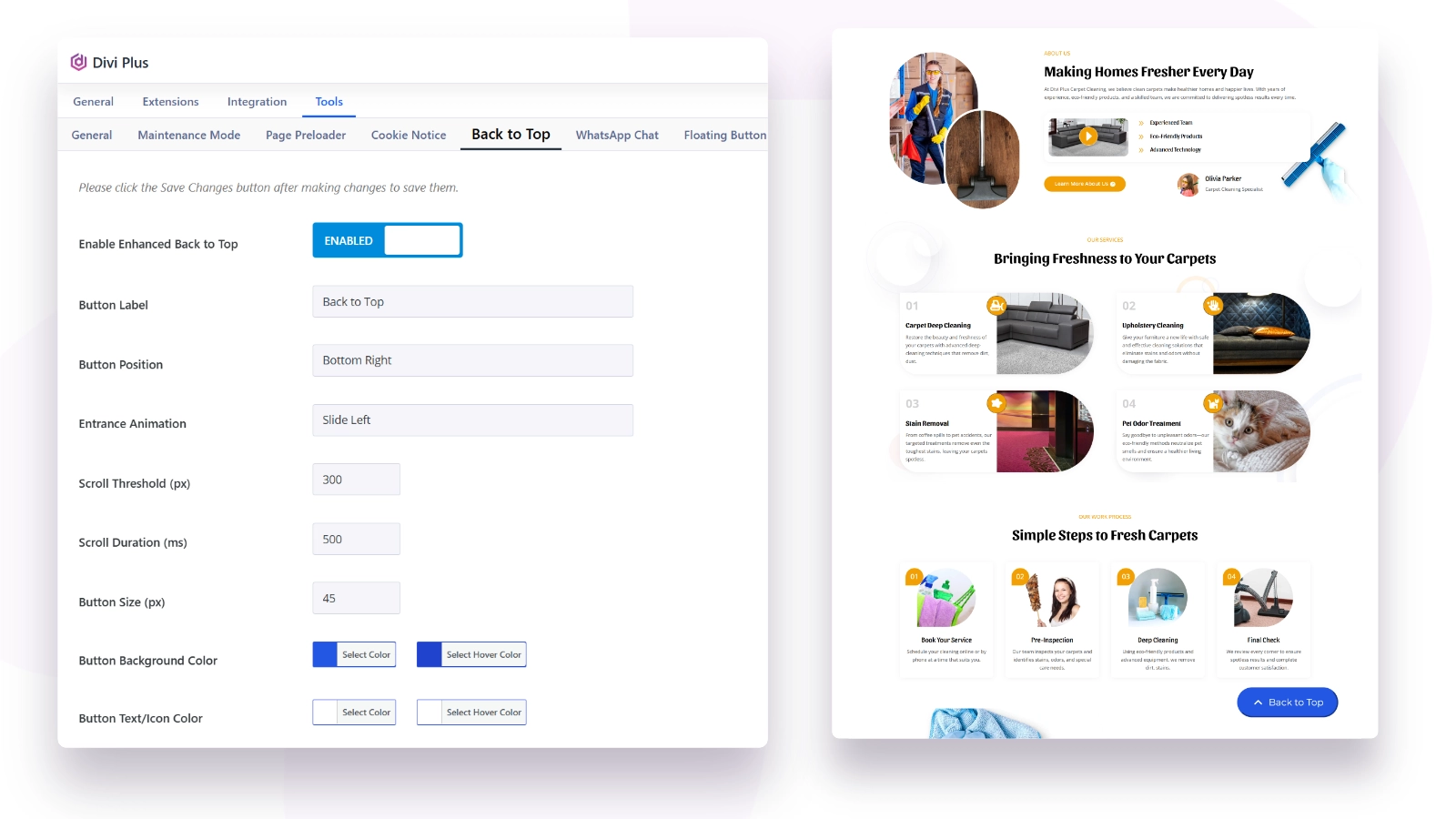
Back to Top adds a button that returns the visitor to the top of the page. It is a small courtesy that matters on long pages such as blog posts, documentation, and long-form sales pages, where scrolling back up manually is a chore.
Divi Clear Cache
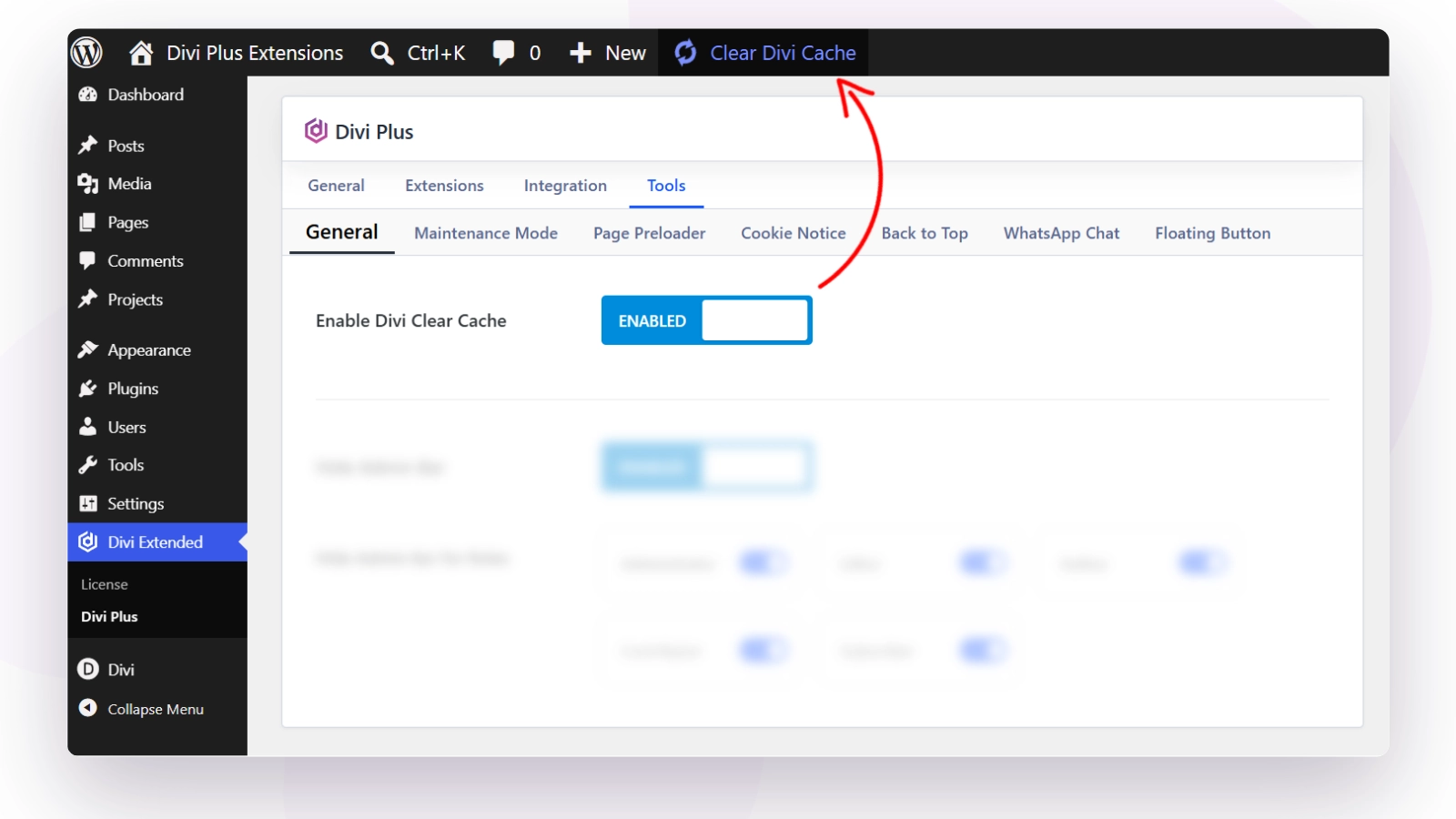
Divi Clear Cache lets you clear Divi’s cached files from your dashboard. Divi caches generated CSS for performance, and after design changes that cache can serve stale styles. When a change you made is not showing up on the live site, this is the switch to reach for before you start debugging anything else.
Hide Admin Bar
Hide Admin Bar removes the WordPress admin bar from the front end of your site. It is useful when you are reviewing a design and want to see the page exactly as visitors do, and on membership or client sites where logged-in users should not see WordPress chrome at the top of every page.

Comment Box
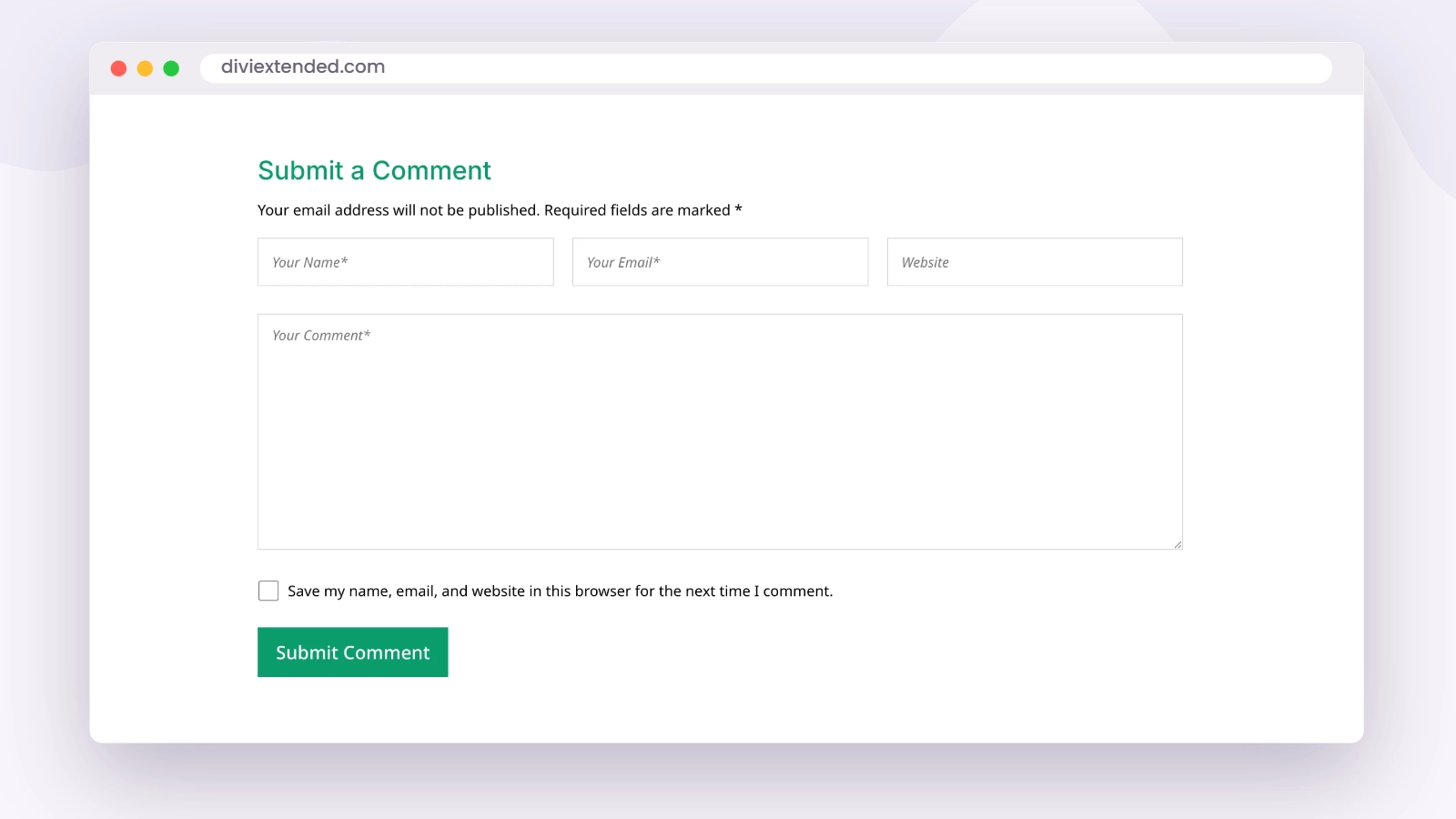
Comment Box upgrades the comments area on your posts so it matches the rest of a Divi-built site instead of falling back to theme defaults. If your blog is an active part of your site, this brings the discussion section up to the same standard as the content above it.
Floating Action Button
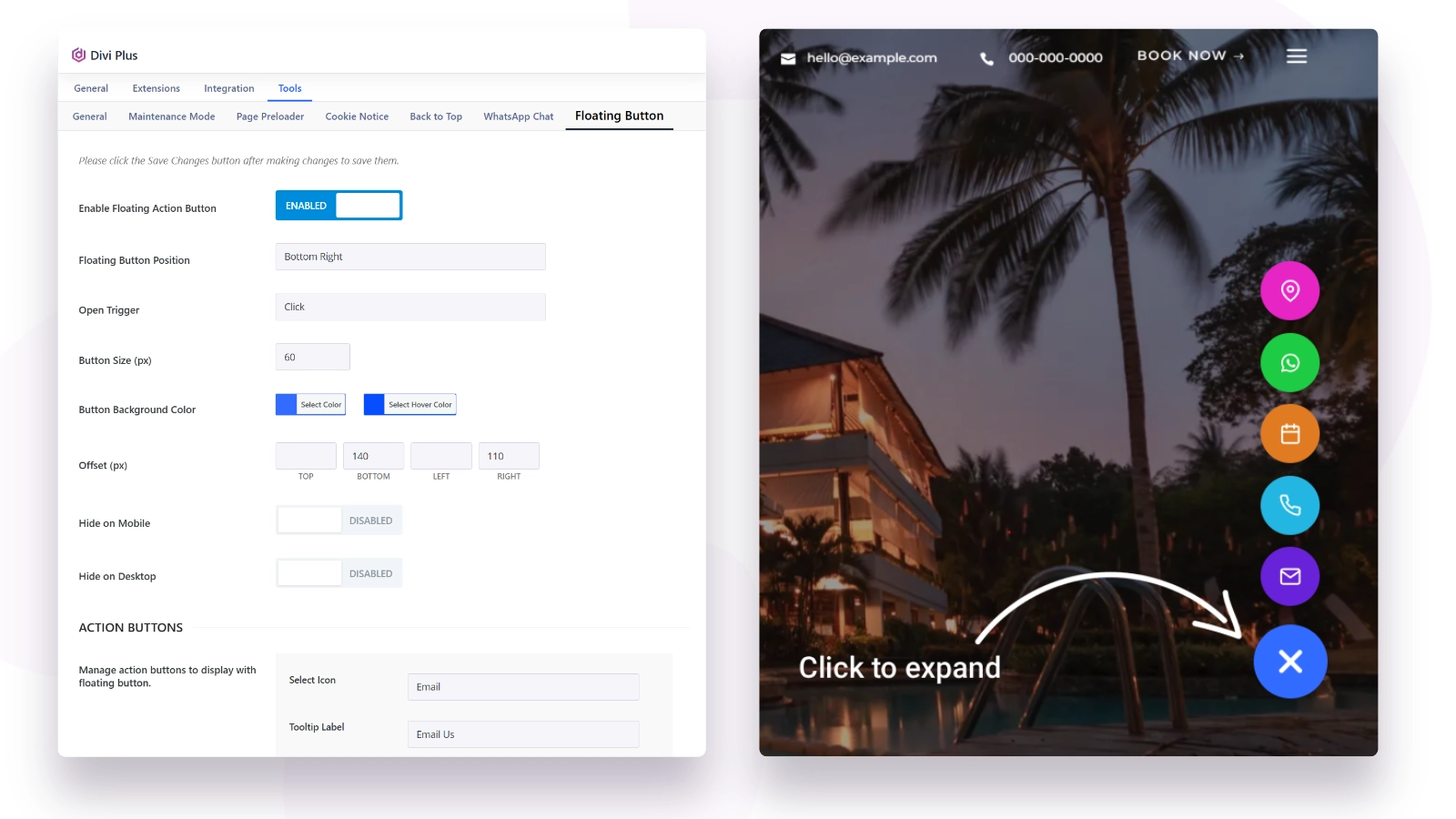
Floating Action Button places a button that stays on screen as the visitor scrolls, expanding to reveal the actions you choose, such as key links or contact options. It keeps your most important call to action reachable from anywhere on the page. Use it for the one thing you most want visitors to do: get in touch, book, or buy.
Page Preloader
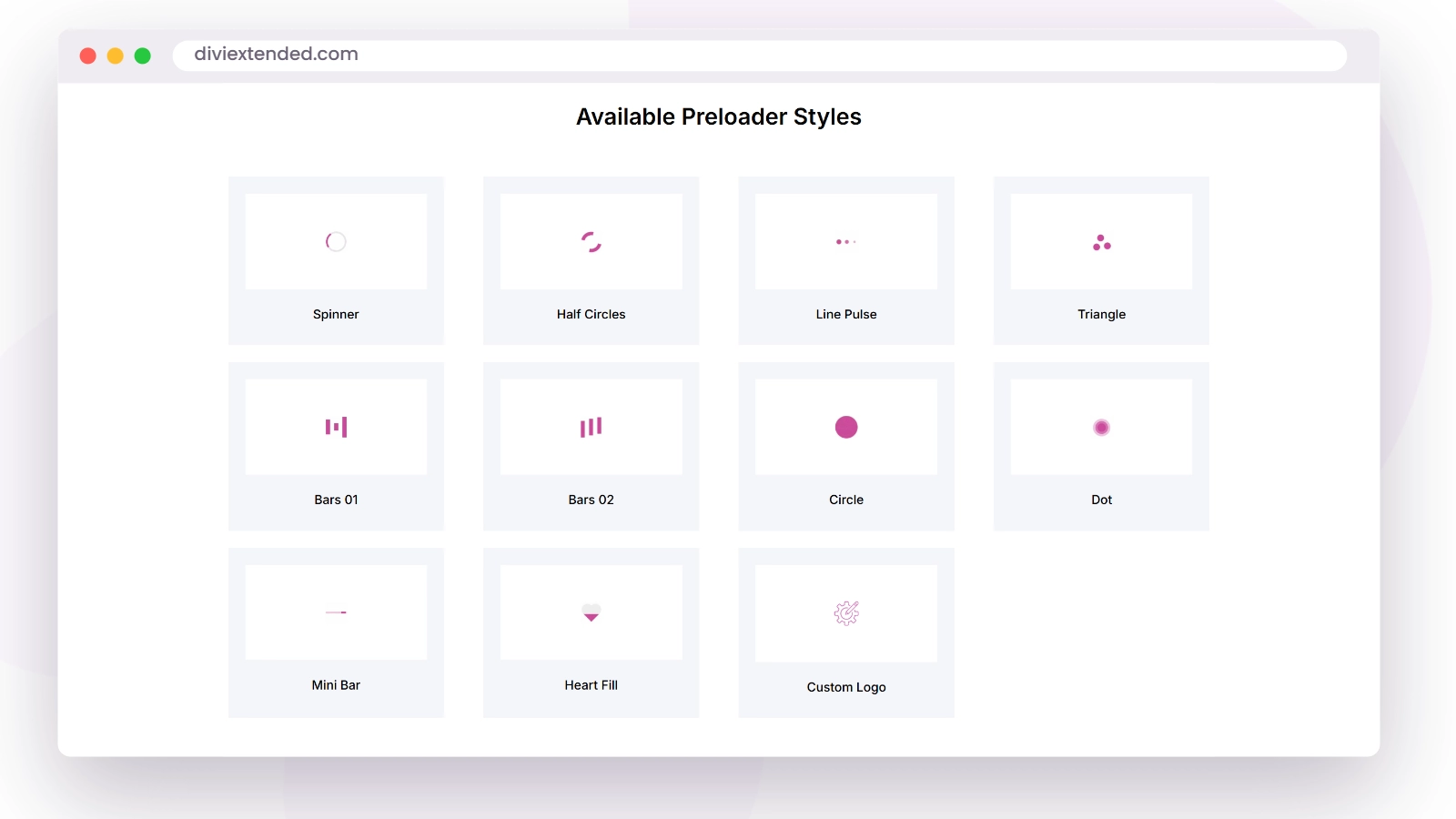
Page Preloader shows a loading animation while a page finishes loading, then reveals the finished page. It prevents visitors from watching a page assemble itself piece by piece, which matters most on media-heavy pages. Used with restraint, it makes the first impression of a page feel deliberate.
Module improvements
Alongside the new additions, these existing Divi Plus modules received improvements in their Divi 5 versions:
- Text with Media
- Interactive Circle
- Advanced Tooltip
- Form Styler
- Accordion Slider
- Stripe Button
- Team Grid
Several other modules also picked up minor UI refinements. If you already use any of the modules above, you get the improvements as part of the update, with no changes needed on your pages.
Fixes and stability
These updates also resolved a set of reported issues:
- Image Card
- WooCommerce Products, including a fix for taxonomy relations
- FAQ Page Schema
- Floating Image
- Team Slider
- Woo Products and Woo Products Carousel, where the quickview popup excerpt now displays correctly
The Stripe integration was also made more secure, so if you take payments through the Stripe Button module, updating is worth doing for that reason alone.
How to update
You can get the latest Divi Plus in any of three ways:
- From your WordPress dashboard. If your license is active, the update appears under your plugin updates like any other plugin.
- From your Divi Extended account. Log in, download the latest version, and install it on your site.
- From the Elegant Themes Marketplace. If you purchased Divi Plus there, update through the marketplace as usual.
As with any update, take a backup first, and clear your caches afterward so the new versions of everything load correctly.
Divi 5 is the future of the Divi builder, and Divi Plus is ready for it: 7 new modules, 9 new extensions, and a sturdier base across the whole plugin. If you are not using Divi Plus yet, see everything it adds to Divi on the Divi Plus product page.

0 Comments