
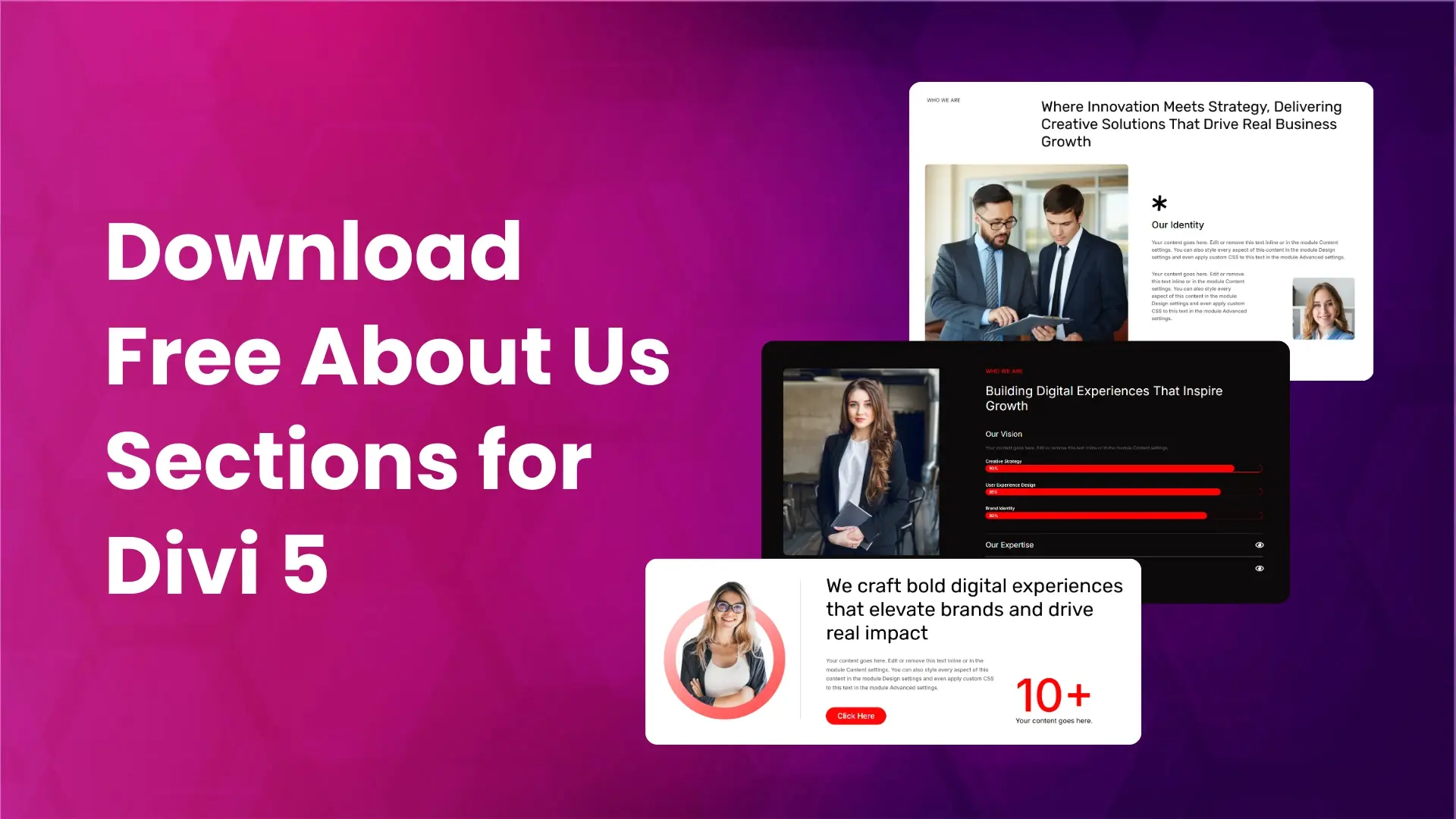
The about us section helps visitors understand who you are, what you do, and why they should trust your brand. A well-structured about us section builds credibility and creates a strong connection with users.
To make this easier, we have created prebuilt about us section layouts for Divi 5. These layouts are clean, modern, and easy to customize. You can use them for business websites, agencies, startups, portfolios, and personal brands.
Preview
Below is a preview of the prebuilt about us section layouts for Divi 5.
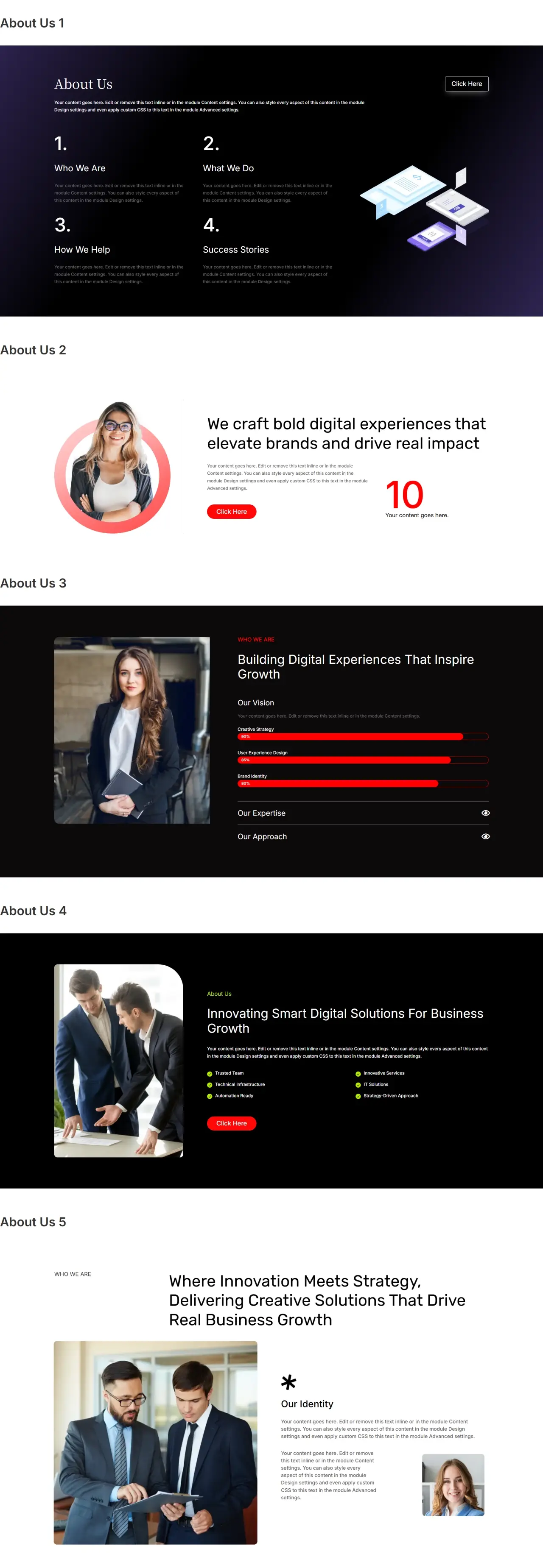
Download Prebuilt About Us Sections for Divi 5
After downloading the Free Divi 5 Layouts.zip file, unzip it and open the About Us Section folder. Inside this folder, you will find:
- Individual JSON files for each about us section layout
- One single JSON file that contains all about us section layouts
If you want to import all layouts at once, simply use the single JSON file. This will add all about us section layouts to your Divi library in one go.
How to Import About Us Sections into the Divi Library
To use these layouts on your website, you first need to import them into your Divi Library.
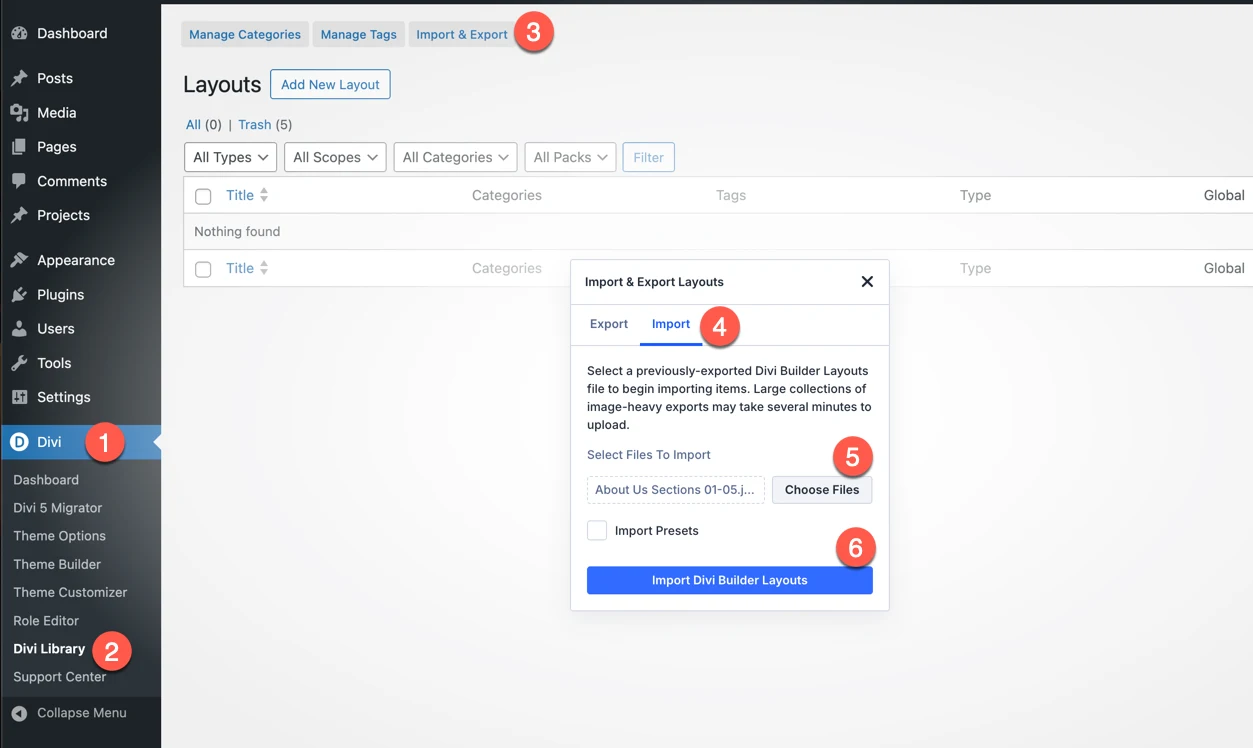
- Go to WordPress Admin Dashboard
- Navigate to Divi → Divi Library
- Click on Import & Export
- Select the Import tab
- Click Choose Files and select the JSON file
- You can select a single layout file
- Or choose the file that contains all about us sections
- Click Import Divi Builder Layouts
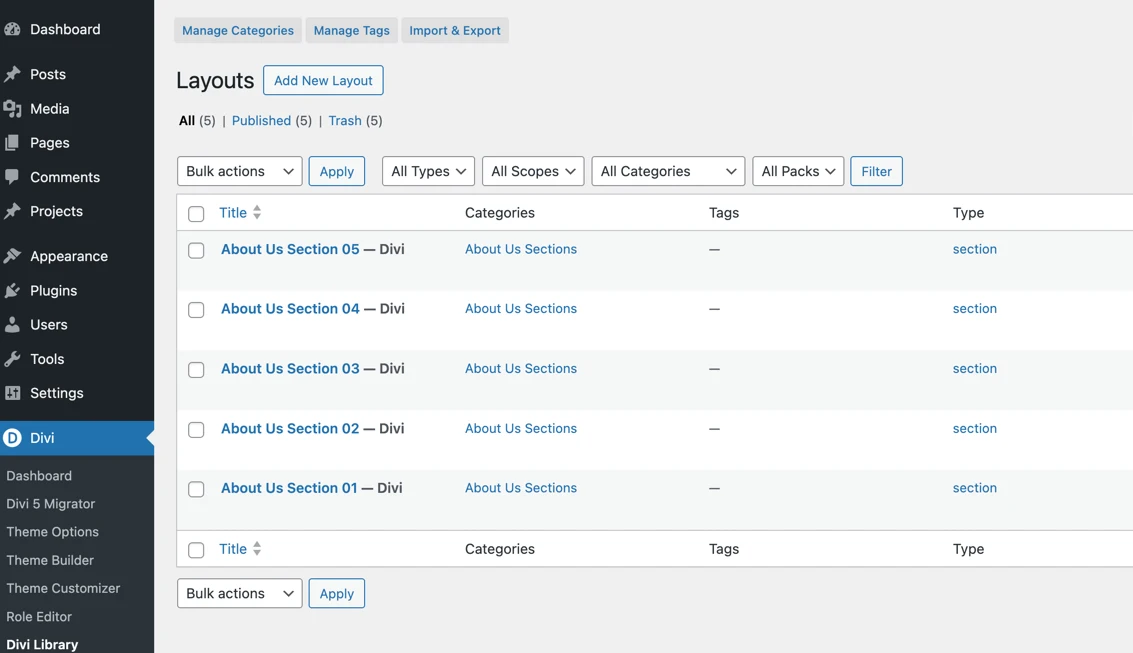
Once imported, the about us section layouts will be available in your Divi library.
How to Add an About Us Section to a Page
After importing the layouts, follow these steps to add an About Us section to any page:
- Create a new page or edit an existing page
- Enable the Divi Visual Builder
- Add a new section
- Click Add From Library
- Select the category from the sidebar
- Choose the about us section layout you want to use
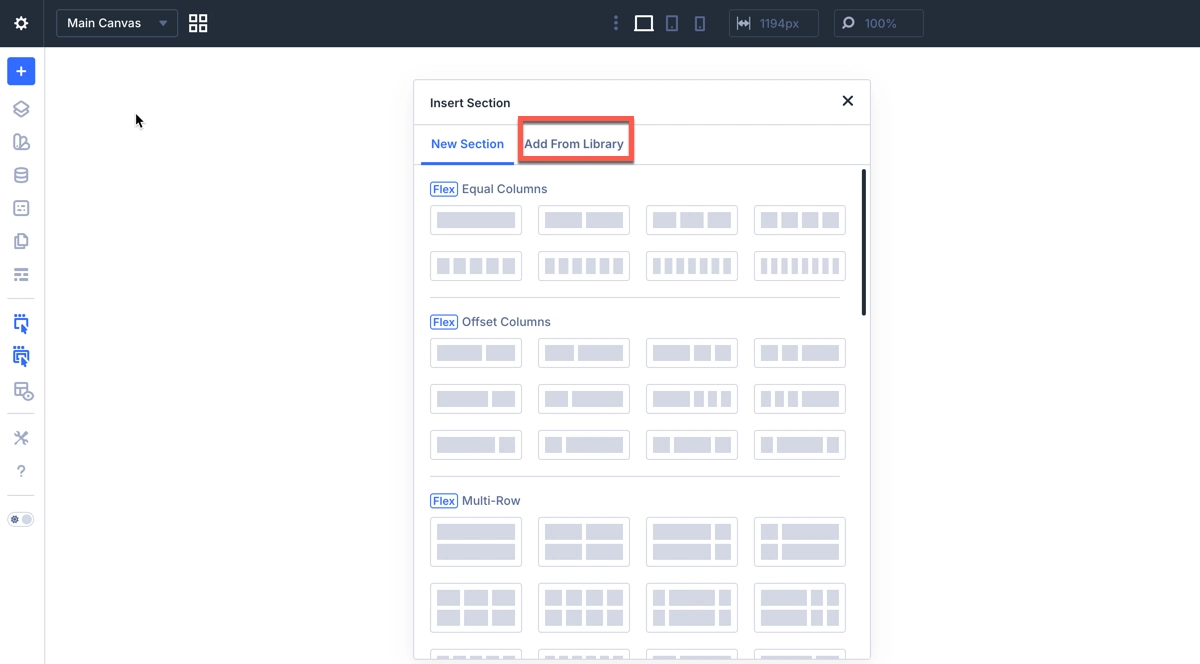
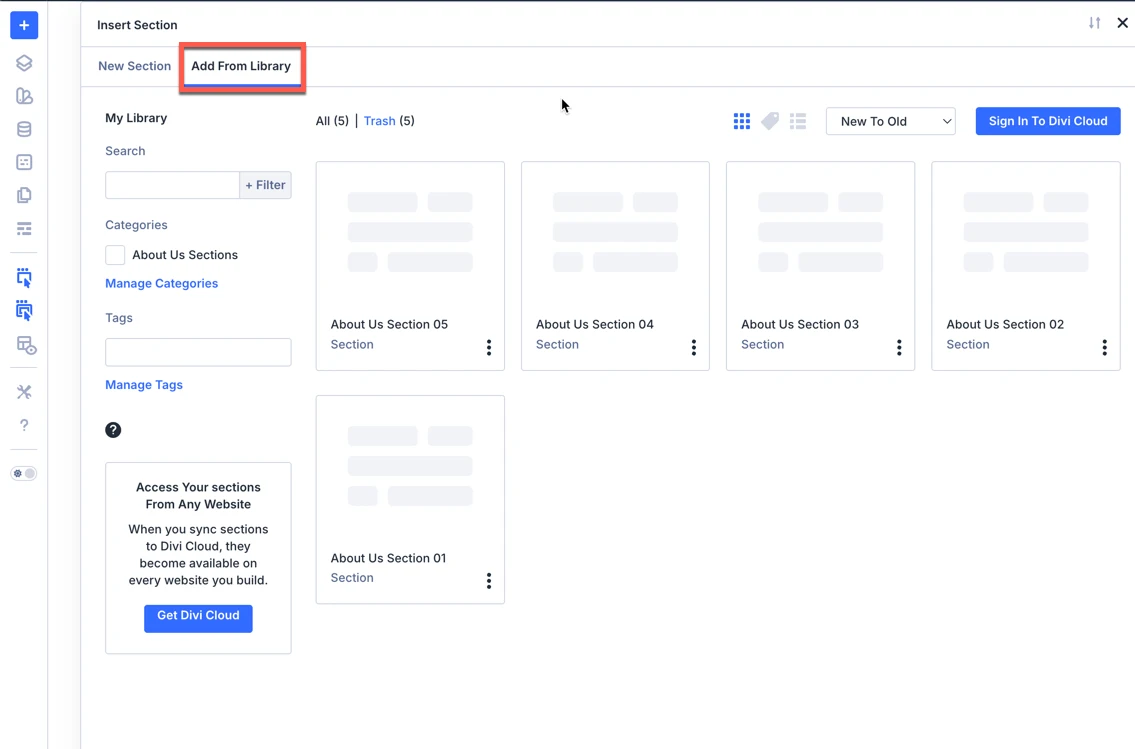
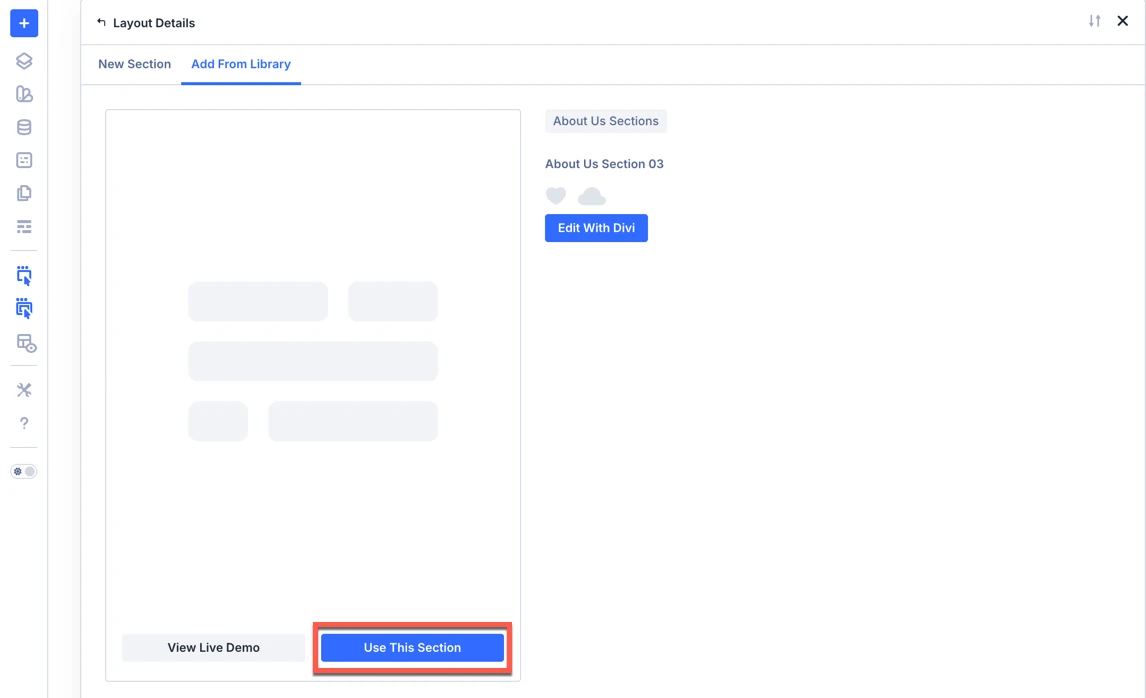
The selected about us section will now be added to your page.
Divi 5 Features Used in These About Us Sections
These about us layouts are built using modern Divi 5 features, making them flexible, organized, and easy to customize.
Nested Rows
Nested Rows allow rows to be placed inside other rows. This helps create structured layouts with better content grouping, perfect for about us sections that include text, images, and feature blocks.
Nested Modules
With Nested Modules, related elements can be placed together inside a single layout structure. This improves alignment, responsiveness, and overall layout control.
Module Group
This is used to combine multiple elements such as headings, descriptions, and buttons into one group. This makes it easier to style and manage content consistently.
List Module
The List Module is ideal for displaying:
- Company values
- Key features
- Strengths or highlights
Easy Customization in Divi 5
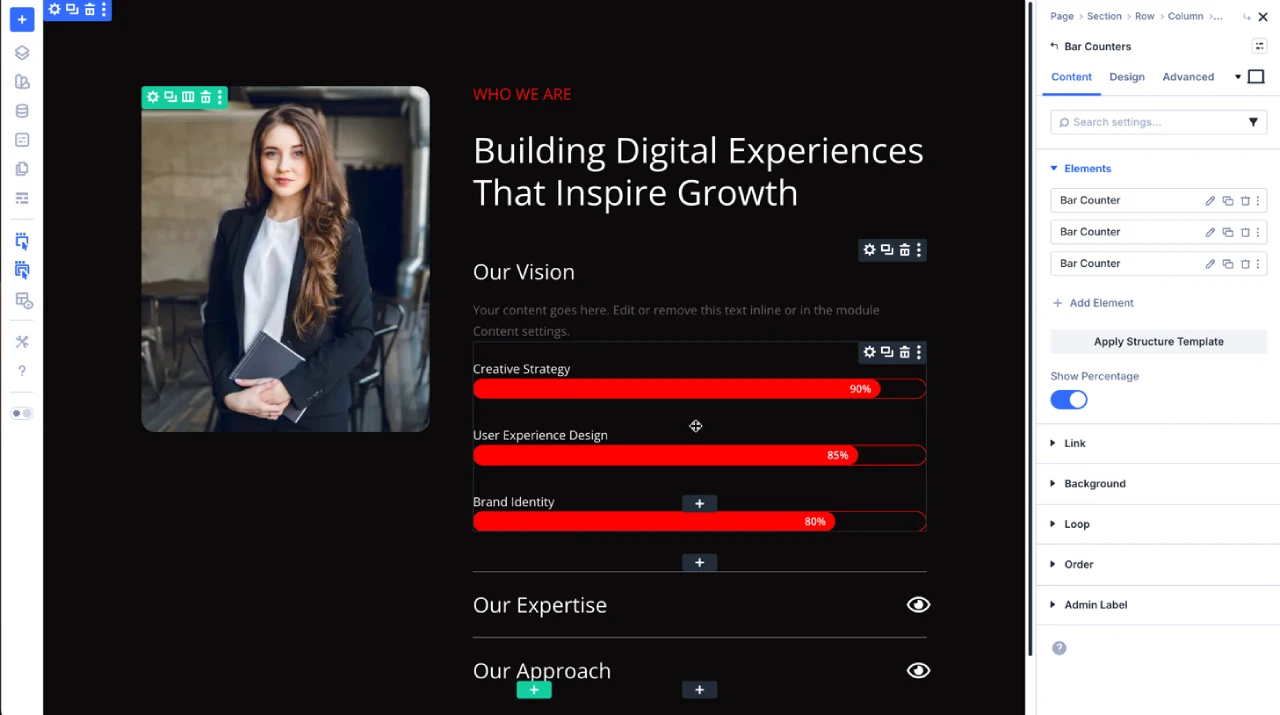
You can easily customize the about us section using the Divi Visual Builder. Update text, images, colors, spacing, and layout structure to match your brand without writing any code.
The ZIP also includes free prebuilt Hero section layouts for Divi 5 , Testimonial section layouts for Divi 5 , Contact Us section layouts for Divi 5 and Blog section layouts for Divi 5. Download once and get all sections together.
Final Thoughts
A strong about us section helps build trust and credibility. With these prebuilt about us section layouts for Divi 5, you can save time and create professional-looking pages using advanced Divi 5 layout features.

0 Comments