
On 26th February 2026, Divi 5 finally made its way out of the beta program. Now, if you’re excited to get it, you can do so without any stoppage. Whether you are already a Divi user or not, you can download Divi 5 and build elegant WordPress websites right away.
It took more than a year for Elegant Themes to build this new Divi theme for you.
Now that it’s available, it’s the best time to get it, if not already, or upgrade to Divi 5 so you can have the best experience with the powerful features of the Divi theme.
Want to know more about Divi 5? Let’s look at different aspects of it in the following sections.
For a quick Divi 5 overview, you can visit this link.
Welcome to the New Era of Building WordPress Divi Websites
With WordPress, building websites is too easy. You don’t have to code, you don’t have to go through countless complex processes. Yet often it feels like you’re working more on the structure of a website than on how it works and looks.
That’s why Elegant Themes built its Divi theme to offer you a streamlined solution to build any WordPress website.
You won’t feel confused. You won’t feel behind. With Divi, building a WordPress site is working on a masterpiece, and that masterpiece takes the shape you want right in front of you—no need to open the preview and see whether everything’s right or not.
Divi 5, things get even better.
Not only do you build the masterpiece, but you also make it speak for itself. It’s much, much better than Divi 4 or any other WordPress builder you find online.
How Is Divi 5 Different From Divi 4?
In many ways.
Yes, you’ve read that right. When you update Divi 4 to Divi 5, you’ll find and experience many different things. For starters:
- Divi 5 is faster than Divi 4
- You get a new builder
- New Divi API
- WordPress storage format
All of these and other options make Divi 5 the best-ever Divi theme in the market.
Once you start building a website with Divi 5, no other builder or CMS will come to mind. It has everything you need to build a highly functional, professional website of any kind.
Get started with it today, and you’ll know.
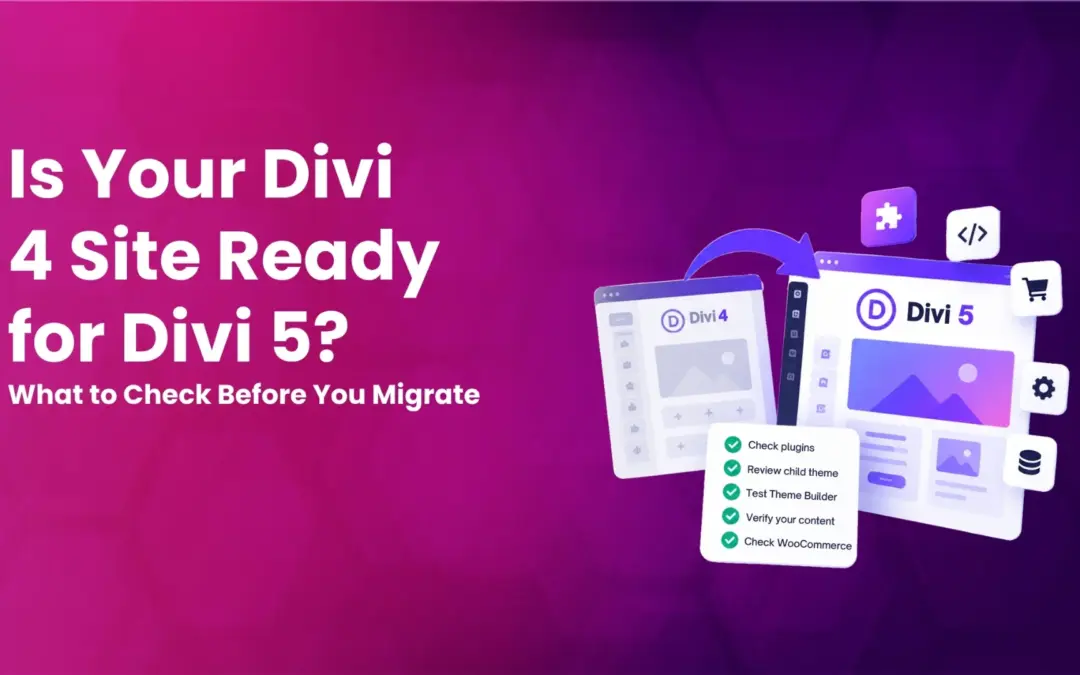
Last Time to Upgrade Divi 4 to Divi 5?
Divi 5 is out for good. Therefore, why keep the bad in the house? That is why Elegant Themes has decided only to offer continued support for critical updates for up to six months.
After this period, they will sunset all the support for earlier themes.
So, if you stay with anything other than Divi 5, you’re at risk of spam attacks or hackers accessing your user data. What’s better is that you update to Divi 5. If you need help with that, our team of Divi experts can provide you with dedicated conversion assistance.
Just reach out to us anytime, and we’ll be happy to assist.
A Glimpse of Divi 5 Features and Everything
The Divi 5 update is not just an ordinary update. It’s a revolution in the WordPress ecosystem. You are not just getting a new look for your website, but you’re building it from its core — something that will last longer and serve your customers to the highest expectations.
The following list of Divi 5 features sets the best start of this new version of the Divi theme.
1. Whole New User-Friendly UI
The Divi 5 builder has no old look. It has been built with a new perspective in mind for the new ideas in the world.
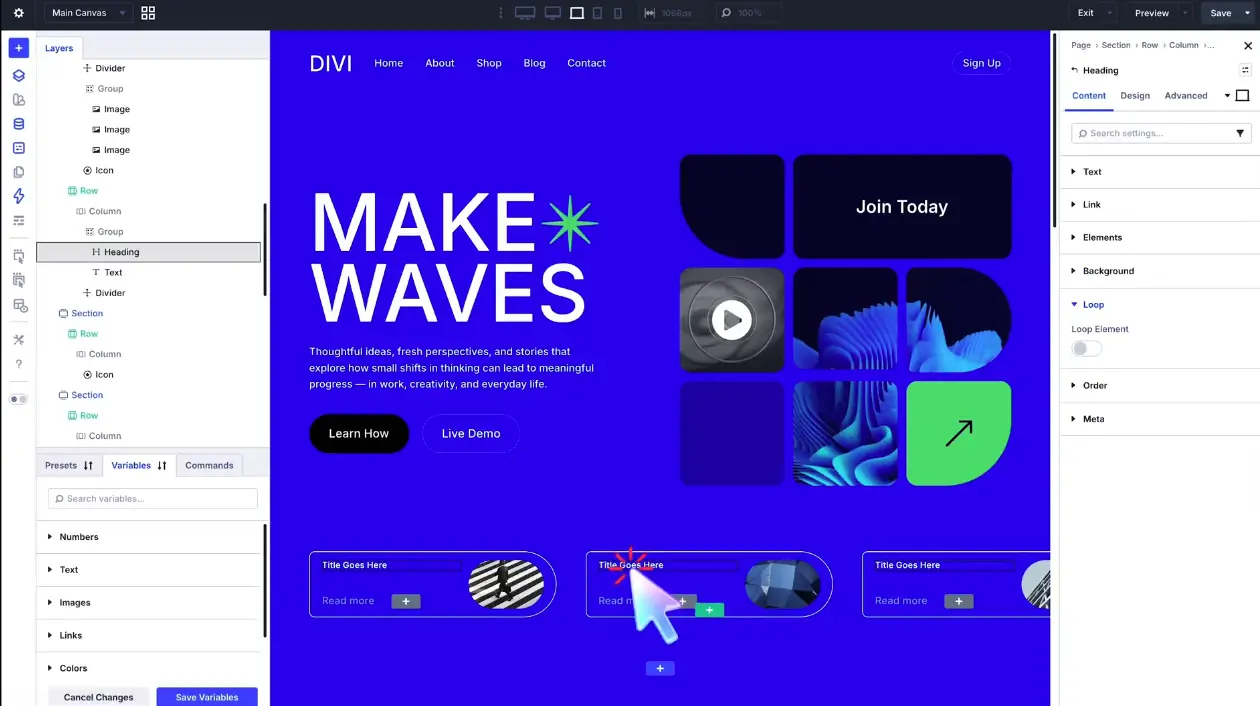
This new WordPress builder by the Divi theme brings everything in front of you.
Previously, the Divi builder allowed users to access the content options, design options, and other transformative advanced options in a dialog. But now, you can find it right in front of you in the right sidebar. You don’t have to search for anything; you don’t have to open options while hiding the current element you are working on.
Additionally, it makes it easy to access layers, wireframe view, use preview mode, and build the page with custom dimensions.
All of these options of the Divi 5 builder make it the ideal builder for WordPress users to effectively build websites of different kinds. And you don’t have to know much to optimize the Divi 5 builder.
Will the New Divi 5 Builder Support Older Websites?
Yes. 100%.
When you upgrade Divi 4 to Divi 5, you don’t have to do anything. Whatever you have built using the previous version of Divi will transform into Divi 5 and work without any issues.
So, upgrade to Divi 5 with no doubt in mind.
2. Customizable Panel
To help you make the most of your Divi 5 builder, Elegant Themes has made it customizable. Yes, not only can you customize your design, but you can customize the builder as well.
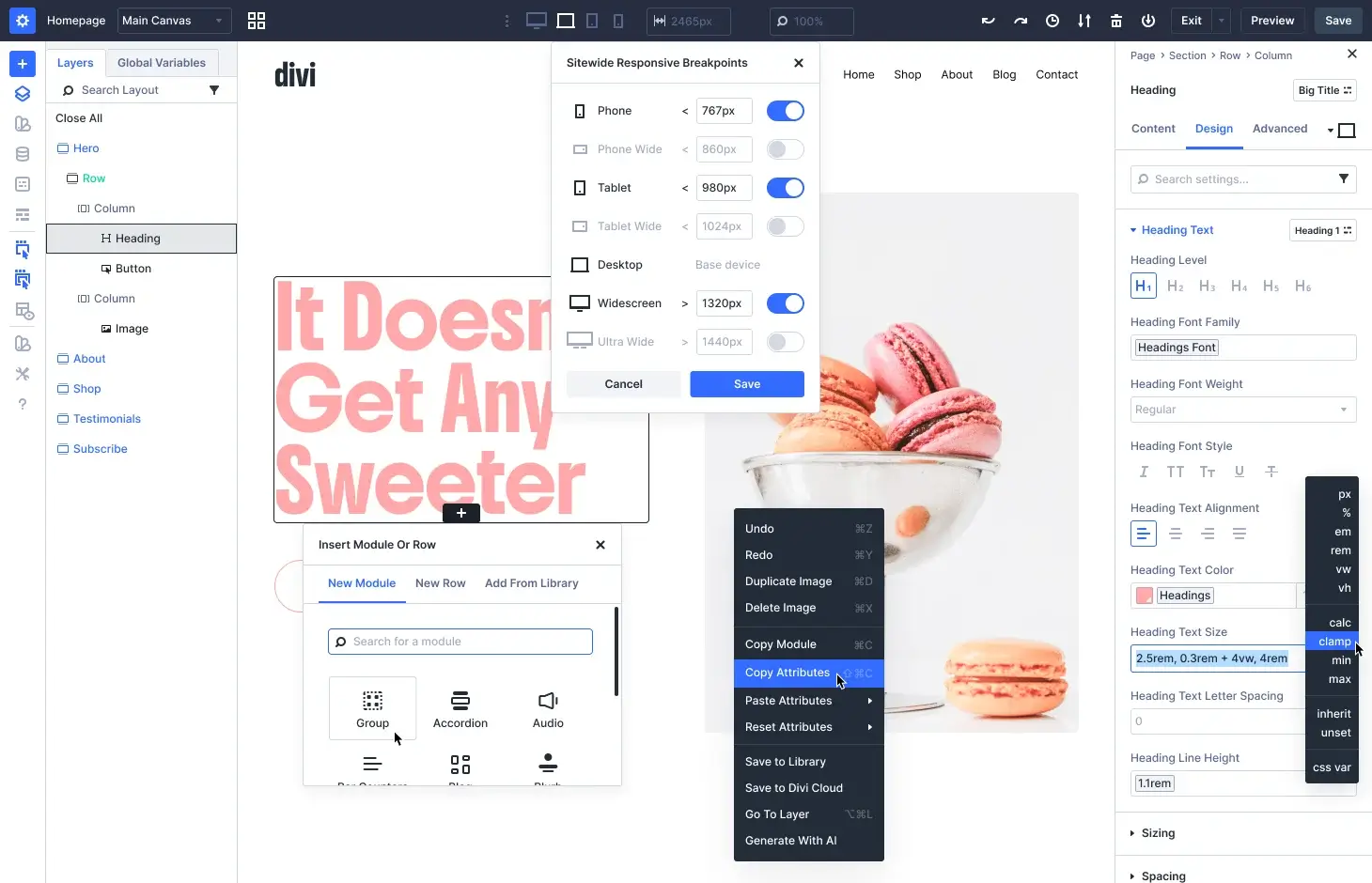
For starters, you can change the view that most website builders provide. But it takes a leap when you can view layers, manage variables, check presets, and more at the same time. You can even view the options in the sidebar, or just drag and drop them inside the builder to have a better account.
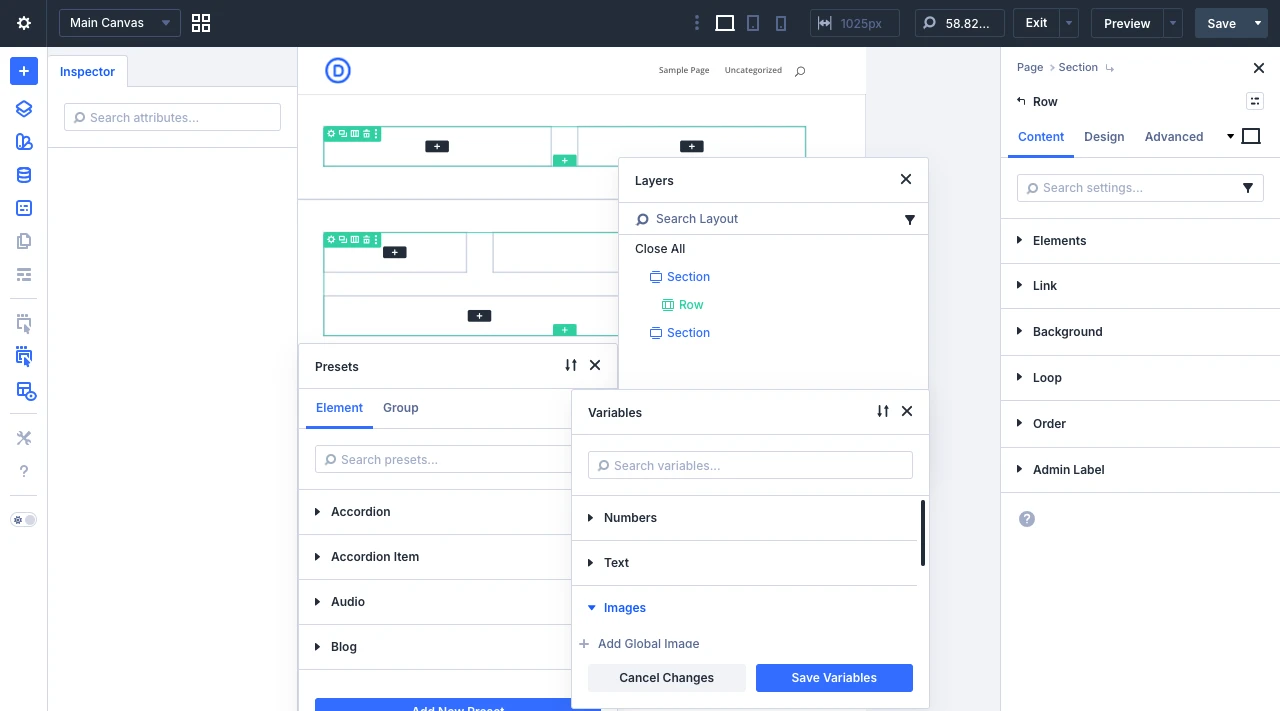
The panel also provides you with the options to enable Action Icons on Hover, X-Ray, multiple device views, and build options to set the default view, history state intervals, color scheme, and more.
Customize it the way that suits you best and build a Divi website effectively.
3. Speedy Website Builder for Speedy Websites
We are in the era where AI is doing everything for us, and it is doing it faster. So, how could a builder stay behind? No, it cannot. When you work on Divi 5, you will experience its speed. The features and options move so smoothly that building WordPress websites feels like you’re having fun.
How is it possible? The answer is simple. With Divi 5, you don’t find the old way of working with shortcodes. Plus, it has been developed from the ground up, which means new and better code with a smaller JS Footprint, Instant-Load Styles, and WordPress storage format.
[image-gemini based image]
All of these make Divi load each JS library on-demand only when needed, have automatic Critical CSS generation, and save content in a block-based format to make Gutenberg cross-compatibility possible.
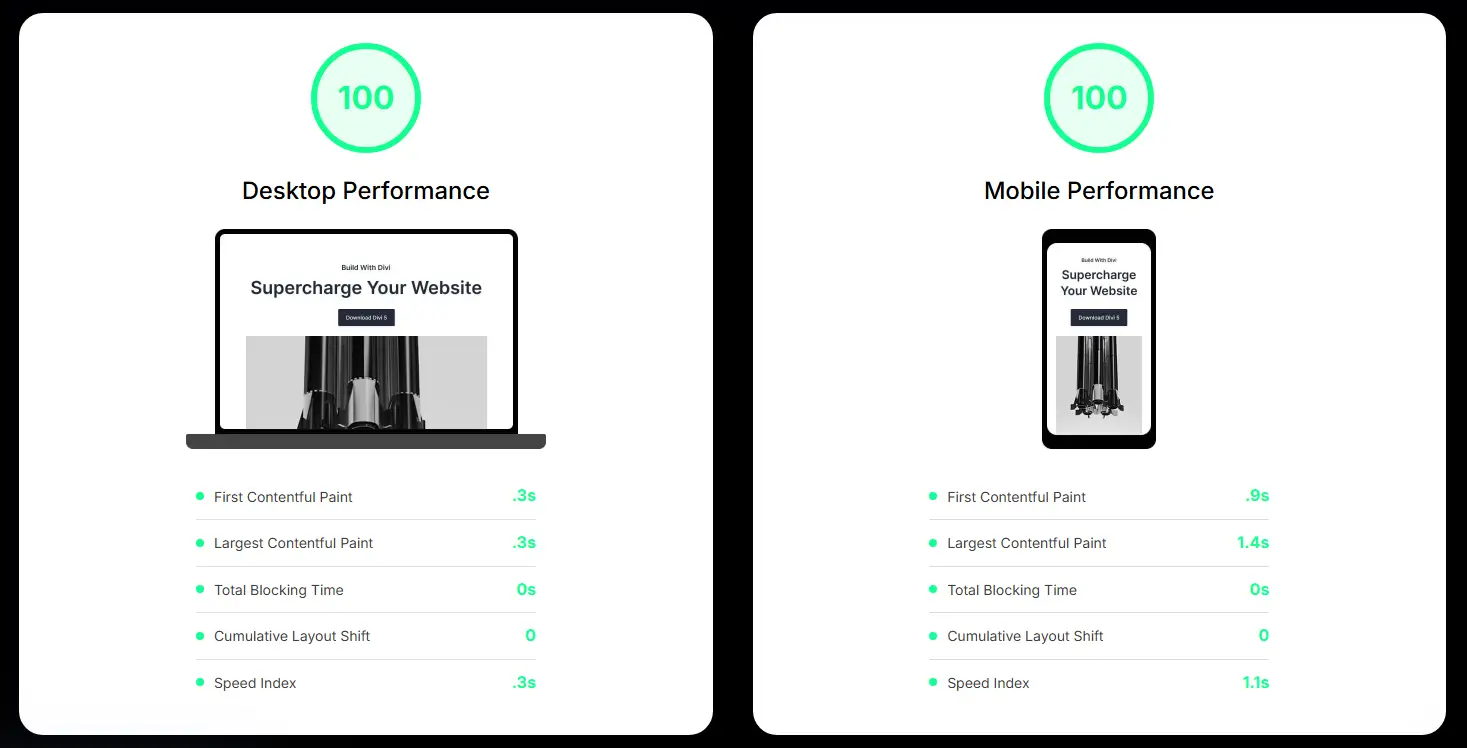
When you think about Divi 5, think of a faster and better approach to building WordPress platforms.
4. Global Variables, Presets, and Dynamic Content Functionality
Web designing becomes easy when you don’t have to do the same thing over and over. With Divi 5, this is exactly what you can do.
It provides you with the options of Global Variables/Elements and Presets that make customizing and using the same elements over and over. Plus, you can edit the one global element, and it can be applied to other locations or areas you are using it for.
Furthermore, the Dynamic Content lets you add the information/use the content with a single click. No need to add it manually— offering a faster approach to use the content you have.
When you optimize these features of Divi 5, you are building a website that takes less time to build and edit.
Hence, quick delivery per project requirements, making your clients and users happy.
5. In-built Element Inspection and Interaction Possibilities
While designing a webpage, it is a regular action to check the colors, font family, and other attributes of a particular element. Generally, the designer either utilizes the browser inspection tools or goes with the standard way of manually checking the details of a particular element.
This is a time-consuming process and often results in confusion or mistakes.
So, to overcome this situation, Divi 5 has come up with an in-built element inspector tool. Using this functionality, you can quickly find out what color, headings, font family, and other customizations are available on a particular page.
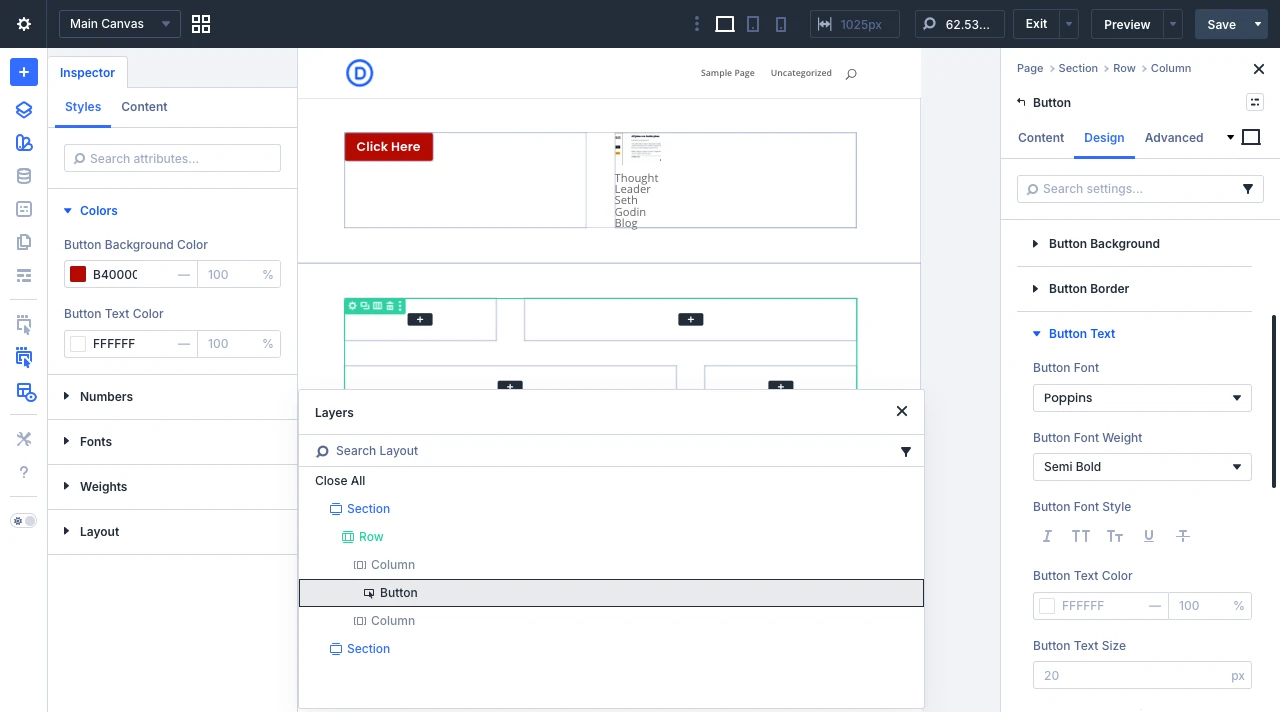
Apart from this, the new Divi 5 theme gives you the capability to enable event and action content for a particular element. For instance, you want to show a popup when users click on a button.
Well, it’s completely doable using DIvi 5’s native options—no need to install another plugin or extension.
6. Tons of Layout Possibilities
I’m not talking about the huge library Divi 5 has for pre-built templates; rather, I’m talking about the design possibilities for sections, rows, columns, layout direction, vertical gap, and more. You can have two frames, you can have three frames; design the layout the way you want.
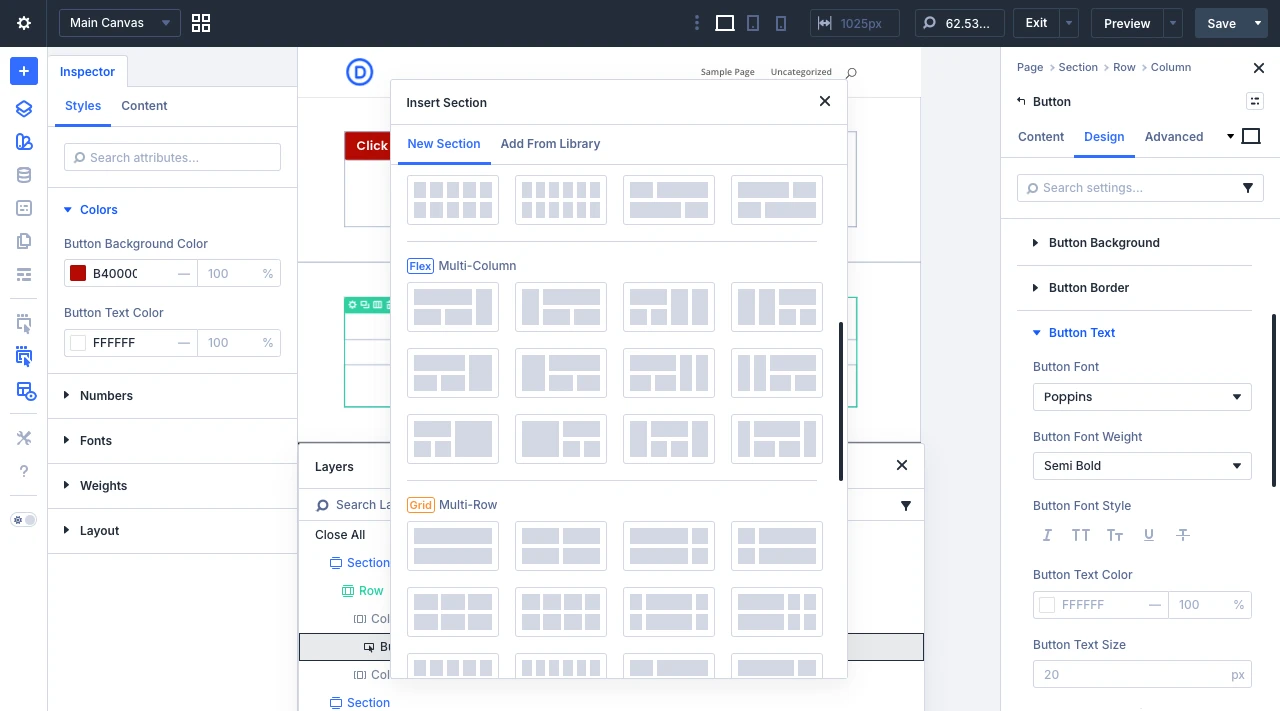
Divi 5 supports all of your creativity and makes it possible to build it with clarity. Whether you want to incorporate horizontal elements, vertical elements, or squares, you can do all-just get started with it.
7. And Everything You Want to Build, Build With AI
AI is on the rise. Today, you can’t think of anything without AI. A theme that does not support AI may stay behind. But Elegant Themes doesn’t want you to stay behind. Divi 5 is fully loaded with artificial intelligence juice.
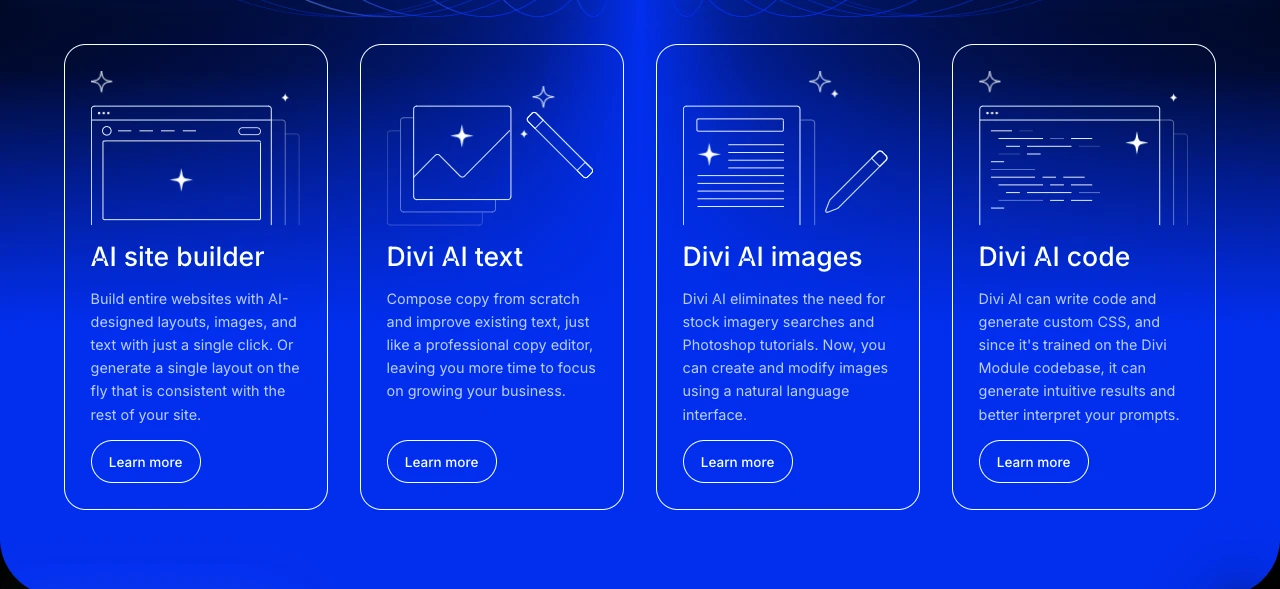
Using its advanced AI features, you can:
- Command the builder to generate layouts.
- Generate text.
- Create images.
- Generate code.
All of these are crucial segments of a website, and with Divi AI, you can create them with a single line of prompt or just a click.
Designing Your First Page With Divi 5
To design your first page using the Divi 5 theme, you need to download and install it. Follow these instructions to download and install the Divi 5 theme. Once you have installed the theme, make sure you activate it from the WordPress themes option.
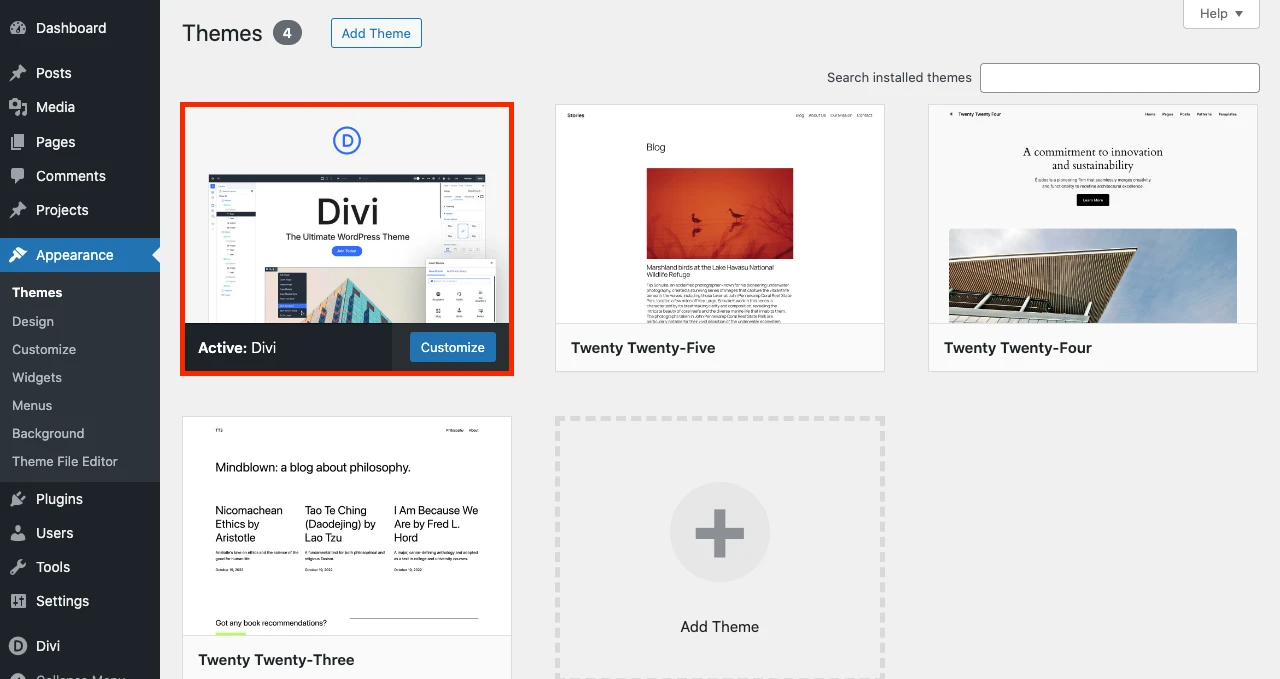
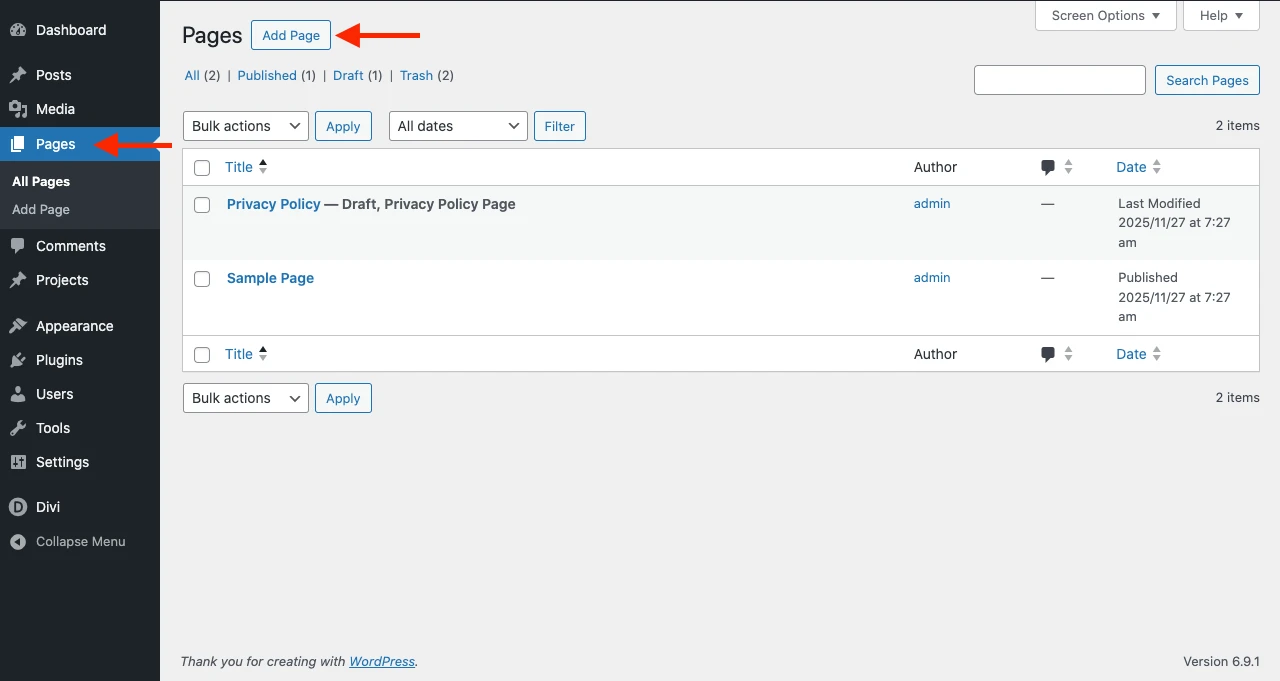
Now, after activating the theme, go to the Pages → Add New.
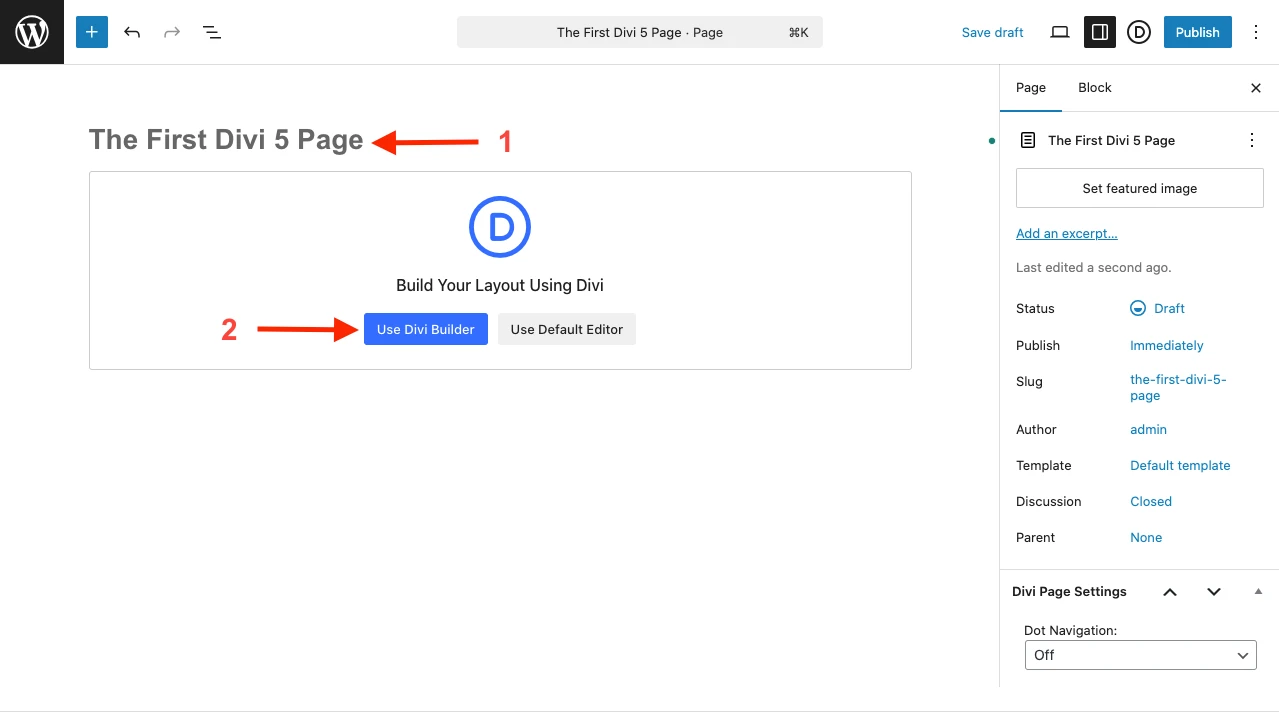
This will load the WordPress Gutenberg editor. First, enter the title of your page and then click the Use Divi Builder.
As you click the button, the following Divi 5 canvas will open.
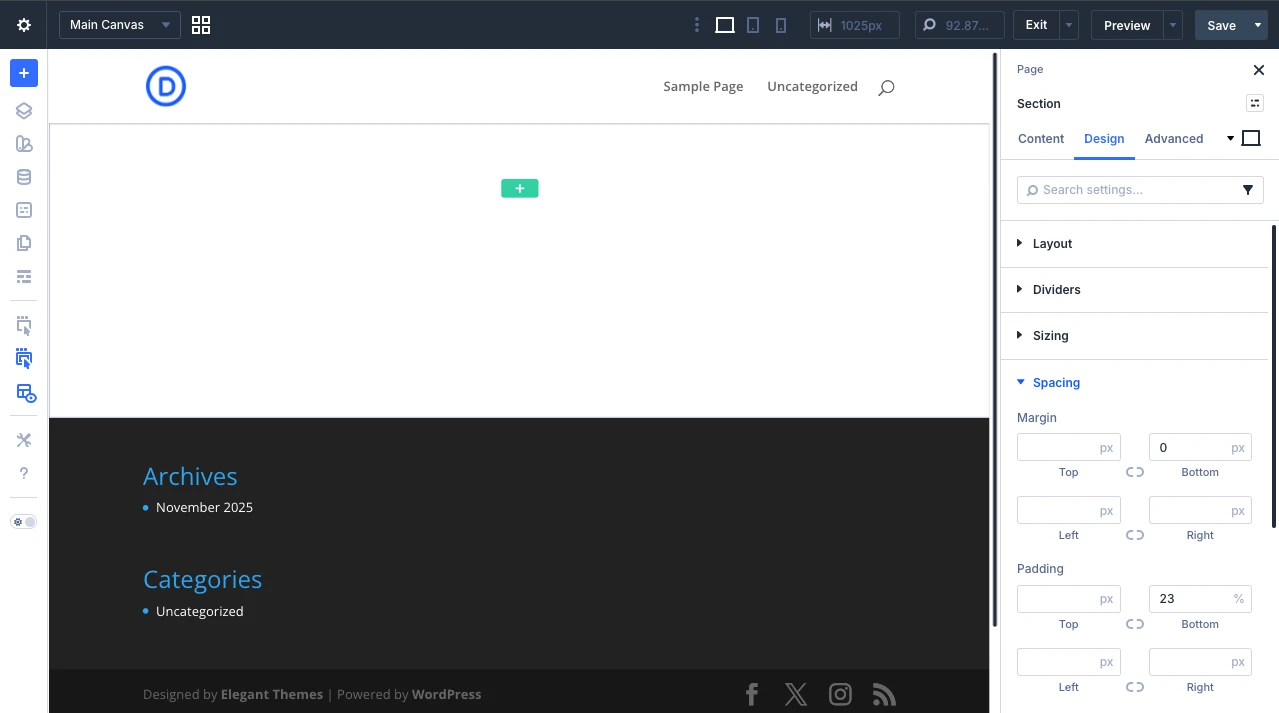
Inside the canvas or the Divi 5 visual builder, you need to first insert a section, which will then ask you to add rows, just like the following:
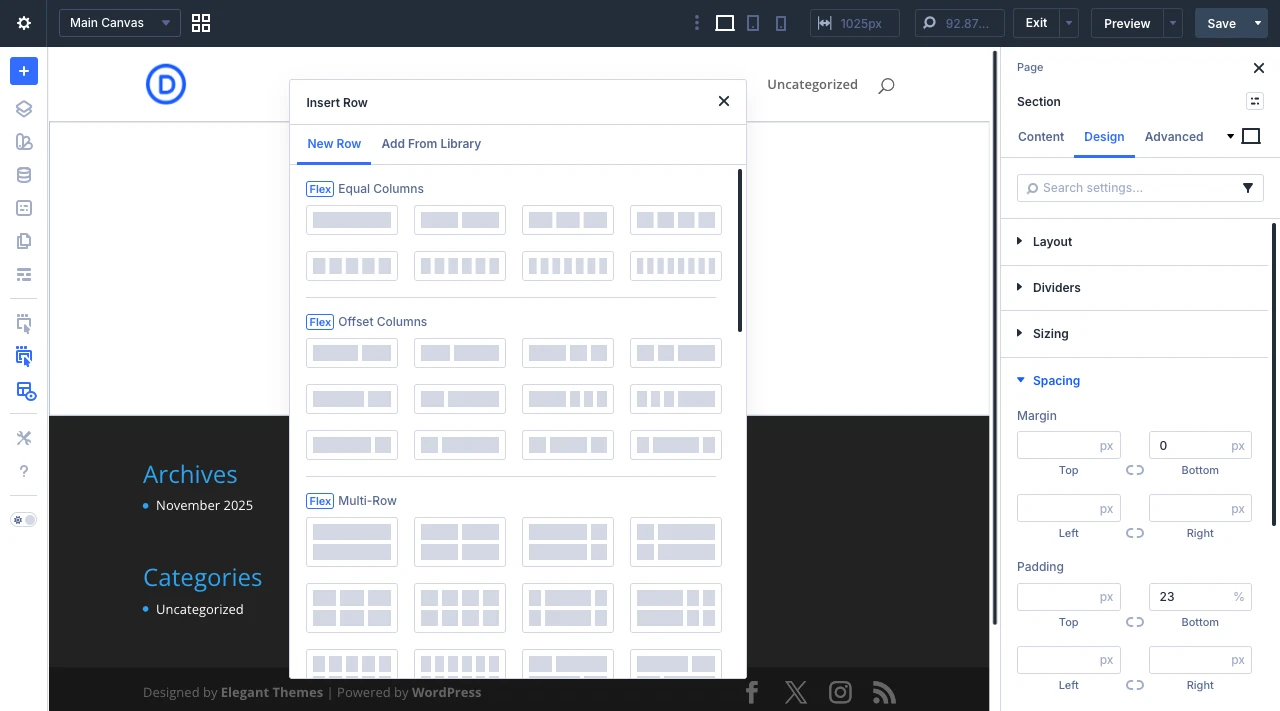
Then, after adding the rows/columns, you need to insert the modules. The modules are those that you can use to add your content and build other webpage elements. There are tons of modules available with Divi 5 that allow you to work on your project requirements.
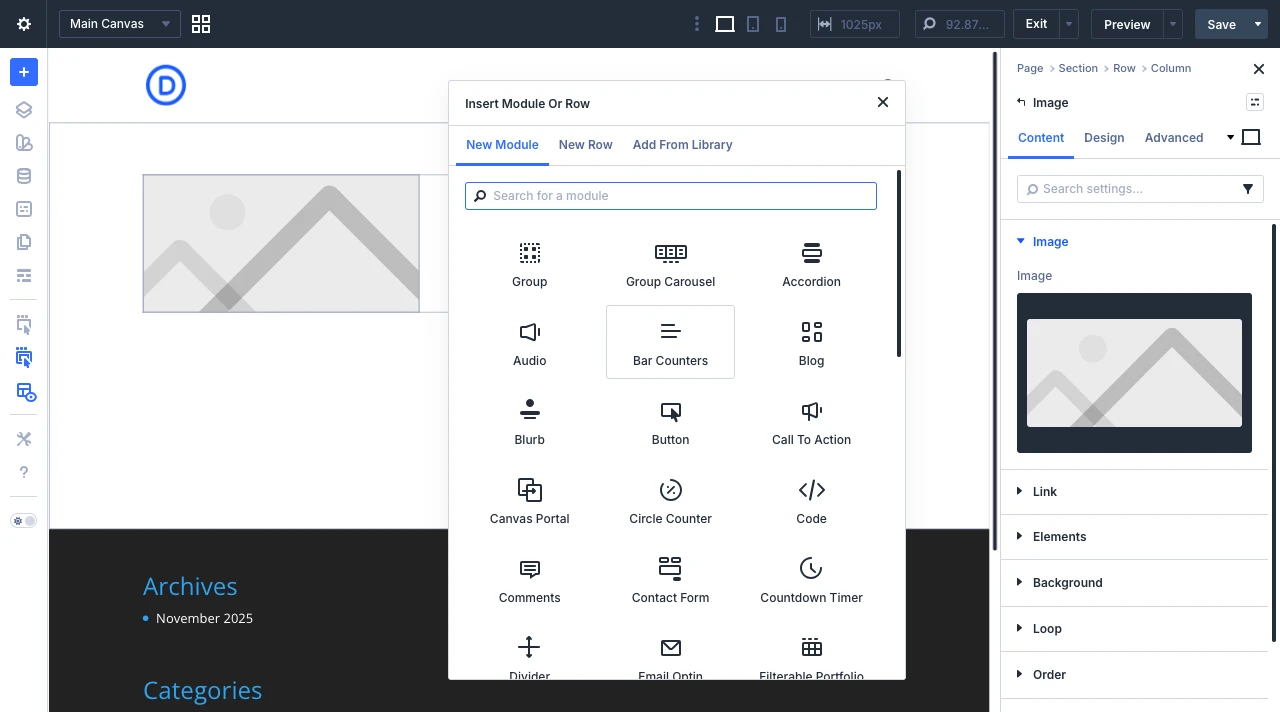
Add the modules per your requirements, and then customize them using the available options.
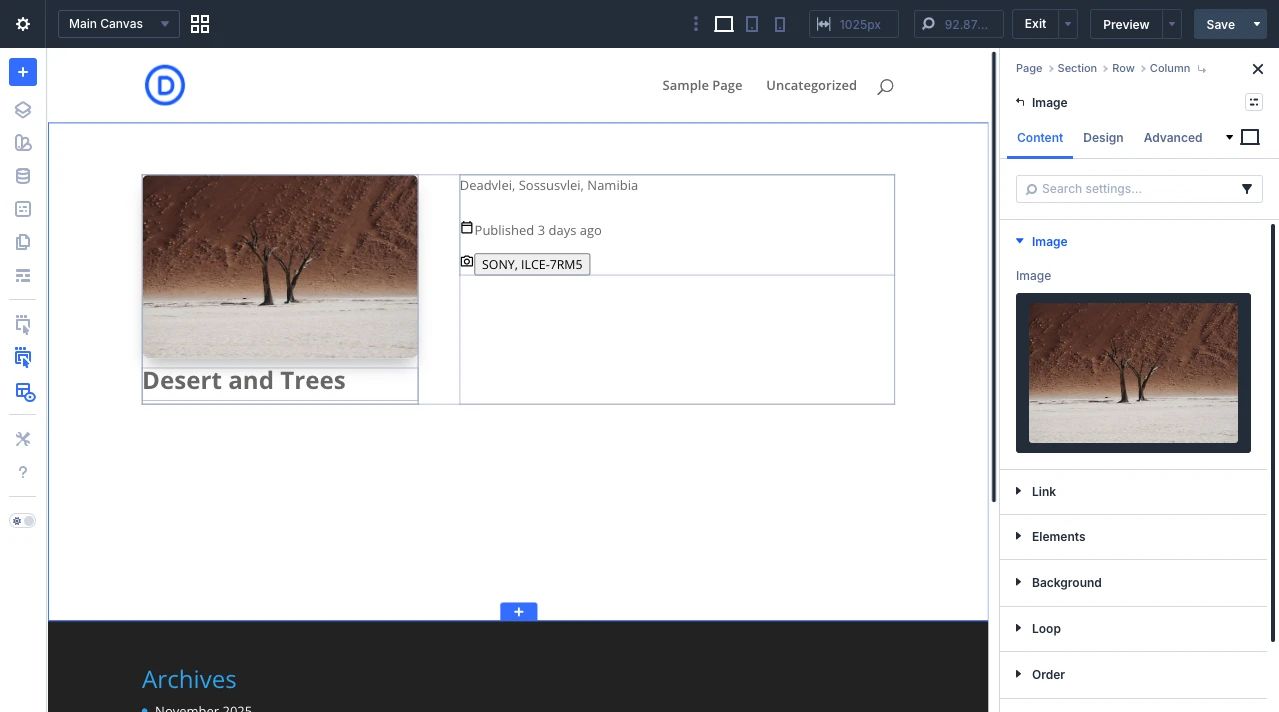
Once you’re done with your design, preview it or click Save. Then, hit publish to make your first live using the Divi 5 theme.
That’s it; you’ve successfully created a Divi 5 page.
Make the Most of Divi 5 With 3rd Party Plugins and Child Themes
Divi 5 comes with all the options you need for outstanding websites. However, you can take its capabilities to a different level by installing Divi 5 ready plugins, themes, or layouts. It’s just like adding accessories to an SUV. The plugins, themes, or layouts you can surely try one of the most popular Divi products, and by using them, you can have a great experience.
Here are those plugins, themes, and layouts.
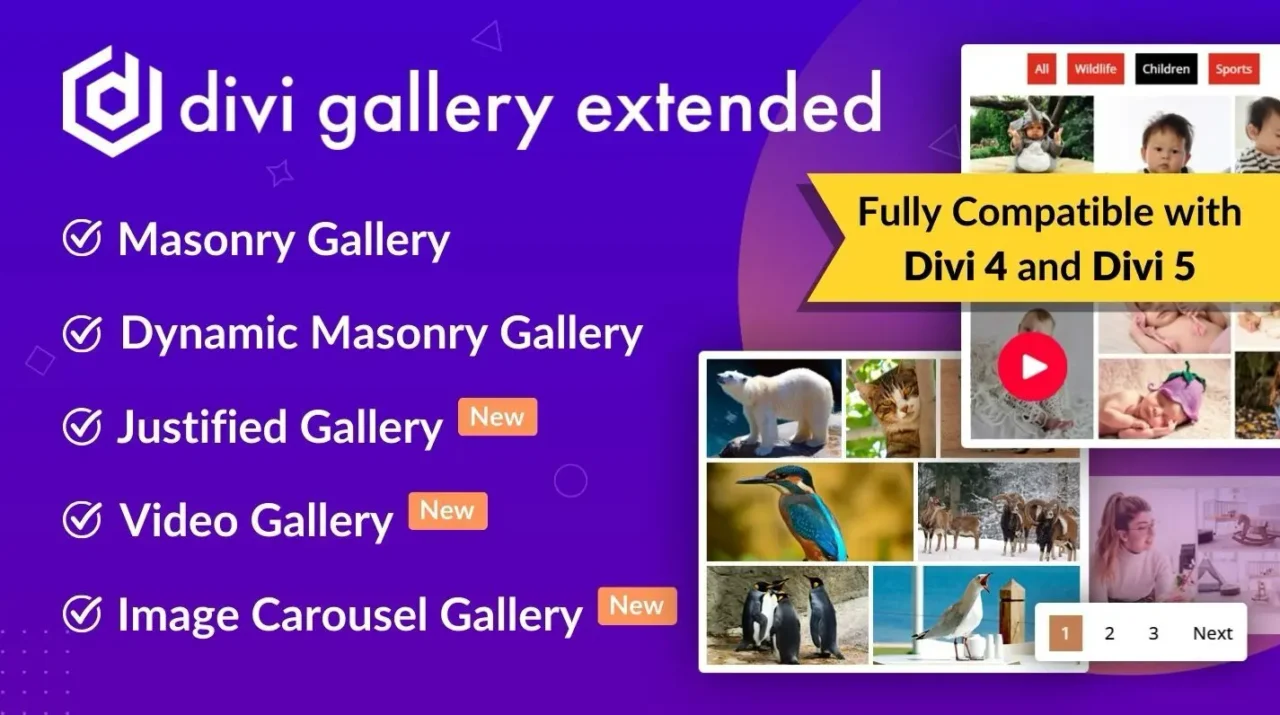
Divi Gallery Extended is a gallery plugin for Divi 5 that offers more layouts and gallery presentation options.
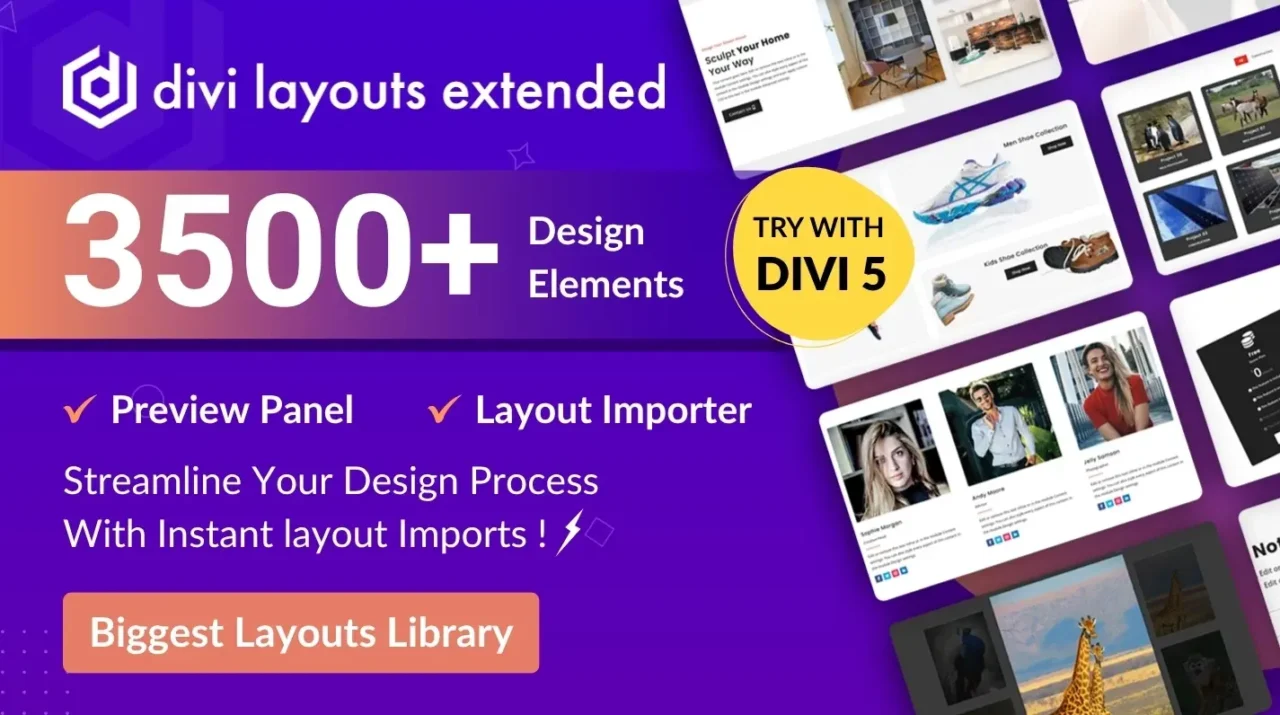
With Divi Layouts Extended, you get a library of thousands of Divi 5 layouts to build different webpage elements and sections in no time.
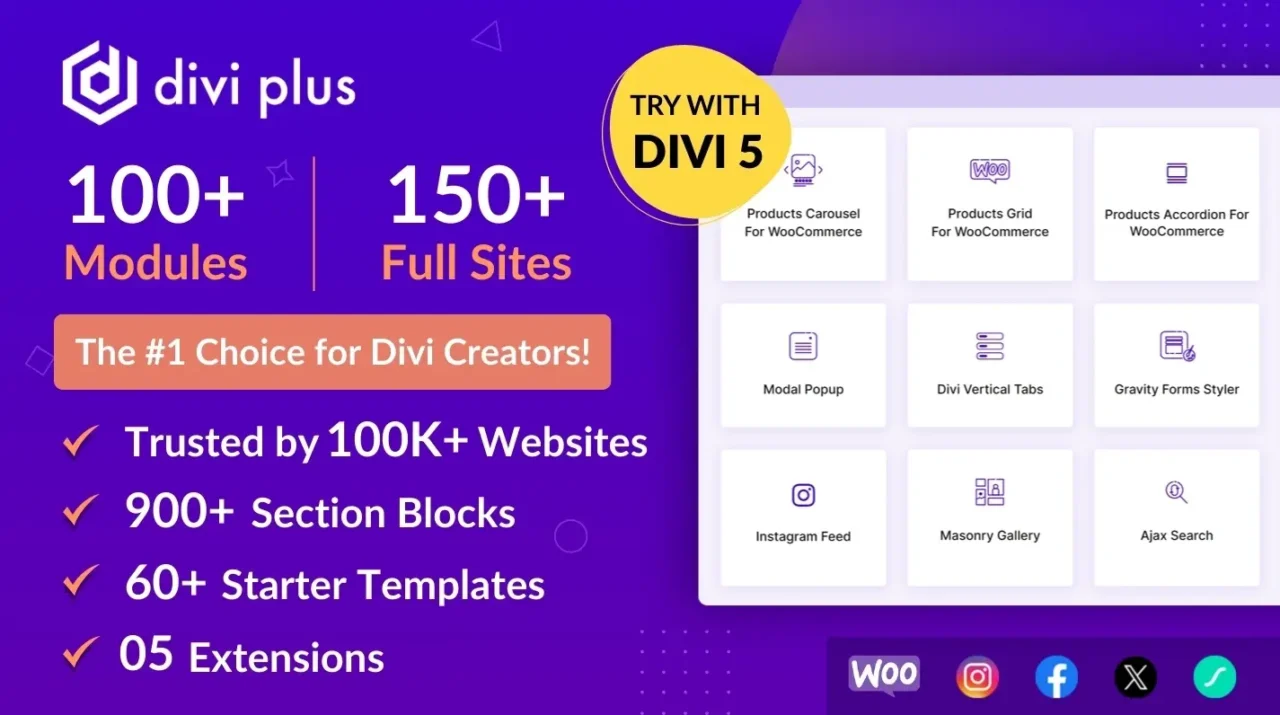
Divi Plus is a multimodule plugin for Divi 5, which is still in the testing phase for Divi 5, but you can give it a try and see how much it can assist you in building awesome Divi projects.
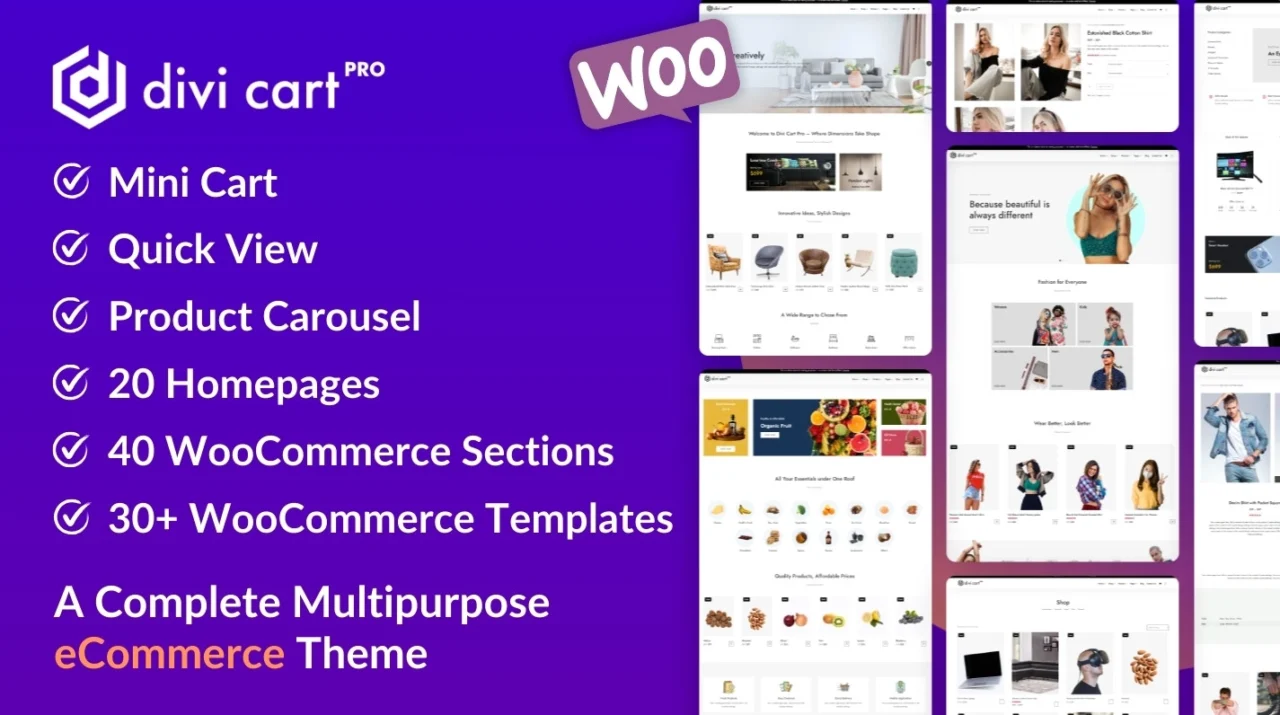
With Divi Cart Pro, you can create various kinds of eCommerce websites using Divi and Woo. It is a fast and modern theme with essential elements and functionality to successfully run and manage a digital shop.
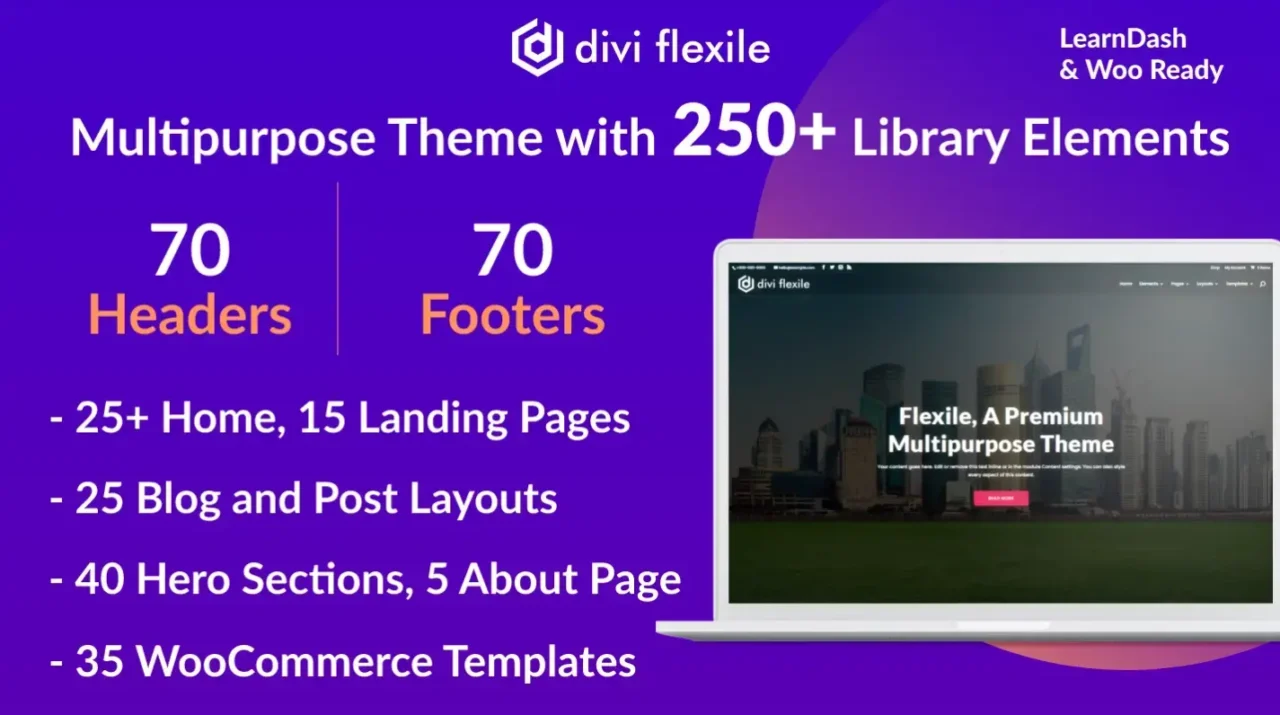
If you’re looking for a master theme that can help you build any website and you don’t have to work on different parts, then get the Flexile theme for Divi 5. It will be available for Divi 5 soon; currently, it is in the testing phase.
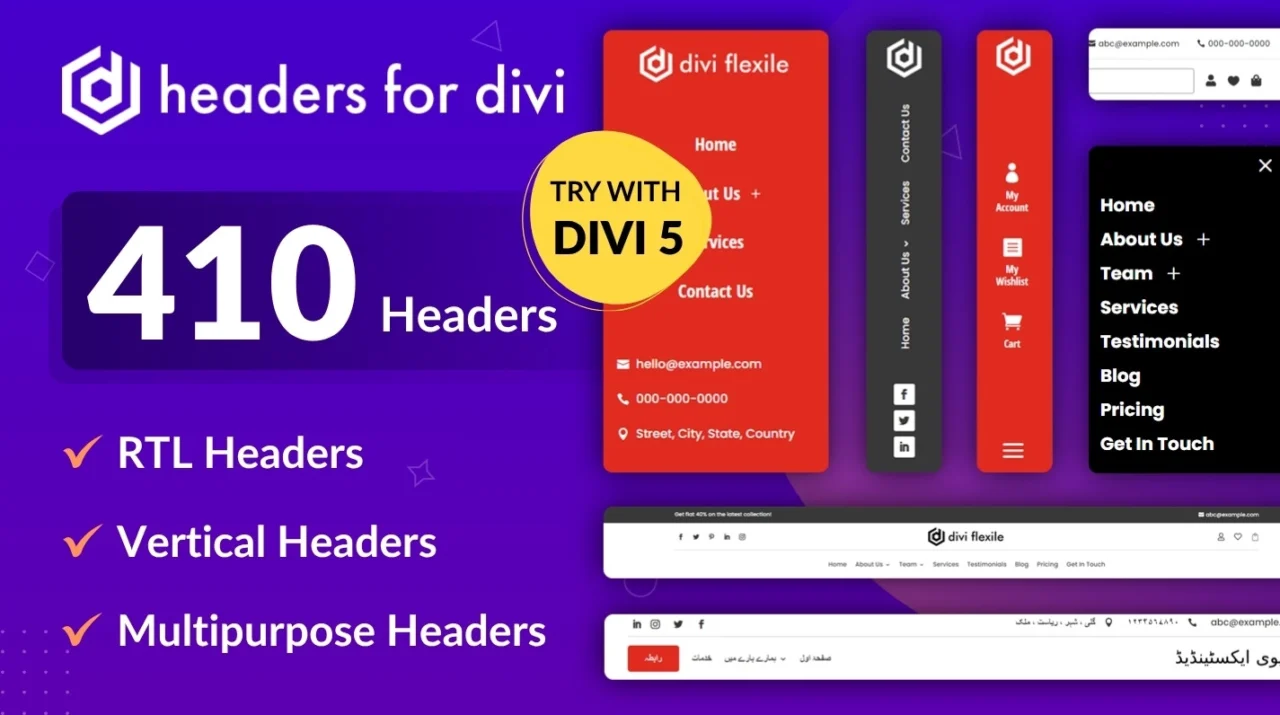
The header of a website is a crucial segment. That’s why we have built the Headers for Divi pack that includes hundreds of awesome layouts to optimize navigation and user experience. You can get it as well.
Check out the whole Divi 5 progress of our products.
Divi 5 and Additional Membership Plans
If you’re wondering whether the new Divi theme will cost you more, then stop doing it right away because the Divi 5 update will continue to be available at the previous price.
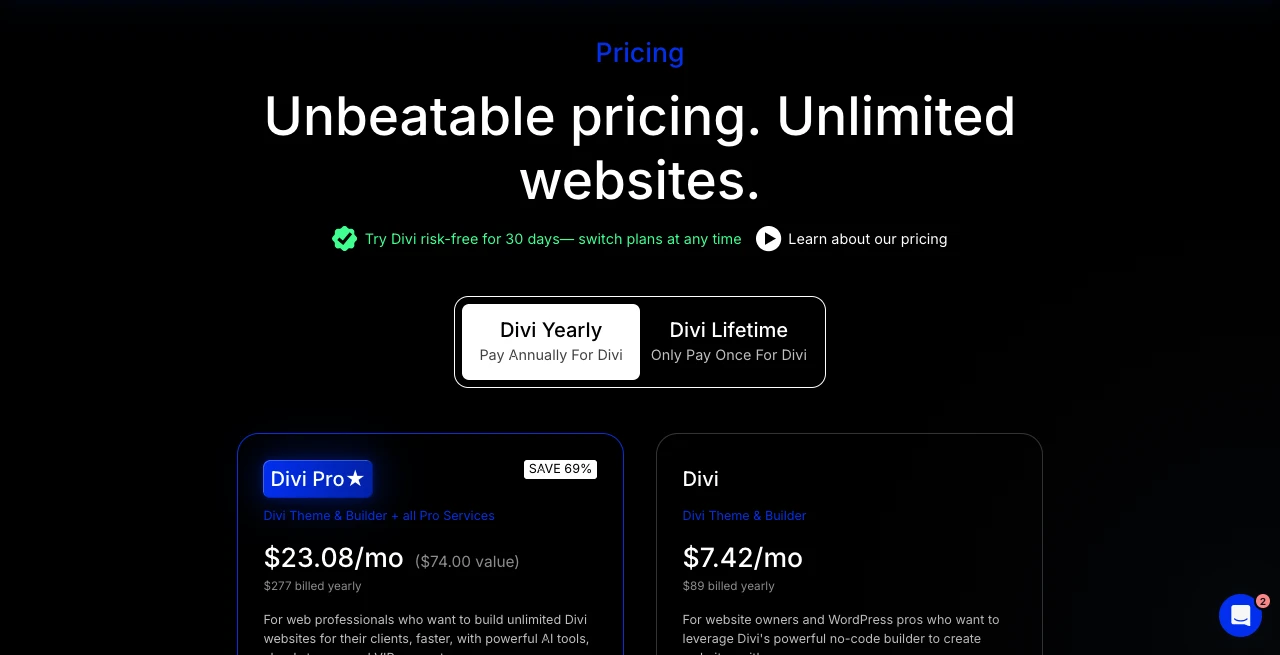
You don’t have to pay anything extra. For every year, you can choose to pay $89 and get everything it has to offer. Or, you can go with the $249 one-time payment and use Divi forever. Yes, that’s the promise of Elegant Themes when you choose their most popular WordPress theme.
In addition to the official Divi 5 pricing, you can also choose to get the Divi Extended membership available at $499.
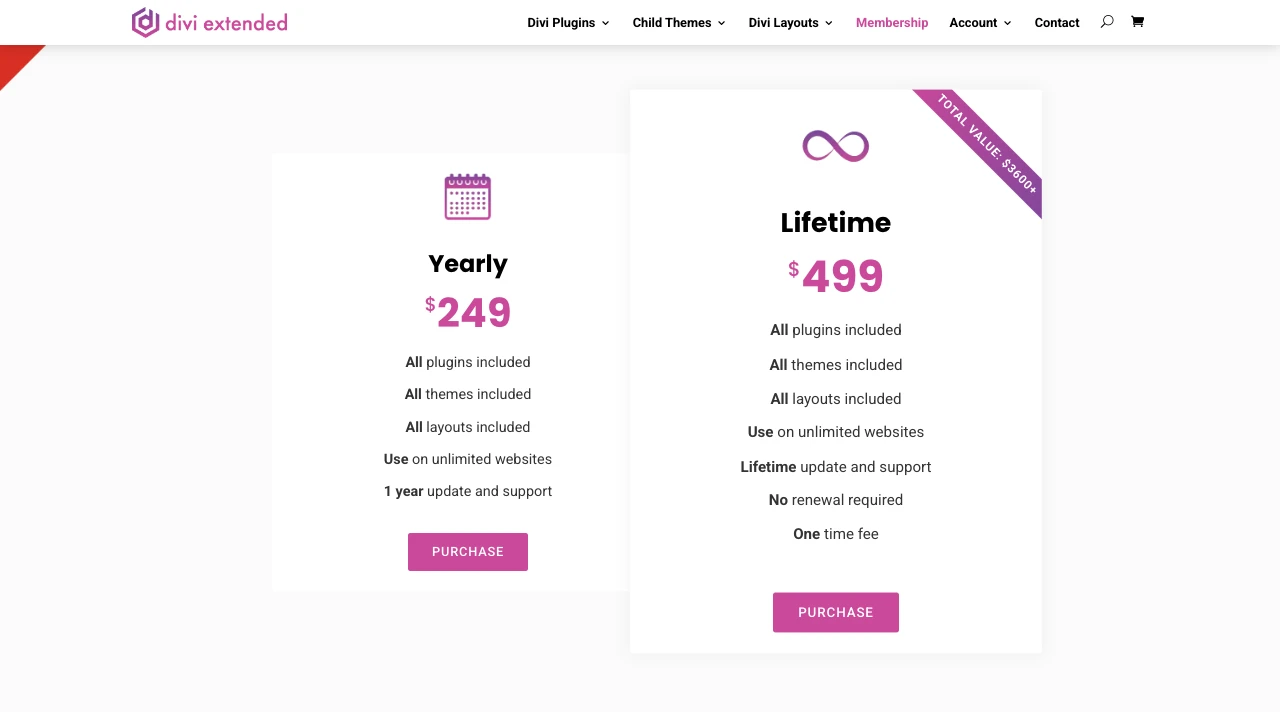
With Divi Extended Membership, you can access all the plugins, themes, and layouts available at our store. And almost every Divi product we have is ready for Divi 5. Therefore, you can utilize the Divi 5 theme further and take your website to a new level.
So, if you’re looking for more, then Divi Extended Membership is another option.
Frequently Asked Questions
Is Divi 5 ready to use?
Yes, Divi 5 is ready to use. You need to update the Divi 4 to Divi 5 and use it as you’re using the earlier versions.
Is Divi 5 still in Beta?
Yes, it’s out of Beta version and available to everyone for personal or professional use.
Is Divi 5 better than Elementor?
Divi 5 has been built from the ground up with clean code and a better visual builder. It is fast and provides intuitive options to build websites.
Is Divi 5 faster?
Yes, it is faster than Divi 4 and mostly other available WordPress builders.
Is Divi 5 stable?
Yes, on 26th February 2026, Elegant Themes officially released the stable version.
Is Divi 5 free?
No, in order to use the Divi theme, you need to get it from the official website of Elegant Themes.
Wear the Divi 5 Hat Today!
For years, Divi 4 allowed its users to build websites that were only possible through coding or hiring a WordPress professional. It gave them the easiest way to target any design or webpage element.
Now, with Divi 5, you’ll take that experience to a whole new level.
You have a better builder, a faster theme, and above all, a framework that will last many years to come.
Whether you’ve upgraded to Divi 5 or not, if you’re planning to build a WordPress site, do it with Divi 5. You’ll have the best tool and community, without it being heavy on your pocket. Build world-class websites with ease and affordability.
Just do it.


0 Comments