
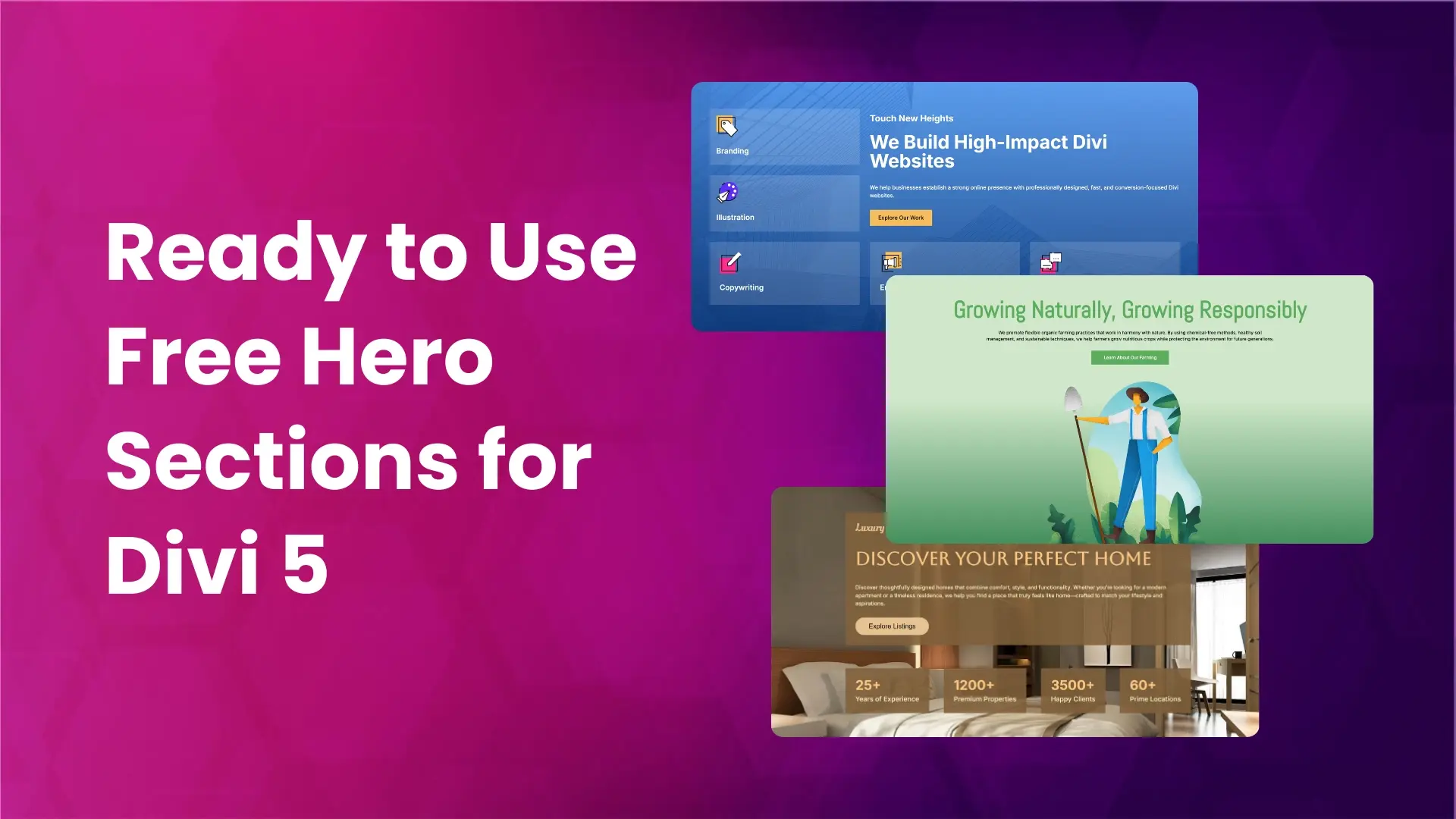
The hero section is the first thing people see when they open a website. A well-designed hero section helps visitors understand your message quickly and encourages them to scroll further.
To make website building easier, we have created ready-made hero section layouts for Divi 5. These layouts are clean, modern, and easy to customize. You can use them for business websites, portfolios, landing pages, and many other types of websites.
Preview
Below is a preview of the 5 prebuilt hero section layouts for Divi 5.

Download Prebuilt Hero Sections for Divi 5
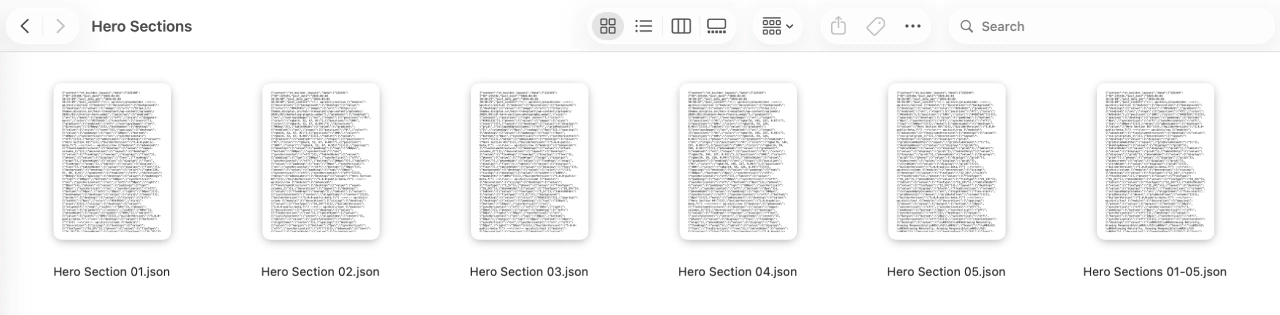
Once you download the zip file Free Divi 5 Layouts.zip, unzip it to access the Hero Section folder. Inside this folder, you will find:
- Individual JSON files for each hero section layout
- One single JSON file that contains all hero section layouts together
If you want to import all layouts into your Divi library at once, you can use the single JSON file that contains all the sections. Importing this file will add all hero section layouts to your library in one go.
How to Import Hero Sections into the Divi Library
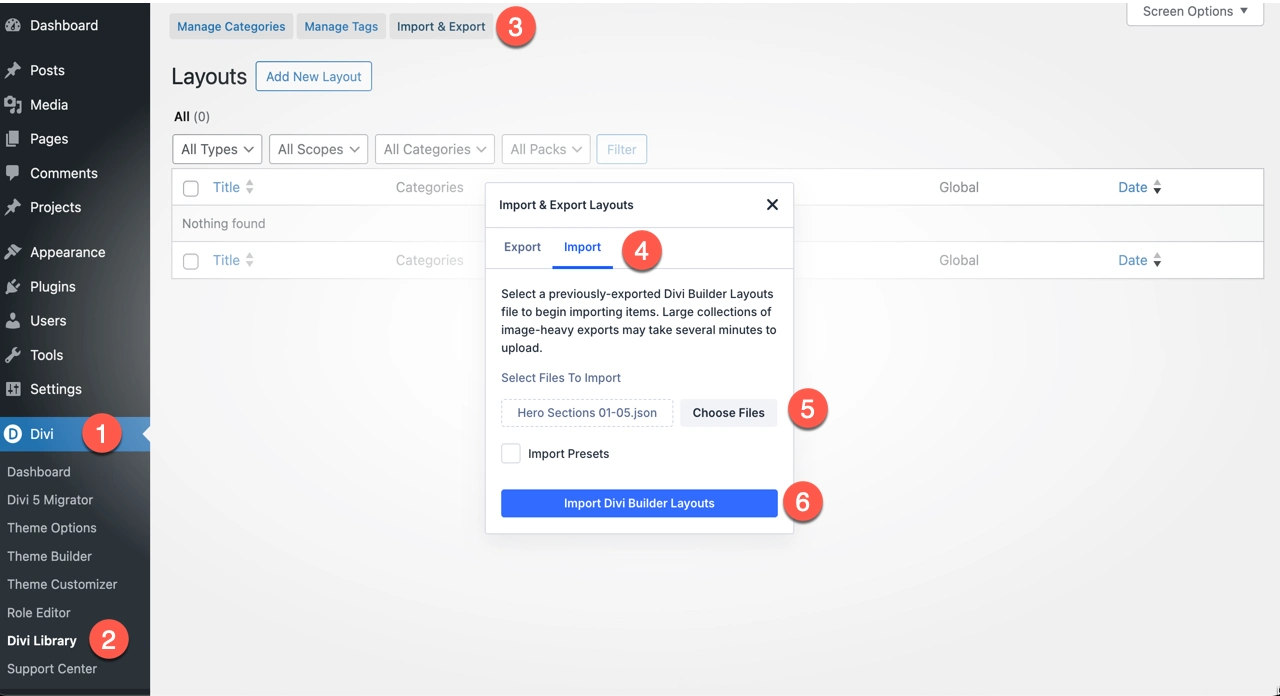
To use these layouts on your website, you first need to import them into your Divi Library.
- Go to WordPress Admin Dashboard
- Navigate to Divi → Divi Library
- Click on Import & Export
- Select the Import tab
- Click Choose Files and select the JSON file
- You can select a single layout file
- Or choose the file that contains all hero section layouts
- Click Import Divi Builder Layouts
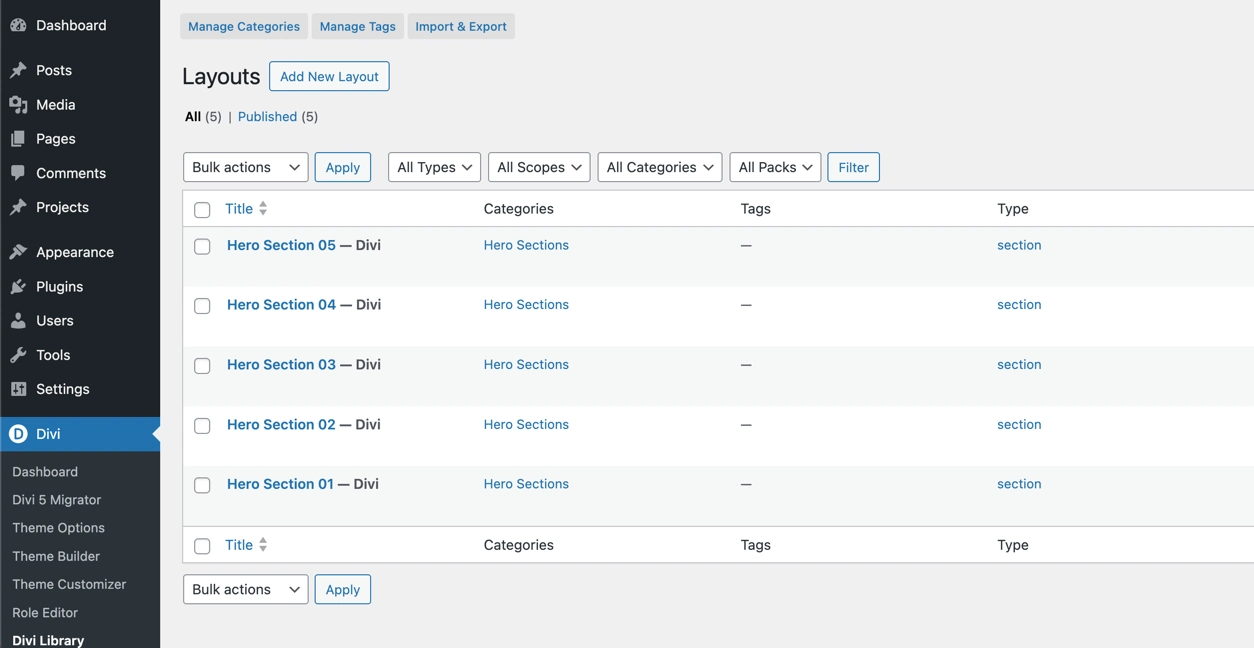
Once imported, the hero section layouts will be available in your Divi Library.
How to Add a Hero Section to a Page
After importing the layouts, follow these steps to add a hero section to any page:
- Create a new page or edit an existing page
- Enable the Divi Visual Builder
- Add a new section
- Choose Add From Library
- Select the category from the sidebar
- Choose the hero section layout you want to use
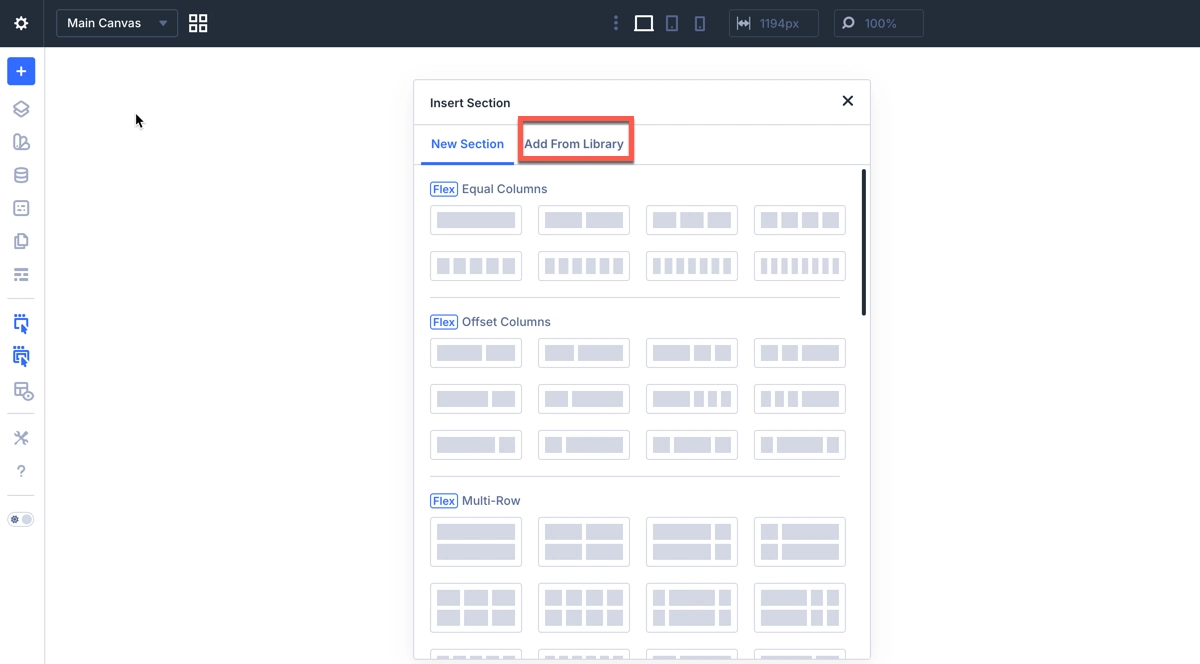
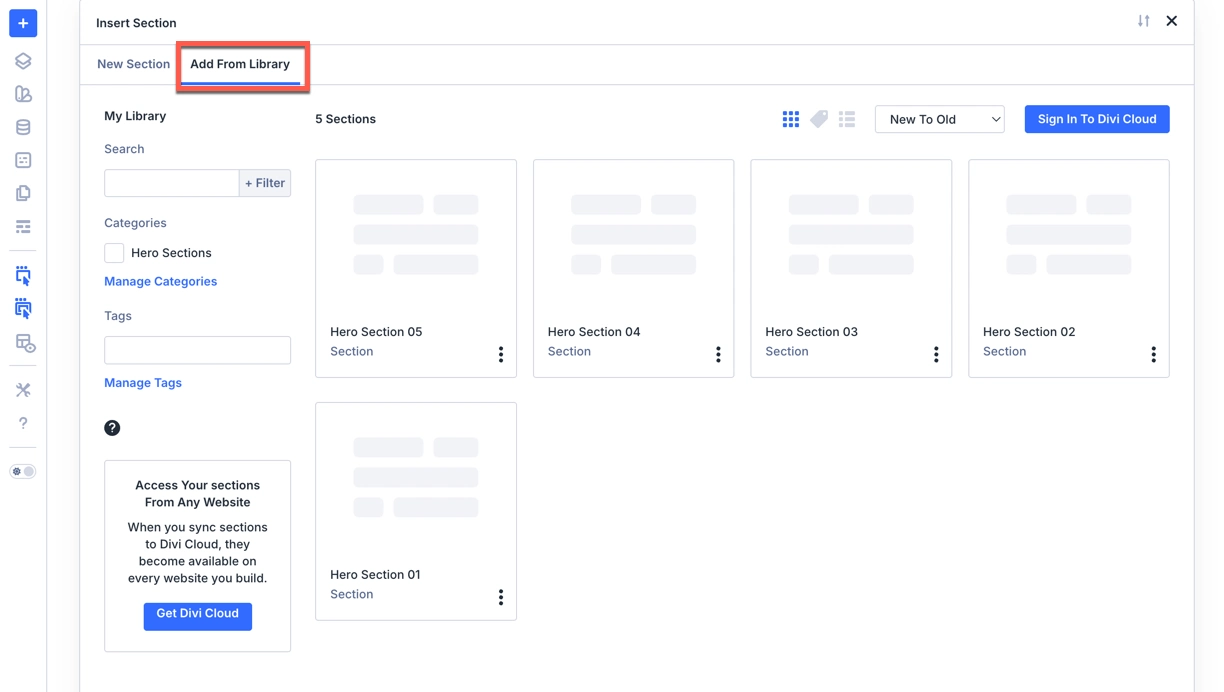
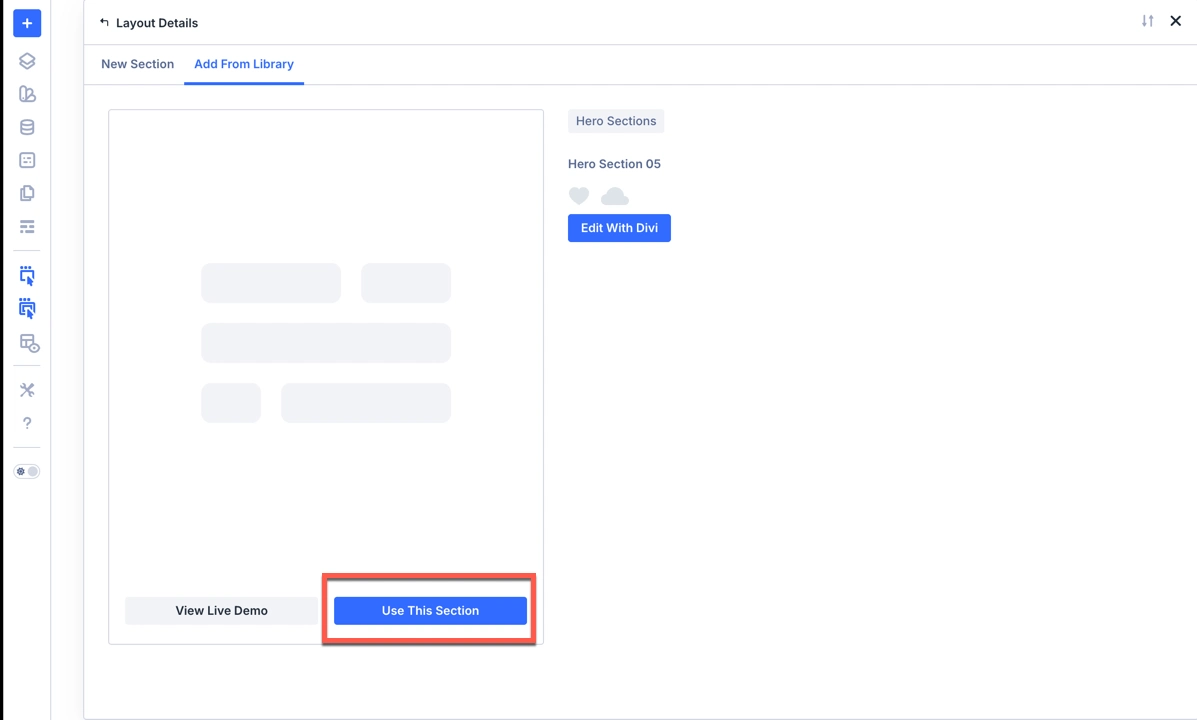
Now the hero section will be added to your page.
Divi 5 Features Used in These Hero Sections
These hero section layouts are built using modern Divi 5 features, making them flexible, responsive, and easy to customize.
Multi-Row Layout
This feature allows you to create multiple rows inside a single grid container. The benefit is that you don’t need to add a separate row for each new line.
- Organize content more efficiently
- Create advanced layouts without complexity
- Maintain consistent spacing and alignment across devices
Grid Layout
The grid system in Divi 5 helps structure content in a clean and balanced way. It’s ideal for aligning text, images, and buttons neatly within the hero section.
Grid Masonry
Grid Masonry allows elements of different heights to fit together naturally without leaving gaps. This is useful for visually rich hero designs that include images and content blocks of varying sizes.
Easy Customization in Divi 5
You can easily edit the hero section content using the Divi Visual Builder. Change the text, images, colors, buttons, and spacing to match your website style. No coding knowledge is required.
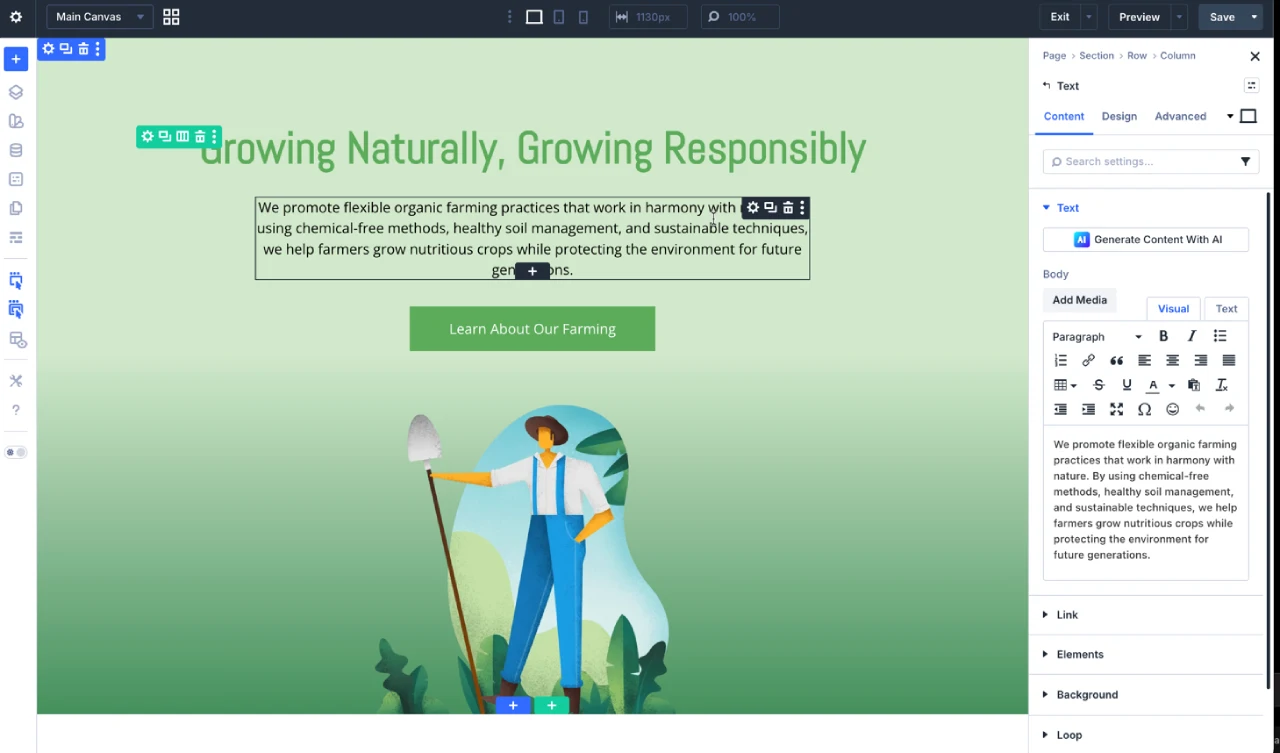
The ZIP also includes free prebuilt Contact Us section layouts for Divi 5 , About Us section layouts for Divi 5 , Testimonial section layouts for Divi 5 and Blog section layouts for Divi 5. Download once and get all sections together.
Final Thoughts
Hero sections play an important role in creating a strong first impression. With these 5 prebuilt hero section layouts for Divi 5, you can save time and build professional websites faster.



0 Comments