
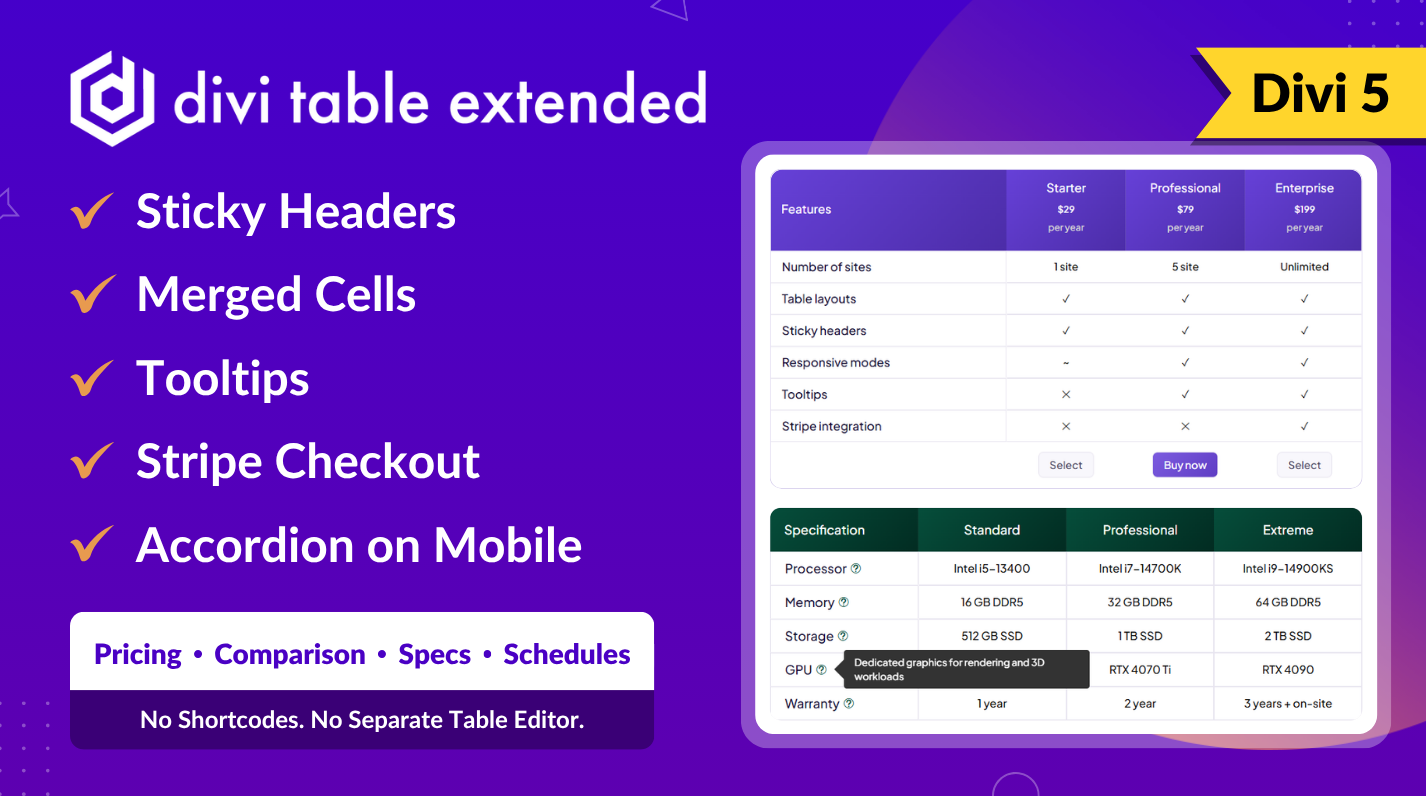
Fully Compatible with Divi 5
Why tables are hard in Divi
Divi ships without a table module. The usual workarounds all cost you something:
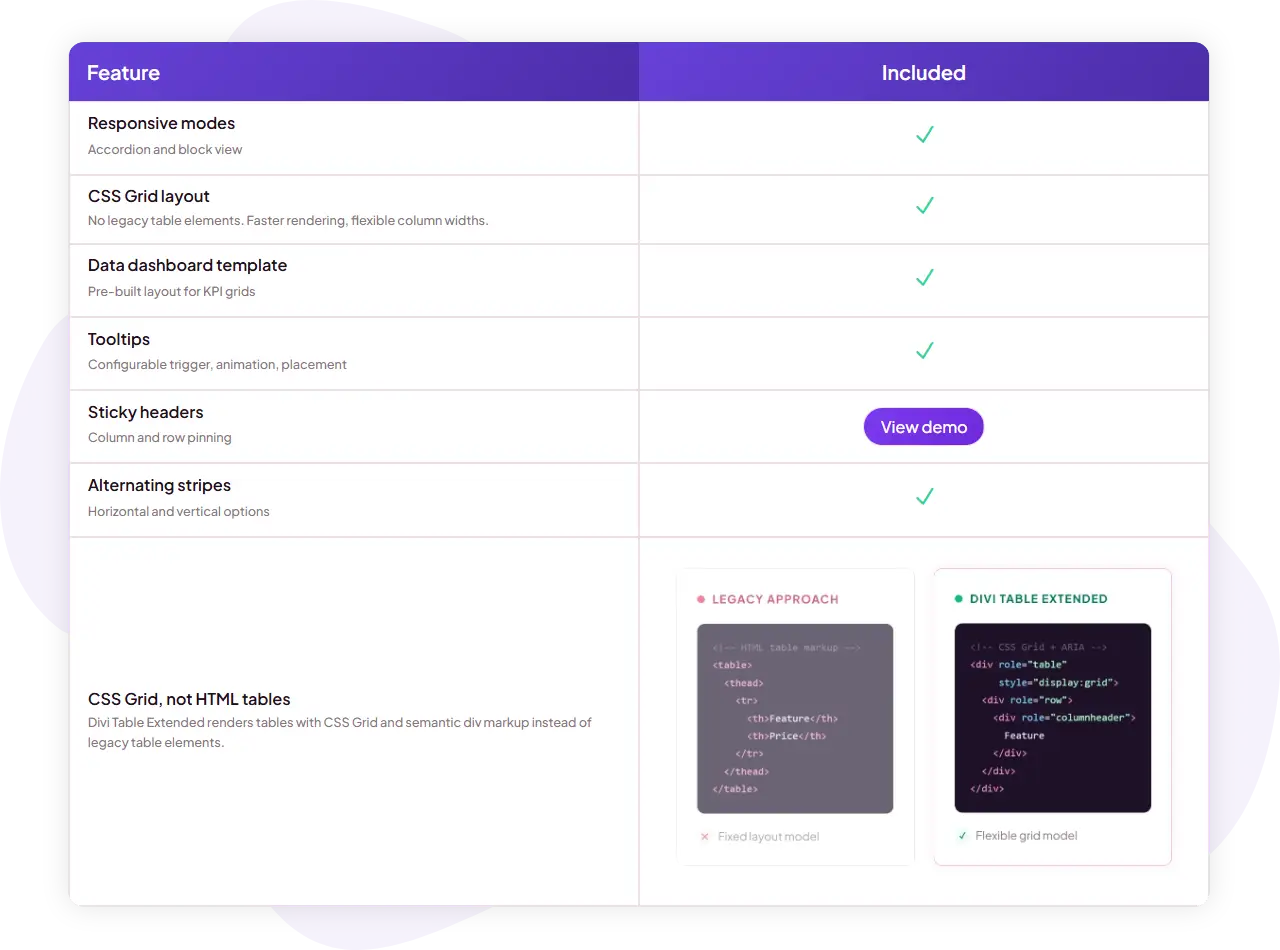
- Pasting HTML tables into a Code module means no visual editing, no Divi styling controls and markup that breaks on mobile.
- Faking a table with Divi rows and columns falls apart the moment you need header rows, cells that span columns or a layout that holds its alignment.
- Generic table plugins for WordPress render through shortcodes, so you style them in a separate screen with their own settings panel instead of the Divi controls you already know.
Divi Table Extended treats the table as what it is: a Divi module. You define the grid once, drop in a child module per cell, and style headers, footers, general cells, buttons and tooltips with standard Divi Builder design controls – typography, backgrounds, spacing and borders, with hover, responsive and sticky states where Divi provides them.
What you can build
Real table structure: headers, footers and column control
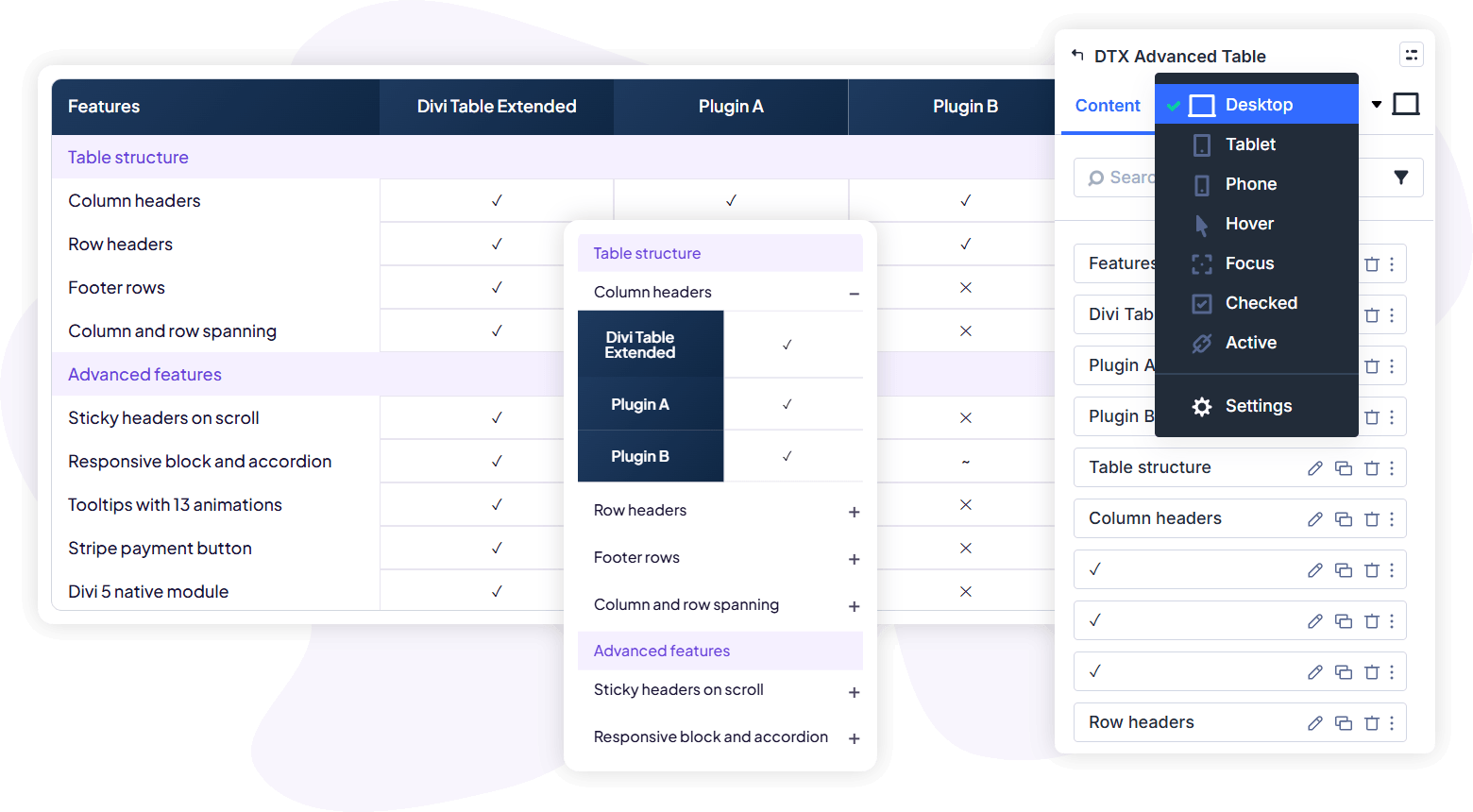
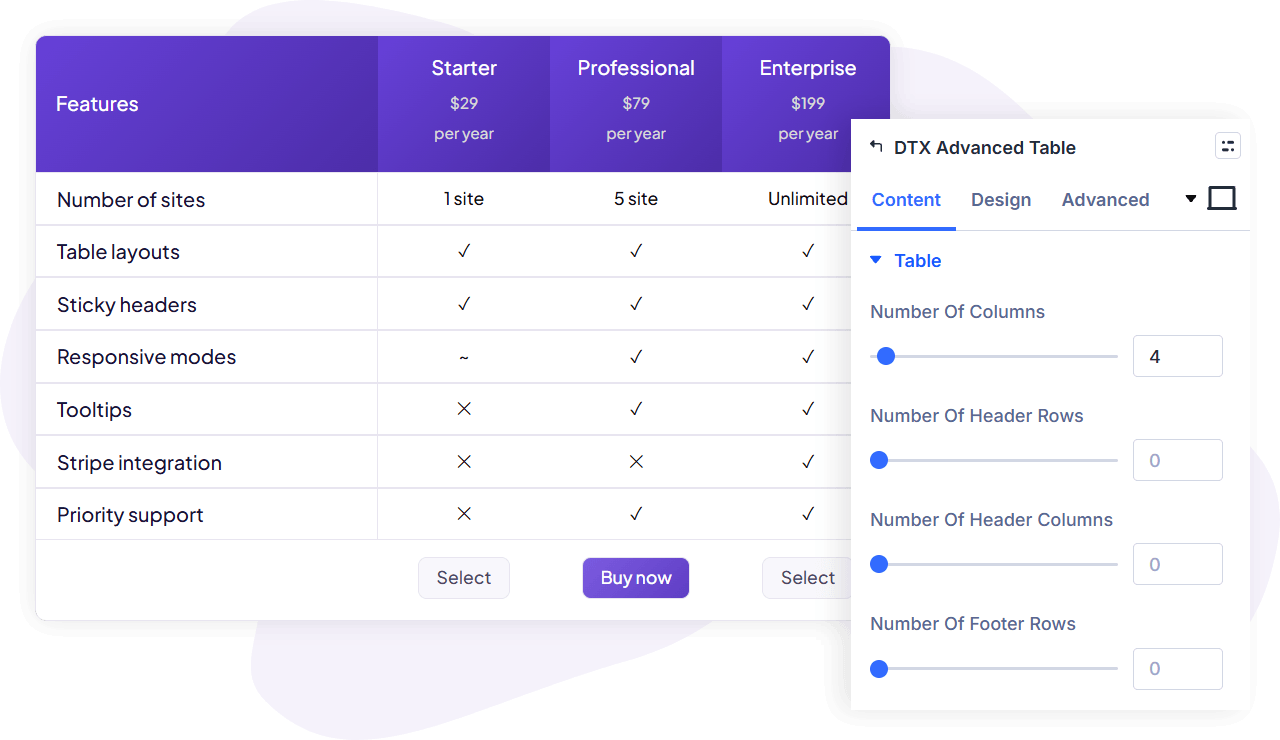
Set the number of columns (up to 100), then decide how the table is organized: how many columns act as column headers, how many rows act as row headers, and how many rows form a footer. An empty-header toggle inserts blank header cells so row-header layouts keep their alignment, and any individual cell can be marked as an empty cell to create deliberate gaps. Each area – header columns, header rows, footer rows and general cells – has its own design controls for background, spacing, alignment, and minimum and maximum width, plus separate typography for cell titles and cell descriptions.
Responsive tables that restructure, not shrink
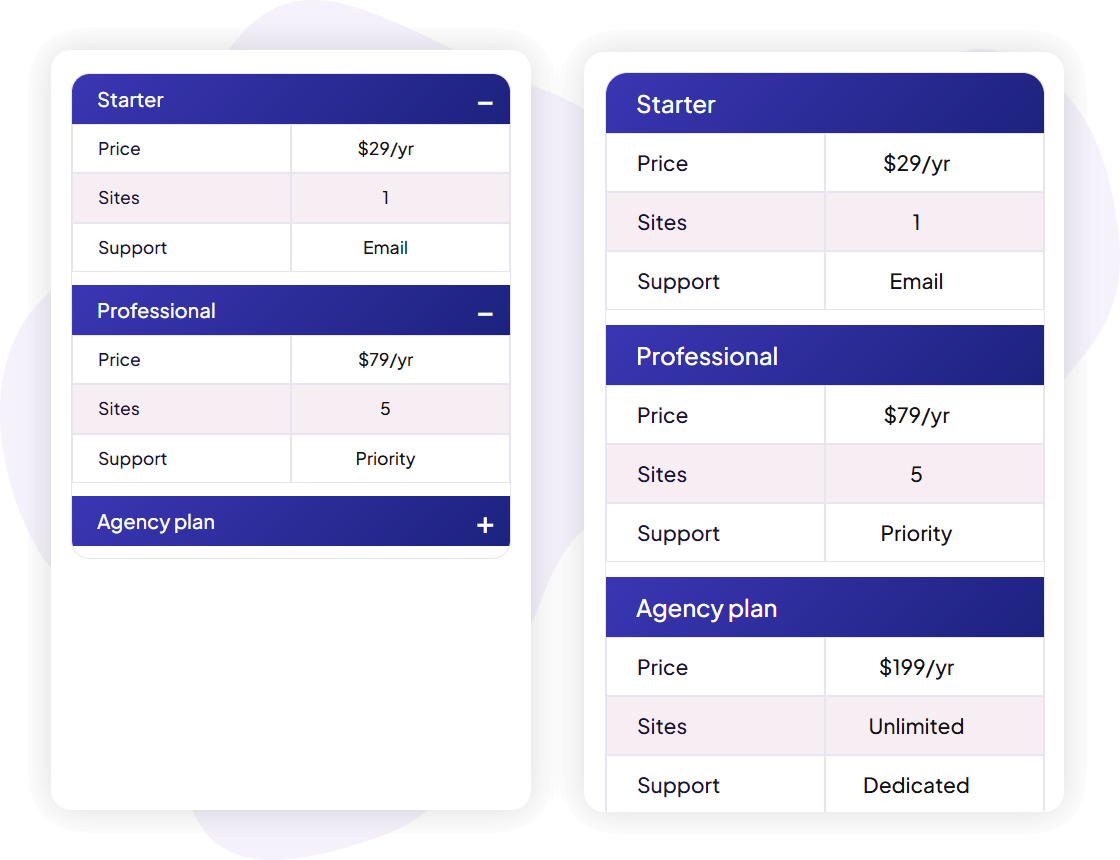
Wide tables do not survive small screens by squeezing. Turn on the responsive option and choose how the layout breaks – by columns or by rows – and what it becomes: stacked blocks or a tap-to-open accordion. The accordion toggle icon has its own size and color controls. Your data stays readable on phones without horizontal squinting, and you decide the reading order the mobile version follows.
Sticky headers for long tables
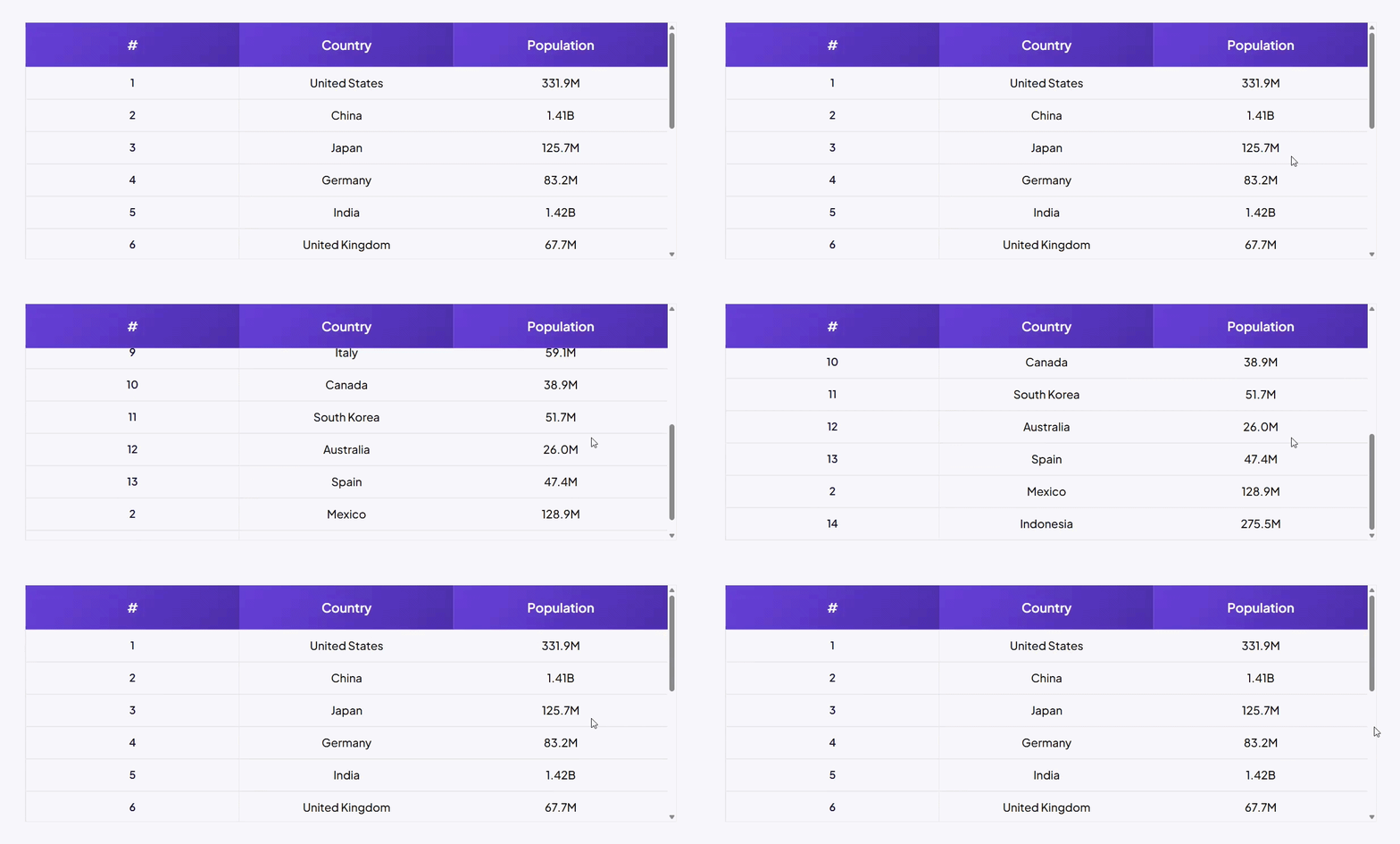
For tables with many rows or many columns, enable sticky headers and pick which headers stay in view while the visitor scrolls: column headers or row headers. With sticky column headers you can cap the table at a maximum height (in px, %, em, rem, vh and other units) so it scrolls inside its own frame, and a separate toggle controls whether sticky behavior also applies on smaller screens.
Cells that span rows and columns
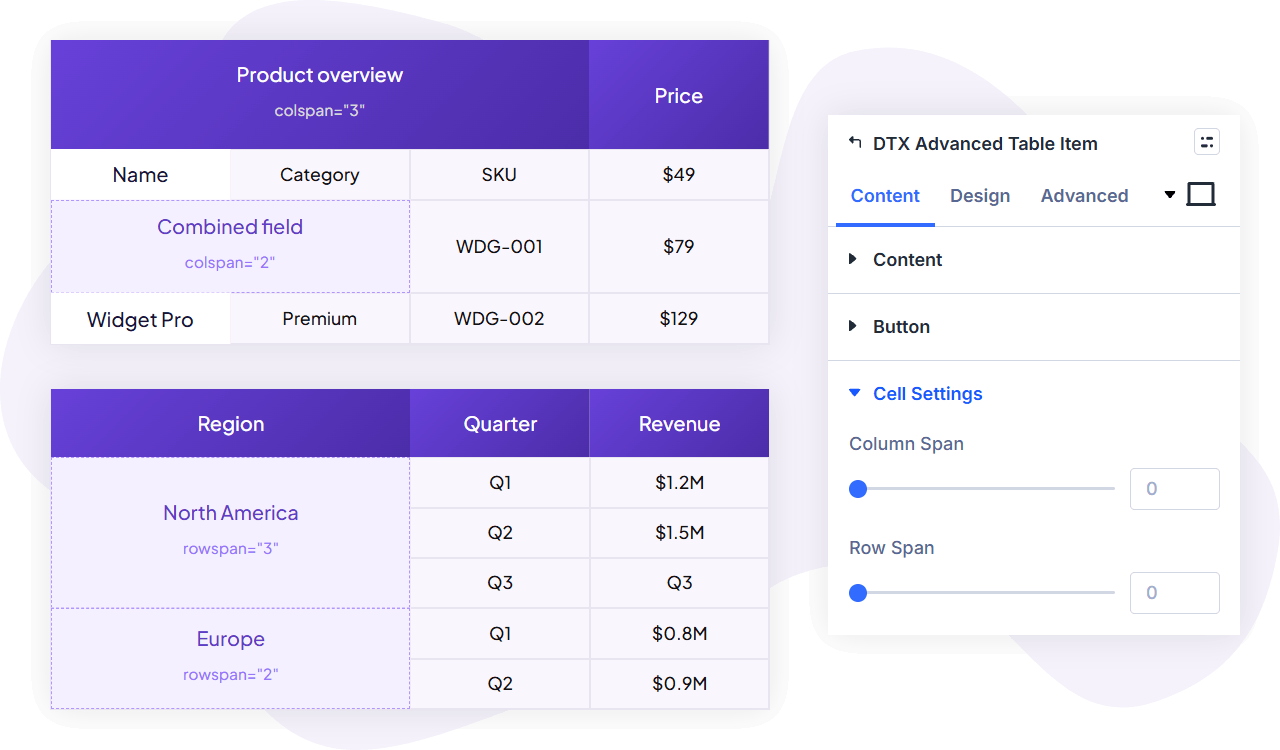
Each cell has column span and row span settings (each up to 100), with responsive values so a cell can span differently per device. That is how you build merged-cell layouts – a category label that covers three rows, a section divider that runs the full table width – without touching code.
Cells with real content, not just text
Every cell is an Advanced Table Item module. A cell can carry a title, a rich-text description, an icon from the Divi icon picker, an image with its own alt text (with dynamic content support), and a button. Icons get alignment, size and color controls; images get spacing controls and a force-fullwidth option; buttons use Divi’s full button styling. Link buttons take a URL and can open in the same window or a new tab.
Tooltips on any cell
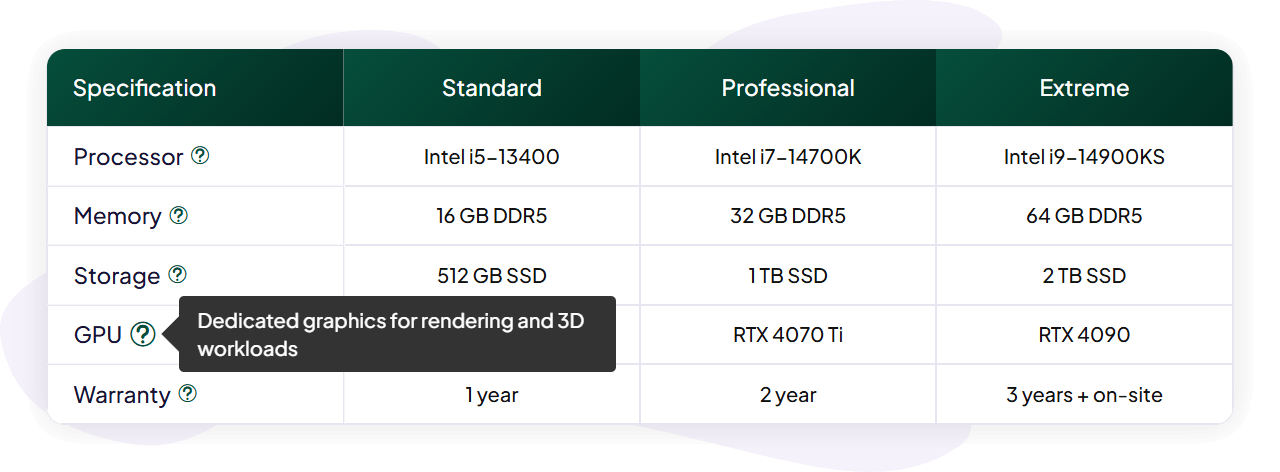
Attach a tooltip to a cell to explain a spec or define a term without cluttering the table. Choose the trigger action (hover or click), the placement (auto, top, bottom, left or right), and the trigger icon. Tooltips hold rich text, can show a speech-bubble arrow, can be made interactive so visitors can select or click their content, and animate in with a choice of 12 entrance styles (scale, shift away, shift toward and perspective, each in standard, subtle and extreme variants) with an adjustable duration and width.
Alternating stripes for readable data
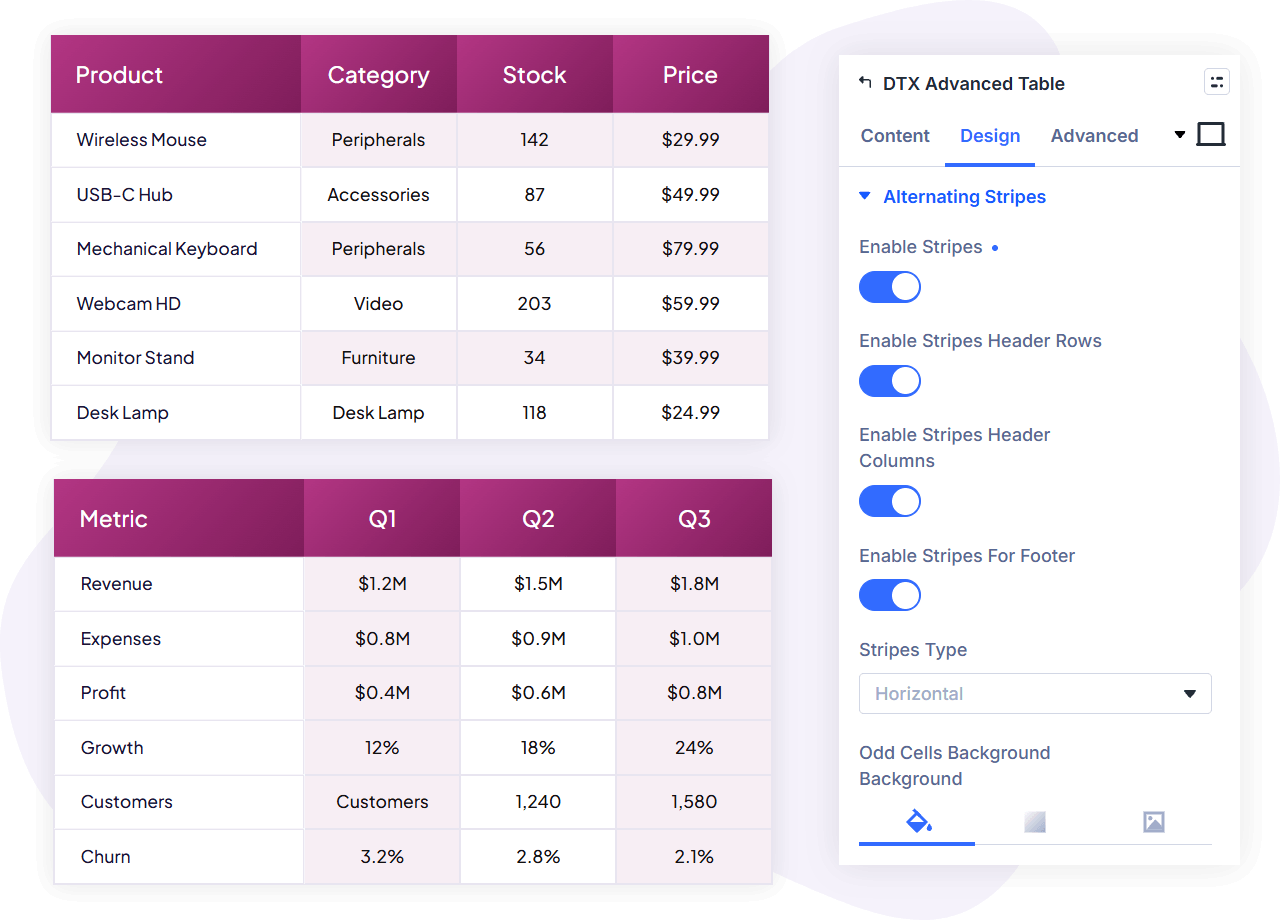
Turn on alternating stripes and choose horizontal or vertical striping. Odd and even cells each get their own background settings – solid color, gradient or image – so long data tables stay scannable without manual per-row styling.
Take payments straight from the table with Stripe
A cell button can be a Stripe payment button instead of a link. Connect Stripe once in the plugin’s settings panel (separate secret keys for test and live mode, stored encrypted, and a payment currency chosen from more than 30 options), then per button set the payment mode, product name, price, quantity, and the success and cancel URLs. Visitors go straight to Stripe checkout from your pricing table. The Stripe button and its error message both have dedicated styling controls.
View counts built in
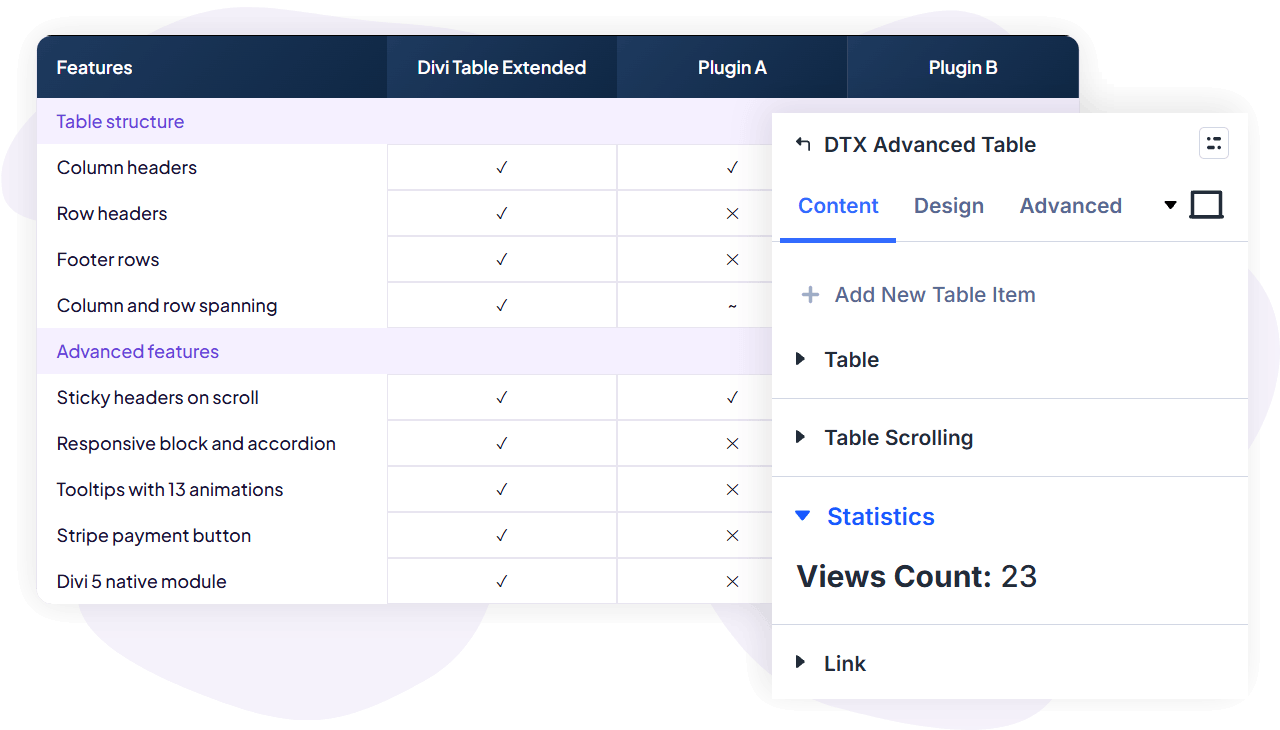
The module records how many times each table has been viewed and shows the count in a Statistics group inside the builder settings, so you can see whether a comparison or pricing table is actually being seen.
How it works: Parent and child module
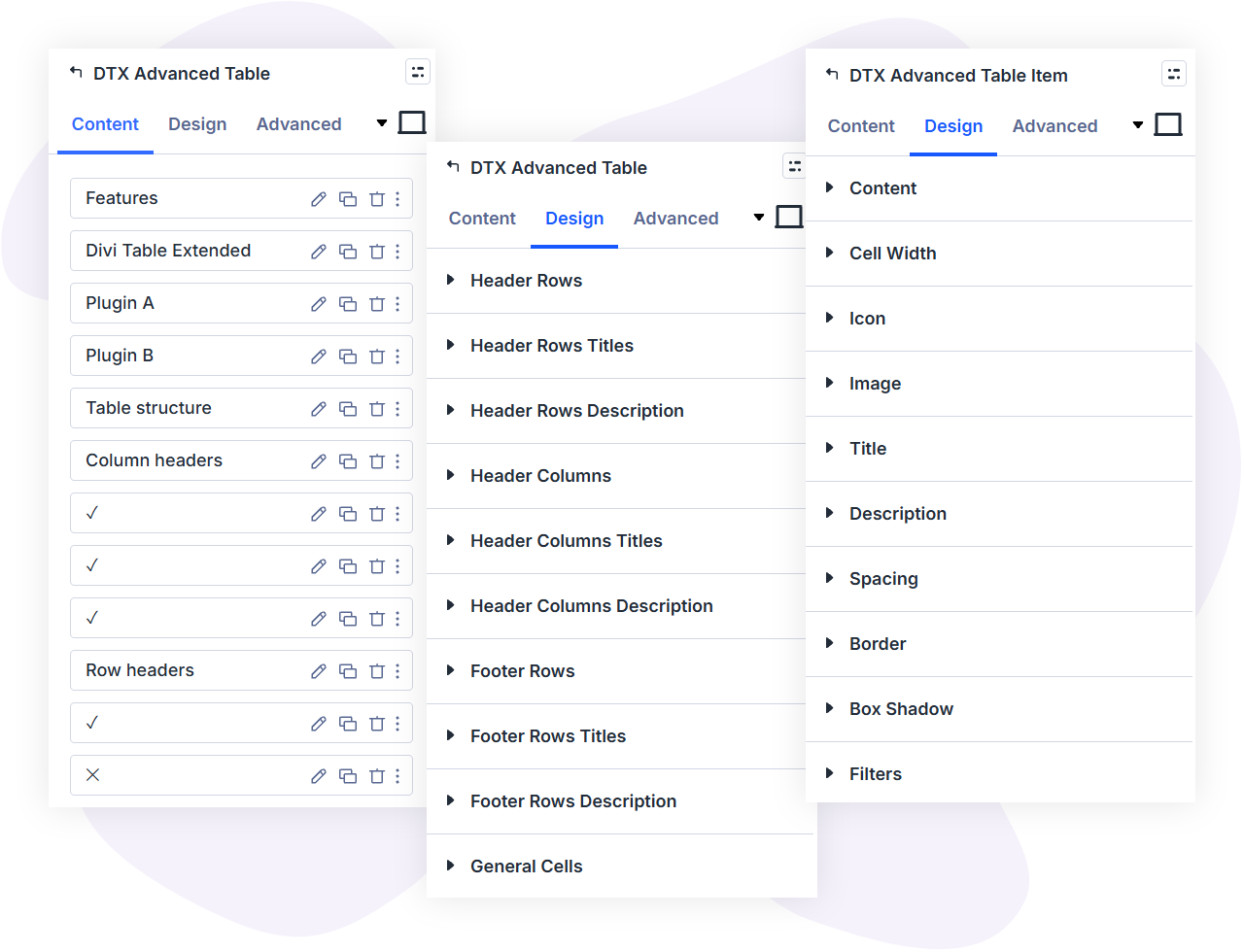
- Add the Advanced Table module to any page. In its Table settings, set the number of columns and mark how many columns and rows act as headers and how many rows act as a footer.
- Add Advanced Table Item modules – one per cell – from the module’s draggable item list. Items fill the grid in order, and you reorder them by dragging. Each item carries its own content (title, description, icon, image, button, tooltip) and its own cell settings (column span, row span, empty cell).
- Style by area, override by cell. The parent module styles header columns, header rows, footer rows, general cells, icons, images, buttons and tooltips in one place. Individual items can override content styling, cell width, backgrounds and more where a cell needs to stand out.
There is no separate table editor and no shortcode layer. You build and style the table where you build everything else in Divi, with live preview in the visual builder.
Who it is for
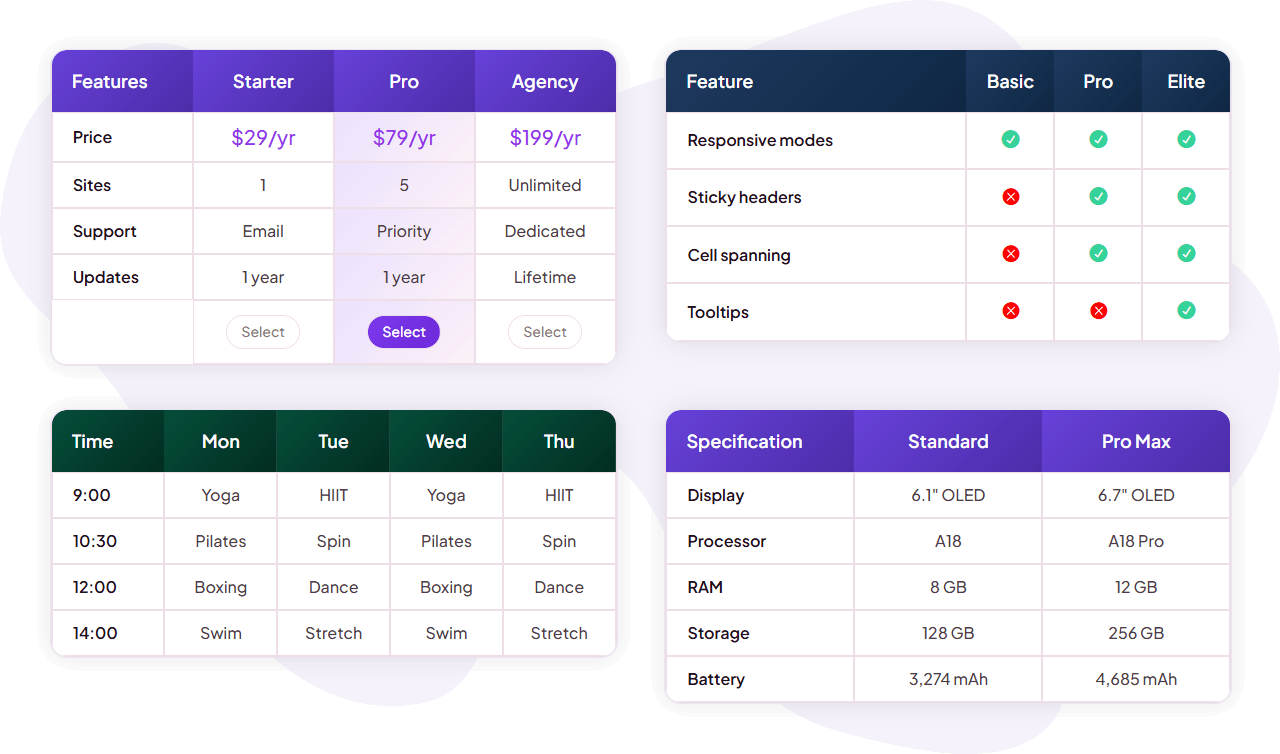
- Plugin, theme and SaaS sellers – pricing tables and plan comparisons with feature tooltips, and Stripe buttons that go straight to checkout.
- Affiliate and review sites – product comparison tables mixing images, ratings icons, spec text and outbound buttons, striped for scanning.
- Agencies and freelancers – spec sheets, service matrices, fee schedules and data tables for client sites, styled to match each brand with Divi controls.
- Gyms, schools and clinics – timetables and schedules with sticky headers on desktop and an accordion view on phones.
Specs
- Divi 5: the Advanced Table and Advanced Table Item modules register natively with the Divi 5 module library and visual builder.
- Responsive: optional block or accordion layouts on small screens, with layout break by rows or columns; responsive values for cell spans, sticky table height and more.
- Accessibility: tables render with ARIA table roles – table, row, columnheader, rowheader and cell – and decorative empty header cells are hidden from assistive technology with aria-hidden. Cell content is real server-rendered text, so search engines index it.
- Payments: Stripe checkout in test or live mode, more than 30 currencies, per-button product name, price and quantity, success and cancel URLs.
- Dynamic content: supported for cell images, Stripe product names and success and cancel URLs.
- Translation ready: loads its text domain for translation.
FAQs
Does Divi Table Extended work with Divi 5?
How do the tables behave on mobile?
Can I keep the header visible while visitors scroll a long table?
Can cells span multiple rows or columns?
Can I sell products directly from a table?
How do I enter the table data?
Are the tables accessible and indexable?
Can I style different parts of the table differently?
Start building tables in Divi
Stop pasting HTML into Code modules and wrestling shortcode tables into shape. Divi Table Extended gives you a table module that belongs in the Divi Builder – structured, responsive, accessible and styled with the controls you already use.




Reviews