
Search Divi Events Extended Documentation
Search for answers or browse our knowledge base.
Installation
It can be installed on your WordPress website using two simple methods:
Method 1: Via WordPress Dashboard
- Log in to your WordPress Dashboard.
- Go to Plugins → Add New Plugin.
- Click the Upload Plugin button at the top of the page.
- Click Choose File and select the downloaded divi-events-extended.zip file from your computer.
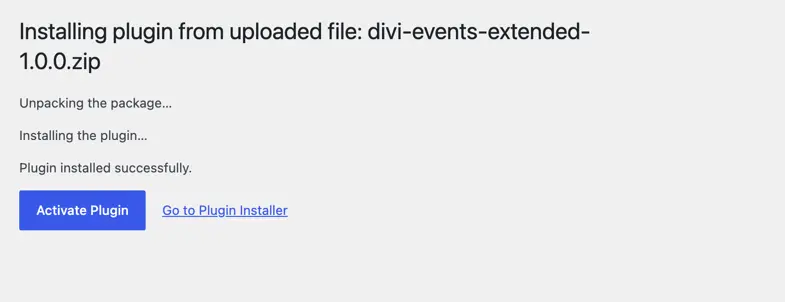
- Click Install Now.
- Once the installation is complete, click Activate Plugin.
Method 2: Manual Upload via FTP / File Manager
- Extract the downloaded divi-events-extended.zip file on your computer.
- Connect to your web server using an FTP client (such as FileZilla) or your hosting cPanel File Manager.
- Navigate to the directory: wp-content/plugins/.
- Upload the extracted divi-events-extended folder into the plugins/ directory.
- Log in to your WordPress Dashboard.
- Go to Plugins → Installed Plugins, locate Divi Events Extended, and click Activate.