
Search Divi Events Extended Documentation
Search for answers or browse our knowledge base.
Event series
Overview
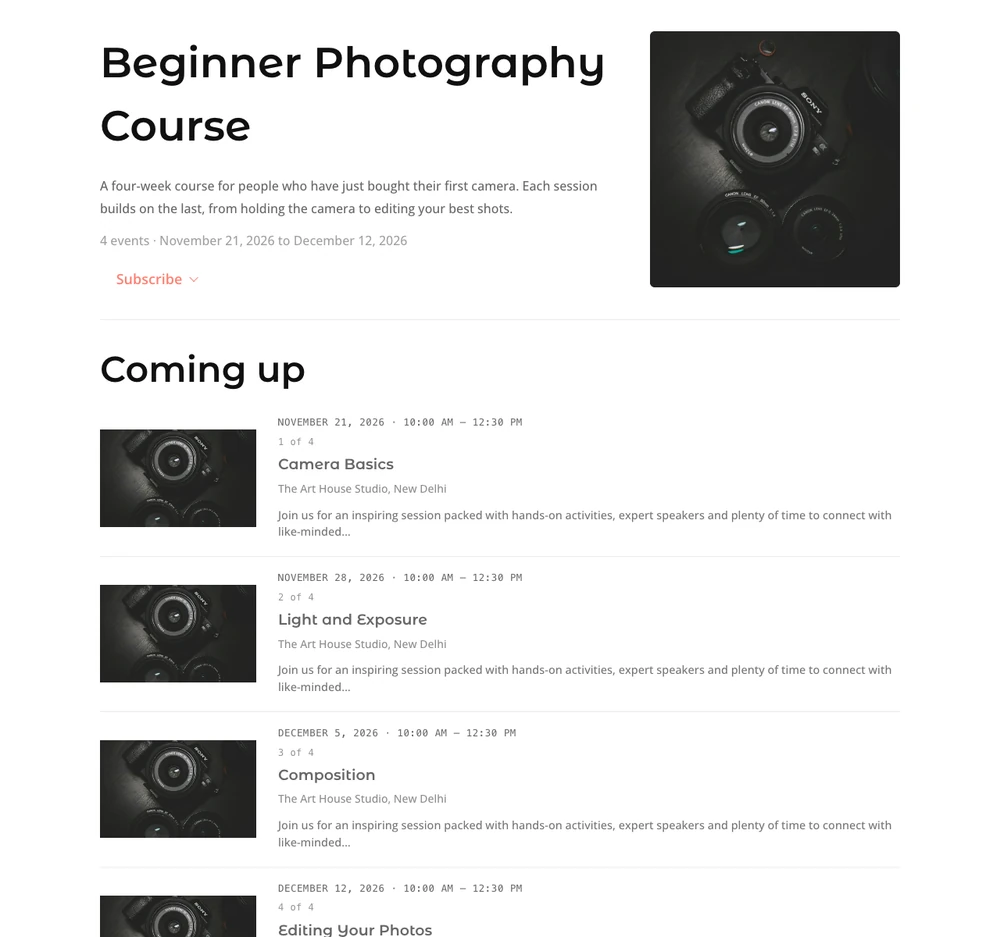
How to group events into a series with Divi Events Extended, and where the series shows on your site. A series is a set of events that belong together, such as the sessions of a course or a monthly talk. Each series has its own page with every event in it, each event shows its place in the series, such as “2 of 4”, and visitors can subscribe to a series in their calendar.
Note: Series are part of the DE Events event source (the events you add under Events).
Create a series
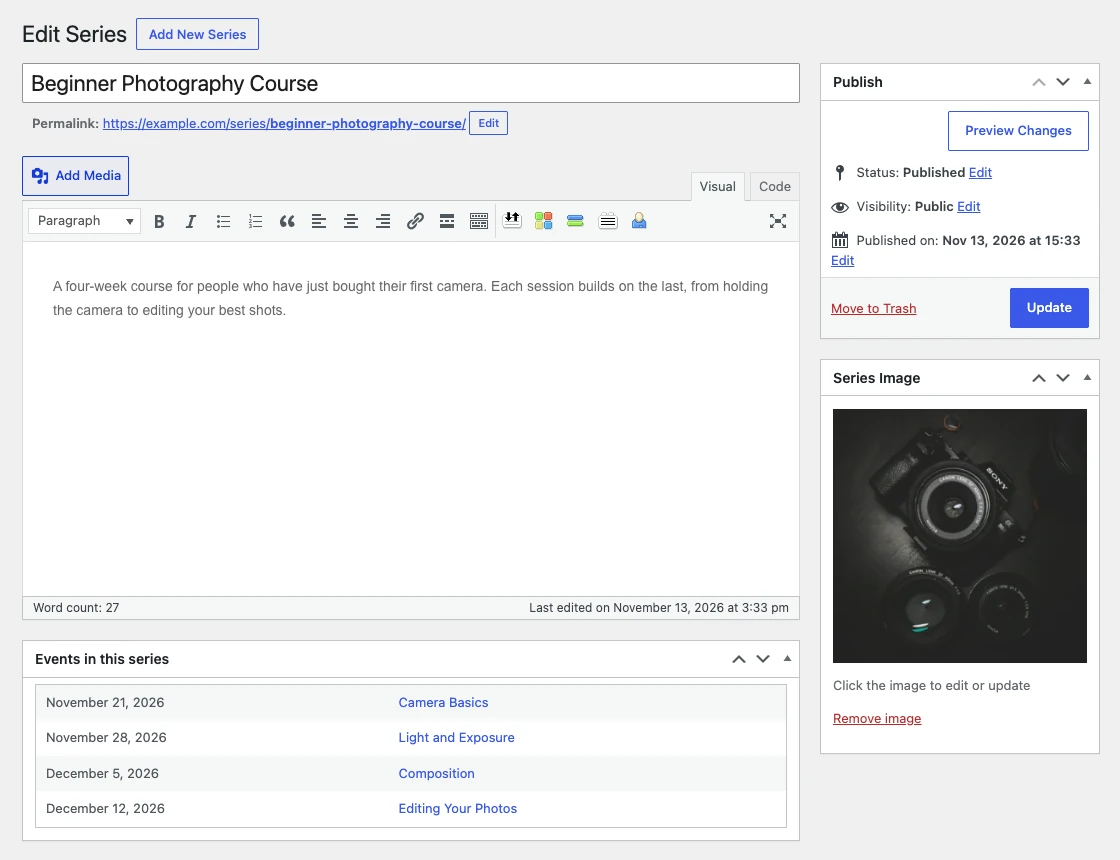
- Go to Events > All Series and click Add New Series.
- Enter the series name and a description.
- Set a Series Image. It is shown on the series page and on the series cards.
- Click Publish.
Add an event to a series
- Go to Events > All Events and edit the event.
- In the Series box on the right, choose the series.
- Click Update.
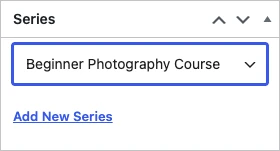
An event belongs to one series. Its place in the series (“2 of 4”) comes from the date order of the events in it, so you don’t number the events yourself.
Where series show on your site
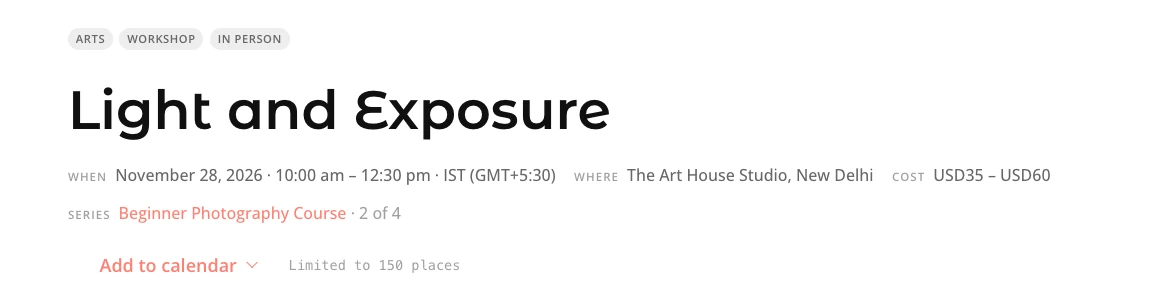
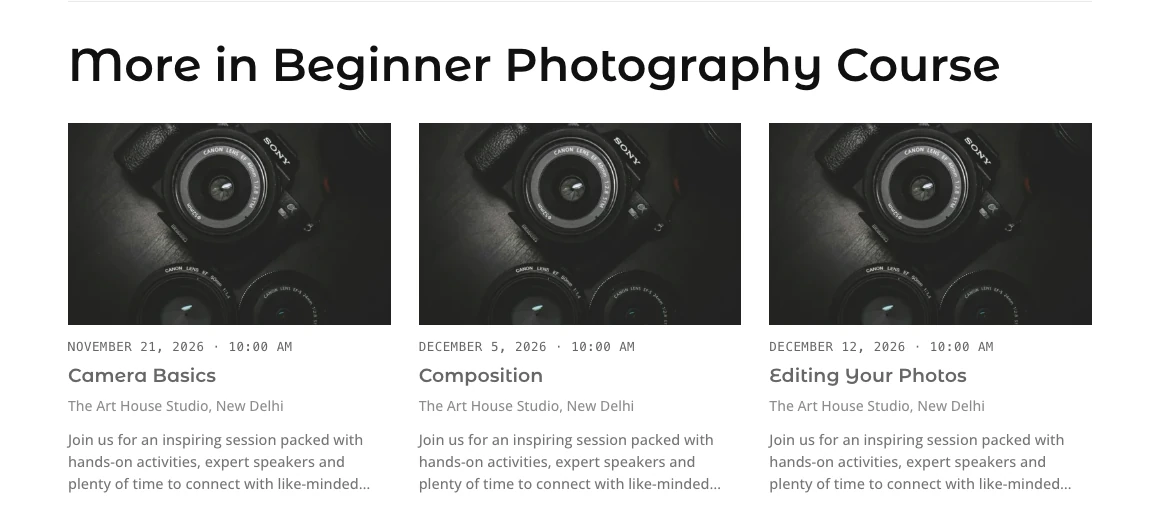
- The event page shows the series name, linked to the series page, and the event’s place in it. Under the event, More in (series) lists the other events in the same series.
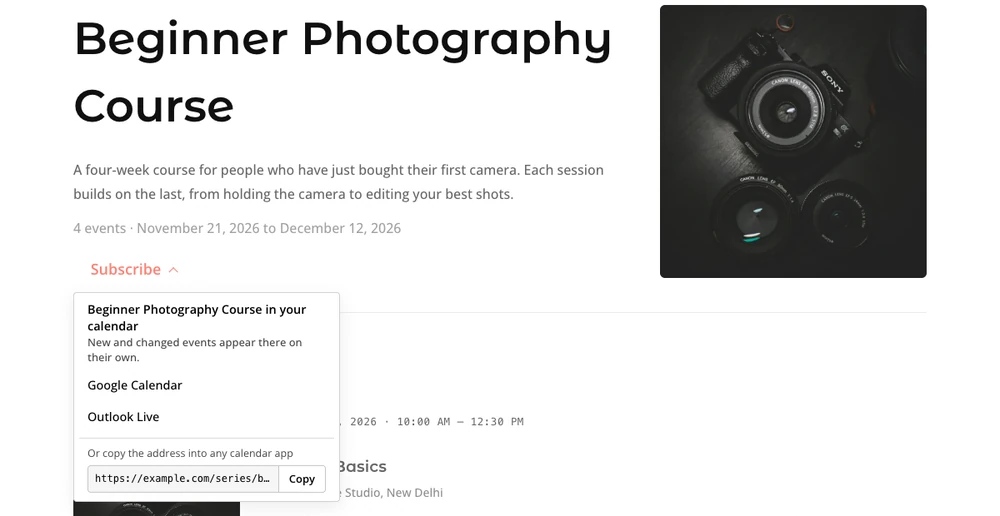
- The series page shows the description, the number of events and the dates, a Subscribe button, and the events coming up and already held.
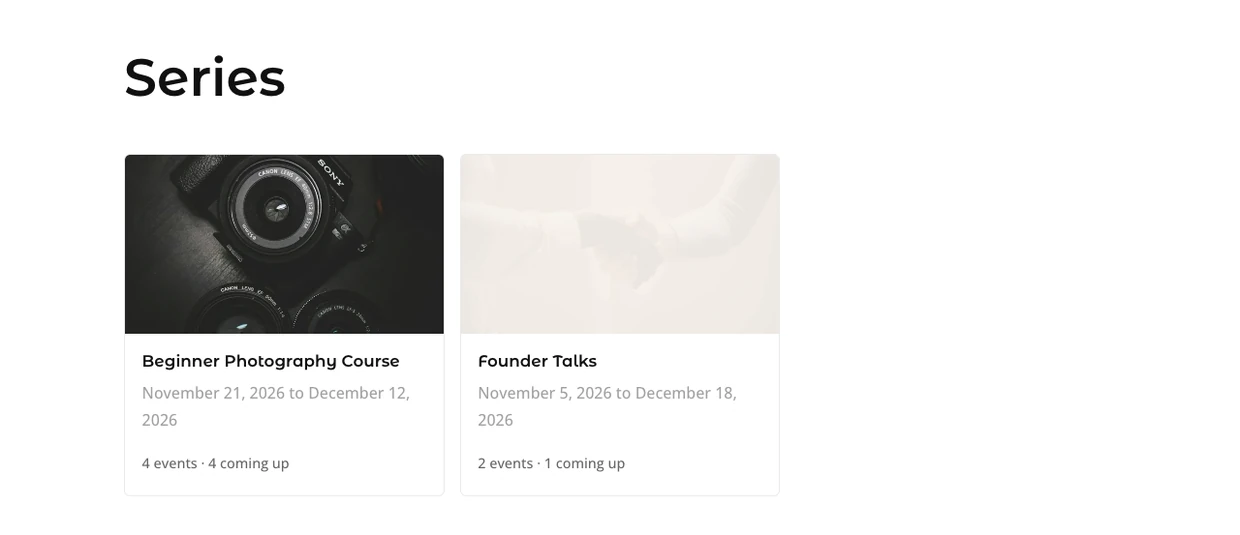
- The series list (
example.com/series/) shows every series as cards or rows. See Page layouts.
Series in the Divi modules
- Events feed module: tick Series in Event details to show the series and the event’s place in it, such as “Beginner Photography Course · 2 of 4”.
- Related events module: choose Same series in Related by to show the other events of the series.
- Subscribe module: with This page’s events on a series page, visitors subscribe to that series only.
- Dynamic content: Event Series, Event Series Link and Event Series Position. See Dynamic content.
Calendar feeds for a series
Every series has its own calendar feed. The Subscribe button on the series page uses it, so visitors who subscribe get every event of the series in their calendar, including ones you add later.
Import and export
The CSV export and import under Events > Import / Export include series columns, so the series of each event is kept when you move events between sites.