
Search Divi Events Extended Documentation
Search for answers or browse our knowledge base.
Booking emails
This page shows you which emails Divi Events Extended sends to people who book a free event, and when. The plugin sends every email on its own; there is nothing to set up. Each email links to the visitor’s booking page, and the emails that confirm a place come with a calendar file (.ics) attached.
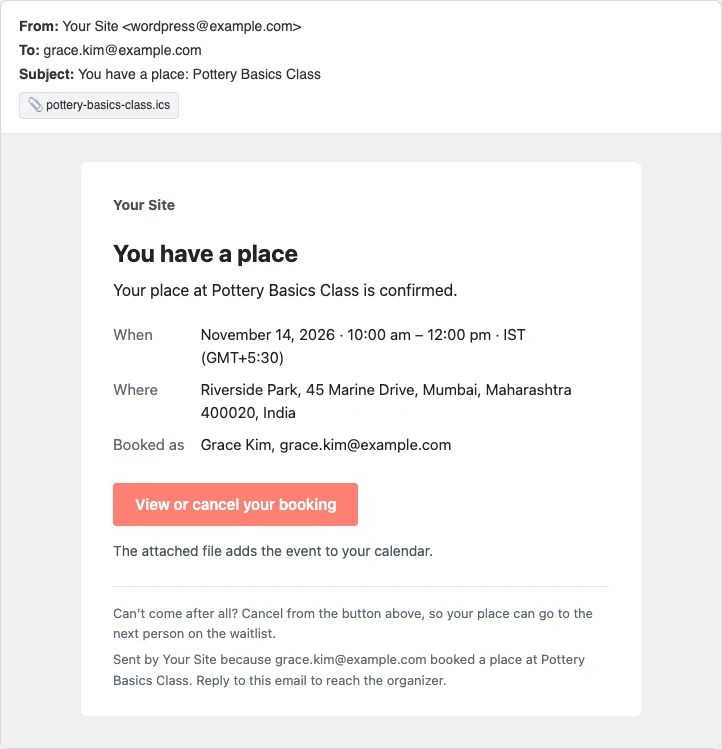
List of booking emails
- You have a place: Sent when a visitor books a place. It has the date, the place and the calendar file.
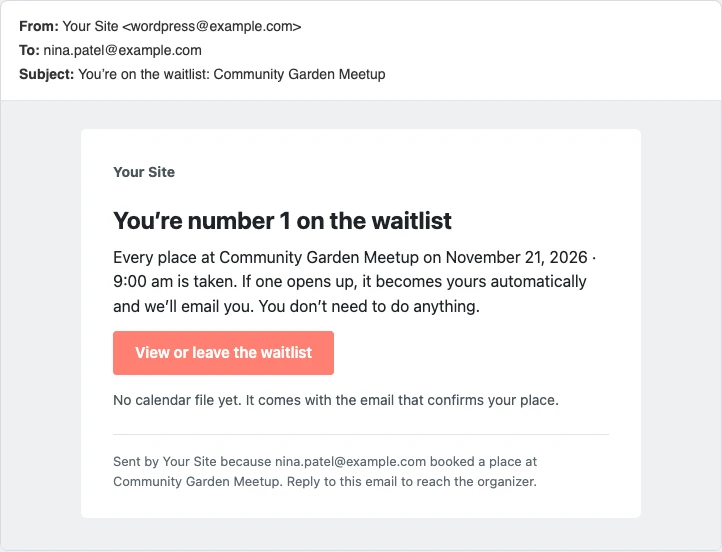
- You’re on the waitlist: Sent when a visitor joins the waitlist, with their number on the waitlist.
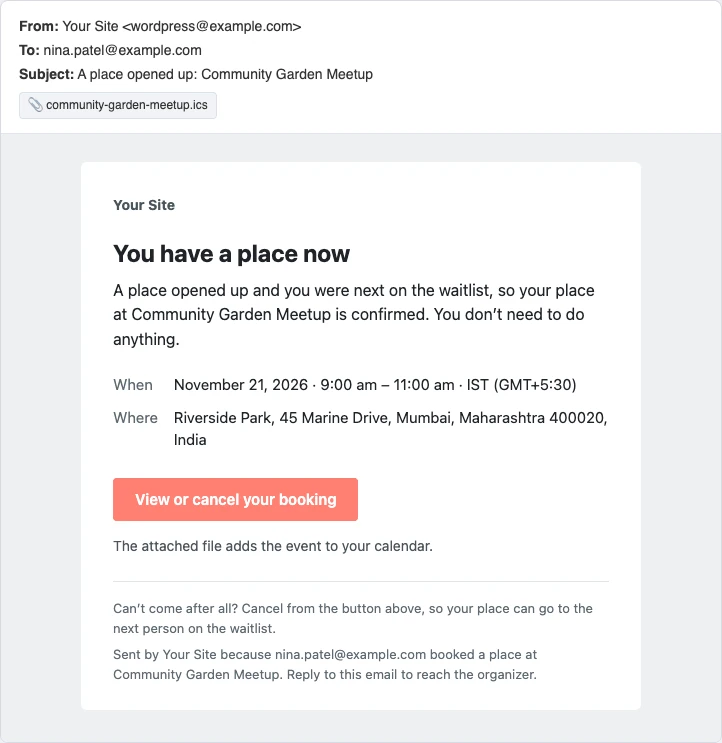
- A place opened up: Sent when someone with a place cancels and the first person on the waitlist gets it. It has the calendar file.
- Your place has changed: Sent when you lower the capacity and a confirmed booking moves to the waitlist.
- Reminder: Sent before the event to everyone with a confirmed place, when the Reminder setting is on. The subject says when, for example “Tomorrow: Pottery Basics Class”.
- Your booking for (event): Sent when someone tries to book again with an email address that already has a place. It sends the link to the existing booking.
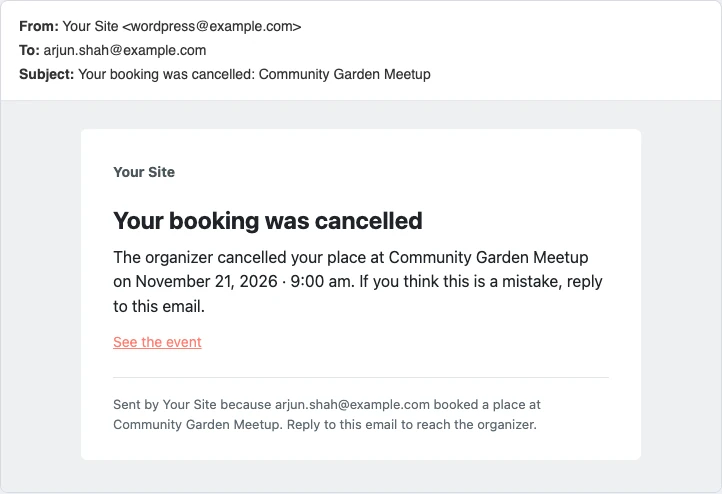
- Your booking was cancelled or You were taken off the waitlist: Sent when you cancel a booking from the Bookings screen.
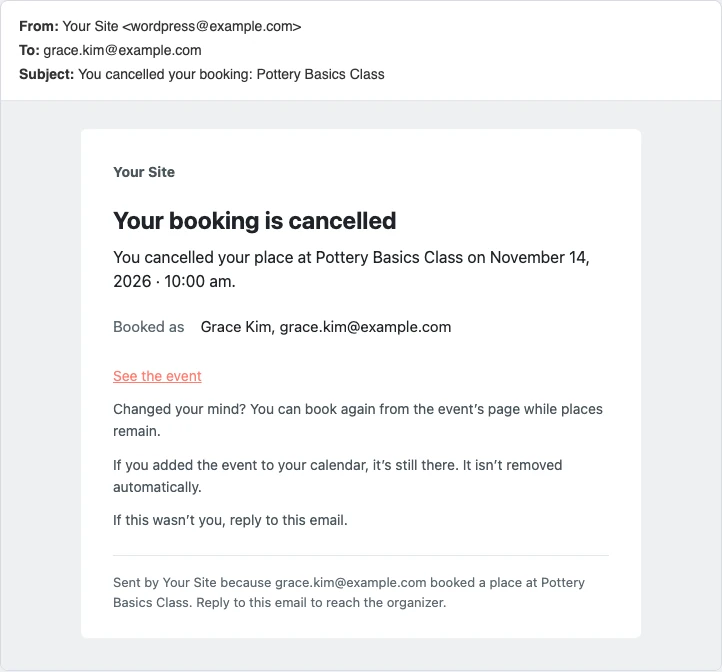
- You cancelled your booking or You left the waitlist: Sent when the visitor cancels from their booking page.
- New date: Sent when you move the event to another date. The booking moves with it, and a new calendar file is attached.
- Cancelled: (event): Sent to everyone with a booking when you set the event status to Cancelled.
Waitlist emails
Cancellation emails
Reminder email
To send reminders, go to Divi Extended > Divi Events Extended > Bookings > Emails and choose when in Reminder. Reminders go to everyone with a confirmed place. Somebody who books closer to the start than this gets no separate reminder.
Who sends the emails and where replies go
- The emails are sent from your site’s email address, like other WordPress emails. If emails from your site don’t arrive, use an SMTP plugin.
- A reply to a booking email reaches the organizer.
- An email to a visitor who booked while logged in is written in their account’s language. Everyone else gets the site’s language.
When an email can’t be sent
The Email column of the Bookings screen shows if the last email for each booking was sent. If sending failed, it shows Not sent yet and the plugin tries again every hour, using WordPress scheduled tasks (WP-Cron).