Search Divi Gallery Extended Documentation
Search for answers or browse our knowledge base.
Instagram Feed Gallery
Step-by-Step Guide: Learn How to Generate Instagram Access Token to connect your account.
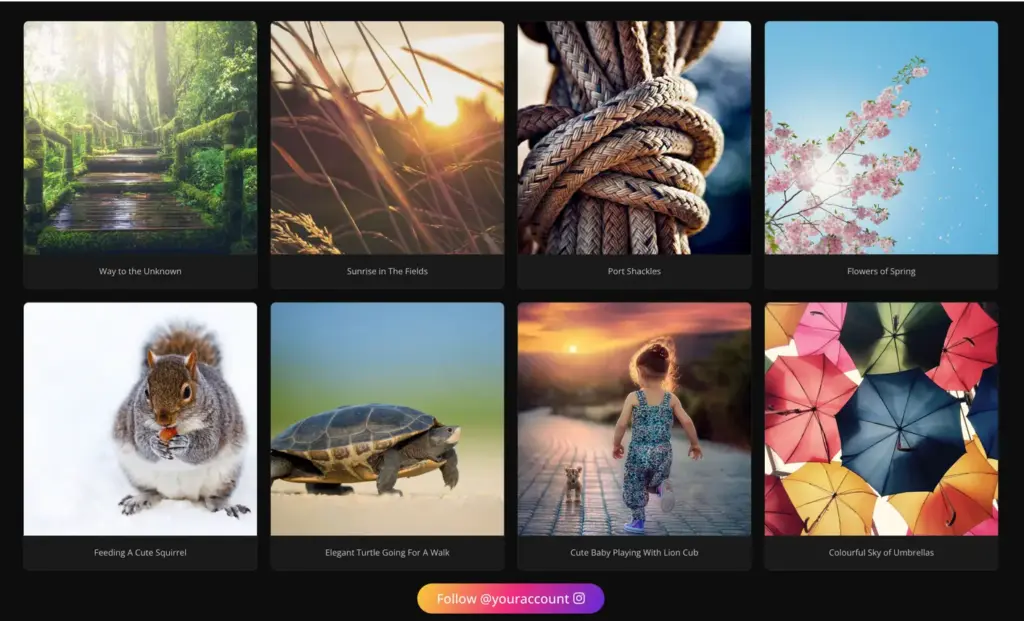
The Instagram Feed Gallery module is a grid and masonry gallery module built for the Divi 5 builder. It allows you to dynamically fetch public posts from your Instagram profile via the Instagram Graph API and display them in a clean, customizable grid layout.
How to add module on page
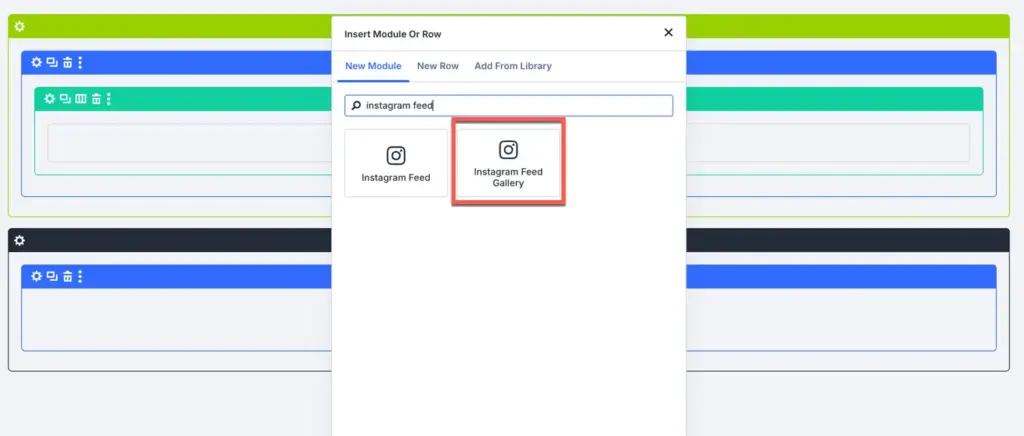
- Open your page in the Divi 5 Visual Builder.
- Click on the gray (+) button to add a new module.
- Search for Instagram Feed Gallery and insert it.
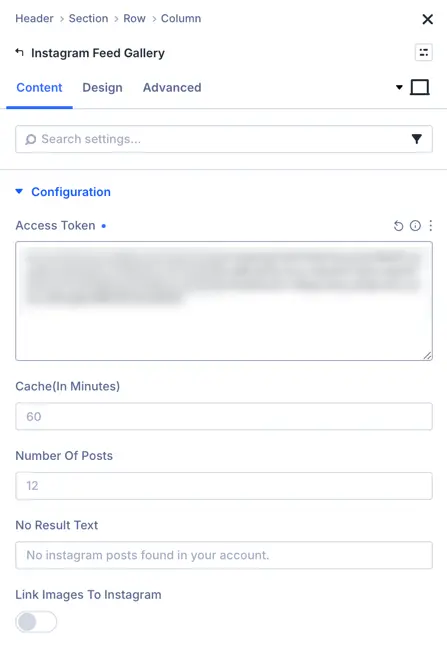
- In the Content settings tab, enter your Instagram Access Token to establish the API connection and load your posts.
Configurations and content settings
API and layout settings
- Access Token: Paste your valid Instagram Access Token. (This is required to fetch posts; the module will return an empty result if left blank).
- Cache: Define transient cache duration in minutes (default:
60). This reduces API calls and speeds up page load times by caching the posts data locally on your server. - Posts Number: Define the total number of posts to fetch and display in the gallery (default:
12). - Link to Instagram: Toggle ON/OFF. When enabled, clicking on an image will open the original post directly on Instagram in a new tab.
- No Result Text: Enter a custom error message to display if the feed fails to load or no posts are returned.
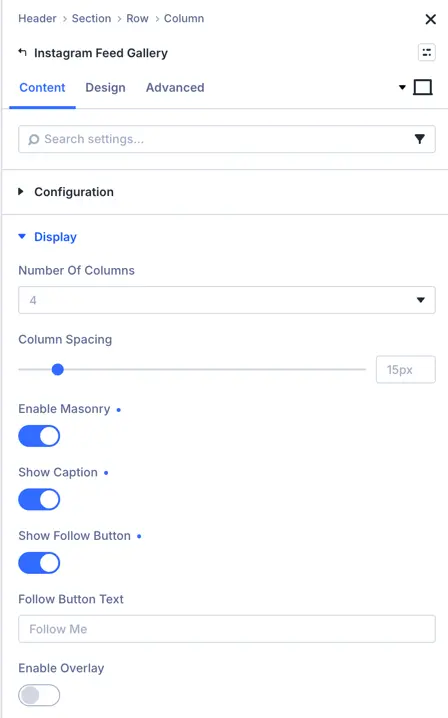
- Enable Masonry: Toggle ON or OFF.
Off : Displays items in a structured, standard grid layout.
On: Arranges posts in a fluid, staggered masonry layout.
Overlay and caption toggles
- Show Caption: Toggle ON/OFF to show or hide the caption text underneath each post element.
- Enable Overlay: Toggle ON/OFF to overlay a styling screen (with an inline icon) when users hover their mouse over an Instagram post.
Follow button settings
- Show Follow Button: Toggle ON to display a call-to-action button linking directly to your Instagram profile.
Post media rendering and types
The module automatically handles different post types dynamically based on the API response:
Design and styling options
- Grid / Masonry Columns: Custom sizing parameters allow setting columns and grid gutter spacing.
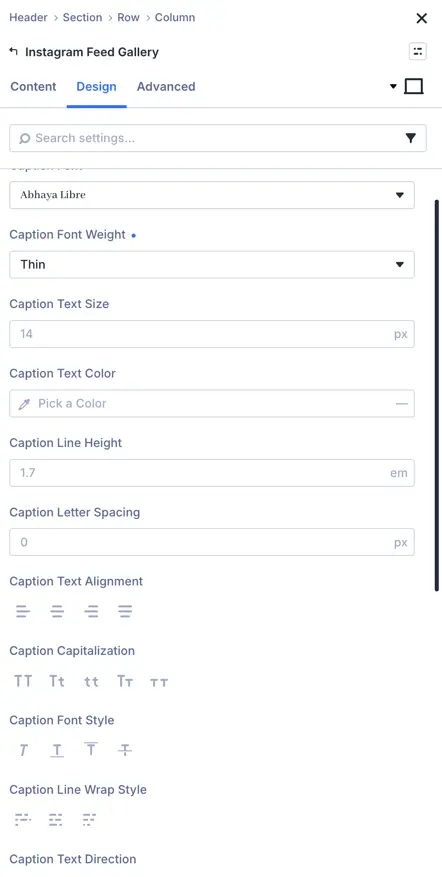
- Caption Typography: Customize font family, weight, style, color, size, and alignment of the caption texts.
- Hover Overlay: Customize overlay color and hover icon style properties.
- Follow Button Design: Enable custom styling for the follow CTA button, including custom backgrounds, border attributes, and hover state styling.