Search Divi Motion Extended Documentation
Search for answers or browse our knowledge base.
Plugin admin panel
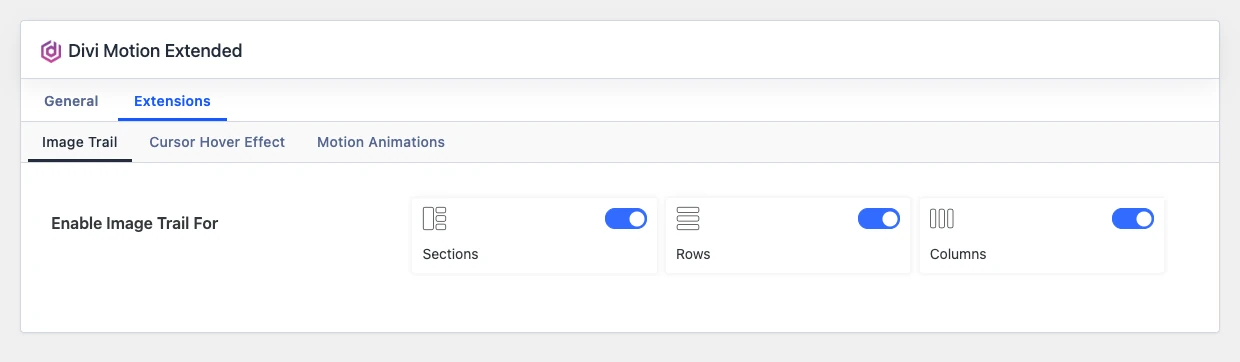
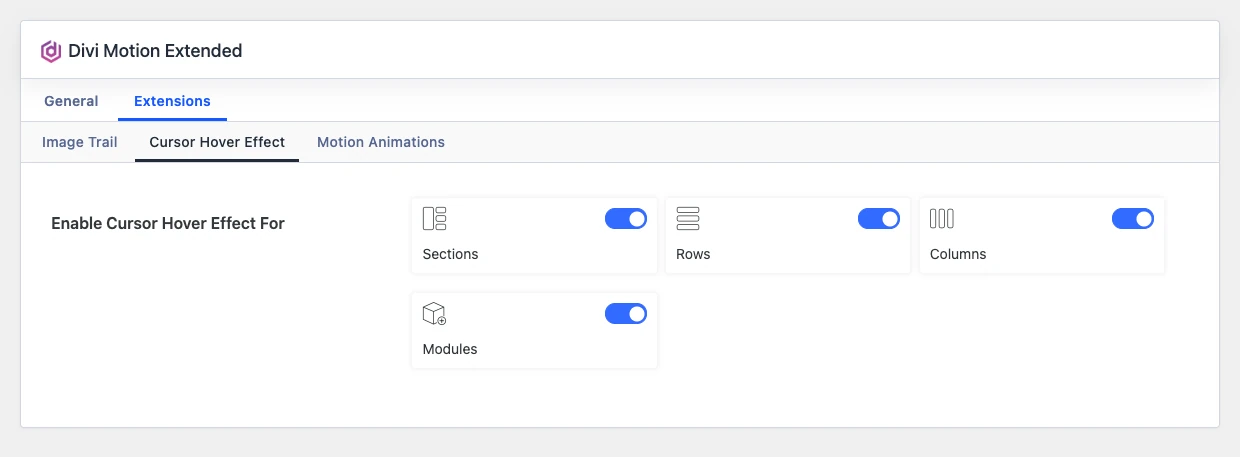
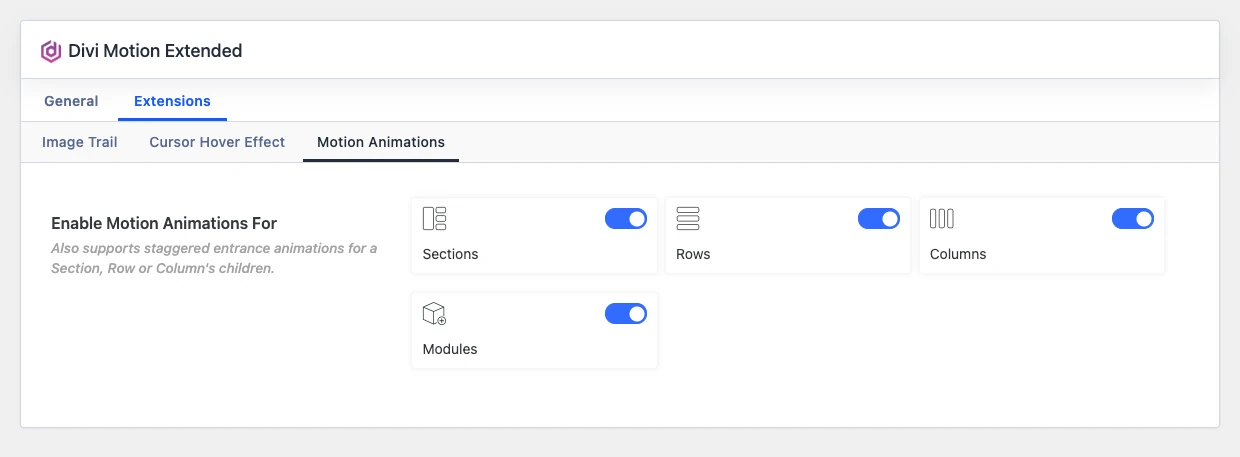
From version 1.1.0, the plugin has its own settings panel. Turn off the modules you do not use to keep the Divi Builder module list short, and choose where each extension (Image Trail, Cursor Hover Effect and Motion Animations) can be used.
Open the settings panel
In your WordPress dashboard, go to Divi Extended > Divi Motion Extended. You can also click the Settings link under the plugin name on the Plugins page.
Enable or disable modules
The General tab lists every module of the plugin. Turn a module toggle off to hide that module in the Divi Builder, or on to show it. Use Select All or Deselect All to change all of them at once, then click Save Changes.
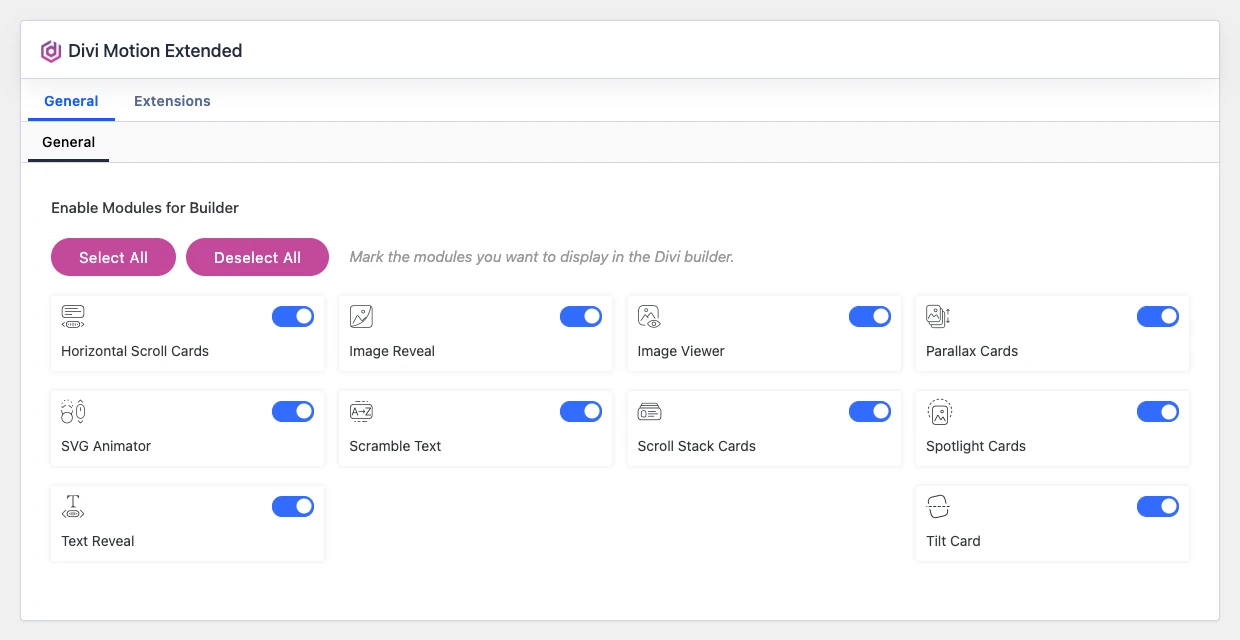
Note: The Save Changes button shows up after you change a setting.
Enable or disable extensions
The Extensions tab has one sub-tab per extension. For each one, choose the builder areas where it can be used (sections, rows, columns and, where available, modules) and click Save Changes. Turn all the areas of an extension off to switch it off completely.