
Search Divi Ajax Search Documentation
Search for answers or browse our knowledge base.
How to use the free Divi Ajax Search layouts?
The free Divi Ajax Search layouts are provided as Section Layouts. To use them on your website, you first need to download and import them into the Divi Library.
Step 1: Download the layout
- Browse the available layouts.
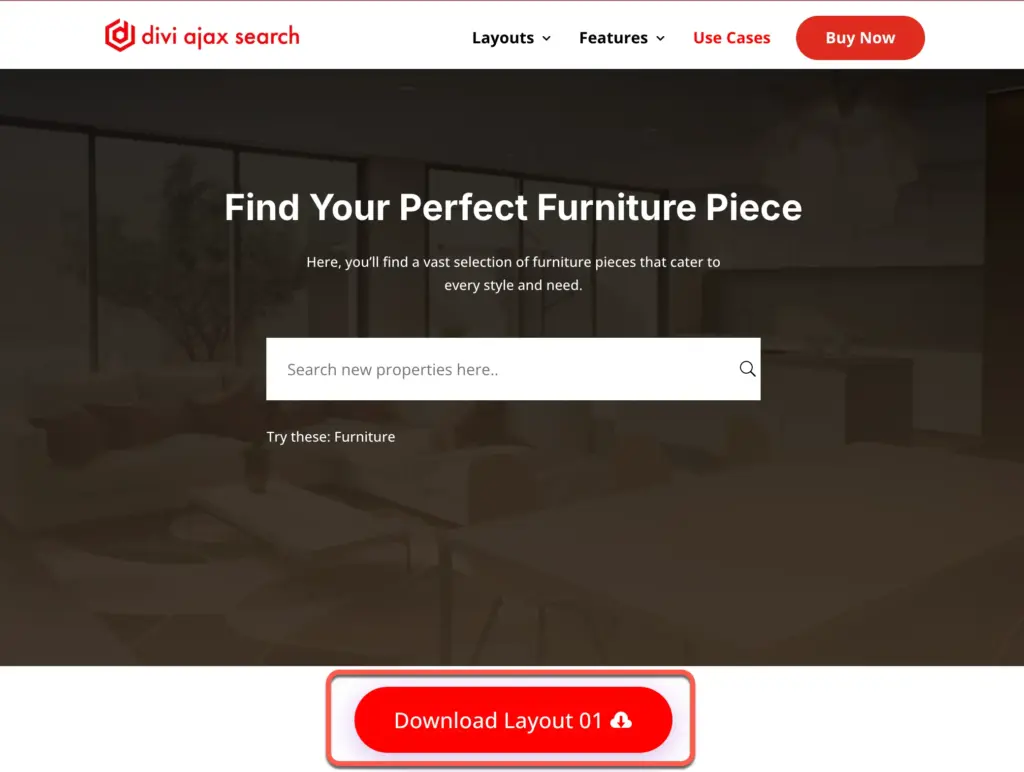
https://diviajaxsearch.diviextended.com/use-cases - Click the Download button located at the bottom of your preferred layout. A ZIP file will be downloaded to your computer.
Step 2: Extract the zip file
- Locate the downloaded ZIP file.
- Extract or unzip the file.
- Inside the extracted folder, you will find the JSON layout file required for importing into Divi.
Step 3: Import the layout into the divi library
- Log in to your WordPress Dashboard.
- Navigate to Divi → Divi Library.
- Click the Import & Export button at the top of the page.
- Open the Import tab.
- Select the extracted JSON file.
- Click Import Divi Builder Layouts.
The layout will now be added to your Divi Library.
Step 4: Add the Layout to a Page
- Open the page where you want to use the Ajax Search layout.
- Enable the Divi Builder.
- Add a New Section.
- Click Add From Library.
- Select the Ajax Search layout you imported into the Divi Library.
- Insert the layout into the page.
Step 5: Customize the Layout
Once the layout is added to the page, you can customize its content, styling, and settings according to your requirements.
Note: These layouts are provided as Section Layouts, not full-page layouts. Therefore, they will not appear in the Divi Layout Library as complete page templates. They must be inserted into a page through the Divi Builder using the Add From Library option.