Search Divi Dental Documentation
Search for answers or browse our knowledge base.
How to edit header and footer in the theme
The header and footer used in the theme are native WordPress/Divi settings.
Steps to Edit Header and Footer
- Login to your WordPress Dashboard.
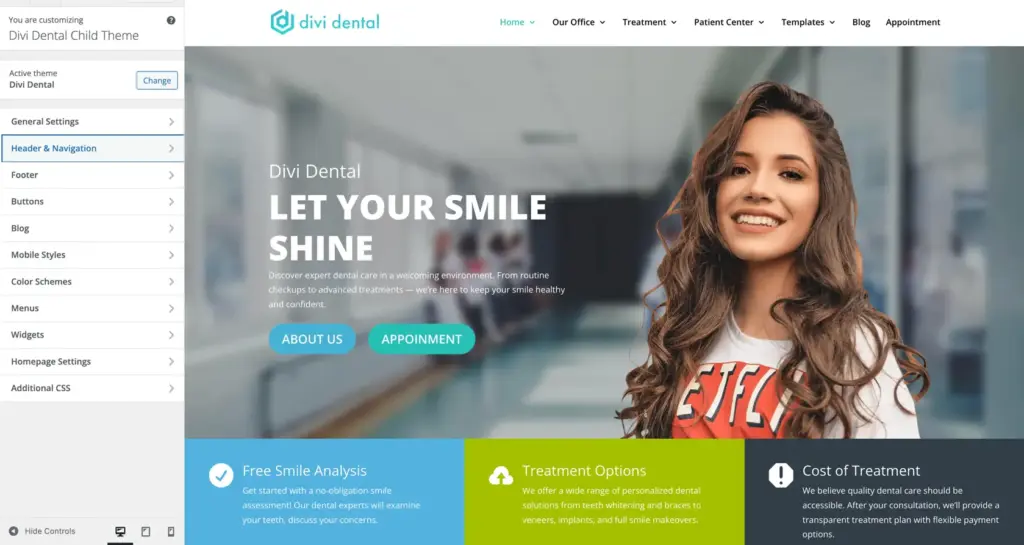
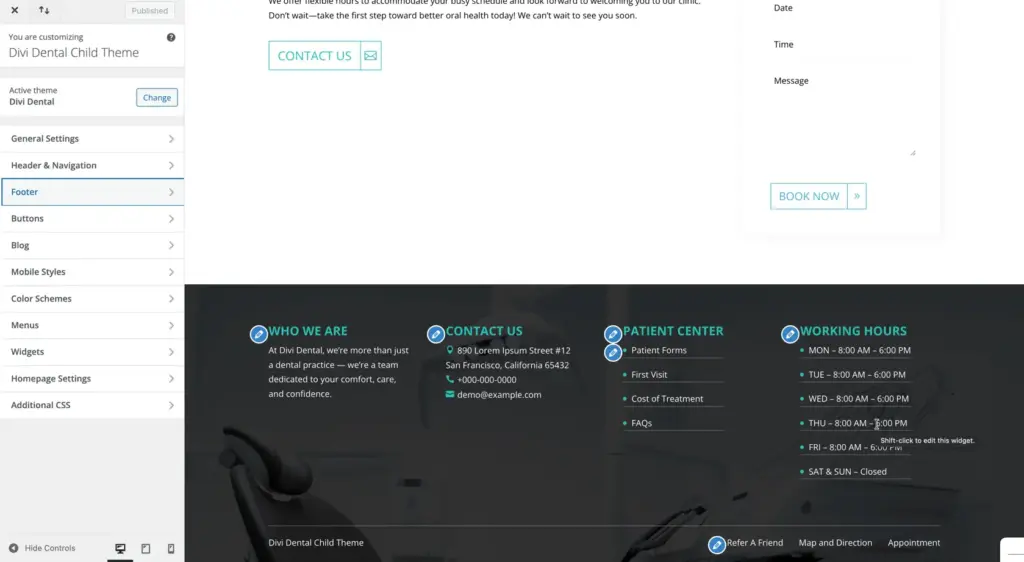
- Go to Appearance > Customize.
- From the Customizer panel, you can manage:
- Header settings
- Footer settings
- Menus
- Logo
- Colors and layout options